Coming soon
- Category
- Photo & Video
- Runs on
- iPhone, iPad
- Developer
- Cihat SALİK
Preview
iOS

About
Highlights
- Nineteen long exposure modes across Motion, Night, Sky, Glitch and Video, built frame by frame on the device
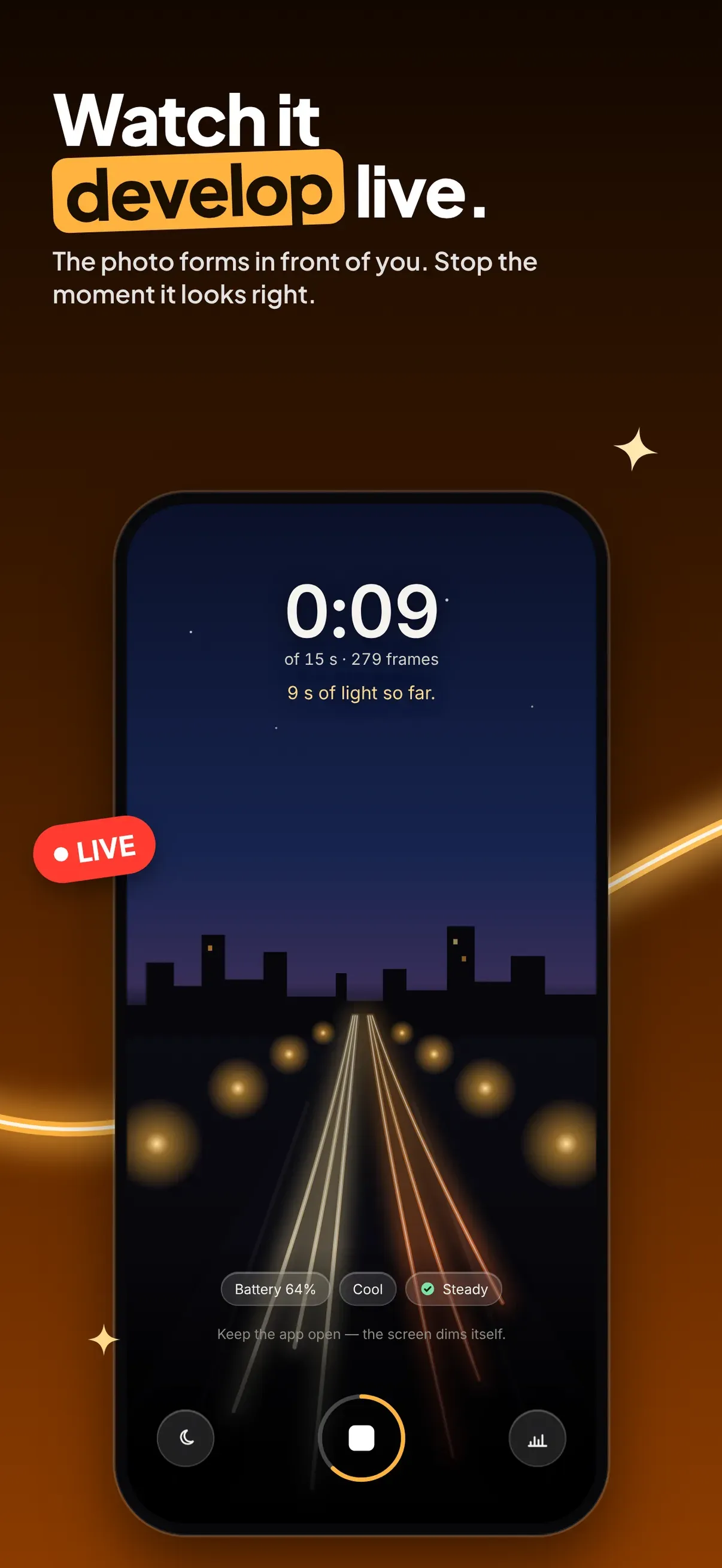
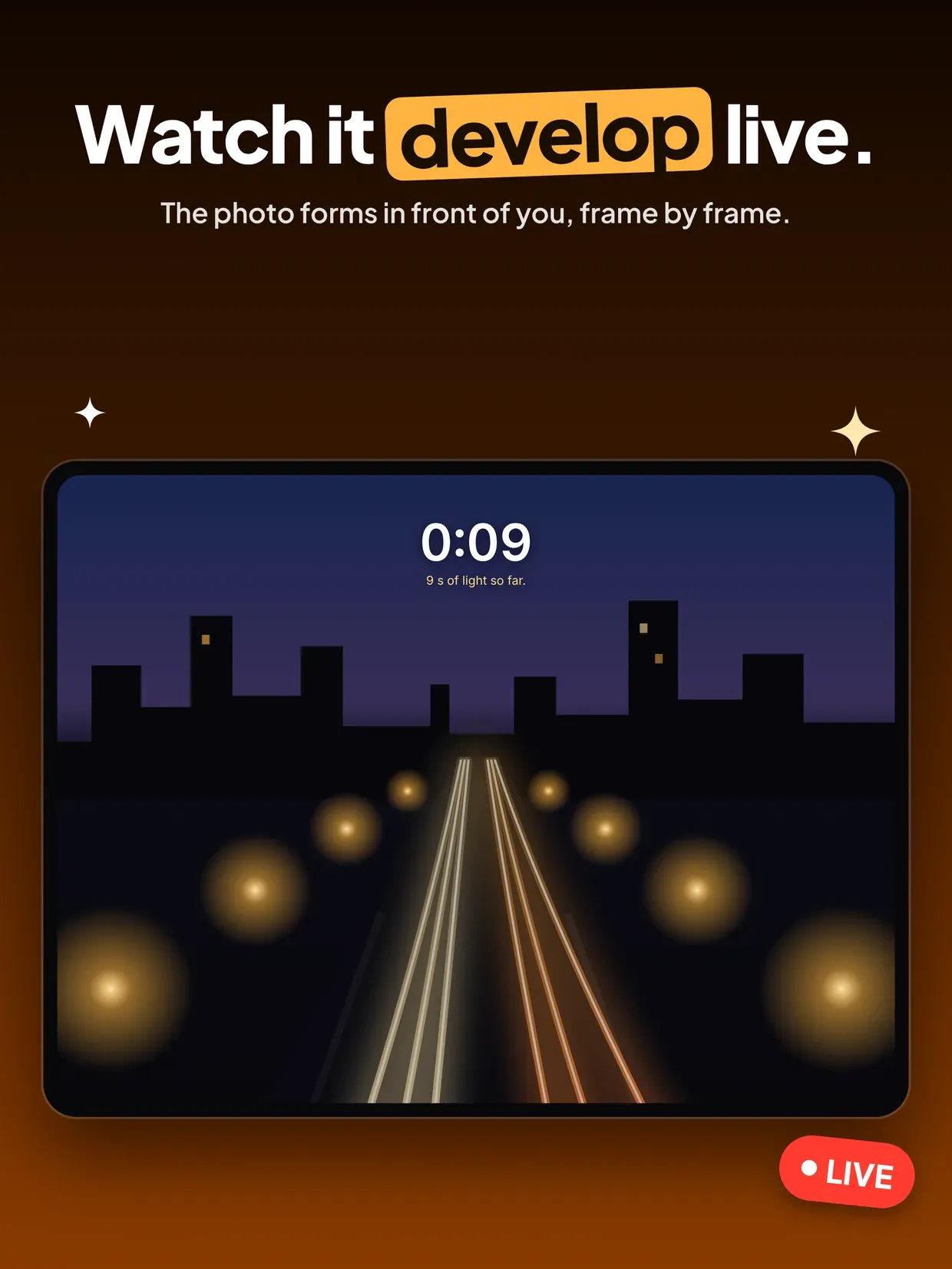
- Watch the photo develop live, with a histogram, a steadiness meter and the frame count as it runs
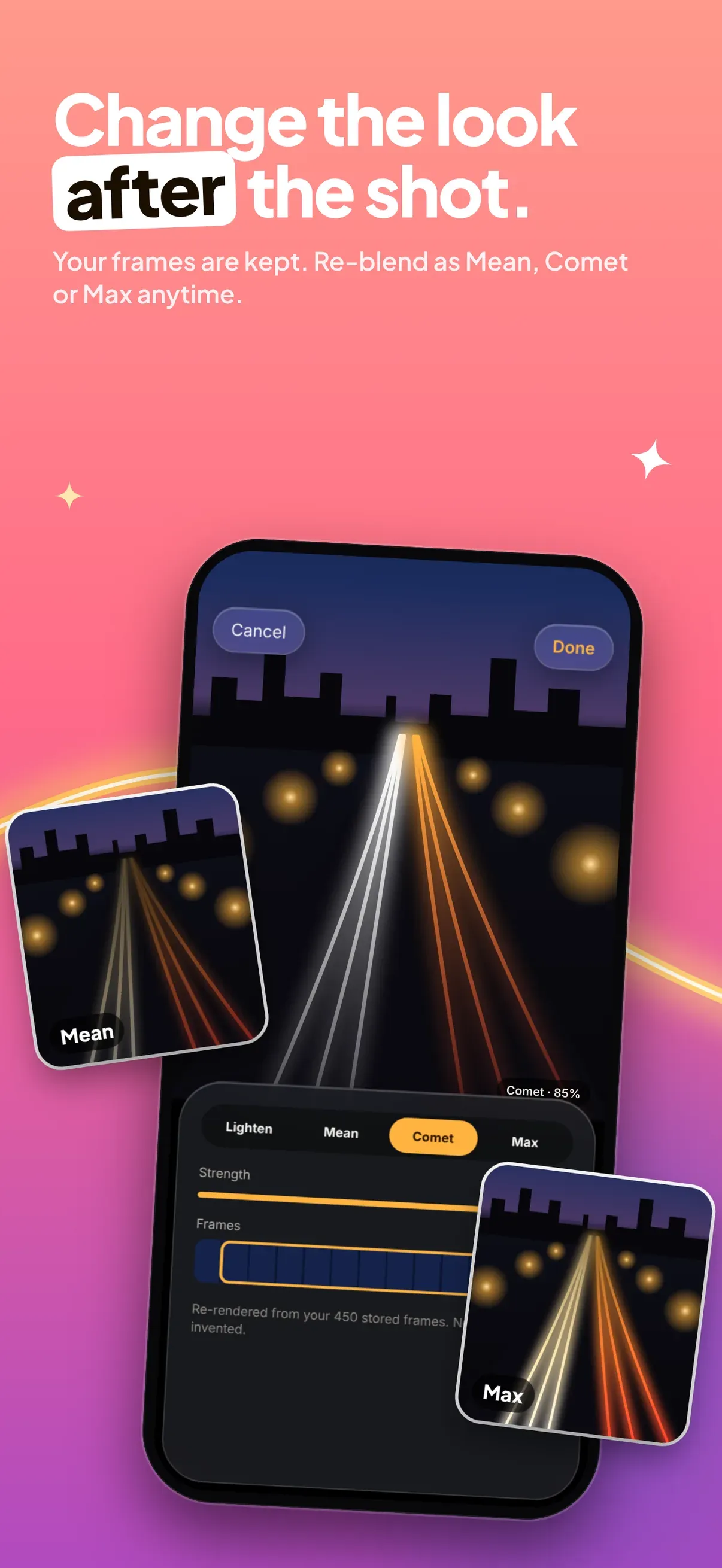
- Re-blend any capture after the shot with 13 blends, a different strength and a different start and end
- Thirty-five looks, nine of them included without a purchase
- Exposures from 1 second to 30 minutes, plus Bulb and an interval programmer for star trails
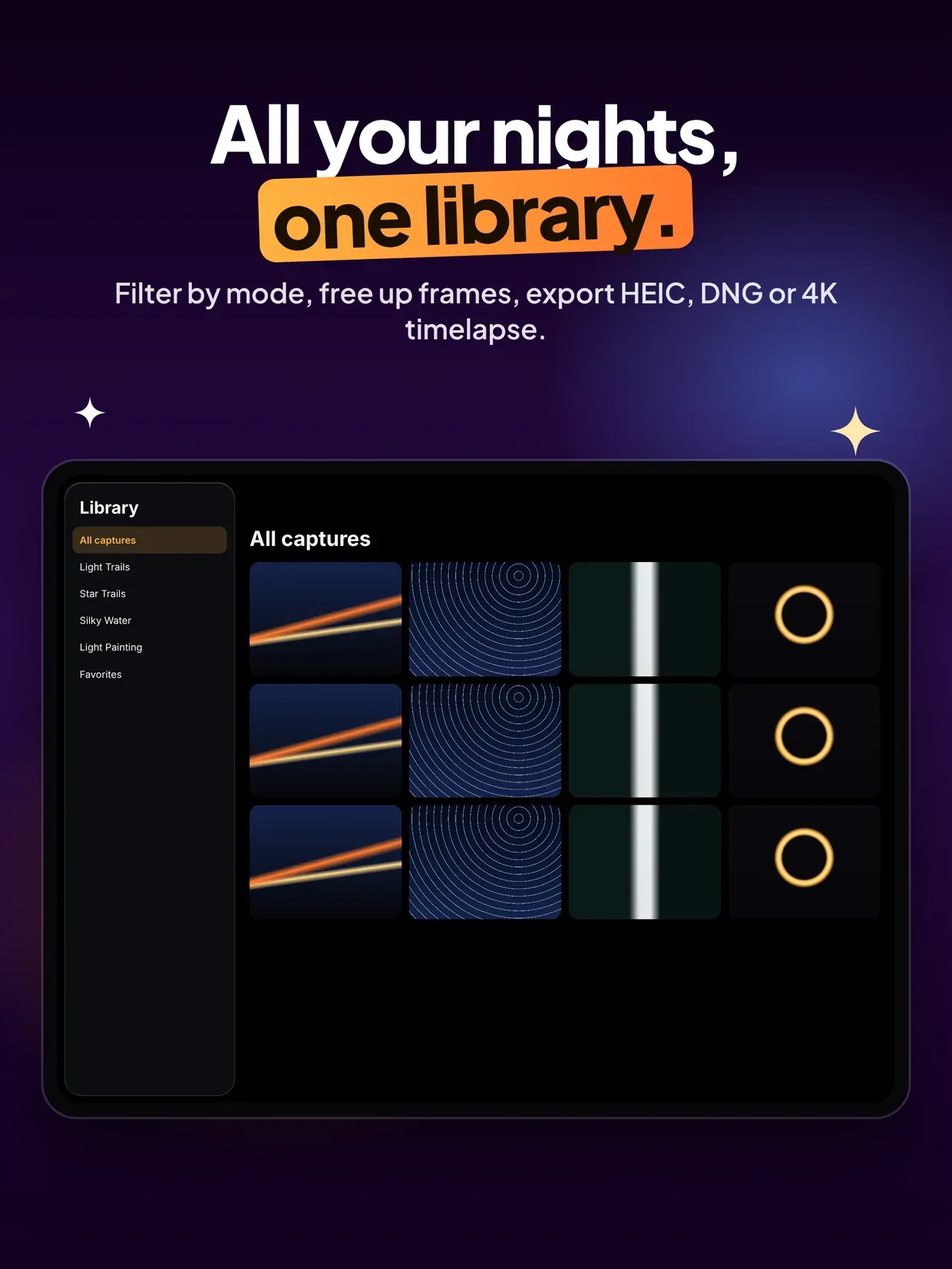
- Export HEIC, JPEG or DNG, and HD or 4K timelapse video of the photo forming
- The Tonight planner reads golden hour, blue hour, full darkness and the moon where you are, on the device
How it works
-
Choose a mode
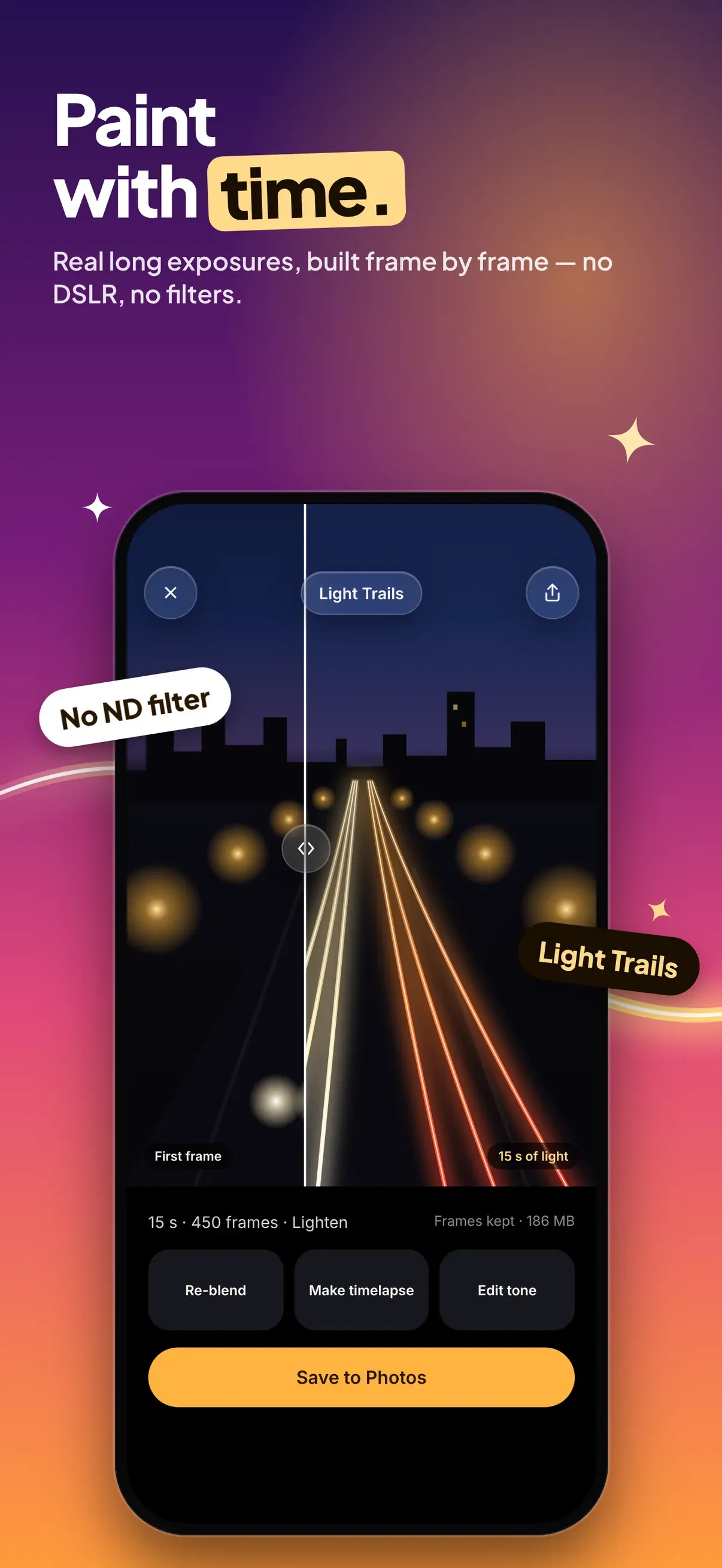
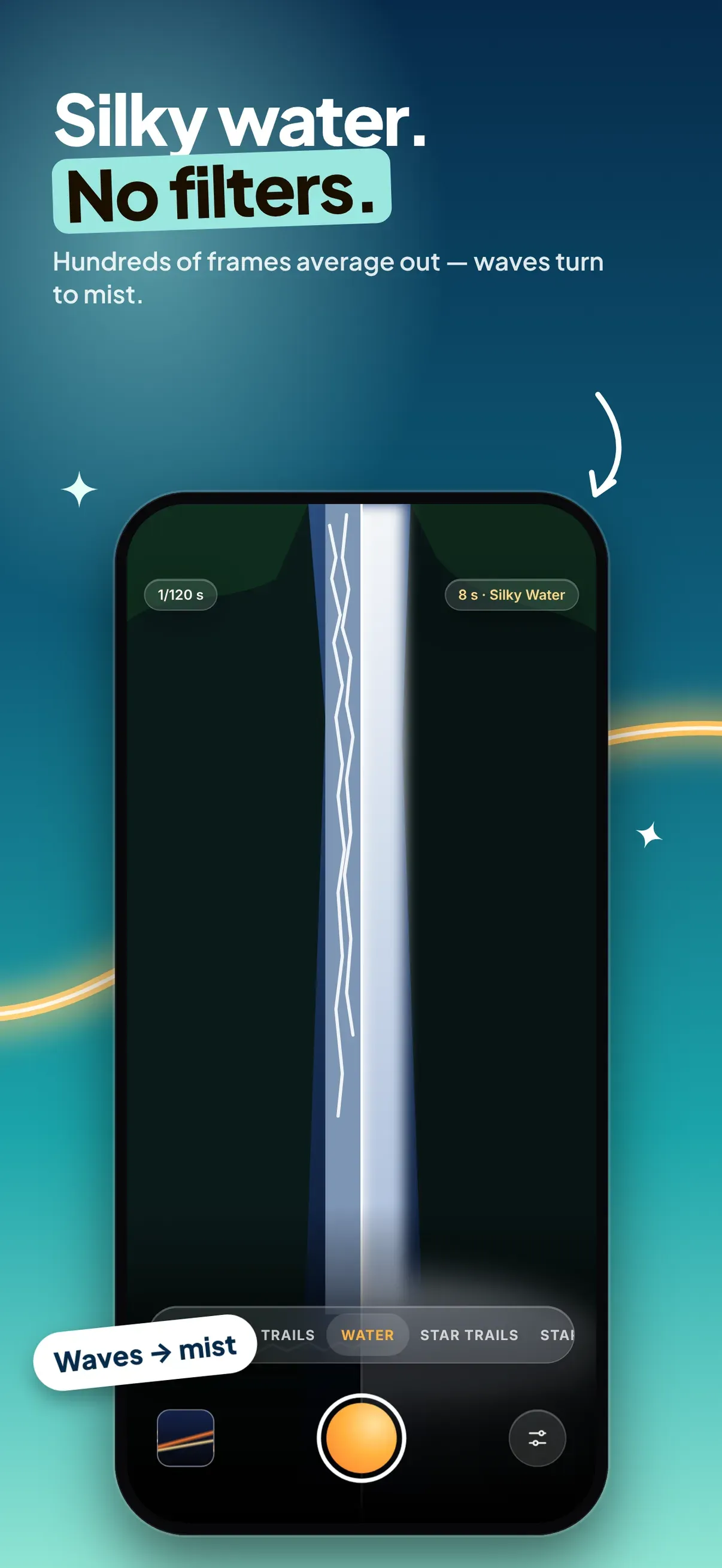
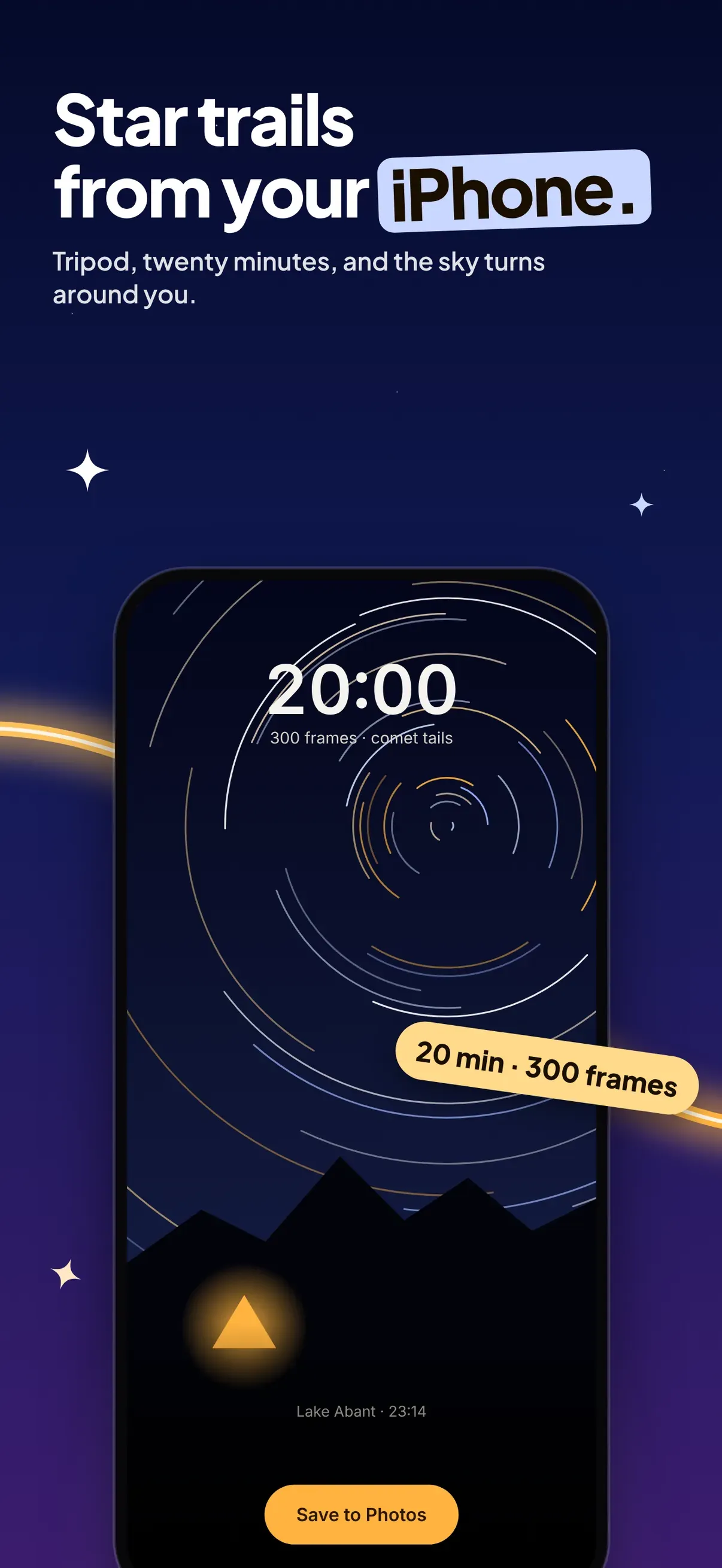
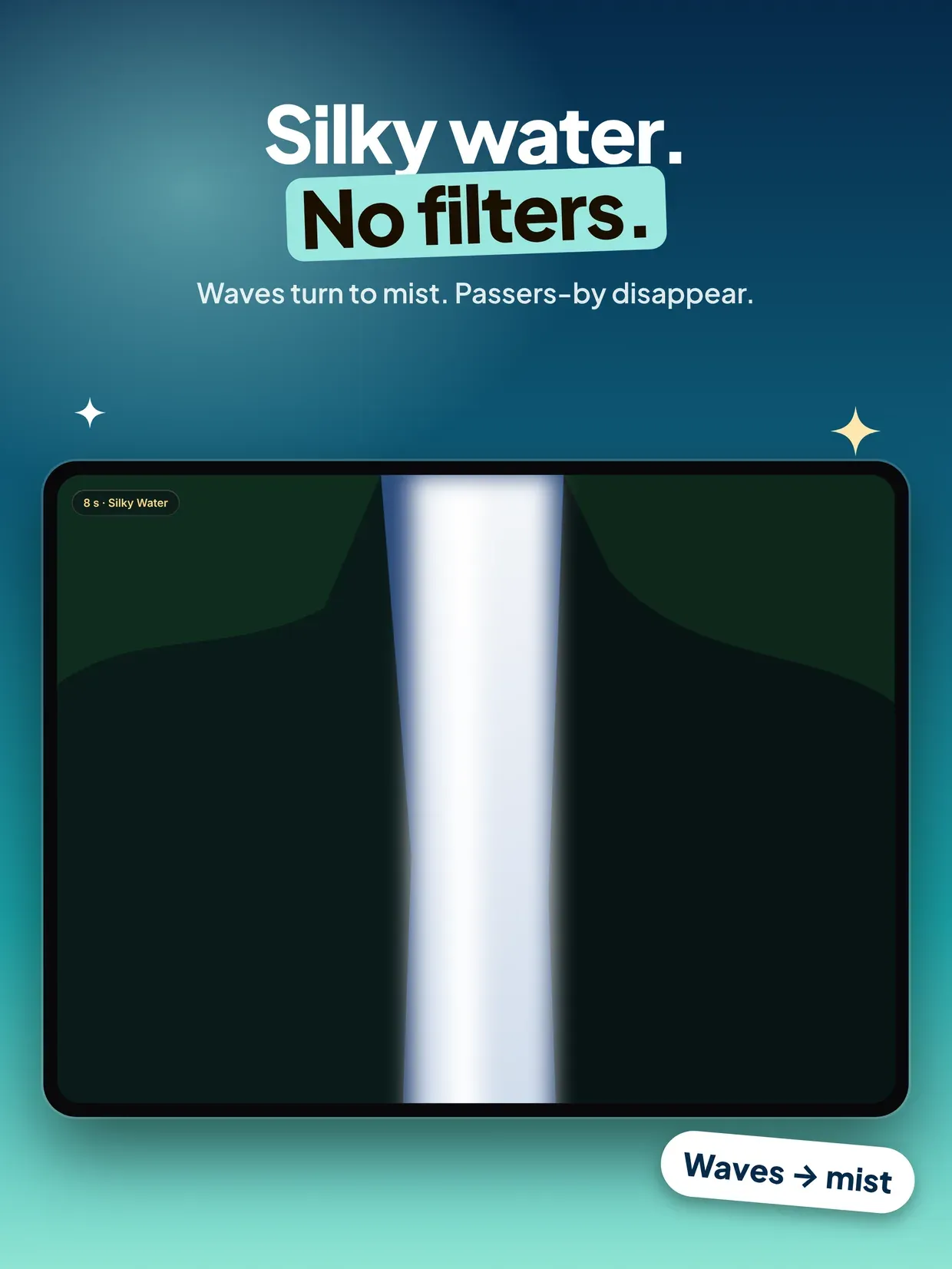
Nineteen modes sit in five groups: Motion, Night, Sky, Glitch and Video. Light Trails turns headlights into lines, Silky Water smooths rivers and waves, and Star Trails draws the turning sky. Each mode starts with its own blend and a duration that suits it.
-
Set the time and hold still
Pick a duration from 1 second to 30 minutes, or Bulb, which runs until you stop it. A steadiness meter warns you when a tripod mode moves too much, while Night Handheld, Datamosh and Reality Burst are made to be held. Fire the shutter on screen, with the volume buttons or with Camera Control.
-
Watch the photo form
Afterglow folds live camera frames into one picture on the device, and the picture builds up on screen with a histogram and a running clock. The screen can dim during a long capture, and the red night display keeps your eyes used to the dark. When it ends, you see how long it ran and how many frames it holds.
-
Re-blend, grade and save
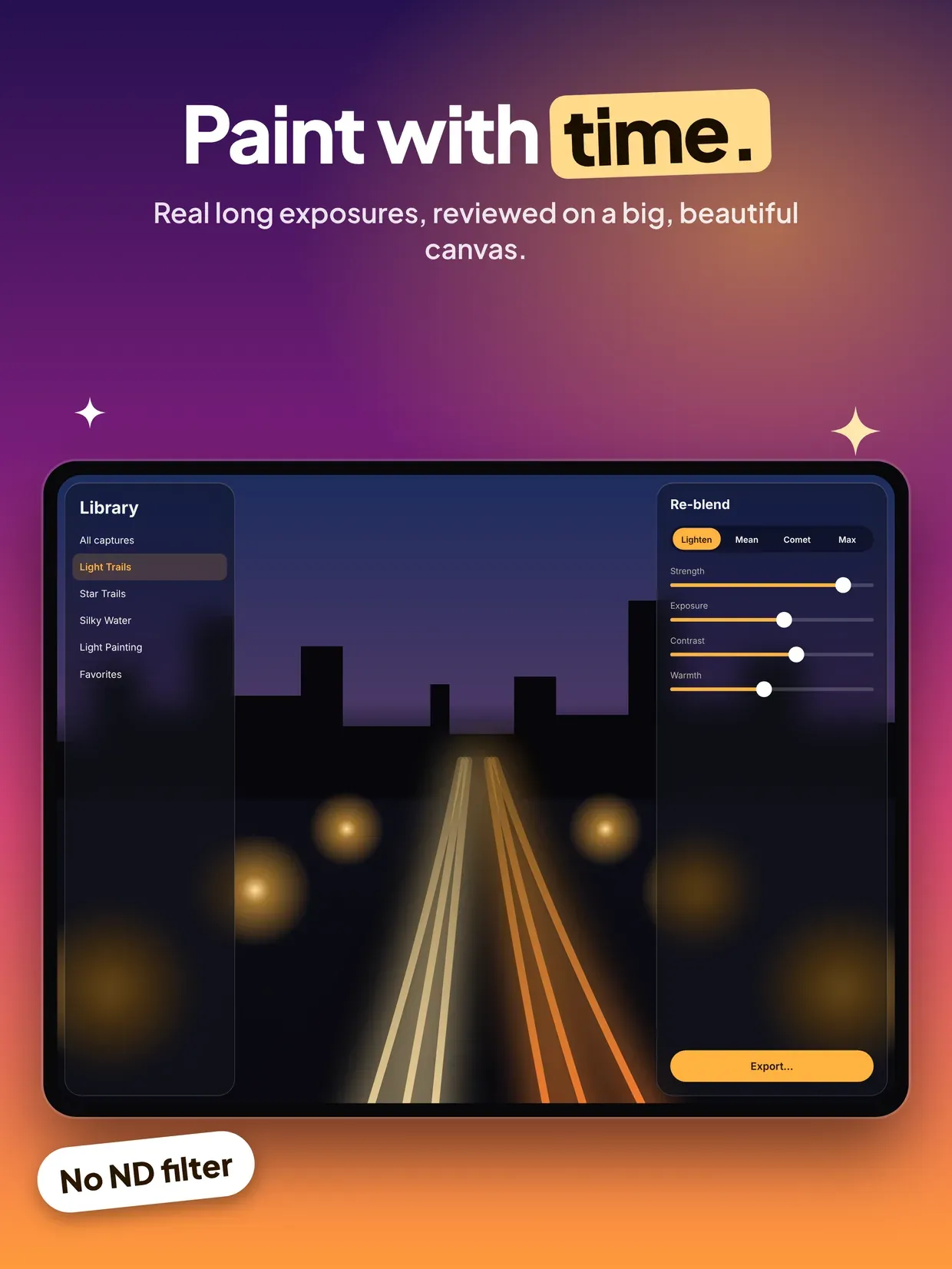
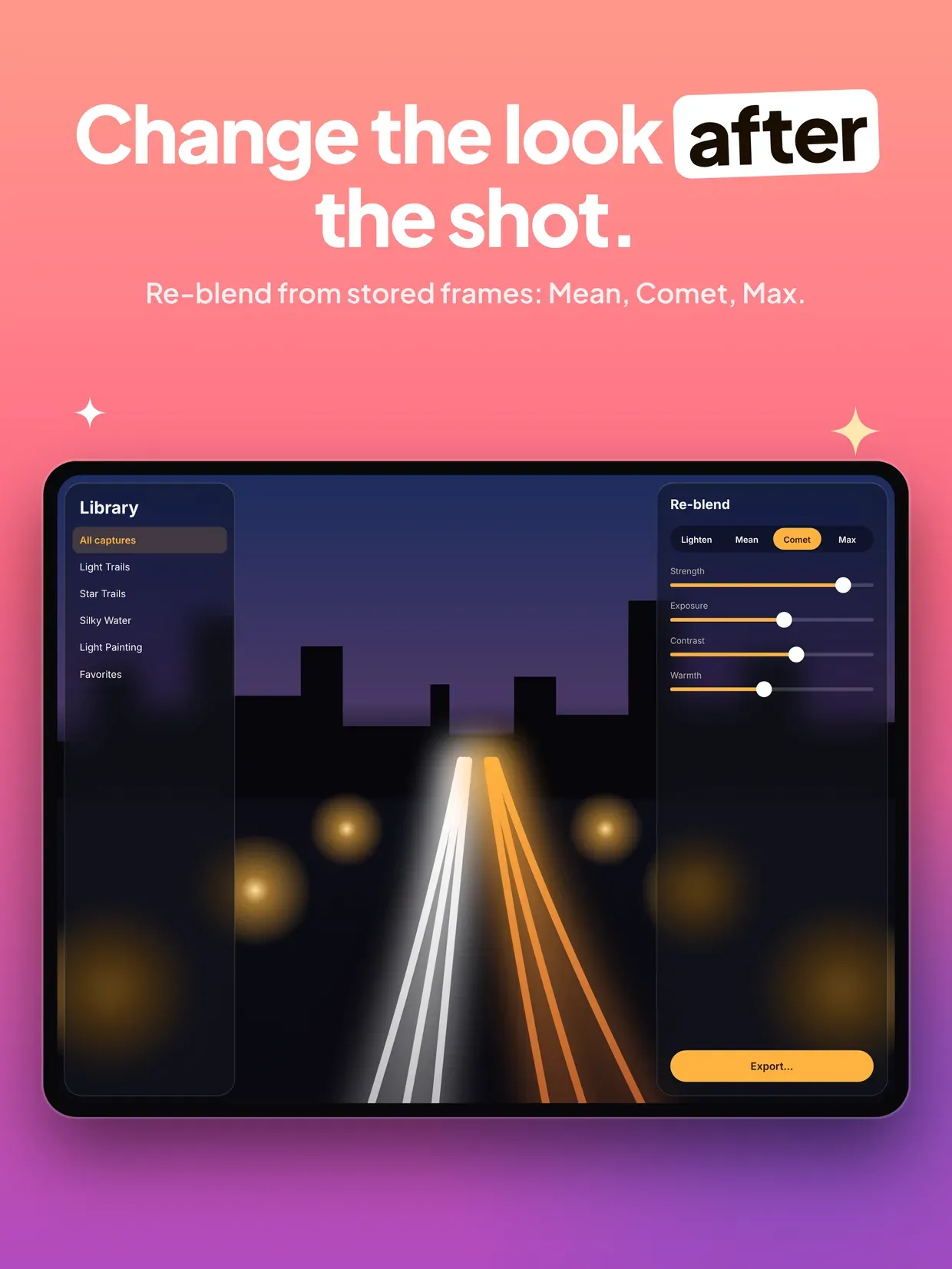
Afterglow keeps the source frames, so you can re-blend a capture with any of 13 blends, trim the start or the end and set the strength. Grade it with one of 35 looks or by hand with exposure, contrast and warmth, then save HEIC, JPEG or DNG, or export a timelapse of the photo forming.
Who it is for
-
Night street and city shooters
Light Trails and Zoom Burst turn traffic into lines, and Declutter lets passing people and cars disappear from the frame.
-
Landscape and travel photographers
Silky Water smooths rivers, waterfalls and the sea by averaging frames, with no ND filter in your bag.
-
Sky watchers
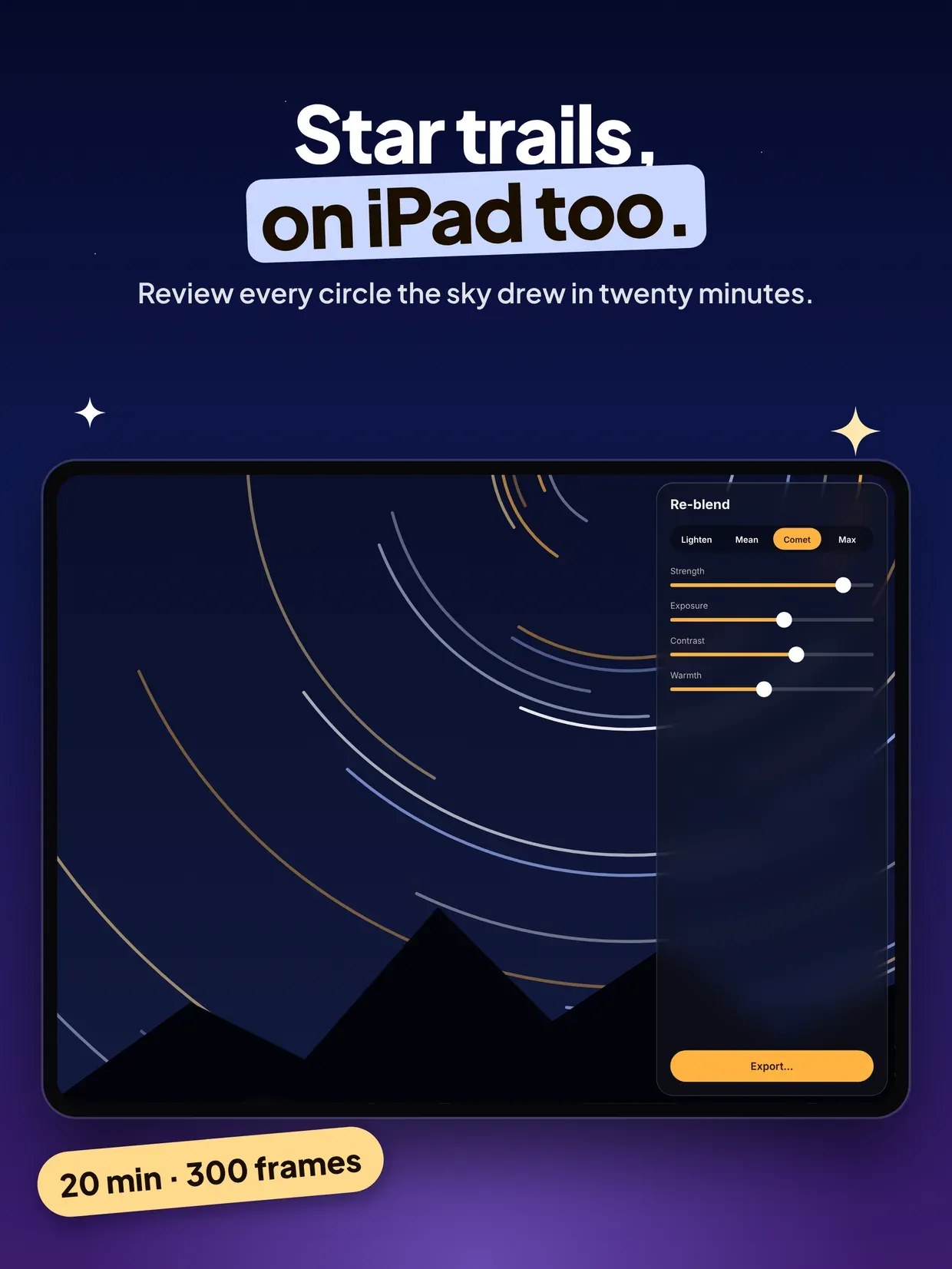
Star Trails with an interval programmer, Stars & Milky Way with frame alignment, and a Tonight planner for blue hour, full darkness and the moon.
-
People who like to experiment
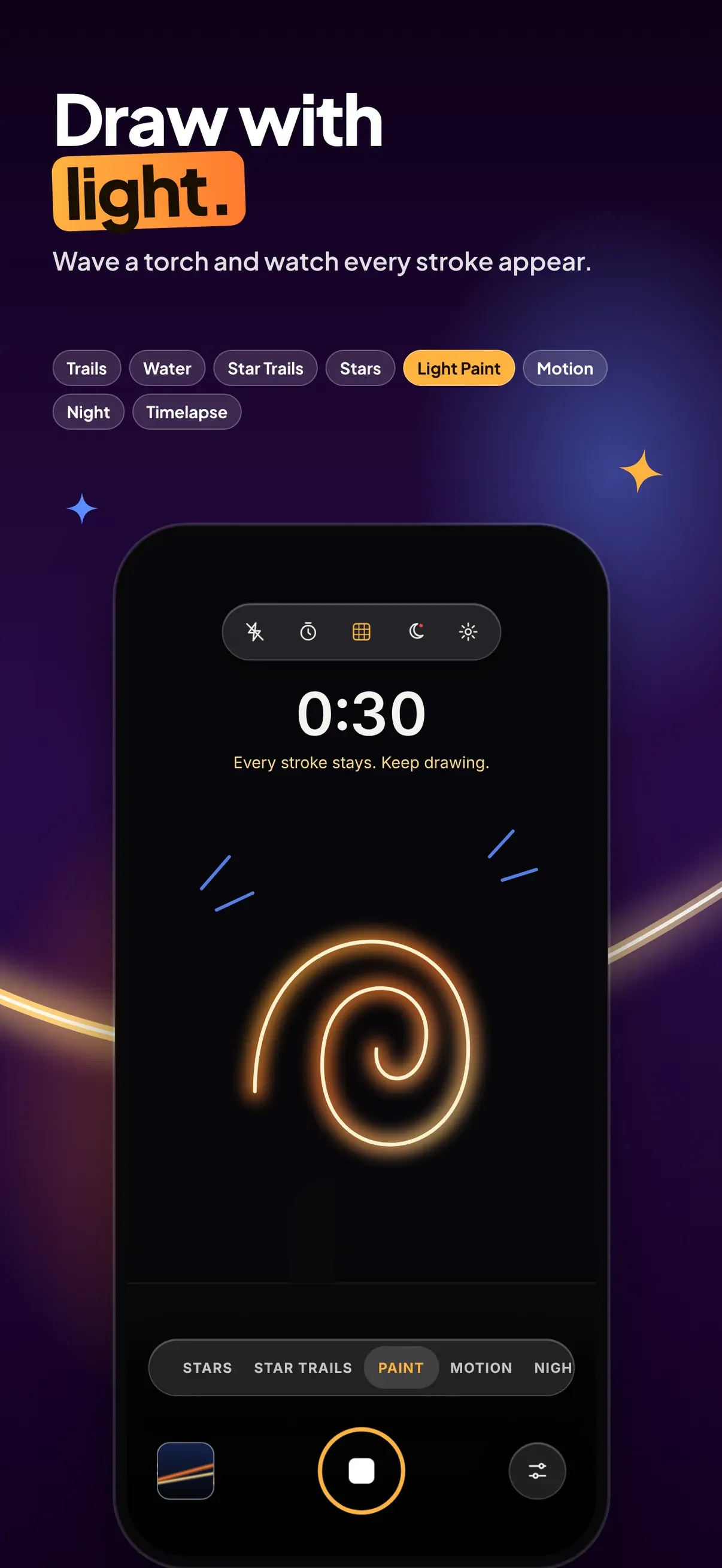
Light Painting keeps every spark of a torch or sparkler, and Datamosh and Reality Burst bend real camera frames into glitches.
Written guide
Afterglow: real long exposures, built frame by frame on your iPhone
Light trails, silky water and star trails developing live on screen — then re-blend, grade and export as HEIC, DNG or a 4K timelapse. No ND filter, no DSLR.
Read the guideQuestions about Afterglow: Long Exposure Cam
- How do I take a long exposure photo on iPhone?
- Choose a mode such as Light Trails or Silky Water, set a duration, steady the phone and press the shutter. Afterglow reads live camera frames and blends them into one picture on the device, so you watch the exposure build on screen. Stop early when it already looks right, or use Bulb and stop whenever you choose.
- Do I need a tripod?
- For most modes, yes, or something solid to rest the phone on, because light trails and star trails need a still frame. A steadiness meter warns you when the phone moves too much. Night Handheld, Datamosh and Reality Burst are made to be shot handheld.
- Can I photograph star trails or the Milky Way with an iPhone?
- Yes. Star Trails comes with an interval programmer, Stars & Milky Way aligns many frames for pinpoint stars and less noise, and Aurora gathers soft light frame by frame. Manual focus locks at infinity, and the Tonight planner shows when the sky gets fully dark and when the moon rises and sets. These sky modes, manual control and the full planner are part of Afterglow Pro.
- Can I shoot fireworks or light painting?
- Yes. Light Painting is a Bulb exposure that keeps every bright mark: draw with a torch, stack fireworks or spin steel wool, then stop the capture when you are done. It is one of the three modes you can use without a purchase.
- Can I change the effect after the shot?
- Yes, as long as Keep source frames is on, which it is by default. Re-blend the same capture with any of 13 blends, trim the start or the end and change the strength, then grade it with a look or by hand. Re-blending is part of Afterglow Pro, and Keep Result Only in the Library removes the frames when you want the storage back.
- What is free, and what does Afterglow Pro add?
- Light Trails, Silky Water and Light Painting, 1080p capture, HEIC and JPEG saving, nine looks and the sunset times are included without a purchase. Afterglow Pro adds the other sixteen modes, 4K and full-resolution capture, re-blending, DNG, timelapse export, all 35 looks, manual controls and the full Tonight planner. It comes as a one-time Lifetime purchase or an annual subscription with a one-week free trial for eligible new subscribers.
- Is there an account, and where do my photos go?
- There is no account and nothing is uploaded. Captures stay in the app’s library until you delete them, and Afterglow only adds the photos and videos you save to Photos; it never reads your library. The Tonight planner works out sun and moon times on the device, and your location is not sent anywhere.
- Which devices and file formats does Afterglow support?
- iPhone and iPad with iOS 18.6 or later, and the app is in English. Photos save as HEIC, JPEG or DNG, and a timelapse of the photo forming exports in HD or 4K; the highest capture resolution depends on how much memory your device has. Shortcuts can open any mode or start Light Trails.
Same corner of the toy box
More apps you might like
If Afterglow: Long Exposure Cam is your kind of thing, these live in the same neighbourhood — all made by the same pair of hands.