
Coming soon
- Category
- Graphics & Design
- Runs on
- iPhone, iPad
- Developer
- Cihat SALİK
Preview
iOS
About
Highlights
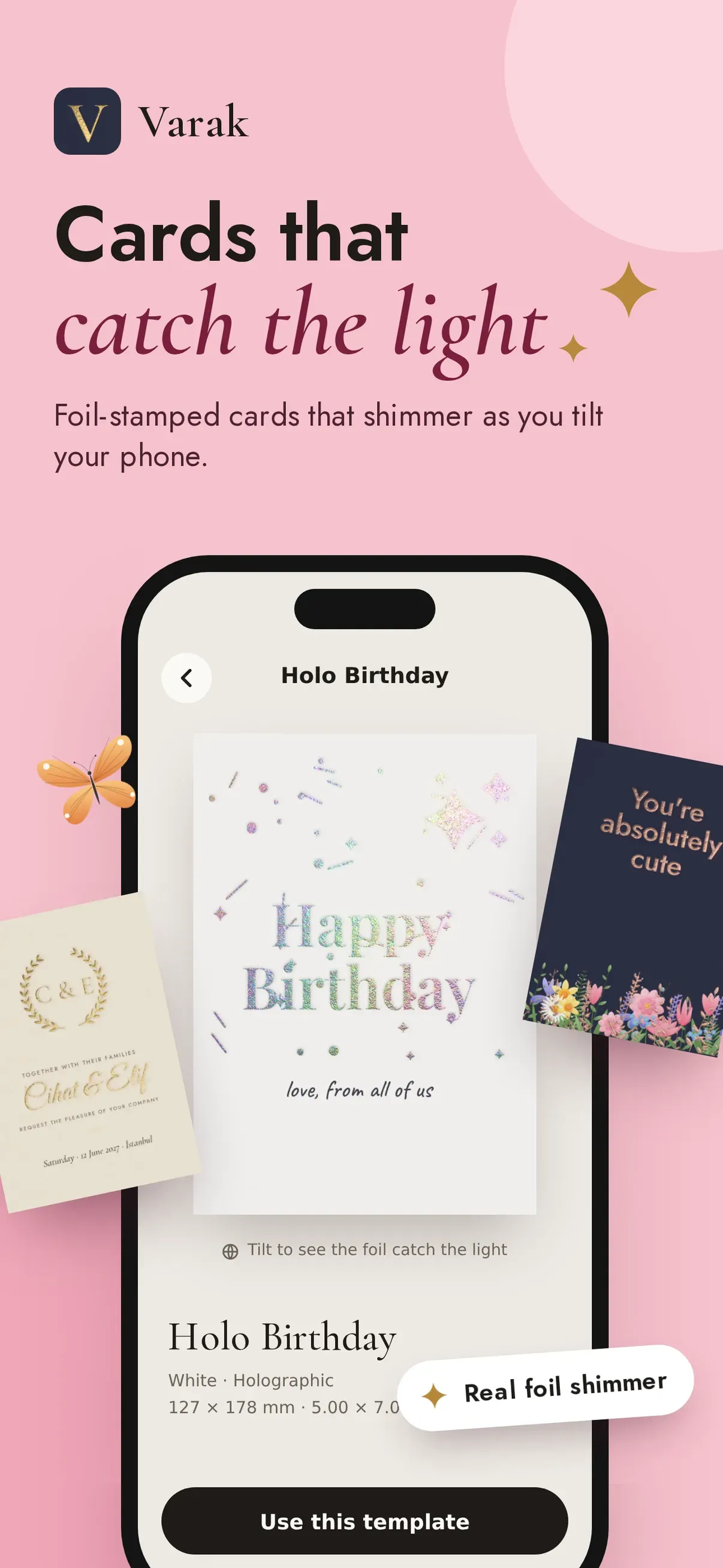
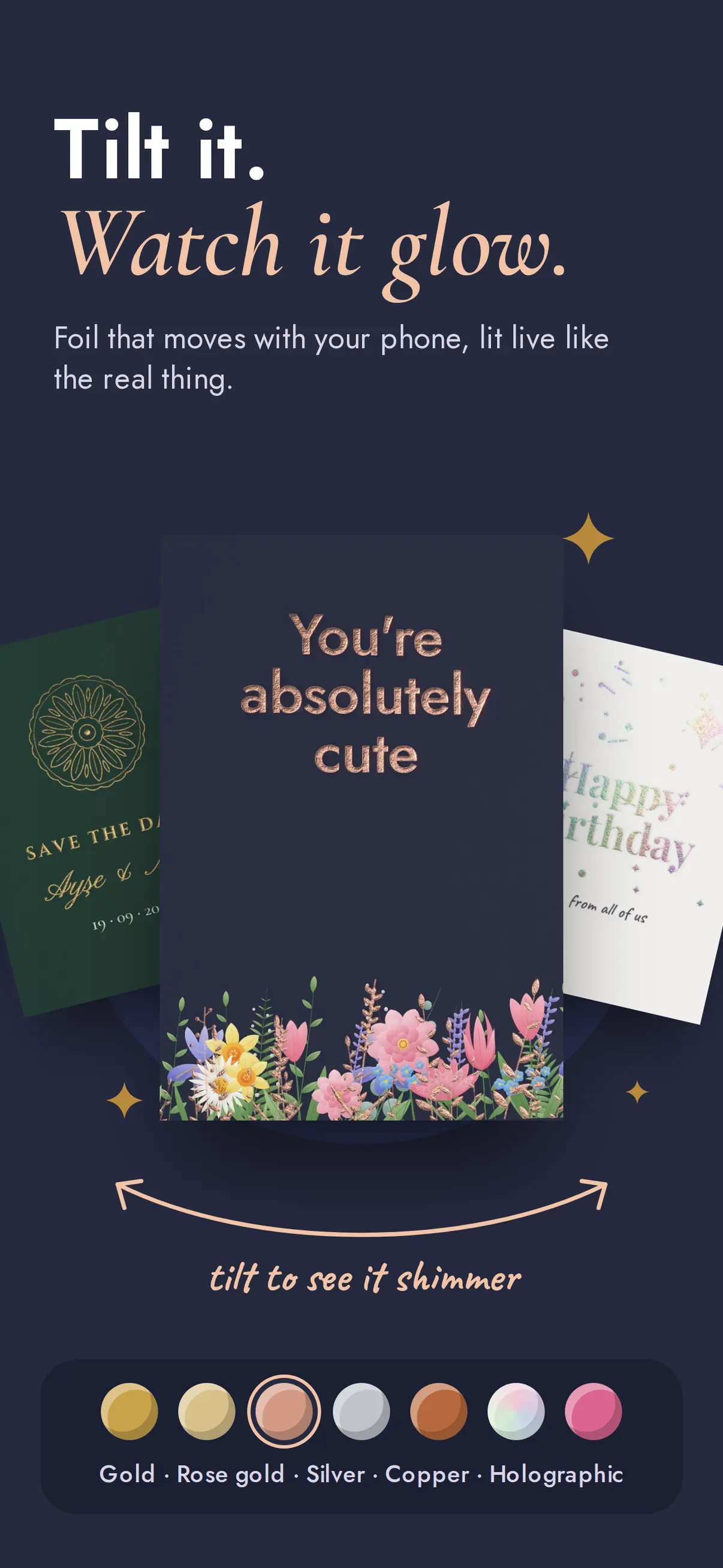
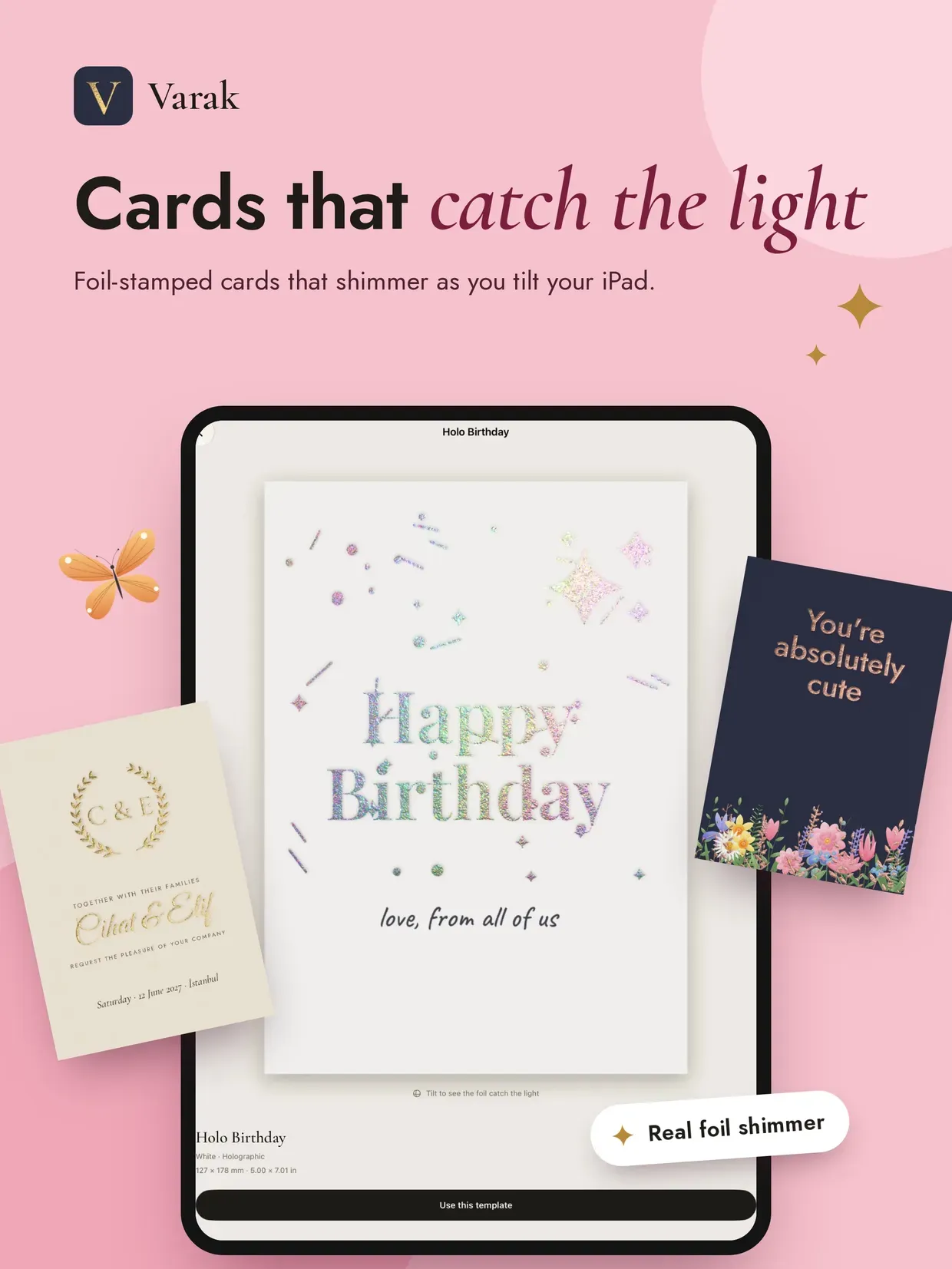
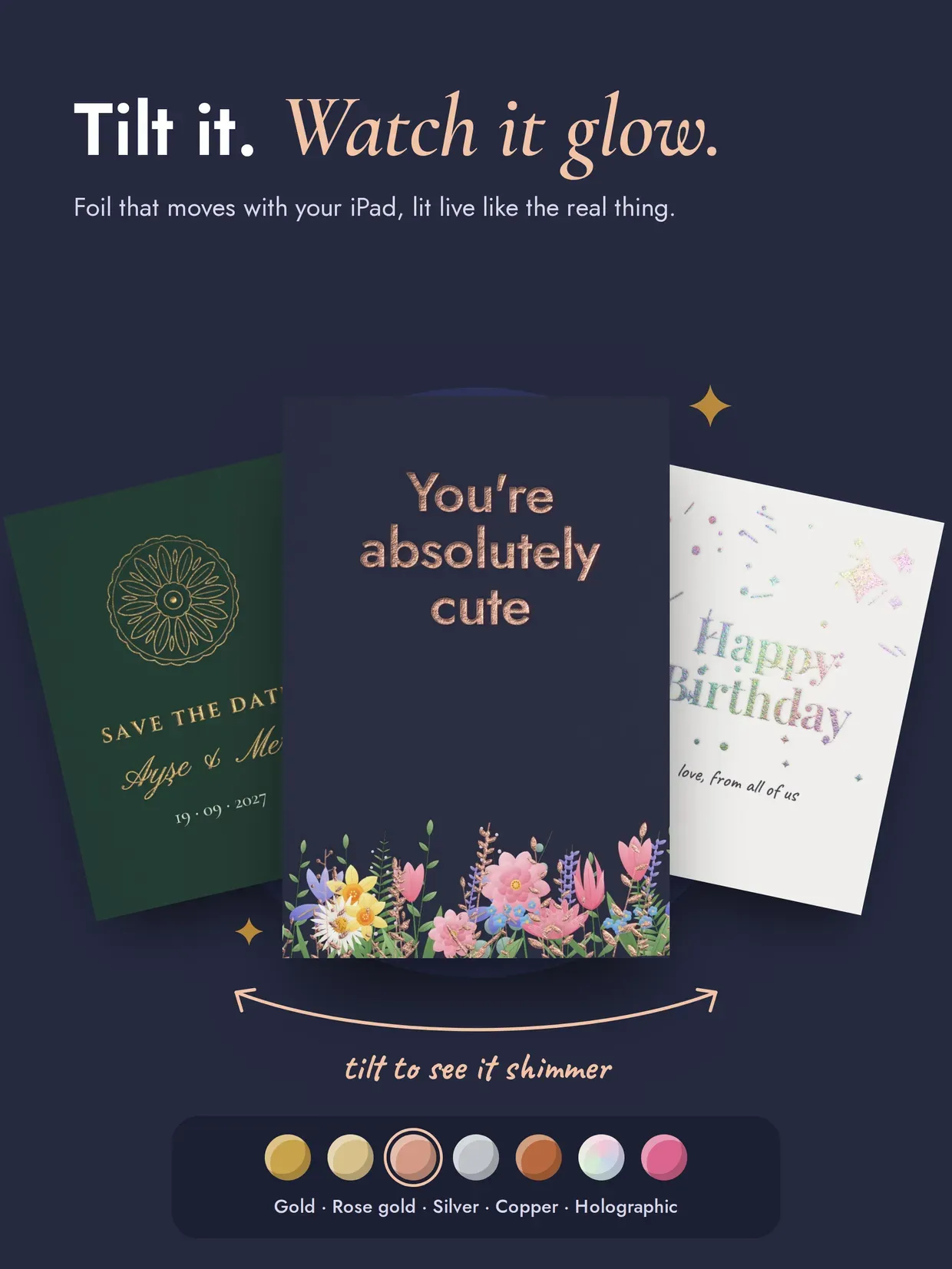
- Tilt-reactive foil that follows the motion sensors and catches the light
- 48 foils on 14 micro-surfaces, and 48 paper stocks with their own grain
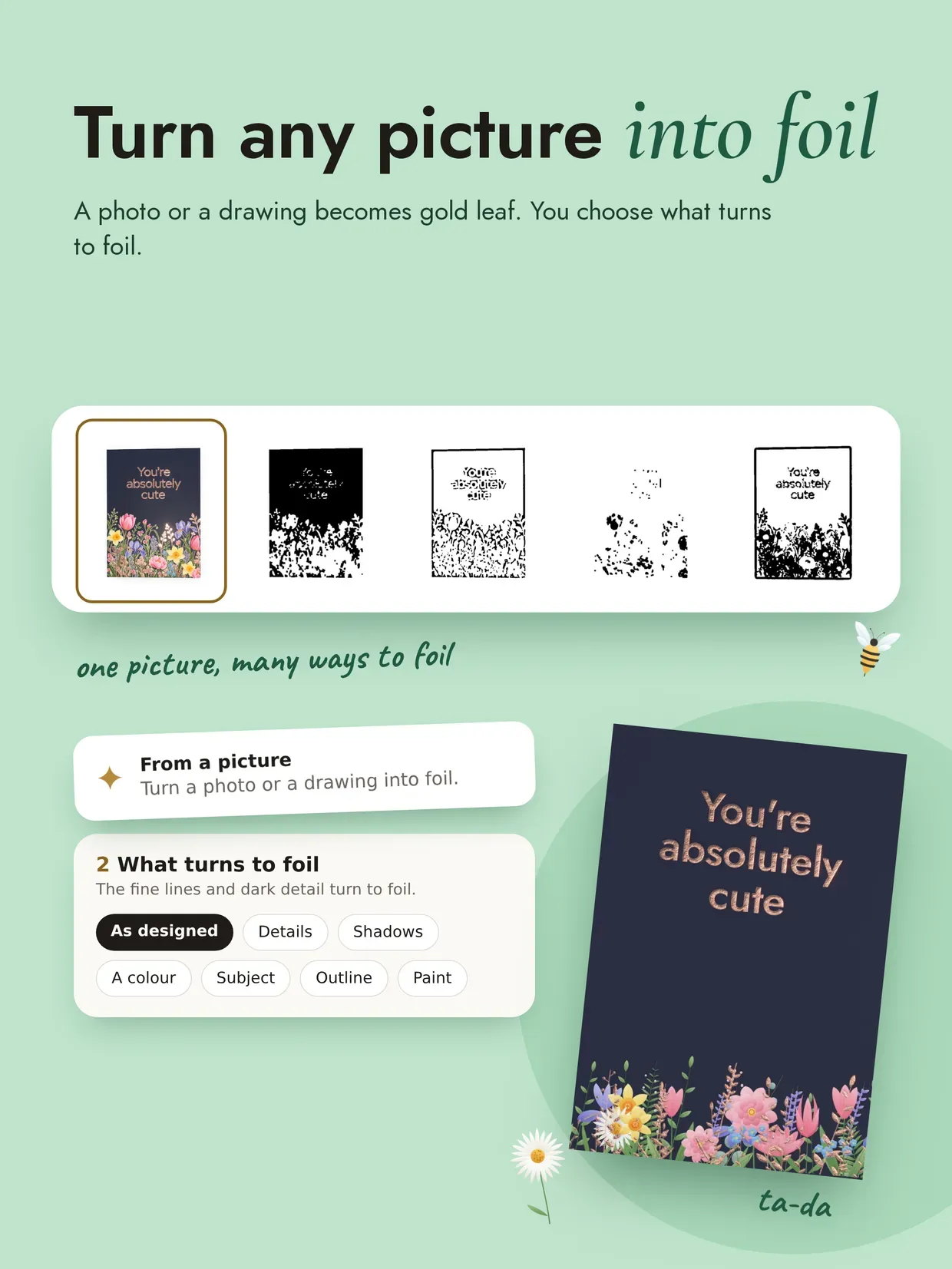
- A photo or drawing becomes foil: details, shadows, one colour or the subject outline — or paint it in
- Foil, emboss, deboss, letterpress and spot gloss on any layer
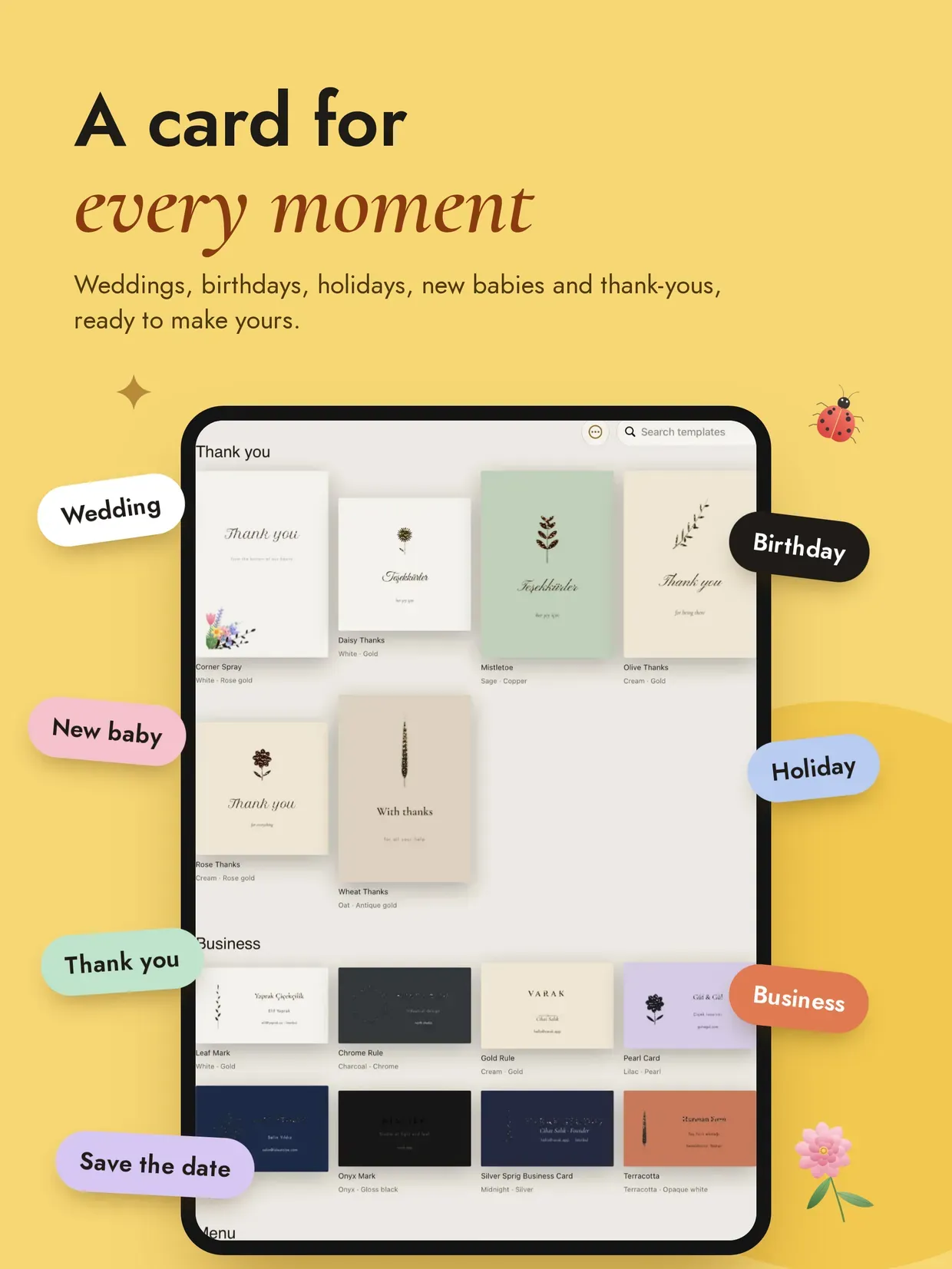
- 286 templates, from business cards to A3 welcome signs, folded and die-cut formats
- Preflight, then PDF/X-4 in CMYK with a spot plate per finish and 3 mm bleed
- Stills at 300 dpi and shimmer video up to 4K at 60 fps
How it works
-
Start from a template or a format
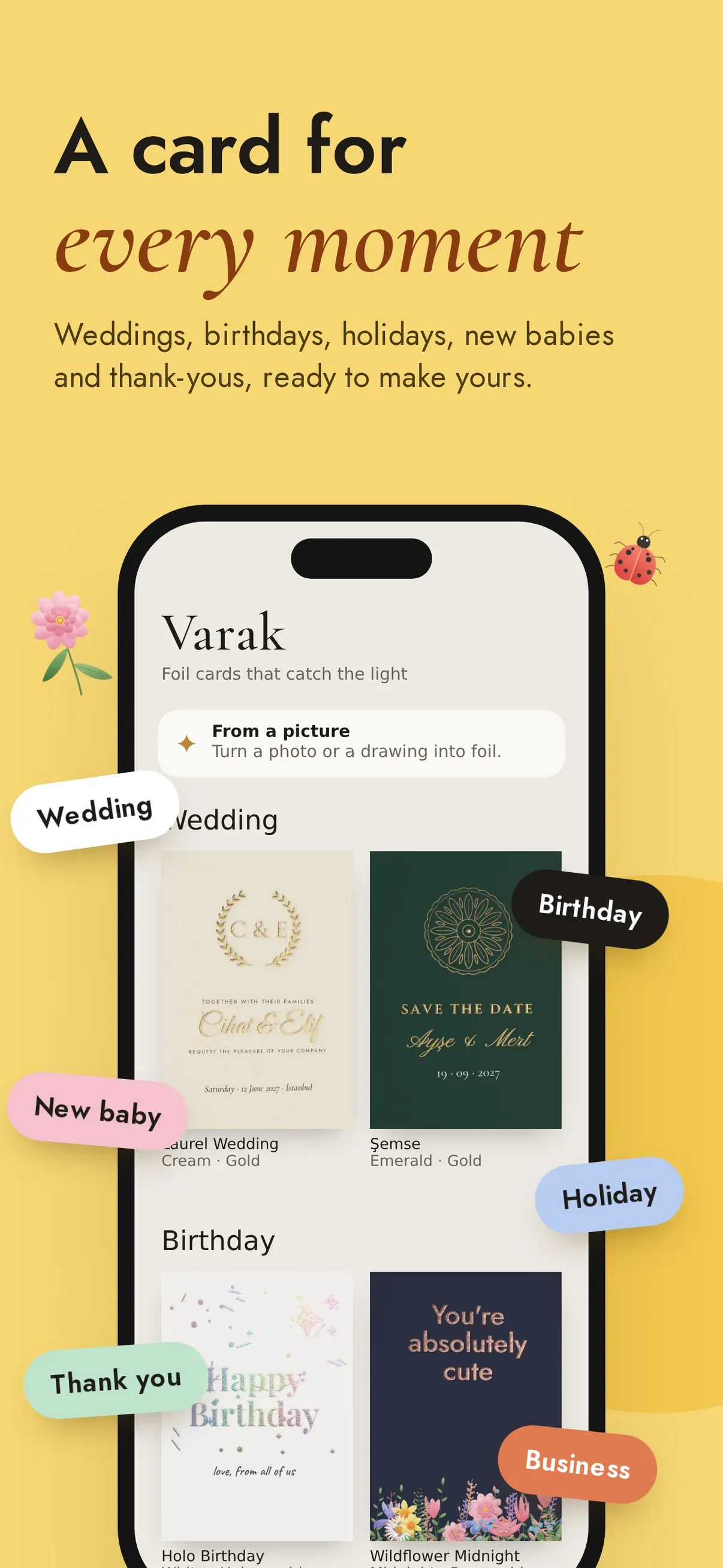
Pick one of 286 templates for weddings, engagements, save-the-dates, birthdays, baby showers, holidays, thank-you notes, menus, place cards and business cards. Or start blank on a format from a business card to an A3 welcome sign, including folded cards and die-cut arches, scallops, circles, tickets and gift tags.
-
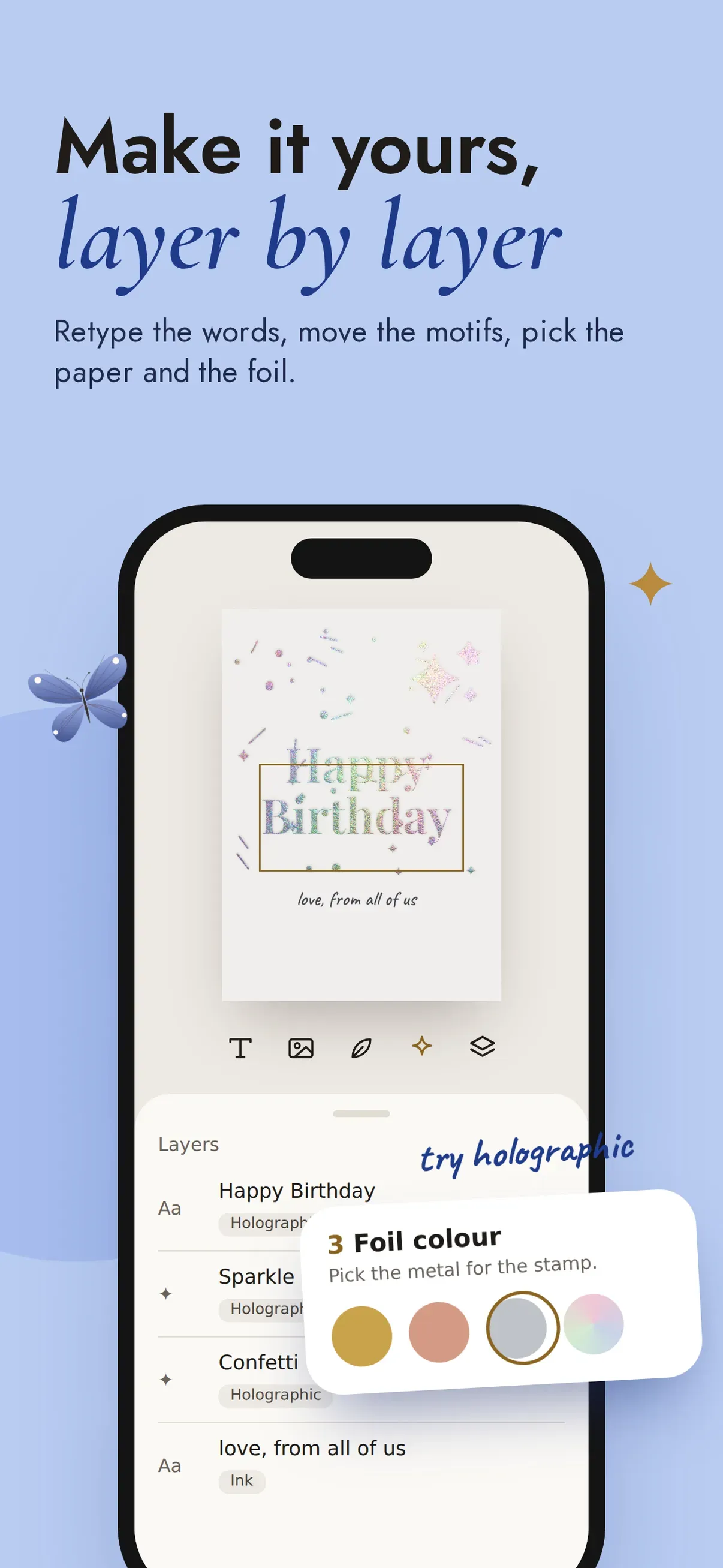
Choose paper, foil and finish
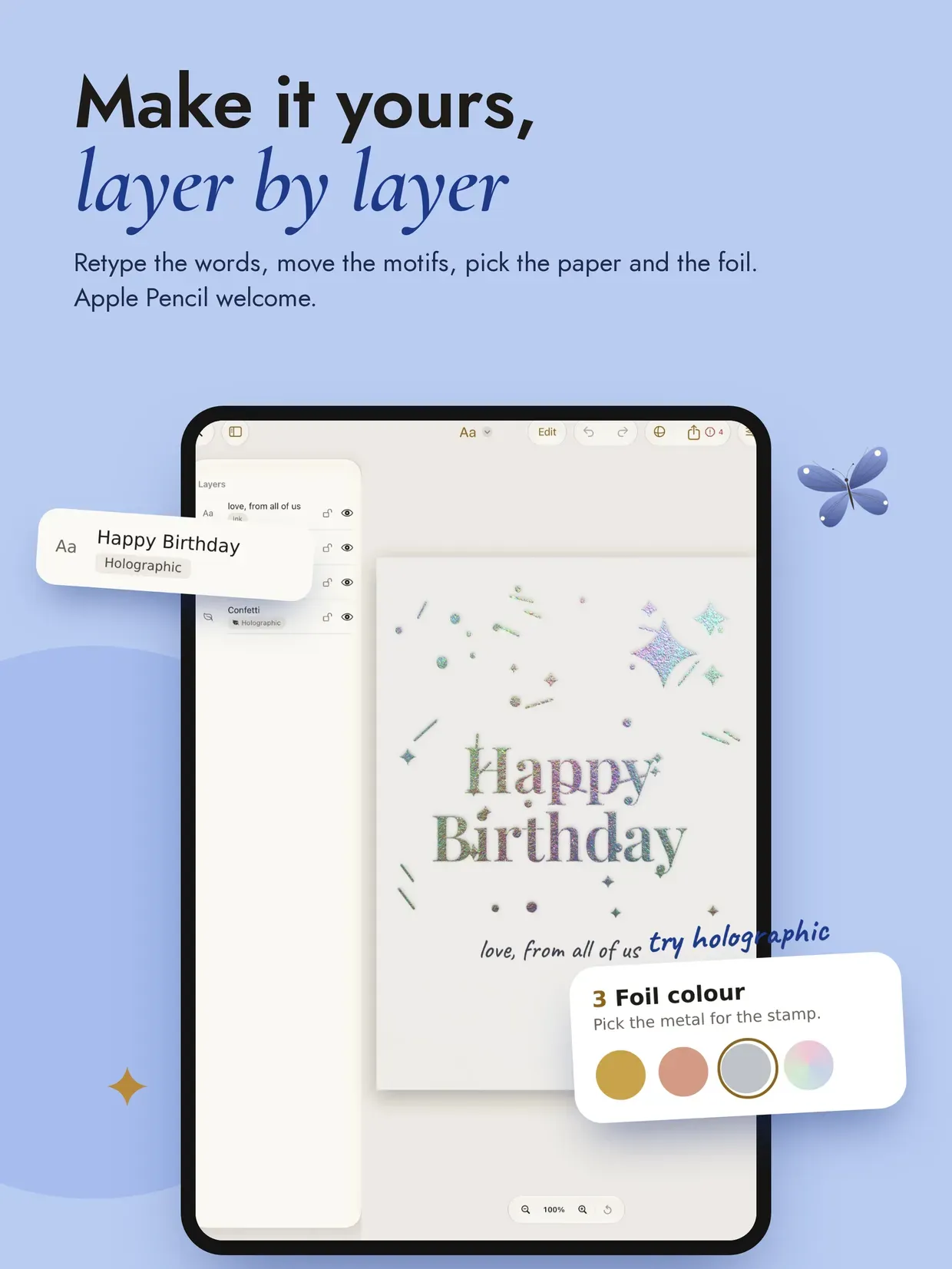
Lay the card on one of 48 papers, such as cotton, laid, felt, vellum or handmade, and pick from 48 foils on 14 micro-surfaces like hammered, brushed, crackle or guilloché. Each layer can be ink, foil, blind emboss, deboss, letterpress or spot gloss. Tilt the device and the foil catches the light.
-
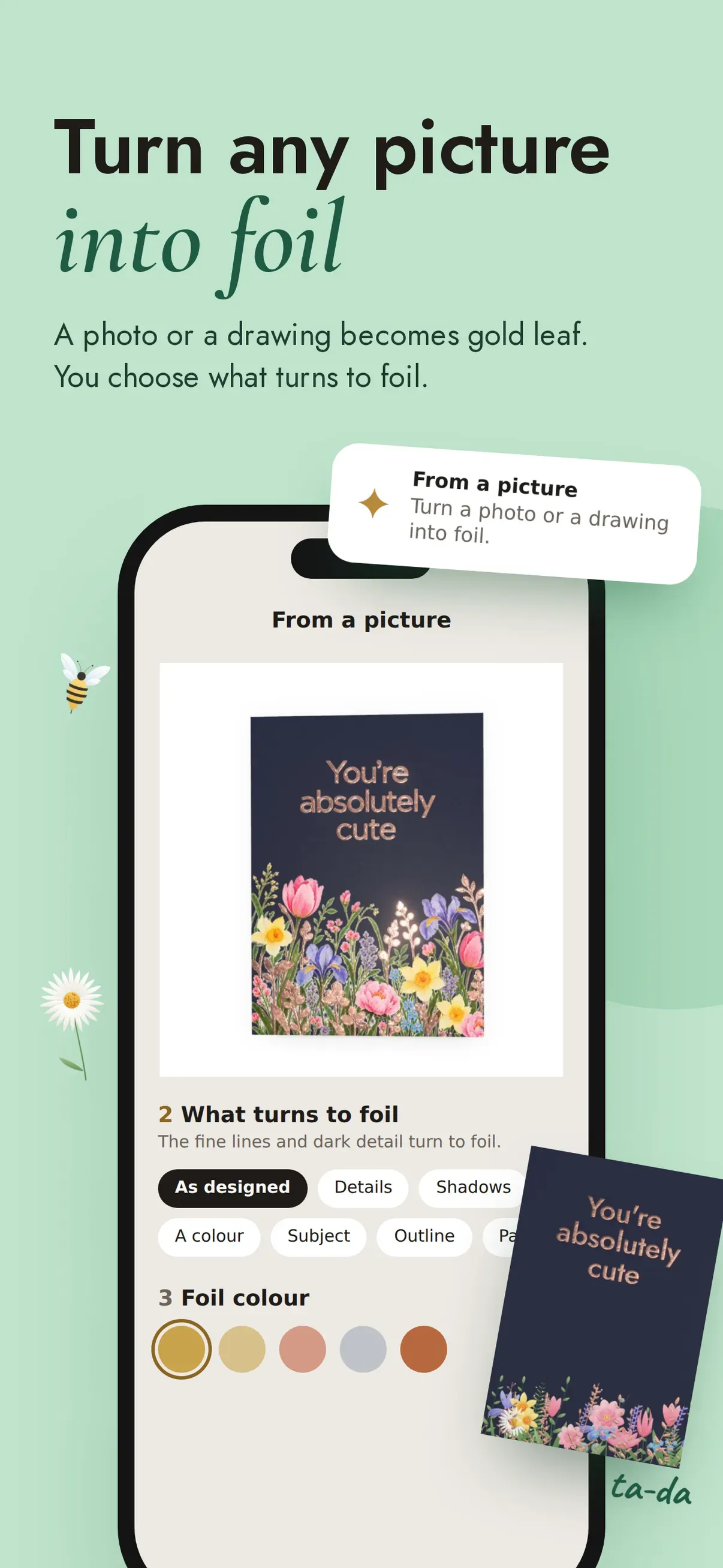
Turn a picture into foil
Add a photo, a logo or a drawing and choose what becomes metal: Details, Shadows, A colour, Subject or Outline. Paint lets you brush foil on with a finger or Apple Pencil. Motifs of flowers, birds, insects, celestial and celebration ornaments, and paired typefaces, are one tap away.
-
Check it and export
Preflight flags foil that is too fine, too close to the trim or too low in contrast before anything is written. Export a shimmer video in which the card turns and the foil glints, a still for screens or at 300 dpi, or a print PDF for a foil stamper.
Who it is for
-
Couples planning a wedding
Invitations, save-the-dates, menus, place cards and a welcome sign in one foil and paper, sent as a shimmer video or printed.
-
Anyone sending a card that should feel special
Birthdays, baby showers, holidays and thank-you notes as a short video where the foil moves, instead of a flat image.
-
Small businesses
Foil business cards in US and European sizes, with a print file a stamping shop can work from.
-
Stationery makers
Preflight checks line weights, safe zones and resolution, and the print PDF puts each finish on its own spot plate.
Written guide
Varak: foil-stamped cards with gold that actually moves
Design wedding invitations, save-the-dates and business cards in real metallic foil, export a shimmer video, and print with a genuine PDF/X-4 spot plate.
Read the guideQuestions about Varak: Foil Invitation Maker
- How do I design a foil wedding invitation?
- Open a wedding template or start from a flat, folded or die-cut format. Choose a paper, then set the names, the date or an ornament to foil and pick the metal and its surface. Tilt your iPhone or iPad to see how the foil catches the light, and change any word, colour or motif.
- Can I send it as a digital invitation?
- Yes. Export a shimmer video of 4 to 15 seconds as a tilt loop, a sweep or a turntable, in story, portrait, square, landscape or card-only framing, or a still image in PNG, JPEG or HEIC. The file goes to the share sheet, so you can send it in any messaging app or save it. Varak makes the card and does not collect replies.
- Can a print shop foil-stamp my design?
- Yes, with Varak Pro. The print export is a PDF/X-4 with the artwork in CMYK, a separate 100 % spot plate for each finish and 3 mm bleed. Preflight checks it first: foil kept clear of the trim and inside the safe zone, lines no finer than 0.25 mm, images at 300 ppi, and foil type large enough to stay open.
- Can I turn a photo or logo into foil?
- Yes. Choose what becomes foil: the fine lines and dark detail, the shadows, one colour you tap in the picture, the whole subject or a foil line traced round it. Or paint the foil exactly where you want it with your finger or Apple Pencil.
- What works without Varak Pro?
- The editor, every paper and motif, 37 foils, 62 templates, unlimited cards, stills for screens and at 300 dpi, and shimmer video in 1080p at 30 fps. Varak Pro adds 11 speciality foils such as holographic and opal, all 286 templates, 4K and 60 fps video and the print PDF. You can try Pro foils and templates on a card before you buy; Pro is needed only to export them. It comes as a yearly plan with a one-week free trial, a monthly plan, a 30-day Event pass that does not renew or a one-time Lifetime purchase.
- Do I need an account, and where are my cards kept?
- There is no account and no sign-in. Your cards are stored on your iPhone or iPad and leave it only when you share an export. You can rename, duplicate and delete cards in the library, and import .varak card files.
- Which devices and languages does Varak support?
- Varak runs on iPhone and iPad. The app is in English, Arabic, French, German, Italian, Japanese, Korean, Portuguese (Brazil), Spanish and Turkish.
Same corner of the toy box
More apps you might like
If Varak: Foil Invitation Maker is your kind of thing, these live in the same neighbourhood — all made by the same pair of hands.

Traceline: Light Box Trace
AR Drawing on Tracing Paper
Graphics & DesigniOS · macOS
Ebru: Water & Paper Marbling
Relaxing Fluid Art & Ink Hobby
Graphics & DesigniOS
Mecmua: Mandala & Kaleidoscope
Symmetry Drawing Pad & Art
Graphics & DesigniOS
İlmek: Knitting Pattern Maker
Crochet Chart, Weave & Stitch
Graphics & DesigniOS