 Free on the App Store
- Category
- Music
- Runs on
- iPhone, iPad
- Developer
- Cihat SALİK
Preview
iOS

About
Dedicated site: Sonora: Spatial Sound
Highlights
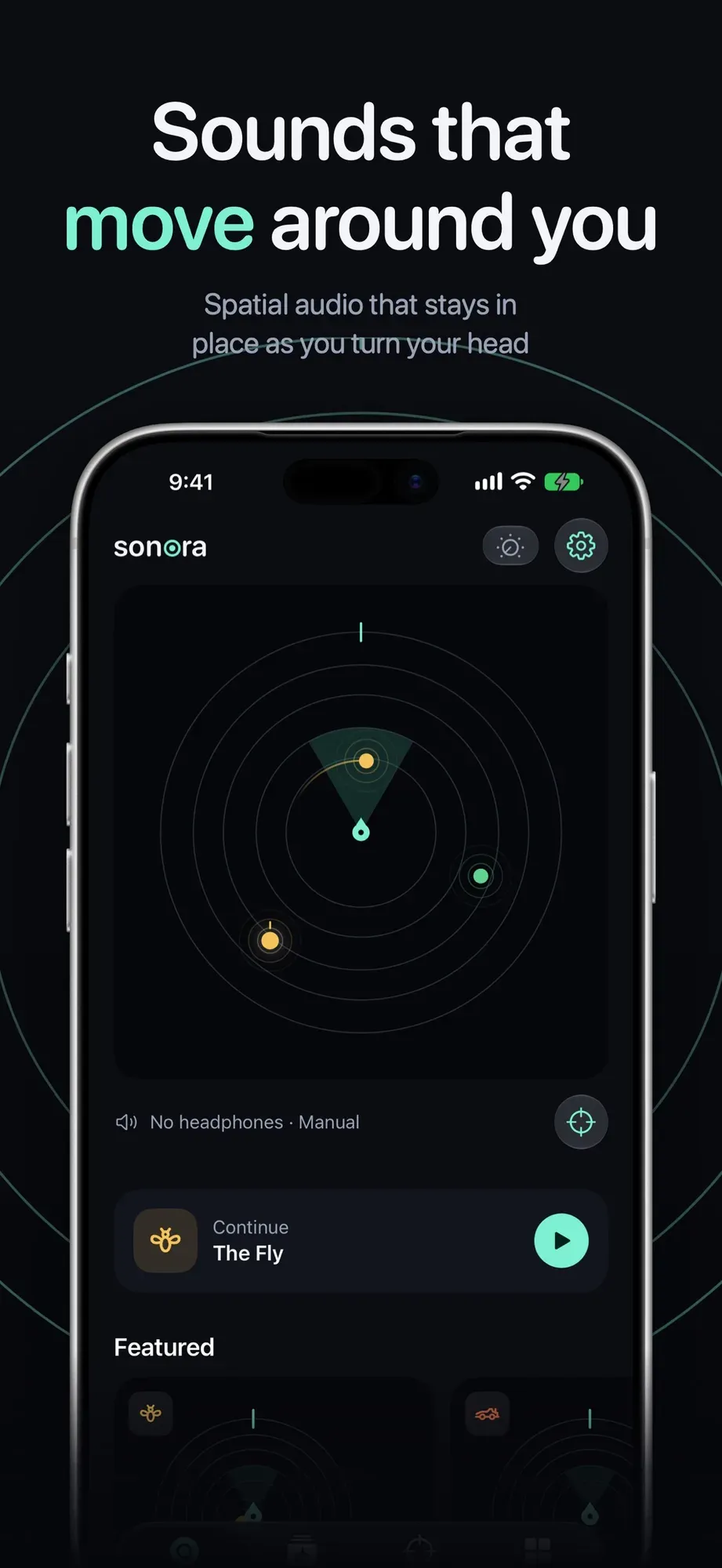
- Spatial audio that keeps every sound in place as you turn your head
- Head tracking from supported headphones, your iPhone's motion or a hand dial
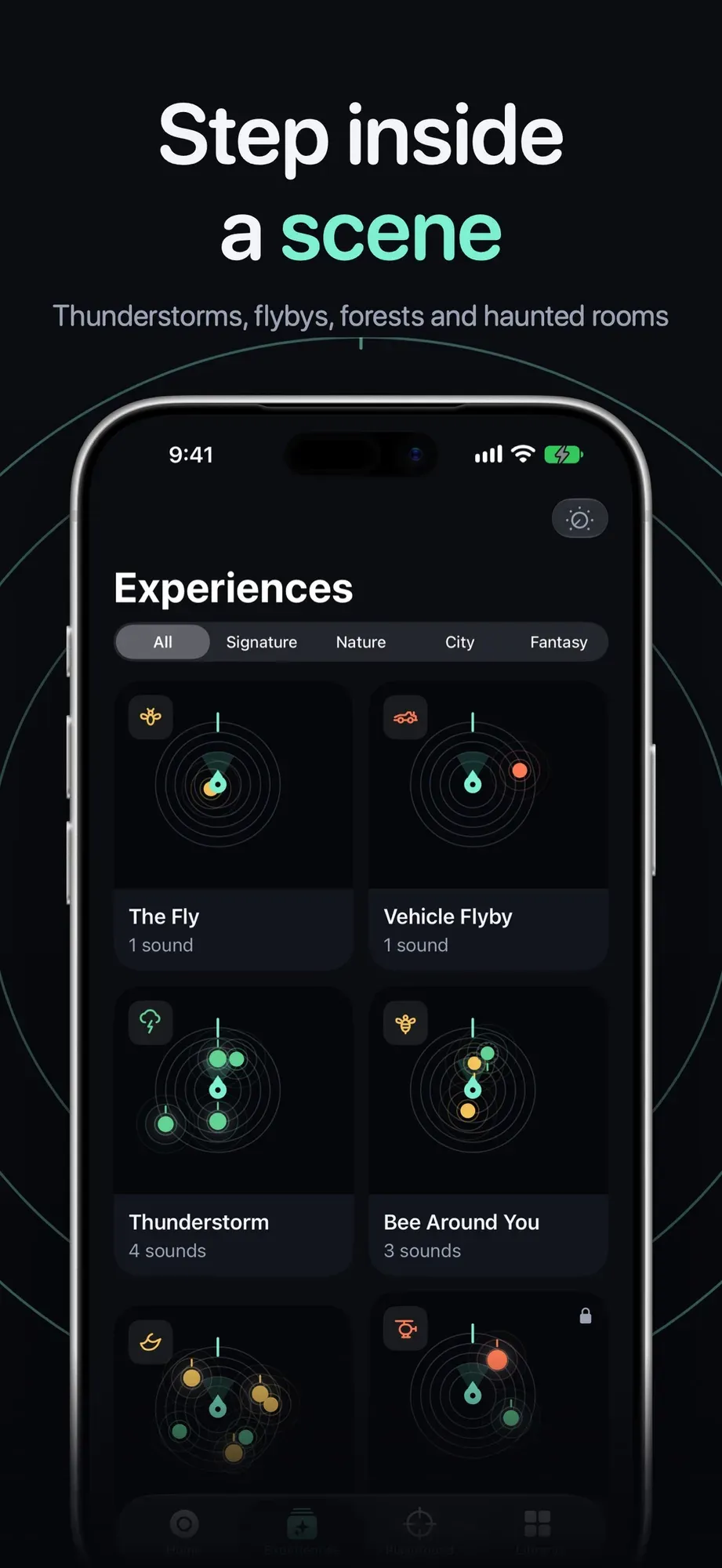
- Ready-made experiences: The Fly, Vehicle Flyby, Thunderstorm and more
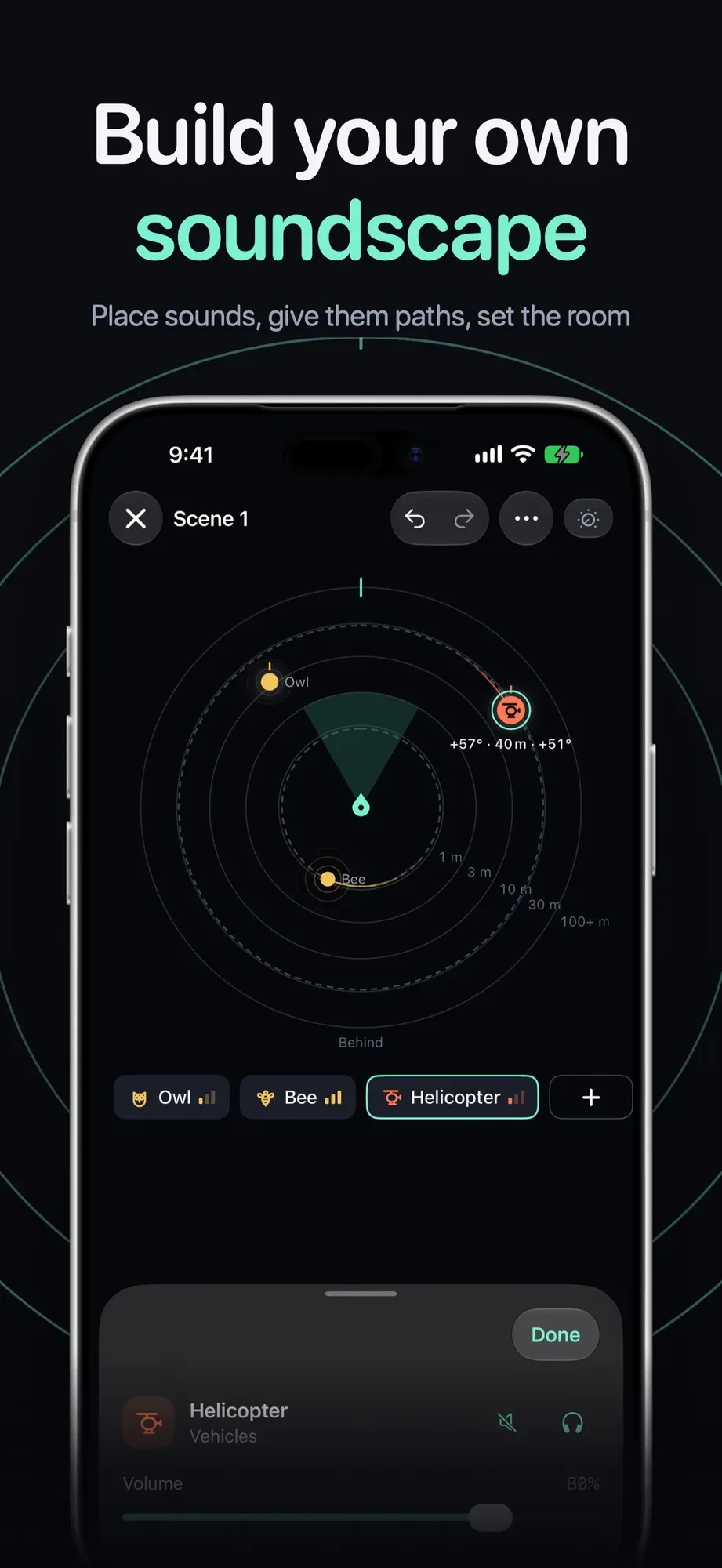
- A Playground to place sounds and give each one a path
- Orbit, flyby, wander, follow, bounce and approach paths
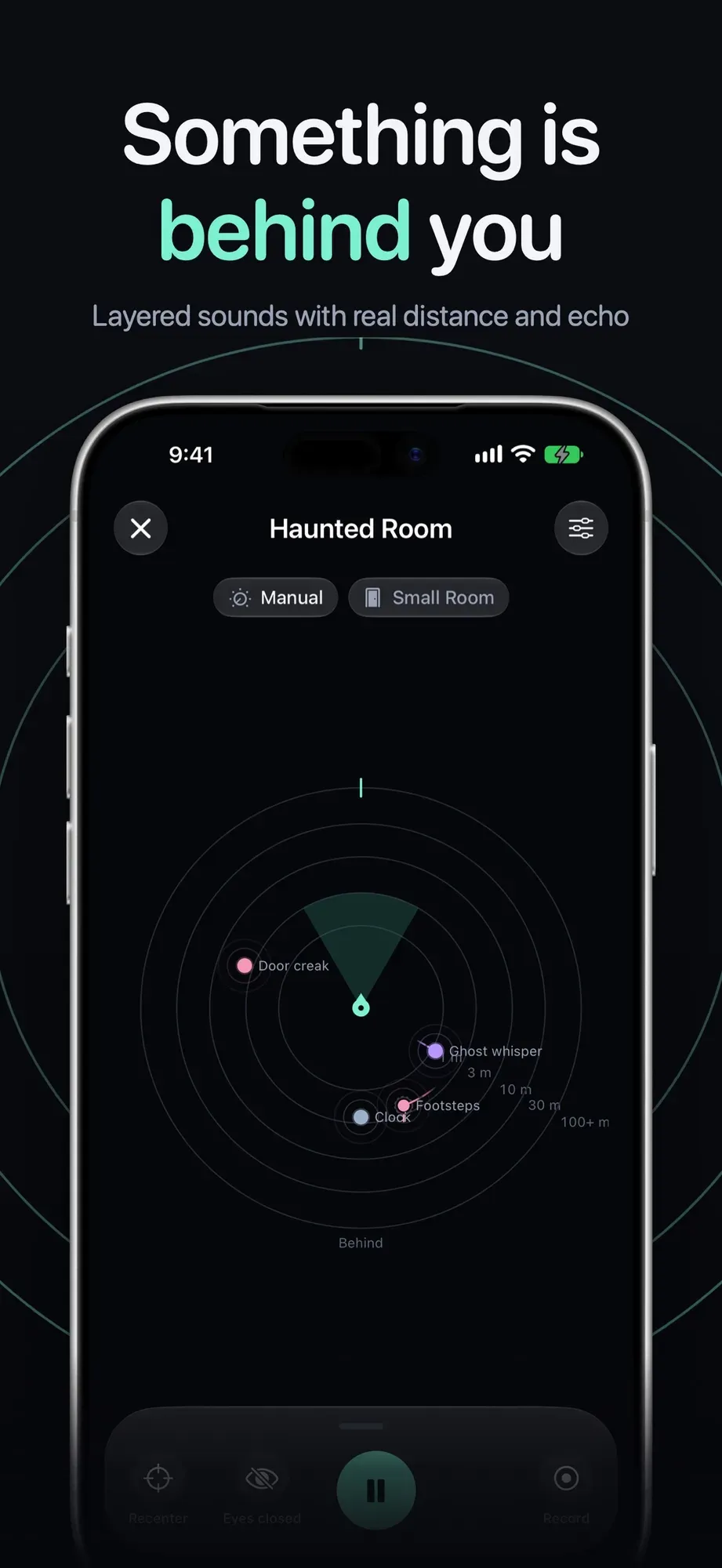
- Rooms from a small room to open outdoors, with echo and Doppler
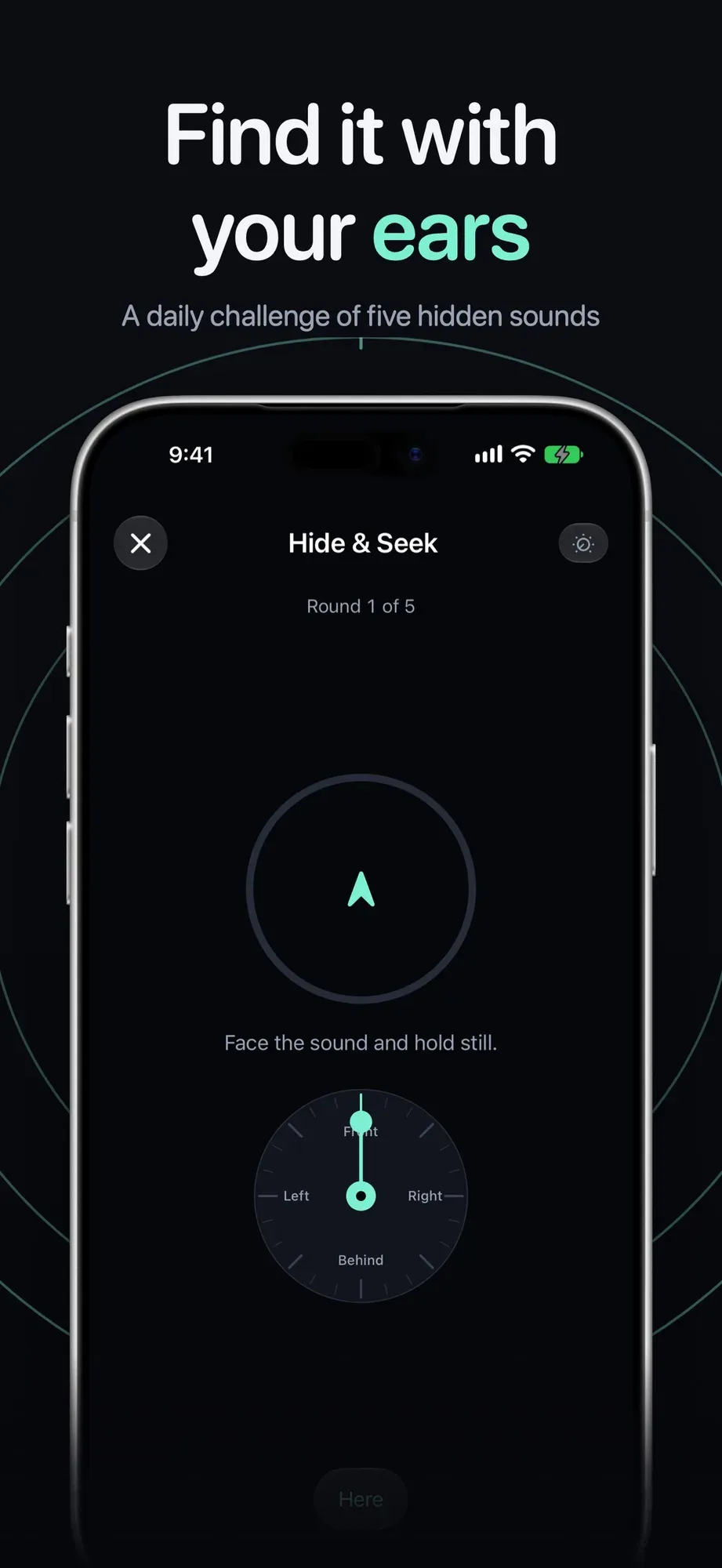
- Hide & Seek with a daily challenge of five sounds
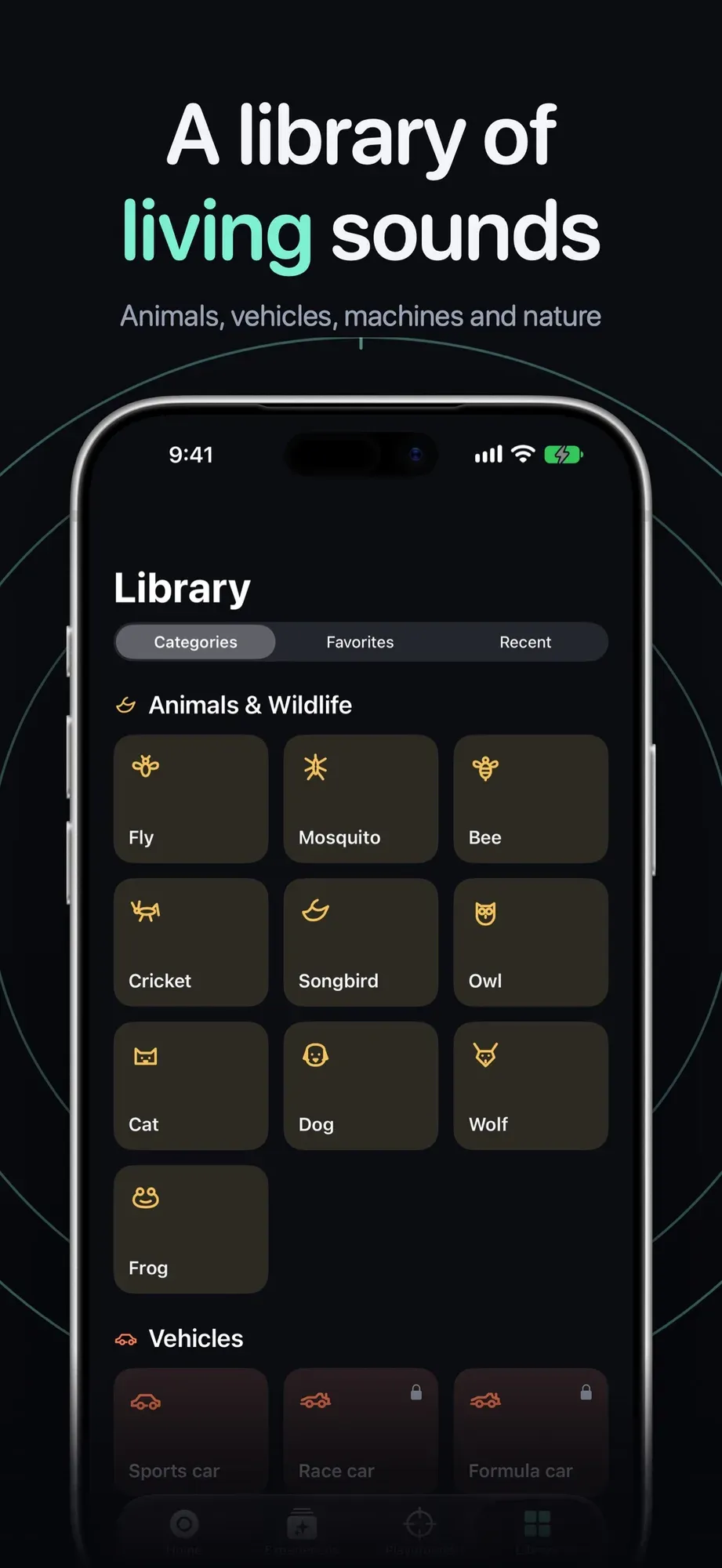
- A library of animals, vehicles, machines, nature and fantasy sounds, synthesized on device
- Binaural clips that play back in 3D on any headphones
- No account, no data collected, works offline
How it works
-
Put on headphones
Any headphones play Sonora in 3D. With headphones that support head tracking, Sonora follows your head as you turn; without them it uses your iPhone's motion, or a dial you turn by hand.
-
Start an experience
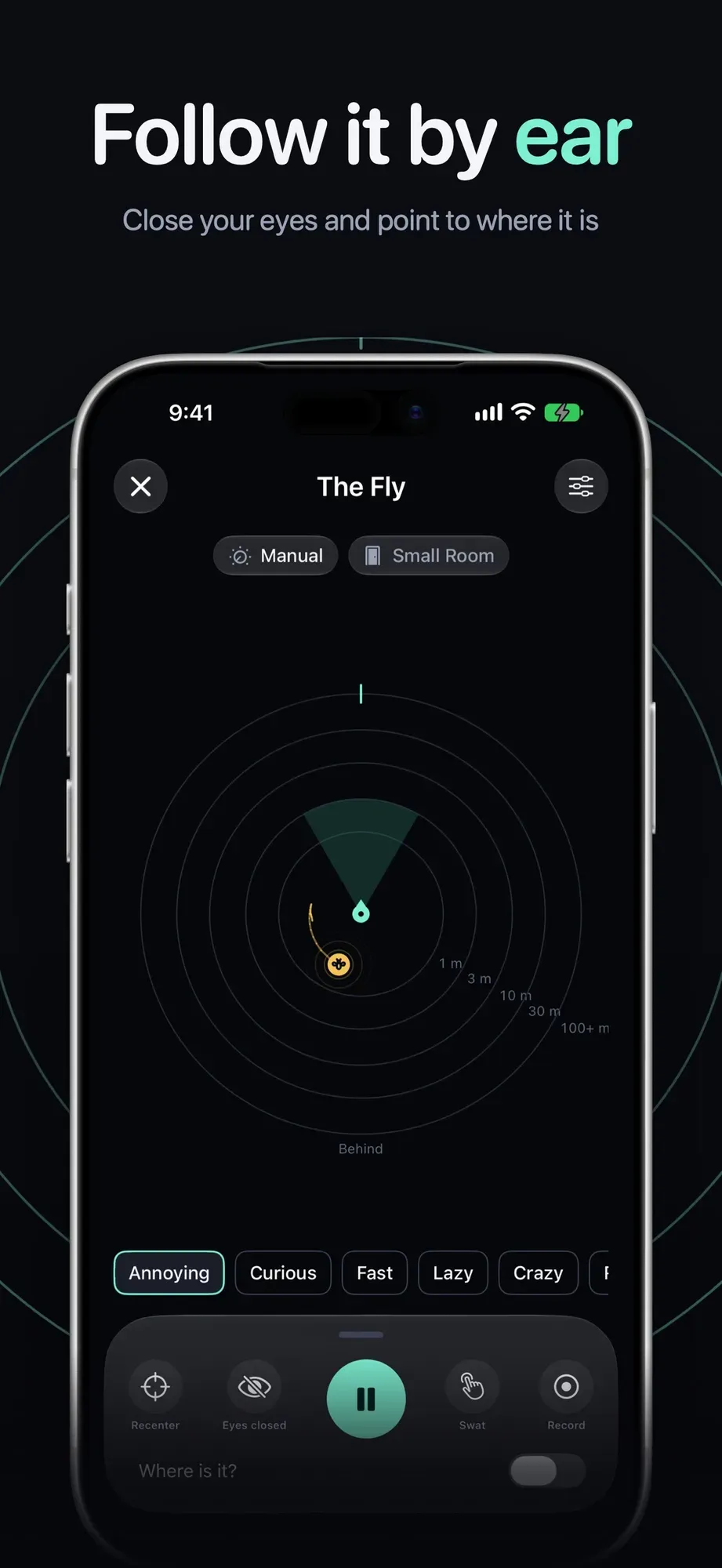
A fly circles your head, a car passes from left to right, thunder rolls in from far away. A live field shows where each sound is while you listen.
-
Build your own scene
In the Playground, drop sounds anywhere on the field, give each one a path such as orbit, flyby or wander, and choose the room, from a small room to open outdoors.
-
Find the sound
In Hide & Seek a sound plays somewhere around you. Turn to face it and hold still. A daily challenge of five sounds arrives every day, the same for everyone.
Who it is for
-
People with new headphones
Hear what spatial audio and head tracking can do, with sounds that stay where they are when you turn.
-
Anyone who wants a soundscape
Rain, birds in the forest or a campfire placed around you, with the room, distance and echo set the way you like.
-
Curious listeners and players
Test how well you hear direction with Hide & Seek, then record a binaural clip and send it to a friend.
Written guide
How to test spatial audio on AirPods, step by step
Not sure spatial audio is doing anything? Check the channels, try Apple's built-in demo, switch head tracking on and off, then move a sound around your head in a free browser test.
Read the guideMore guides about Sonora
Questions about Sonora: Spatial Sound
- Do I need special headphones?
- No. Any headphones play Sonora in 3D. Headphones with head tracking let it follow your head; without them it can use your iPhone's motion or a dial.
- Does Sonora collect data?
- No. There is no account and no analytics. Motion data is used on your device only, to keep sounds in place, and every sound is synthesized on the device.
- Which devices does it run on?
- iPhone and iPad with iOS 18 or later.
- What does Sonora Pro add?
- Every experience, sound and room, the harder Hide & Seek levels, unlimited scenes with up to 16 sounds each, scene sharing and binaural clips up to 3 minutes. Pro is a one-time lifetime purchase or a yearly subscription.
Get Sonora: Spatial Sound
Hear sounds move around you
Free tools
Free tools that fit Sonora
Same corner of the toy box
More apps you might like
If Sonora: Spatial Sound is your kind of thing, these live in the same neighbourhood — all made by the same pair of hands.