 Free on the App Store
- Category
- Utilities
- Runs on
- iPhone, iPad
- Developer
- Cihat SALİK
Preview
iOS


About
Dedicated site: Amphour: LiFePO4 BMS Monitor
Highlights
- Reads JBD and Xiaoxiang smart BMS over Bluetooth, plus Victron Instant Readout and Daly (experimental)
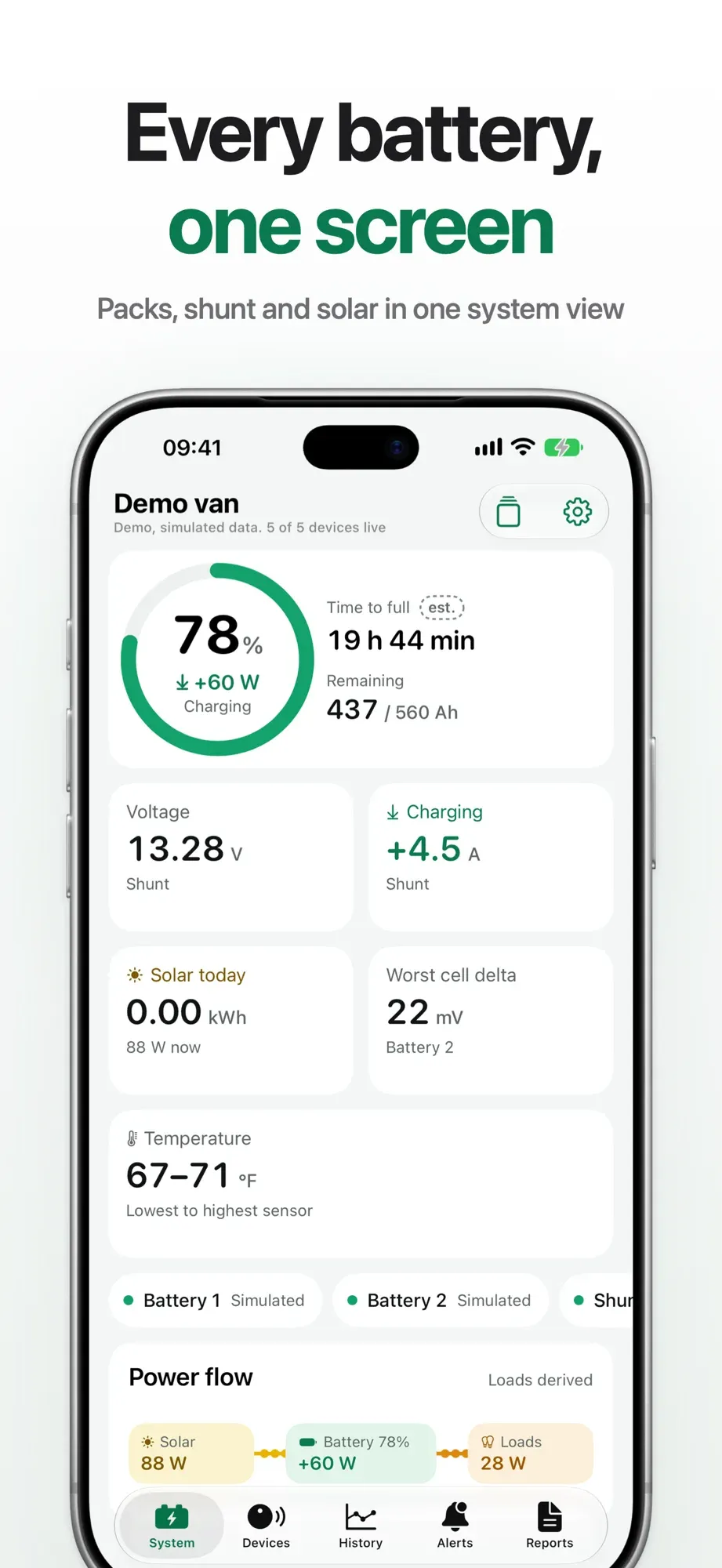
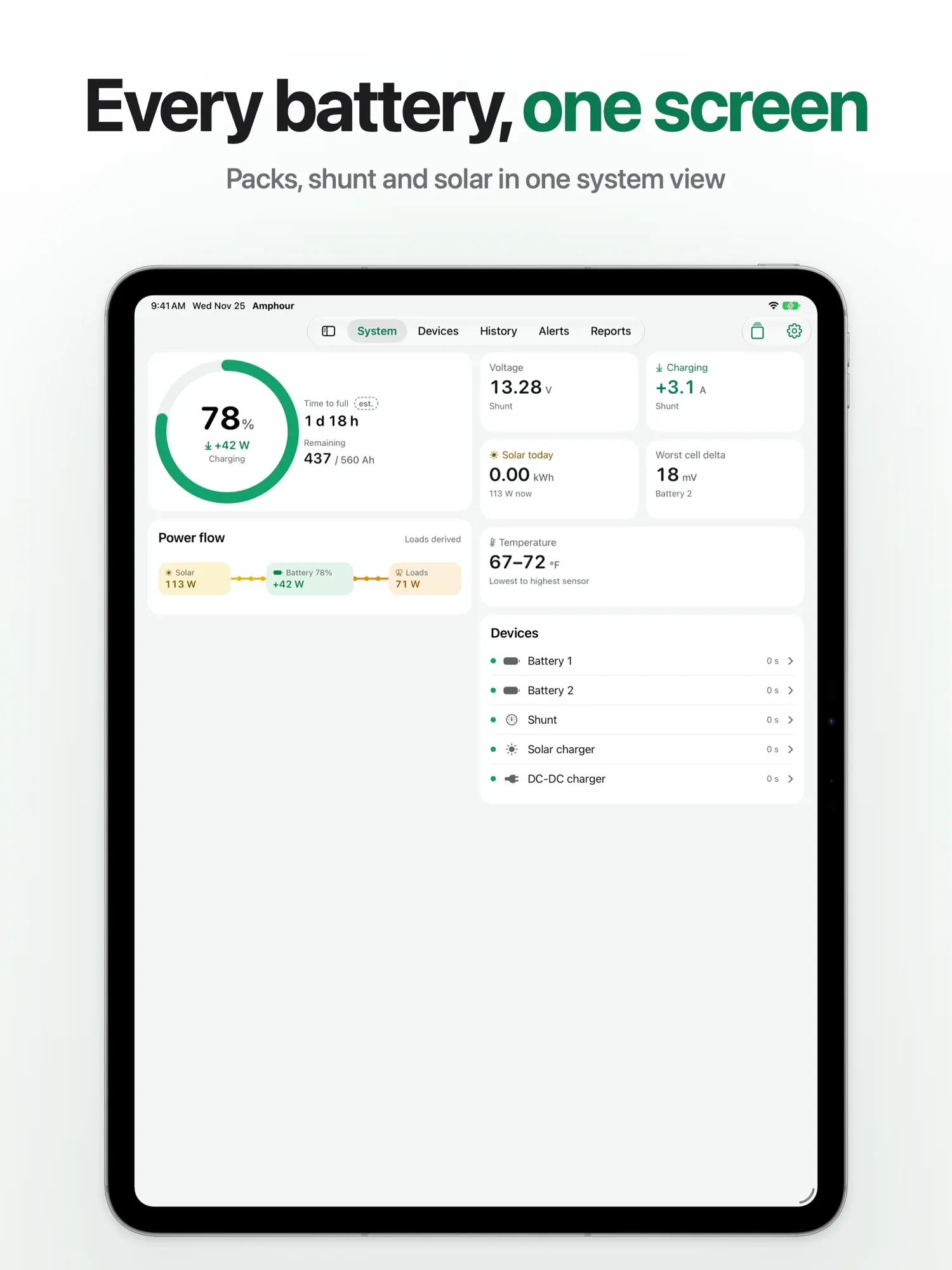
- One system view for packs, shunt, solar charger and DC-DC charger, with state of charge and power flow
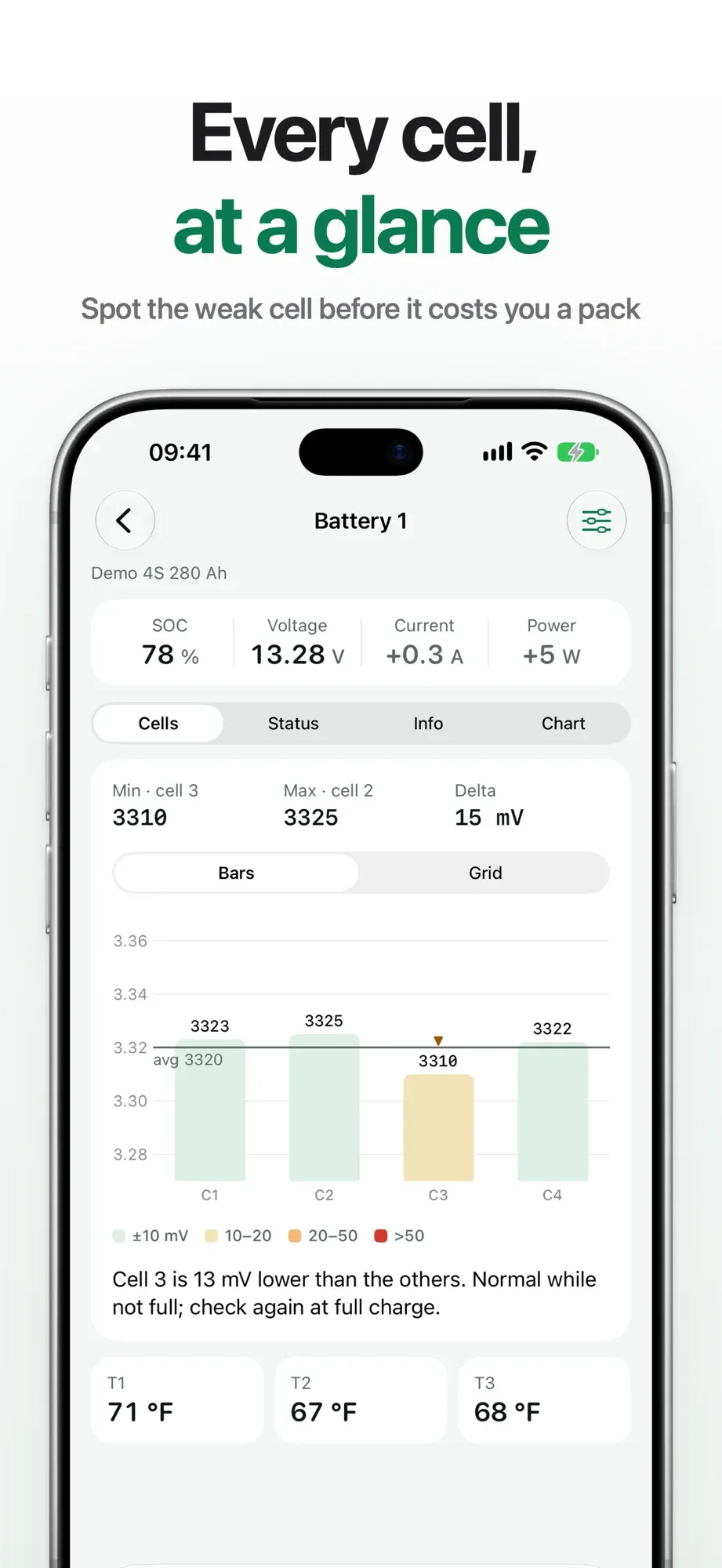
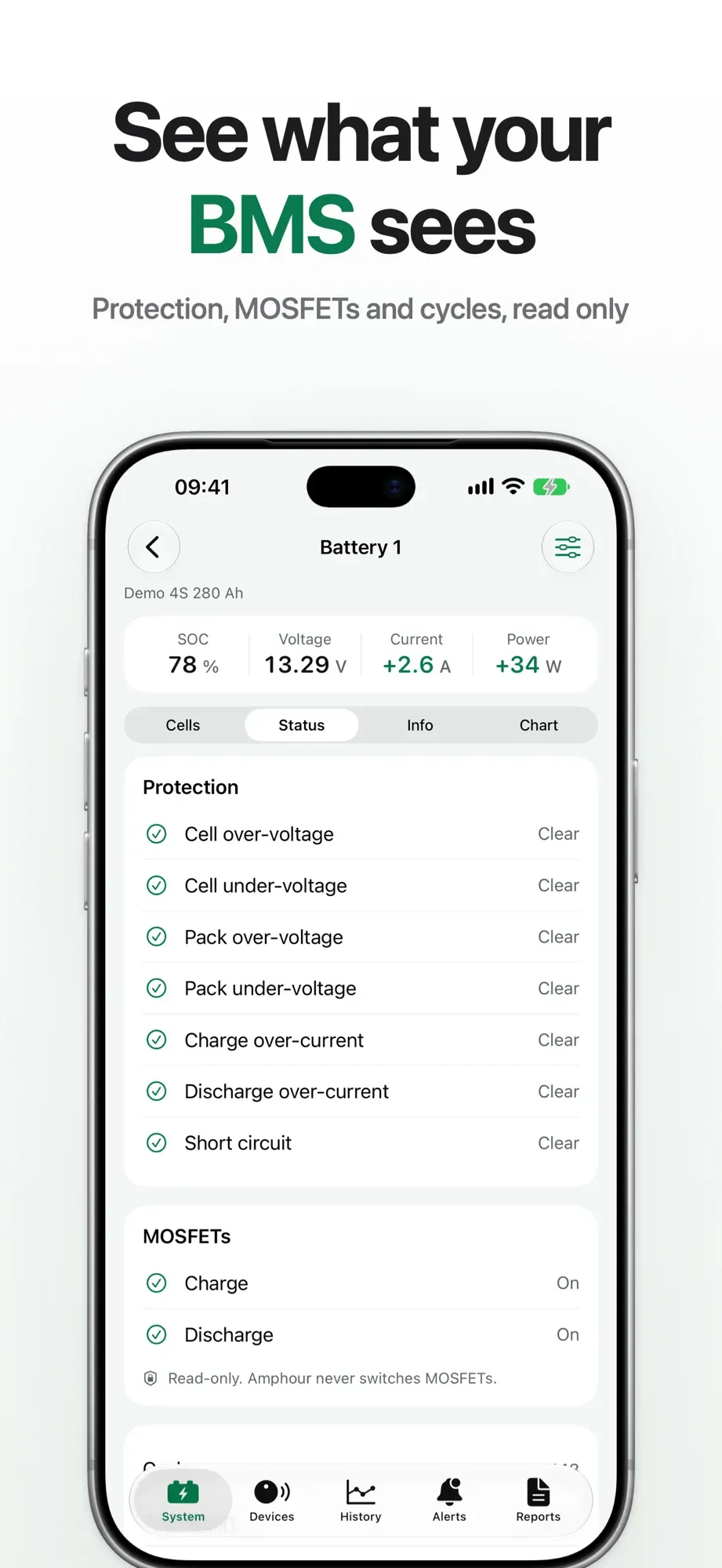
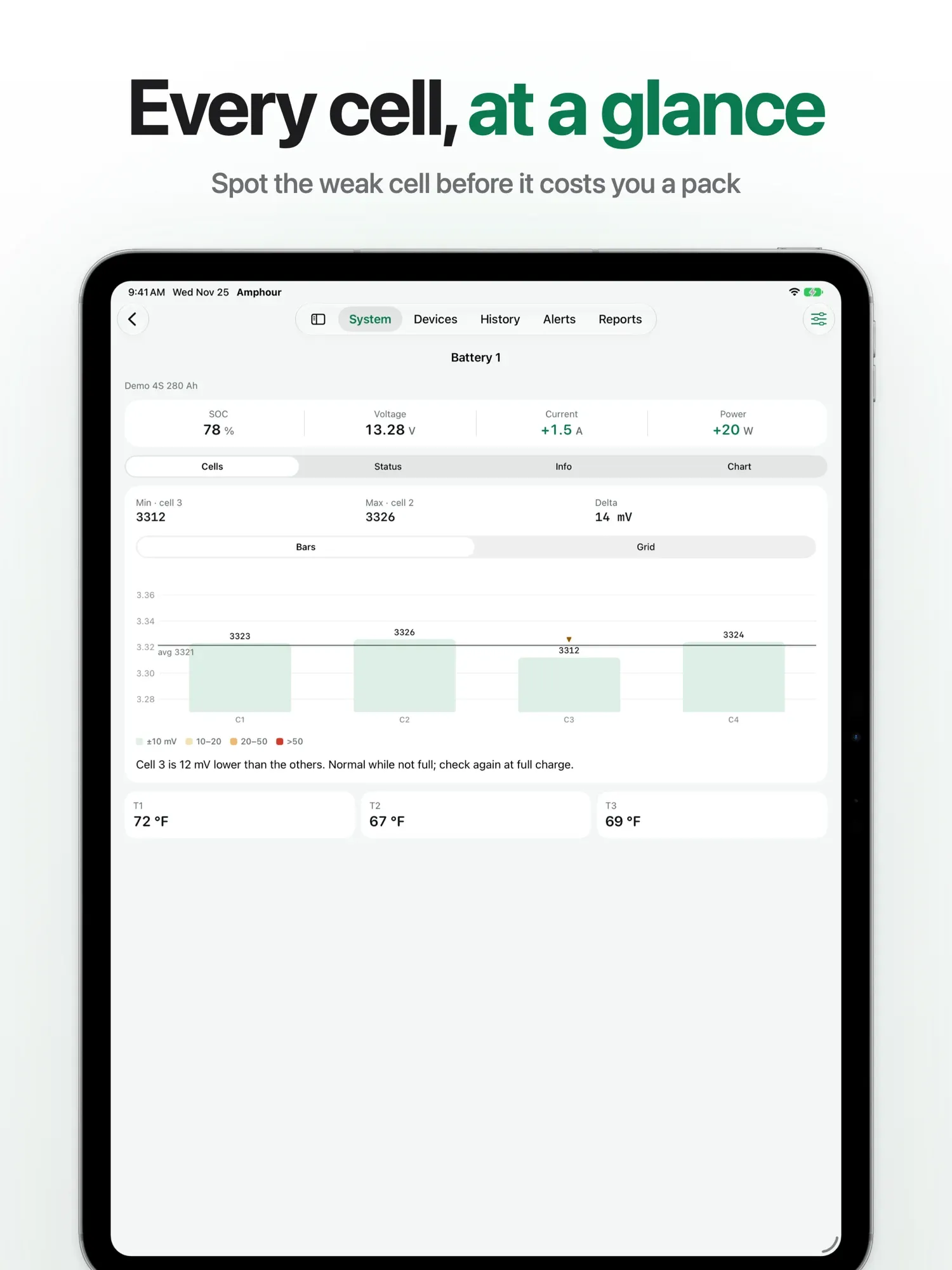
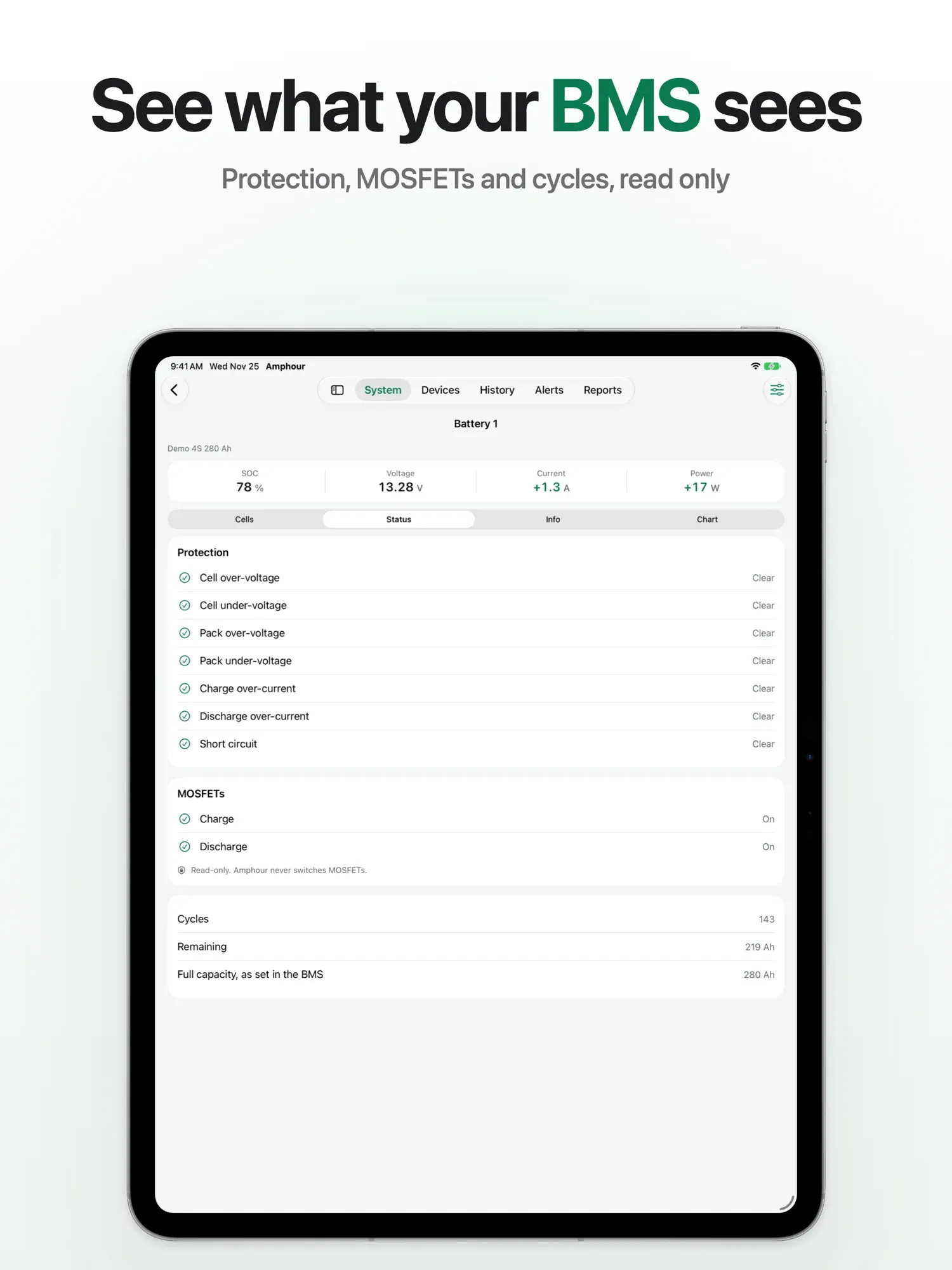
- Every cell voltage, cell delta, temperatures, cycles, MOSFET state and BMS protection
- History every second while connected, kept on device and exported as CSV
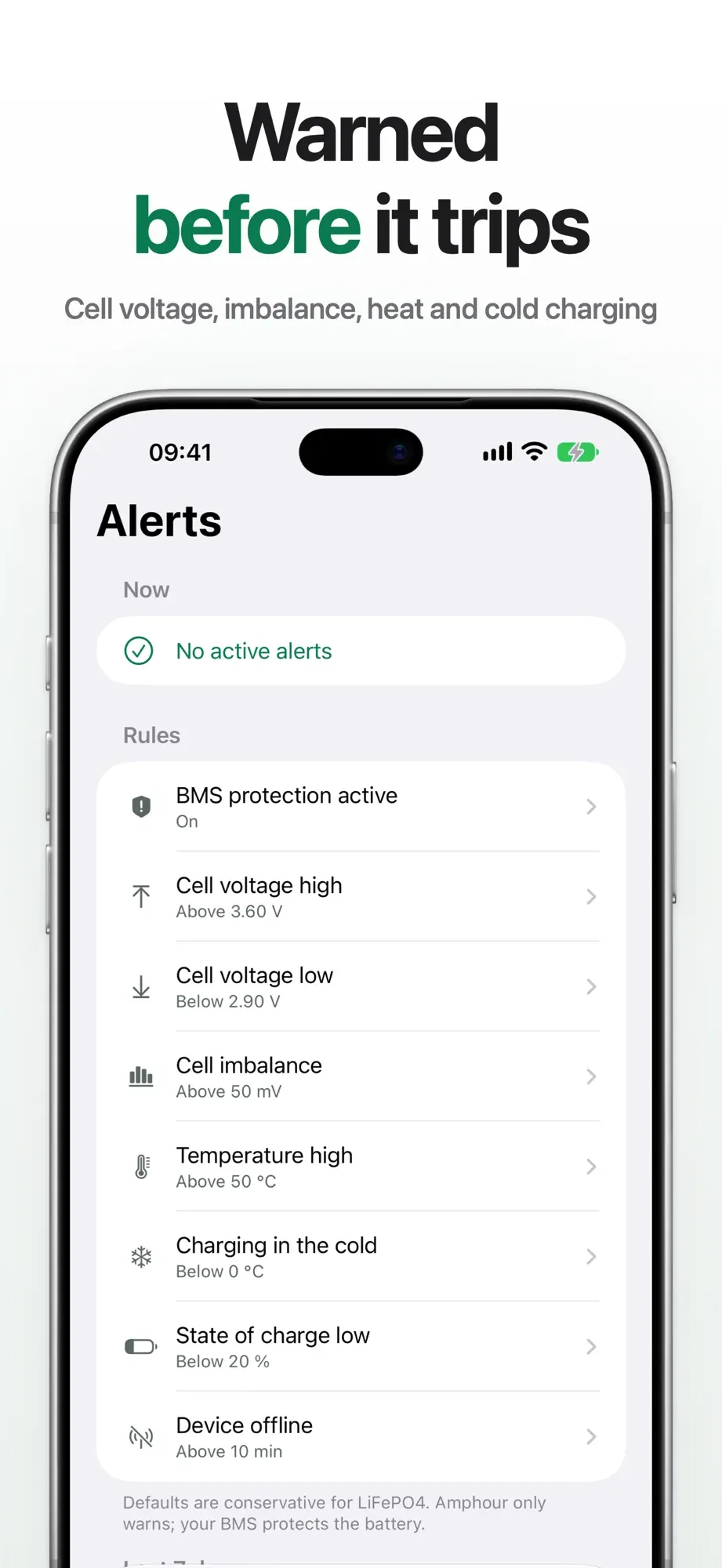
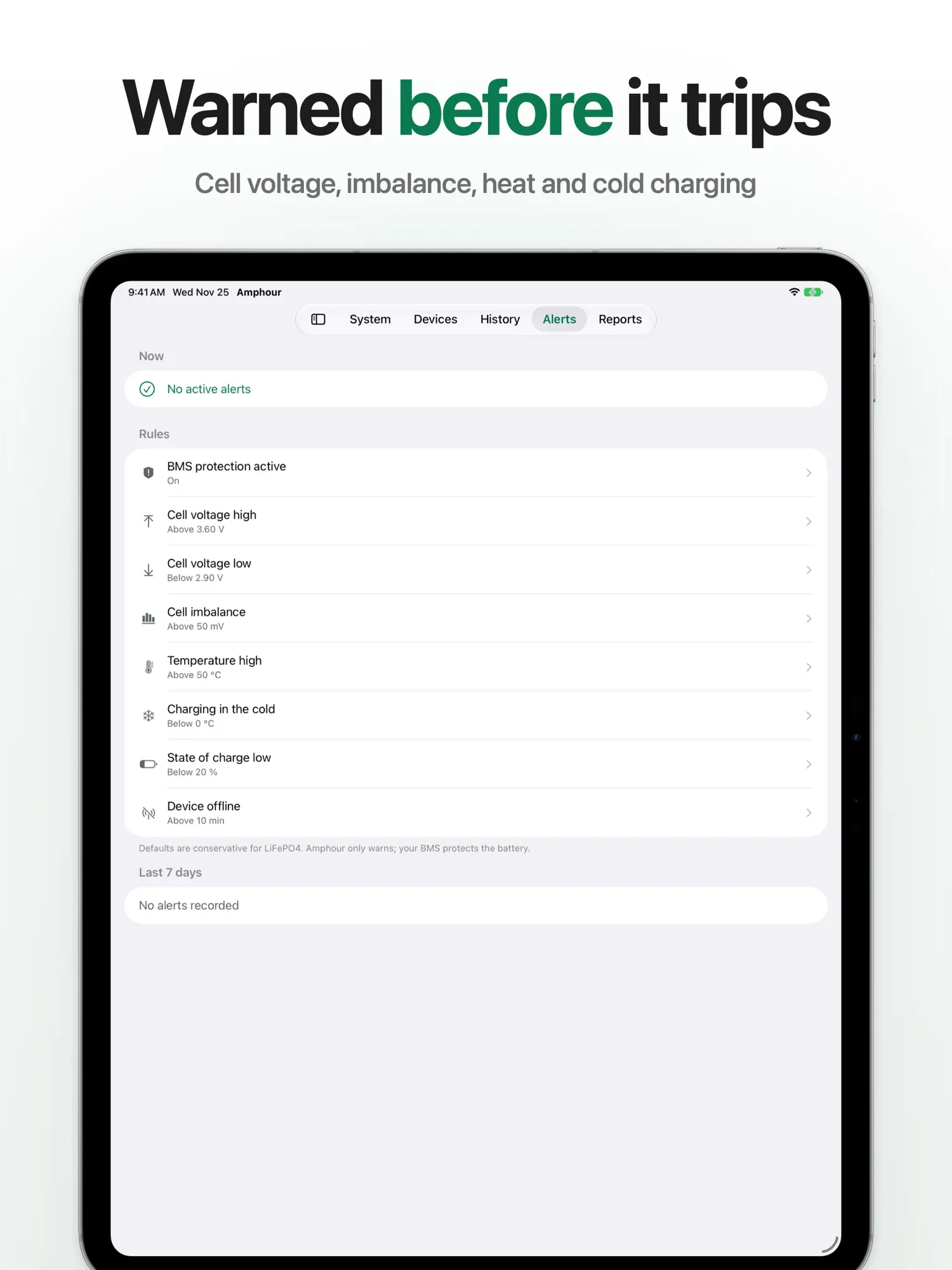
- Alerts for cell voltage, imbalance, temperature, cold charging, low charge and offline devices
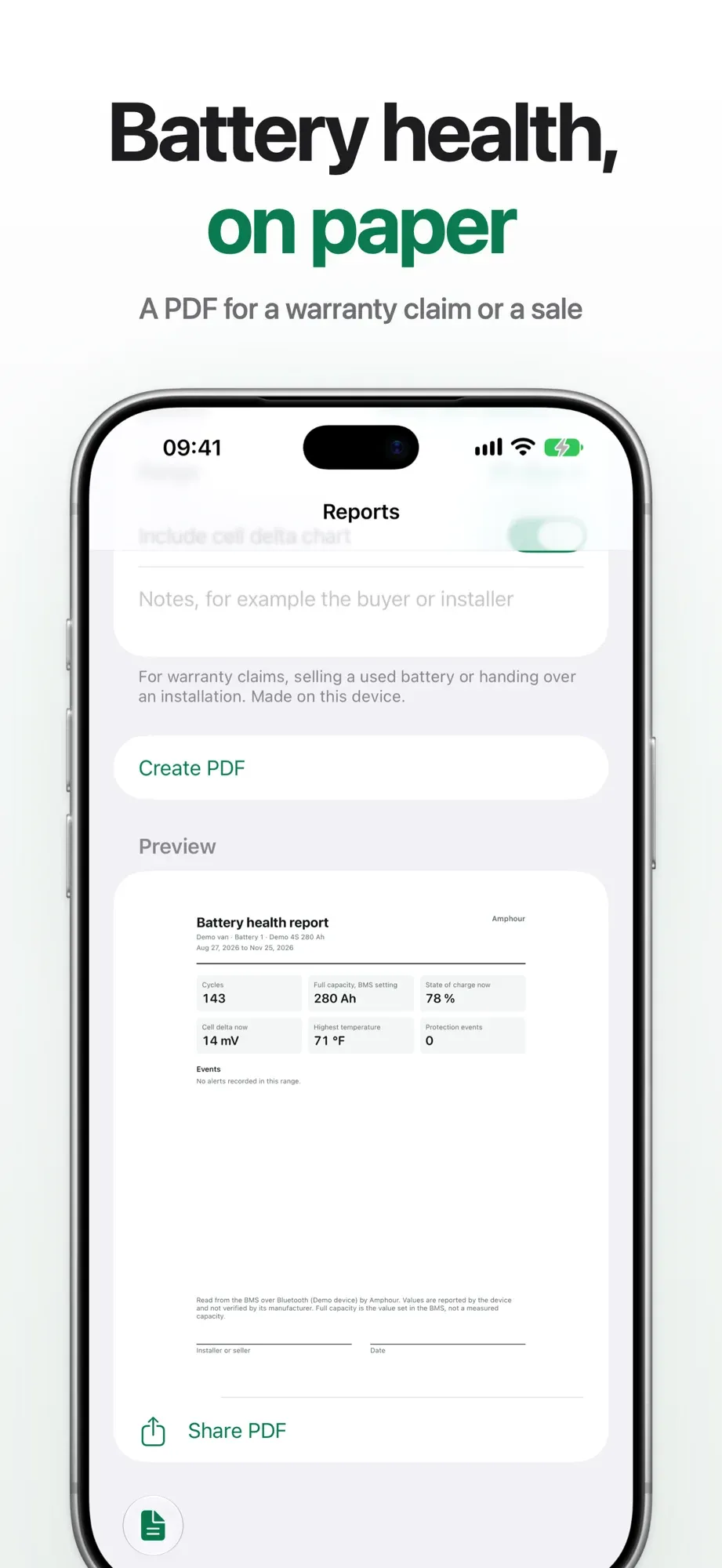
- PDF battery health reports for 30 days, 90 days or a year
- Read only: never changes BMS settings, MOSFETs or firmware
- No account, no server, no tracking: readings and keys stay on your device
- Amphour Pro: every device, Victron, full history, insights and reports, yearly or one-time
Written guide
LiFePO4 cell imbalance: reading cell delta without false alarms
What LiFePO4 cell delta means, why cells read close in the middle of the charge and spread at the ends, how BMS balancing works, and when a growing delta matters.
Read the guideQuestions about Amphour: LiFePO4 BMS Monitor
- Which devices does Amphour: LiFePO4 BMS Monitor run on?
- Amphour: LiFePO4 BMS Monitor runs on iPhone, iPad. It is built in SwiftUI for Apple platforms, so it follows the system appearance, Dynamic Type and VoiceOver.
- How much does Amphour: LiFePO4 BMS Monitor cost?
- Amphour: LiFePO4 BMS Monitor is free to download from the App Store. Anything sold inside the app is shown on the App Store listing before you install it.
- Does Amphour: LiFePO4 BMS Monitor have its own website?
- Yes — Amphour: LiFePO4 BMS Monitor has a dedicated site at amphour.cihat.dev with a longer walk-through, screenshots and release notes.
- Who makes Amphour: LiFePO4 BMS Monitor?
- Cihat SALİK, an independent developer in Istanbul, writes and publishes Amphour: LiFePO4 BMS Monitor and every other app here. Support is answered by the same person who wrote the code.
- How do I get help with Amphour: LiFePO4 BMS Monitor?
- The Amphour: LiFePO4 BMS Monitor support page answers the questions people ask most, and email reaches the developer directly at [email protected].
Get Amphour: LiFePO4 BMS Monitor
Van, RV & boat battery health
Free tools
Free tools that fit Amphour
Same corner of the toy box
More apps you might like
If Amphour: LiFePO4 BMS Monitor is your kind of thing, these live in the same neighbourhood — all made by the same pair of hands.