
Coming soon
- Category
- Graphics & Design
- Runs on
- iPhone, iPad
- Developer
- Cihat SALİK
Preview
iOS
About
Highlights
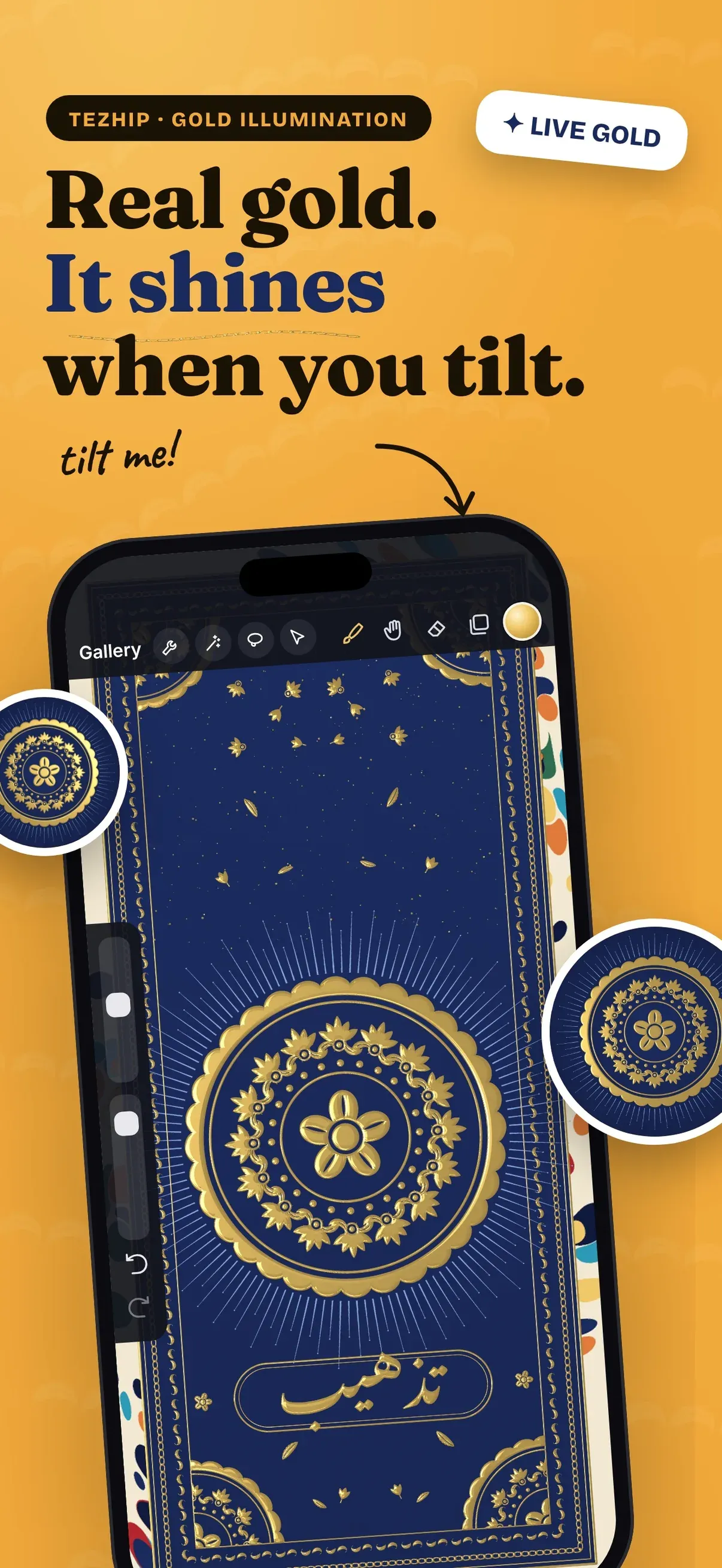
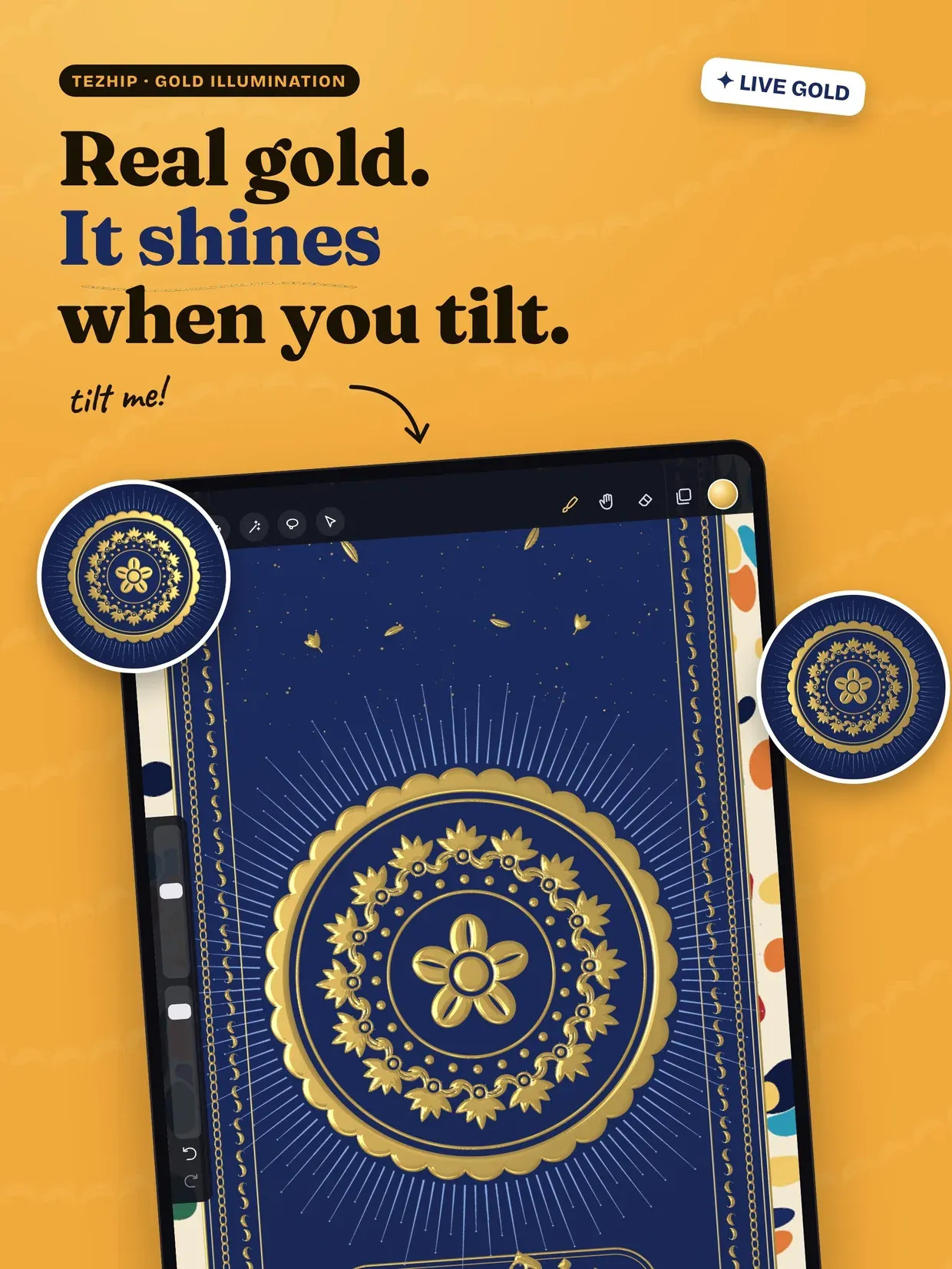
- Tezhip Gold brushes whose strokes become gold leaf that catches the light as you tilt the device
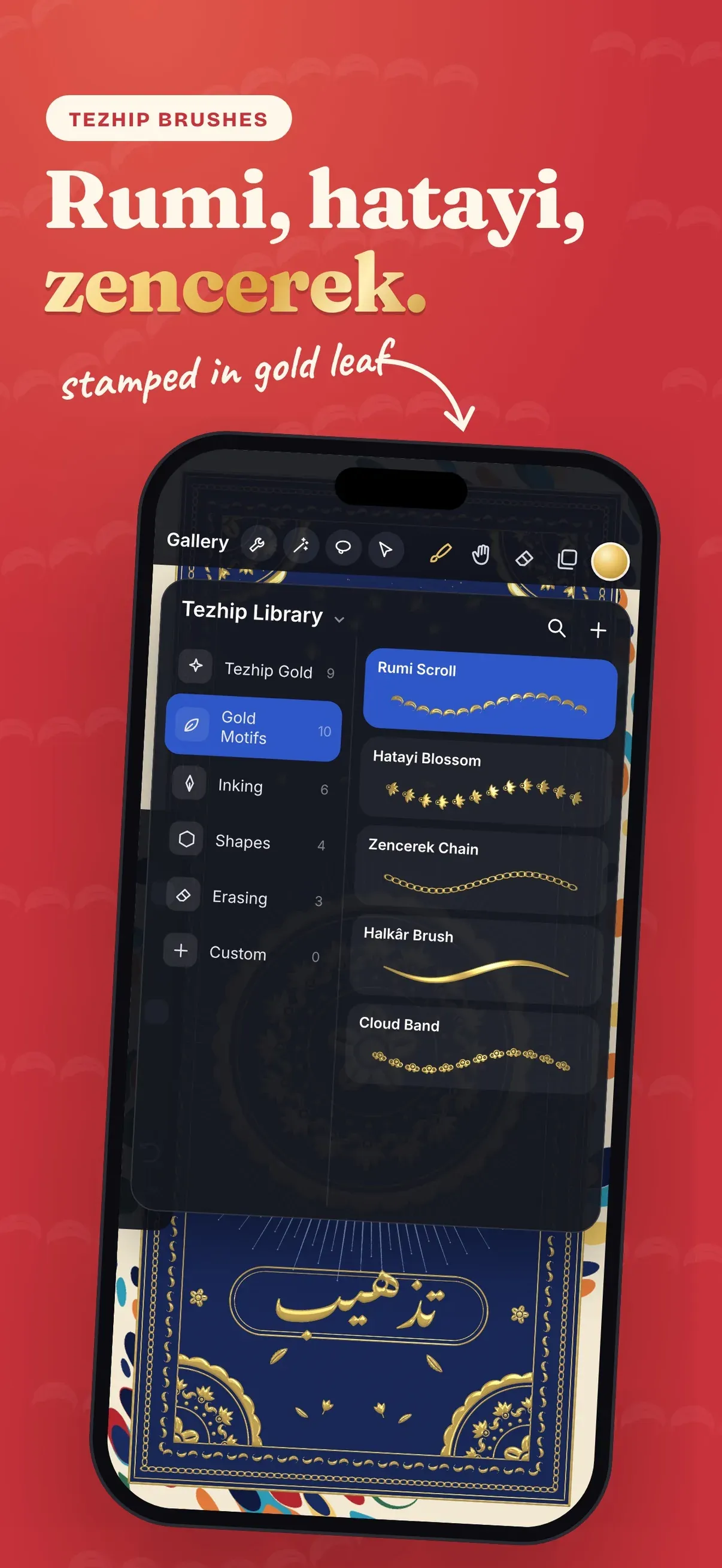
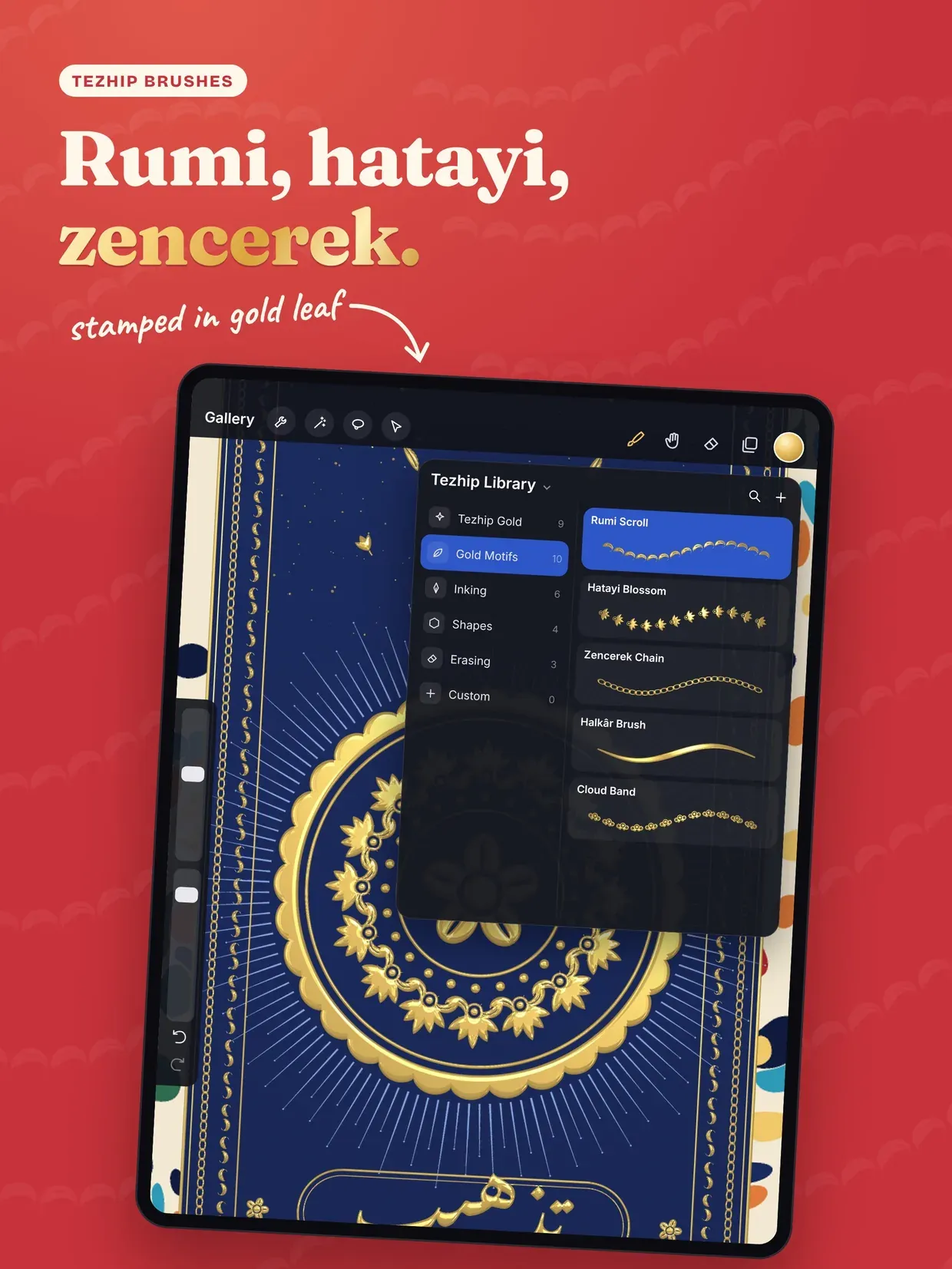
- Gold motifs stamped along the stroke: rumi, hatayi, penç, saz leaf, cloud band, zencerek, tulip and şemse
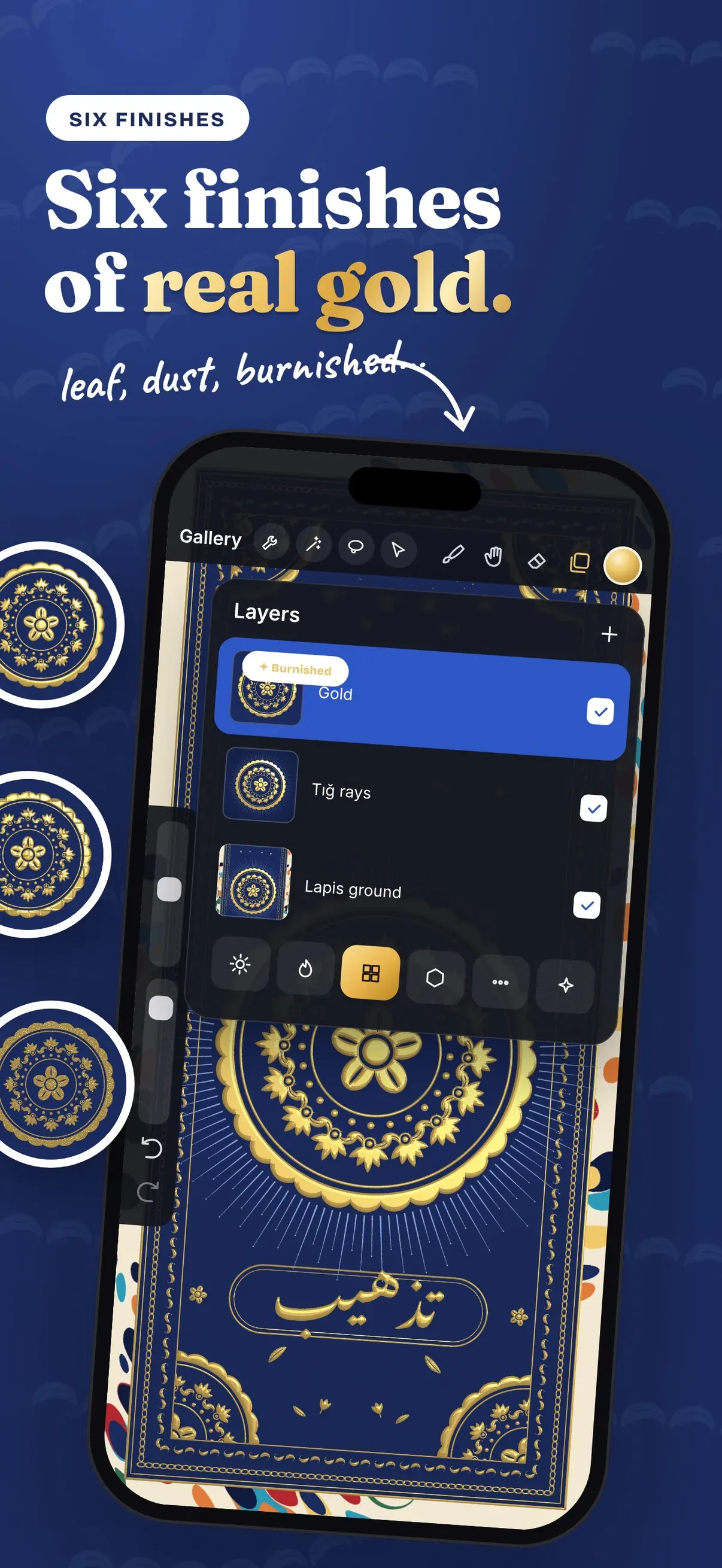
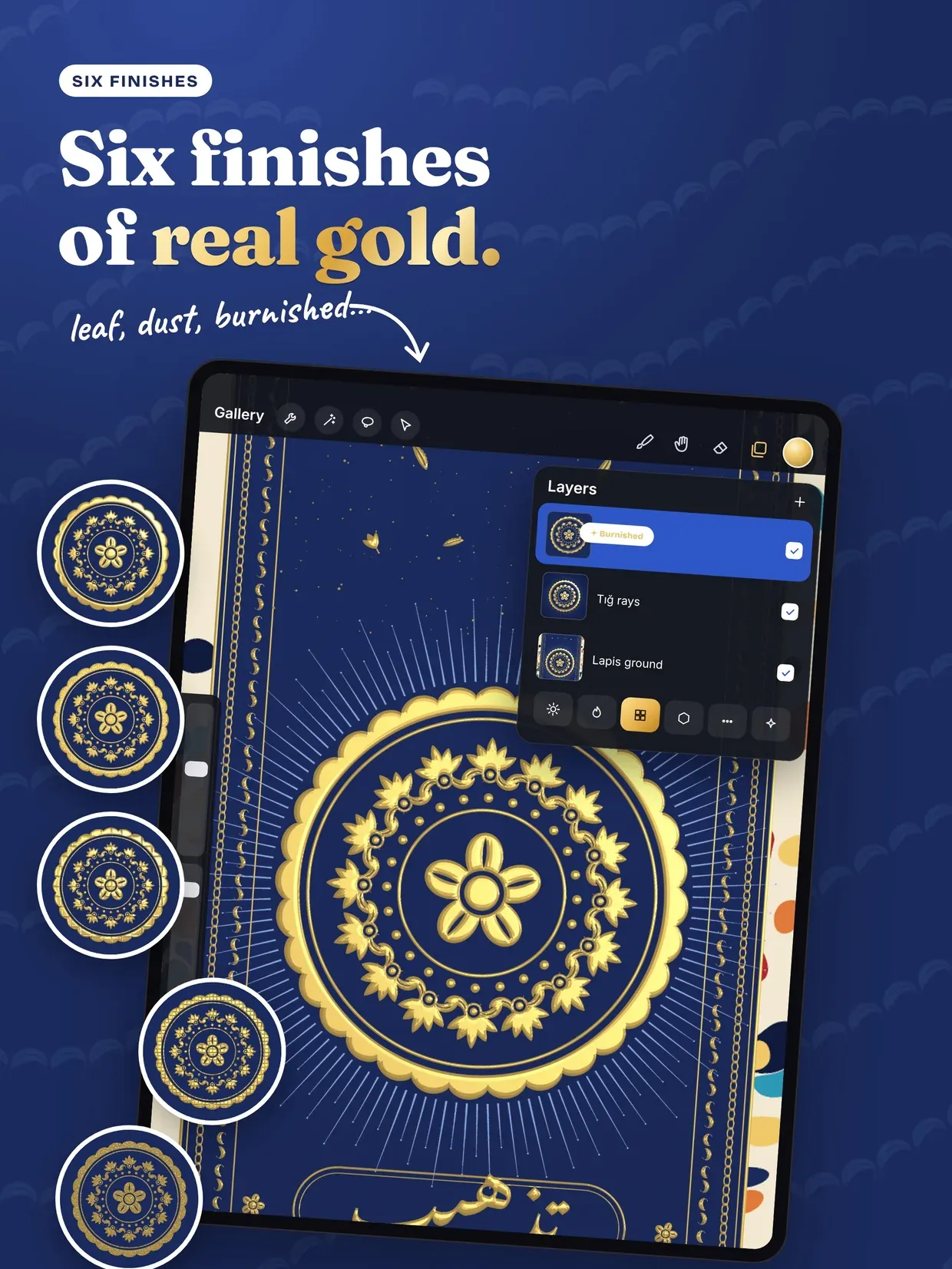
- Six finishes — burnished, shell gold, beaten leaf, hammered, aged leaf, zerefşan — in yellow, red, green and white gold, silver and copper
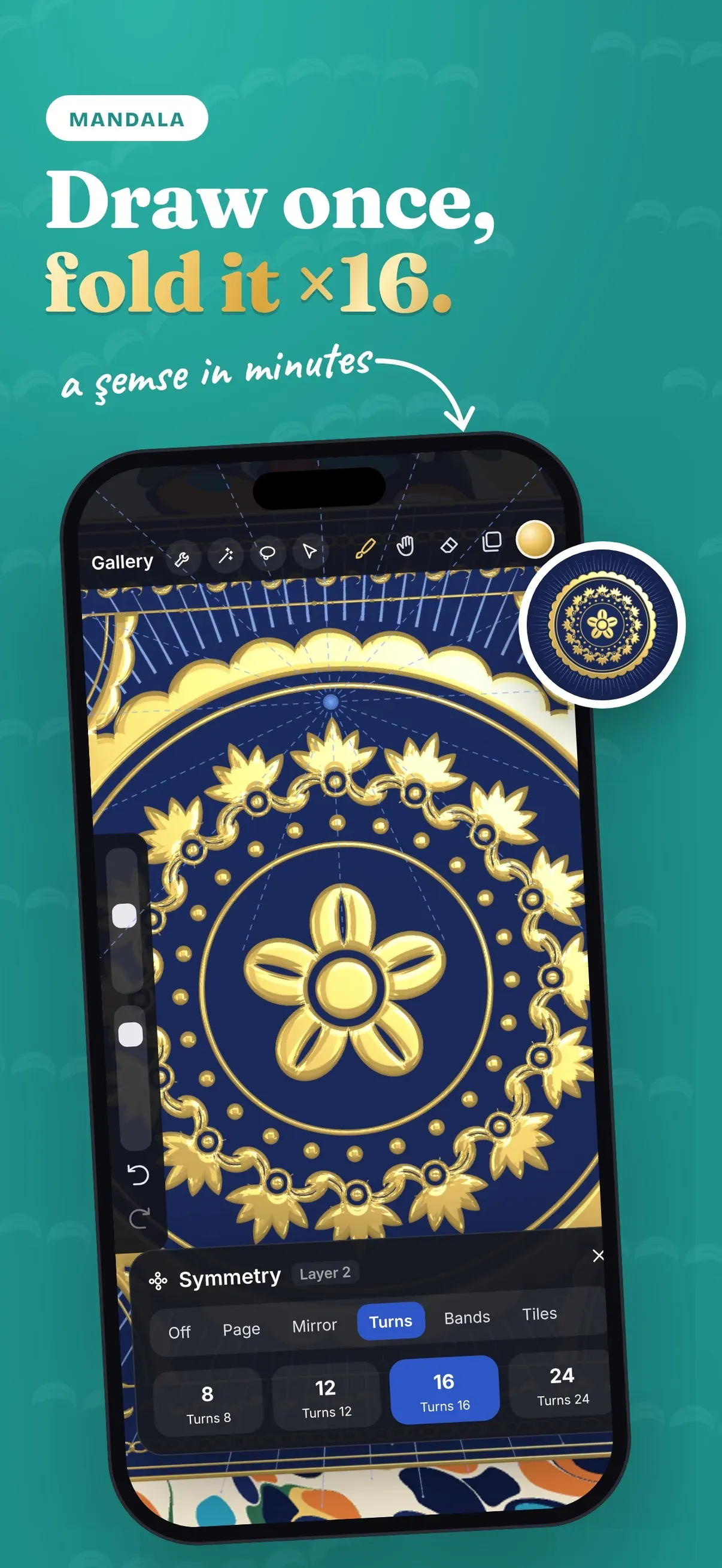
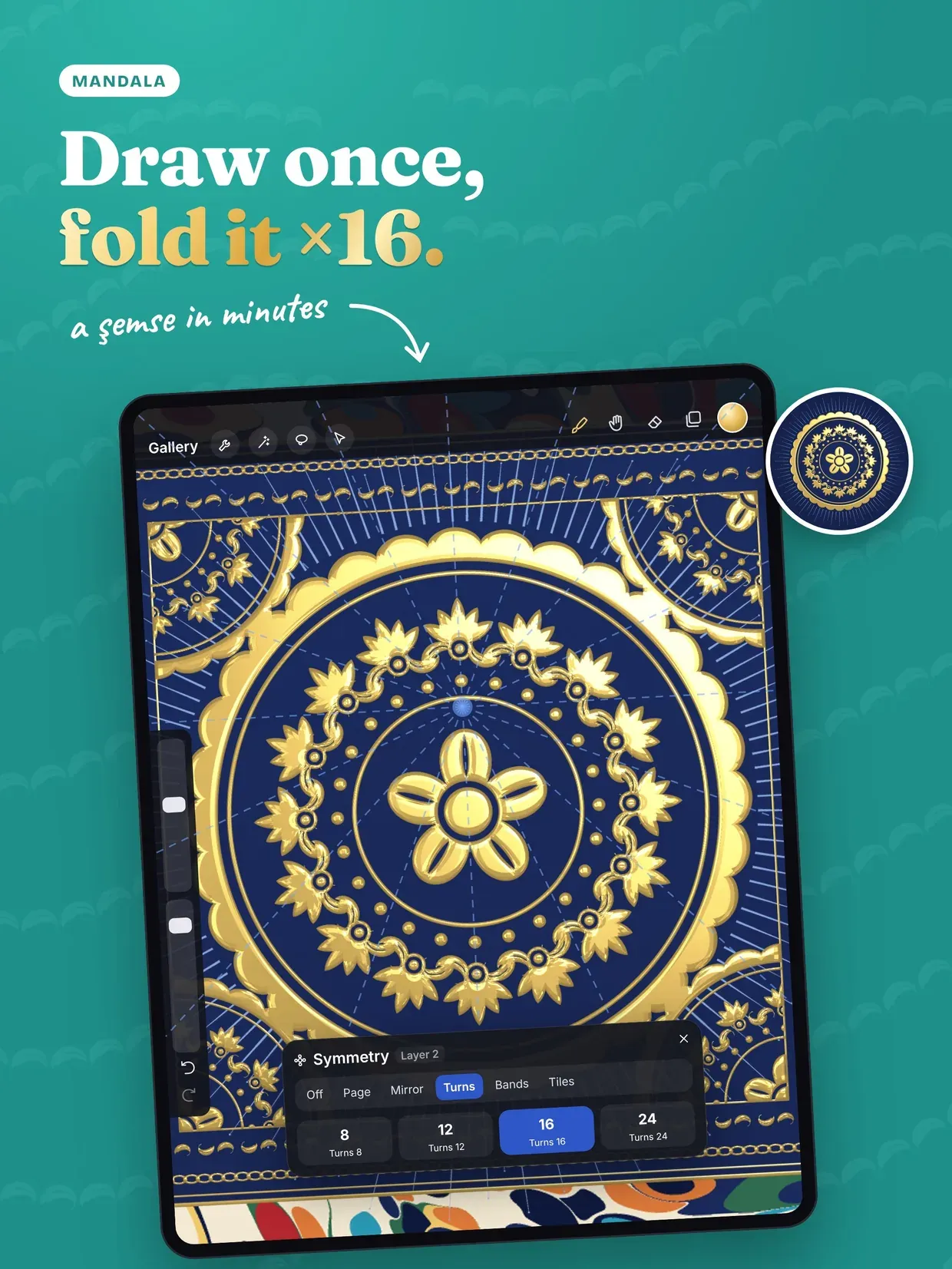
- Mandala symmetry that folds every stroke around a centre, from 4 up to 64 turns
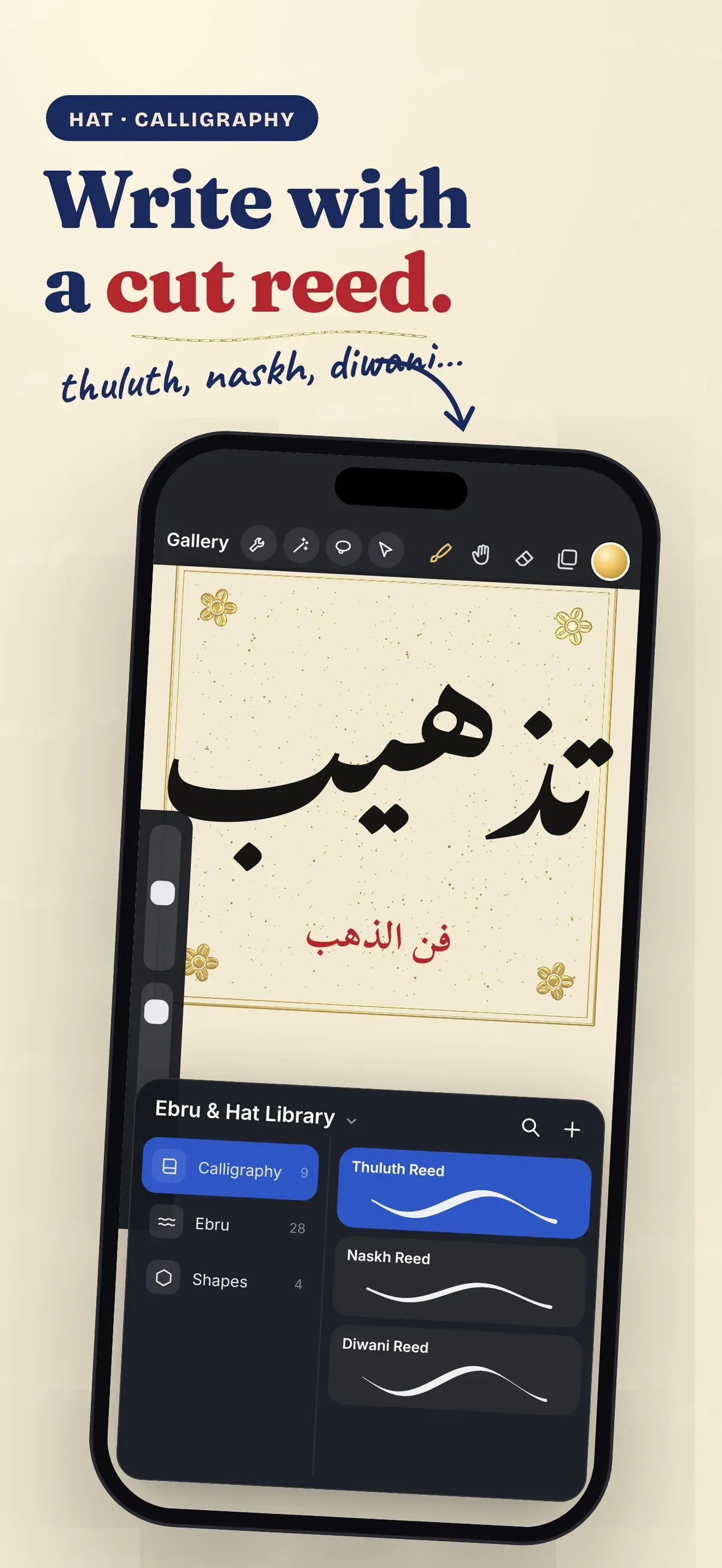
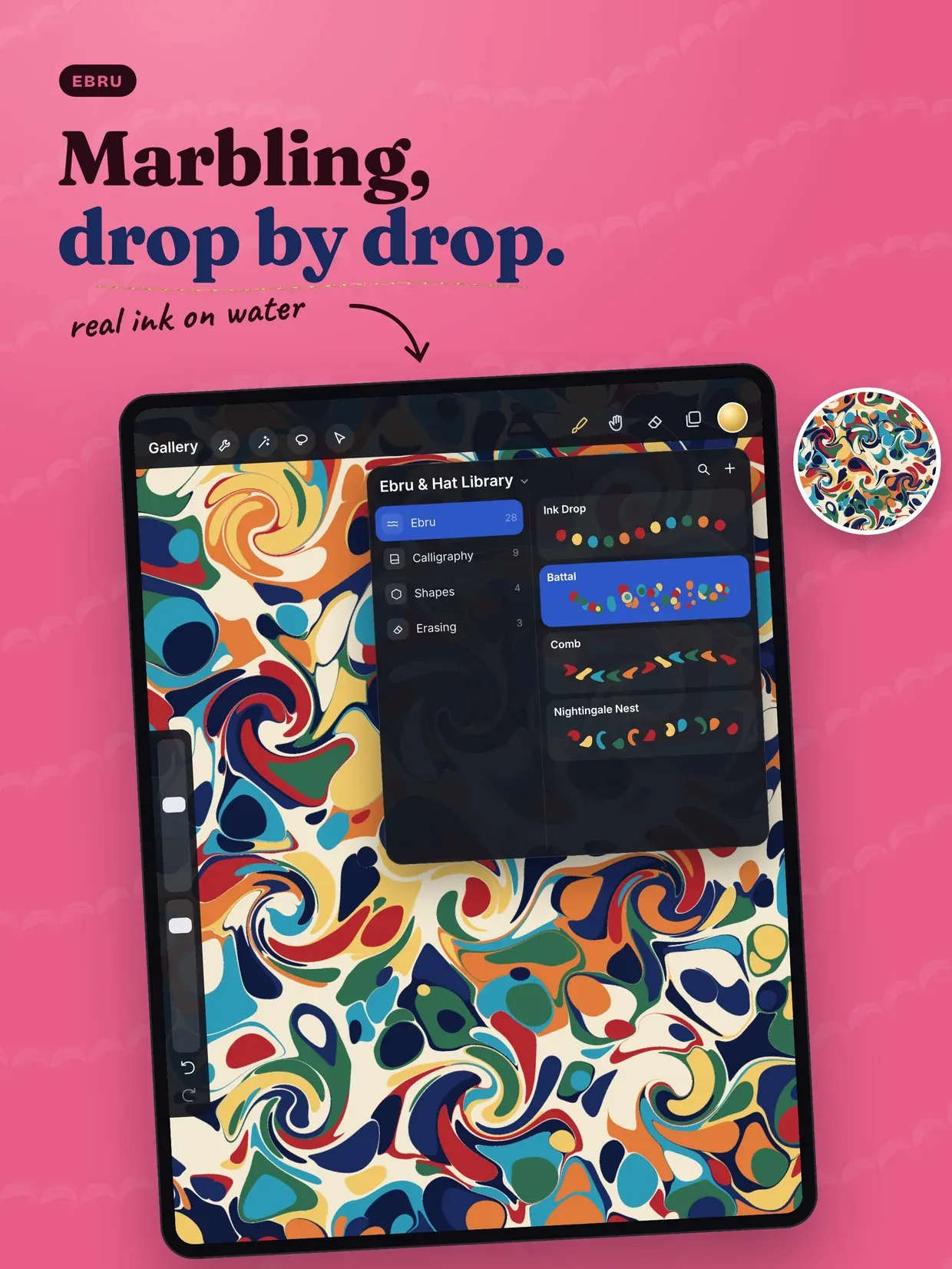
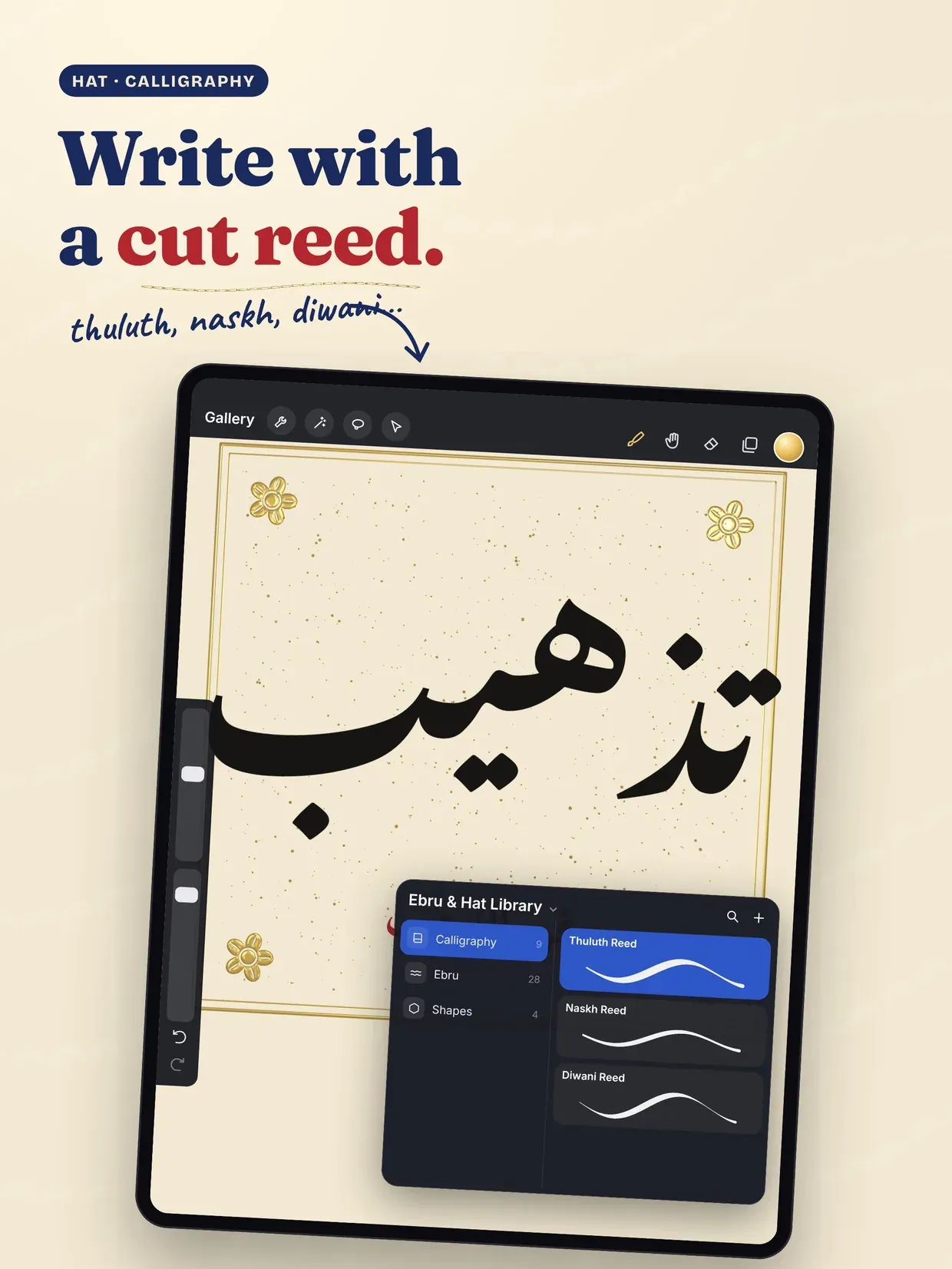
- Ebru brushes that marble real ink on water, and cut-reed hat pens for thuluth, naskh, diwani, kufic, riqa and ta'liq
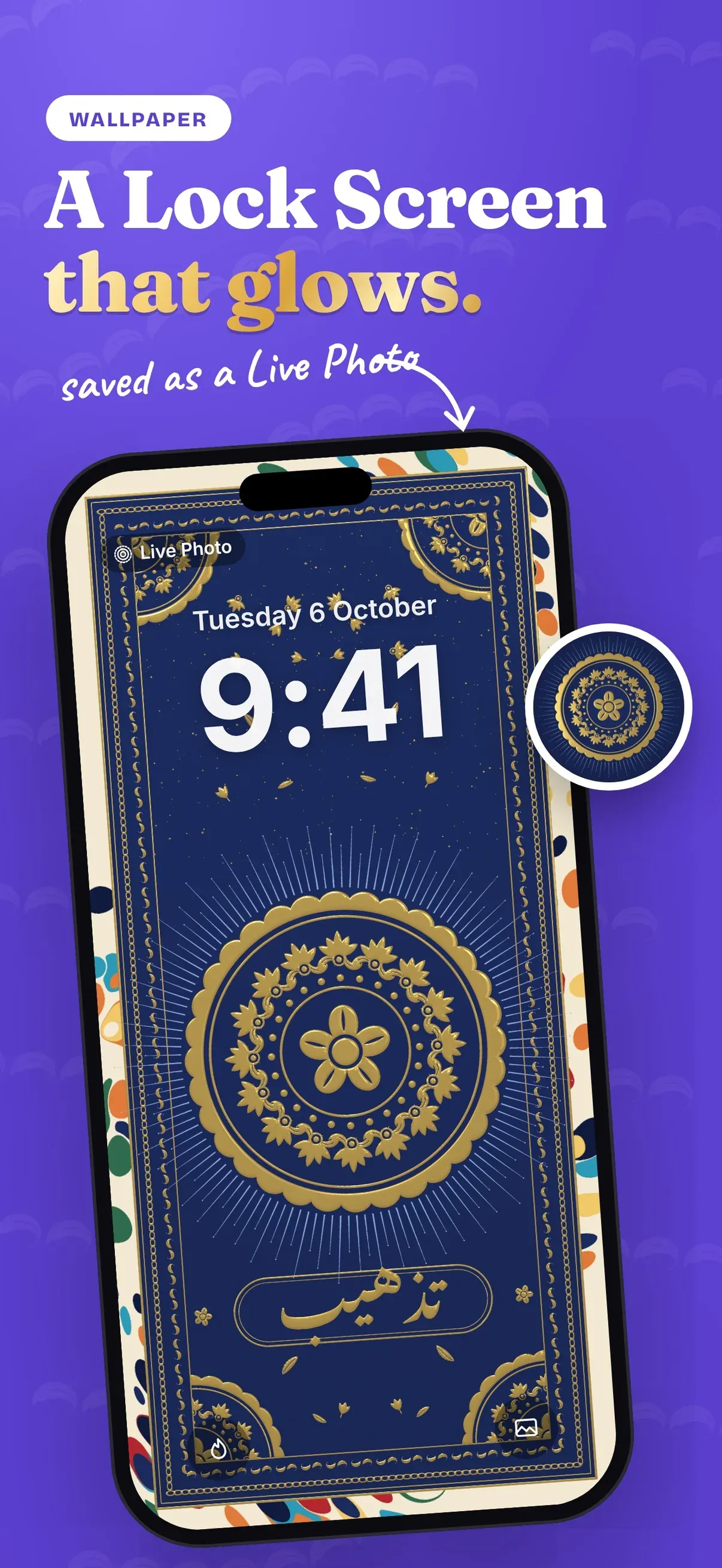
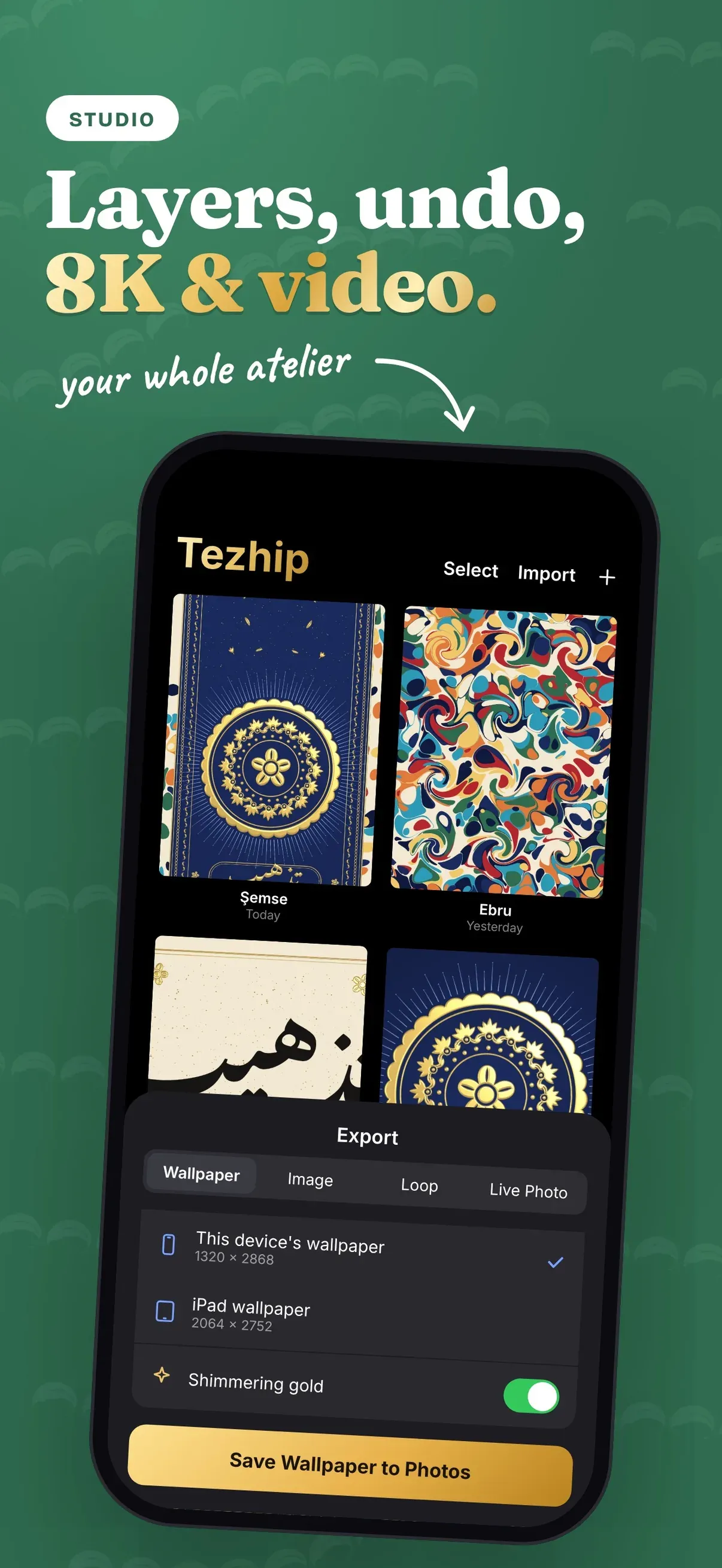
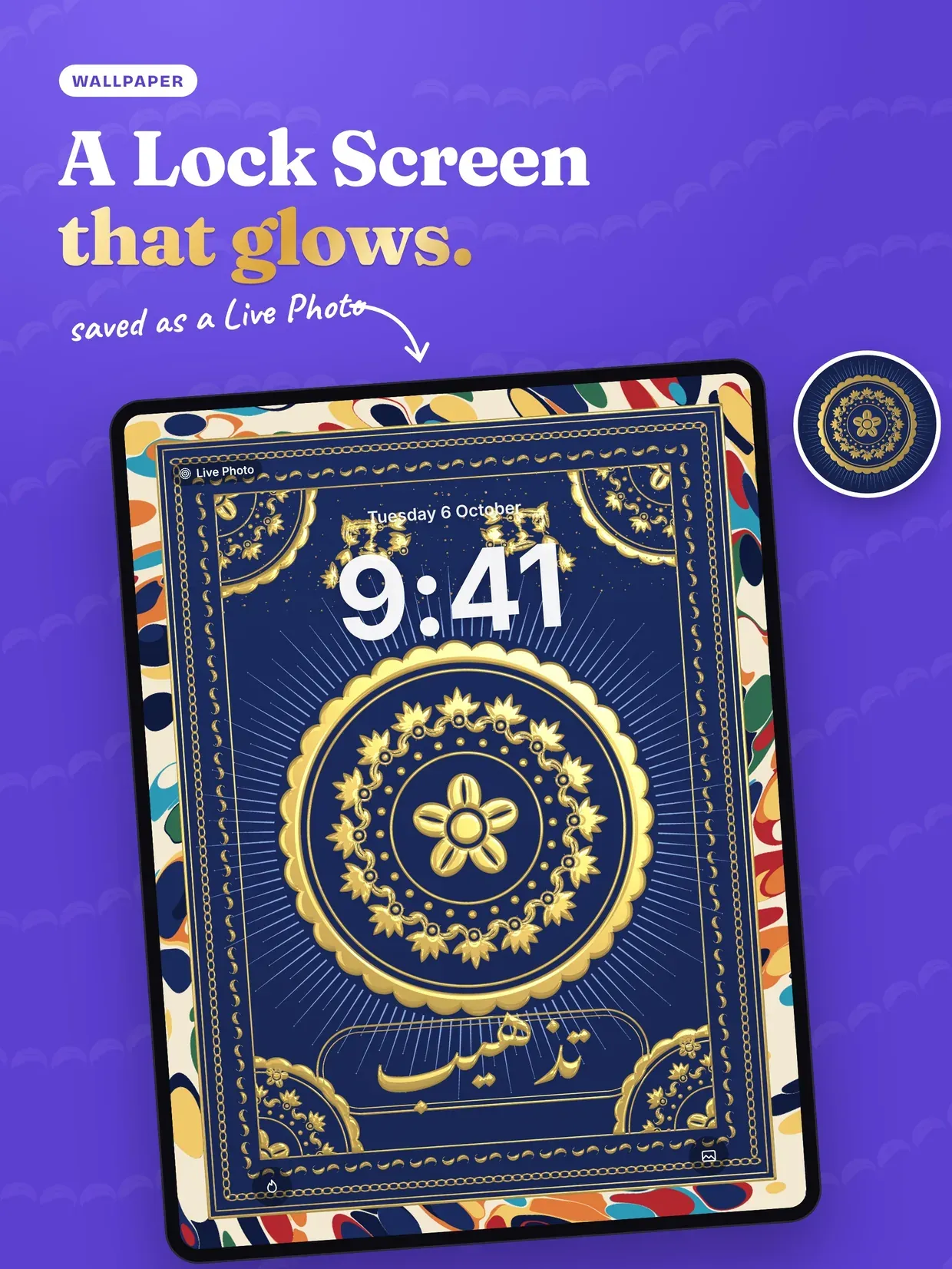
- Lock Screen wallpaper canvases saved as stills, shimmering Live Photos, shimmer videos or 8K files
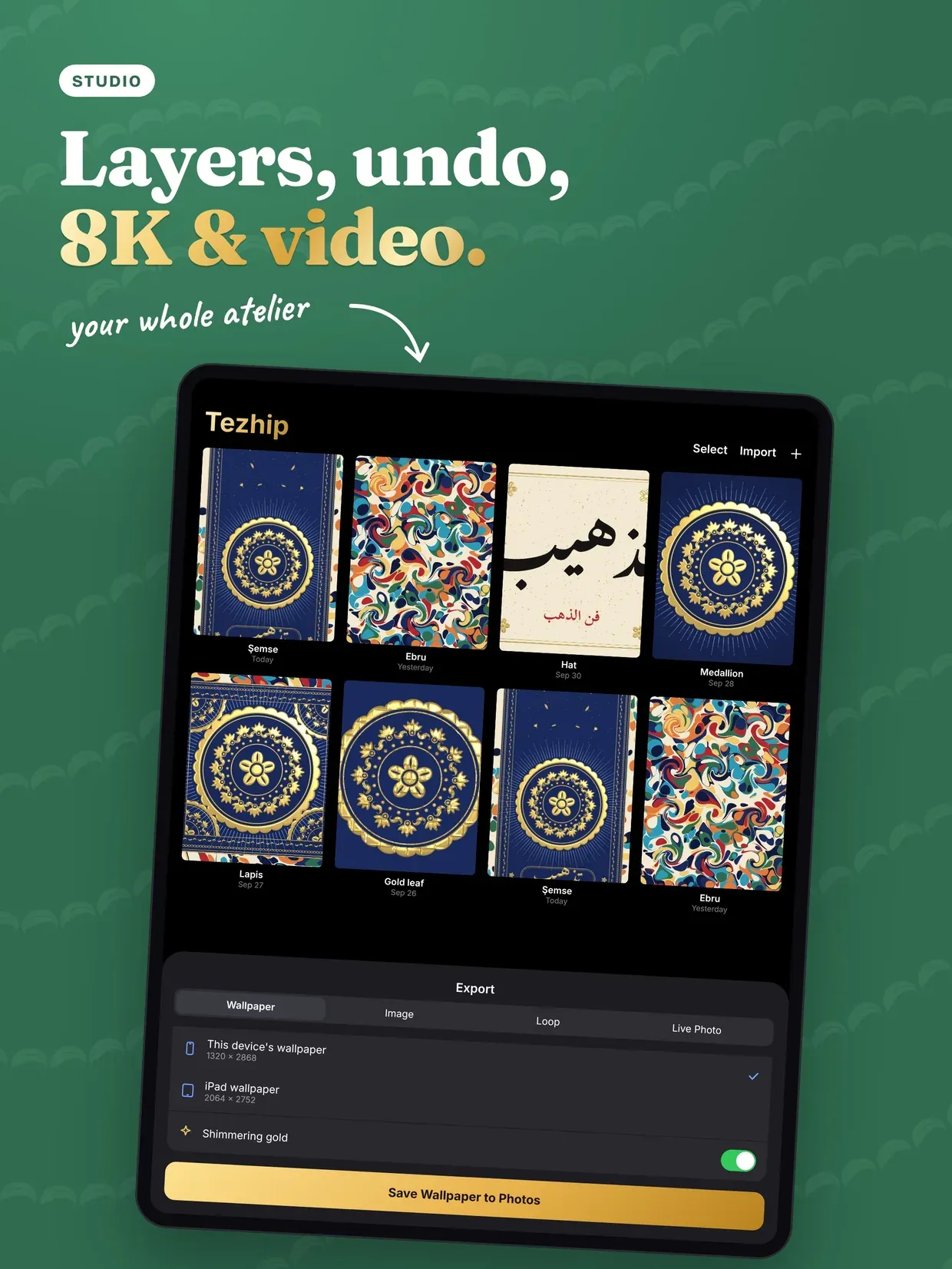
- Layers, groups, masks, blend modes, unlimited undo and Apple Pencil pressure, tilt and hover — all on device
How it works
-
Draw the design
Open a canvas sized for an iPhone or iPad Lock Screen and draw the design first, with the Tahrir Pen and the inking set. Turn on a fold, and every stroke repeats round the centre in up to 64 turns, or along a band, a tiling or a spiral.
-
Lay the ground
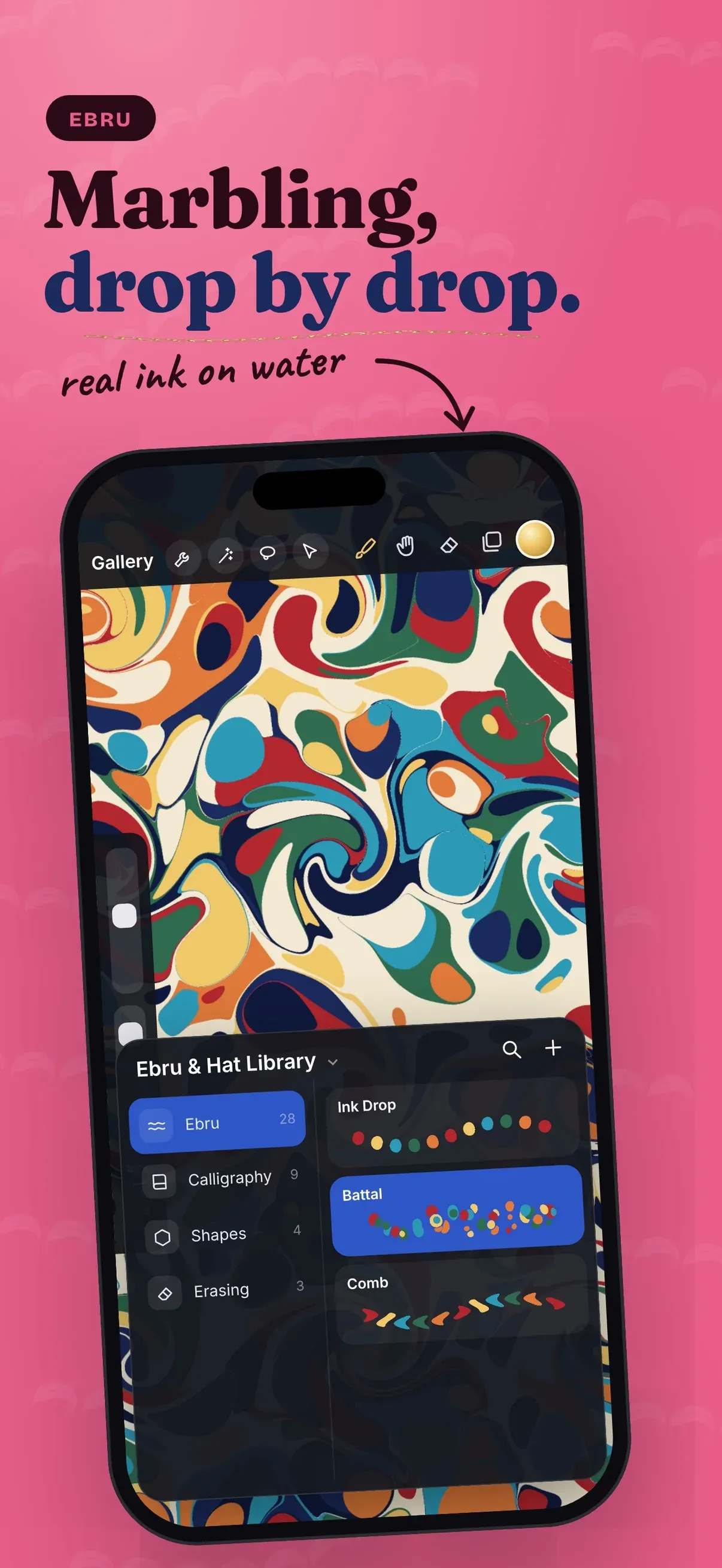
Paint the ground under the design, or marble it with 28 ebru tools such as Ink Drop, Battal, Comb, Nightingale Nest and Tulip. Cut-reed pens for thuluth, naskh, ta'liq, riqah, diwani and kufic add a written panel when the page needs one.
-
Lay the gold
A stroke from the Tezhip Gold set lands on a gilded layer, where it is shaded as metal. Tilt the device and the light moves over the leaf; it holds still while the Pencil is down and rests at a fixed light under Reduce Motion. Choose yellow, red, green or white gold, silver or copper, and one of six finishes.
-
Save it as a wallpaper
Export a still as HEIC, PNG, transparent PNG or JPEG, at screen size, 4K, 8K or the exact wallpaper size of your device. Or save a Live Photo where the gold catches the light, or a loop of 2 to 20 seconds: Gold shimmer, Mandala turn, Bloom or Replay.
Who it is for
-
People who love Ottoman ornament
Rumi, hatayi, penç, leaves, borders, rosettes and the page layouts as motif stamps, with gold that shines the way a gilded page does under a lamp.
-
Mandala and pattern makers
Rosettes up to 64 turns, the seven band groups, the 17 plane tilings and spirals, all folding the same stroke.
-
Anyone who wants their own Lock Screen
The iPhone and iPad wallpaper canvases match the Lock Screen, and a Live Photo makes the gold move when the screen wakes.
Written guide
Tezhip: a drawing app whose gold is actually metal
Paint rumi, hatayi and şemse in gold leaf that catches the light as you tilt, with mandala symmetry to 64 turns, ebru marbling and Live Photo wallpapers.
Read the guideQuestions about Tezhip: Gold Mandala Art
- What is Ottoman illumination, and how does the app follow it?
- Tezhip is the art of decorating a page with gold and paint, an old companion of calligraphy. The design is drawn first, the ground is painted next and the gold goes on last, and the app follows the same order. Strokes from the Tezhip Gold set are shaded as metal, so the leaf shines when you move the device.
- Is there a mandala drawing app for iPad with gold?
- Tezhip runs on iPhone and iPad. Every stroke can fold round a centre, from one mirror up to 64, or along one of the seven band groups, the 17 plane tilings, a spiral or a spherical or hyperbolic group. The gold brushes work on any fold, so a mandala can be drawn and gilded in one pass.
- How do I make a live wallpaper on iPhone?
- Start from a canvas at your iPhone's Lock Screen size and paint with a Tezhip Gold brush, since the shimmer comes from the gold. In Export, choose Live Photo and save it to Photos, then set it as your wallpaper in the Photos app or in Settings. The gold catches the light when the Lock Screen wakes.
- How does the gold react to tilting?
- The light on the gold follows how you hold the device, re-centred to the pose you are in when the editor opens. It stays still while a finger or the Pencil is on the screen, so drawing never fights a moving highlight. Under Reduce Motion, or on a device with no gyroscope, the gold rests at a fixed light.
- What is free, and what does Tezhip Pro add?
- Drawing is free: every ebru, calligraphy and inking brush, the Tezhip Gold brushes in the burnished finish and every metal, stills up to 4K and the wallpaper sizes, and folds up to 12 mirrors with every band group and four of the tilings. Tezhip Pro adds the motif stamps and transfer sheets, the five finishes past burnished, Live Photo and loop export, 8K stills and the rest of the folds and tilings. It comes as a weekly plan with a 3-day free trial, a yearly plan or a one-time lifetime purchase.
- Does Tezhip have layers and Apple Pencil support?
- Yes. Raster and group layers, masks, clipping masks, blend modes and opacity per layer, with an undo history up to 250 steps. Apple Pencil pressure and tilt shape the stroke, and you can add text and image layers too.
- Do I need an account?
- No. There is no sign-in, and the drawing engine runs on your device, so you can paint without a connection. A Last Artwork widget for the Home Screen opens the piece you were working on.
Same corner of the toy box
More apps you might like
If Tezhip: Gold Mandala Art is your kind of thing, these live in the same neighbourhood — all made by the same pair of hands.
Mecmua: Mandala & Kaleidoscope
Symmetry Drawing Pad & Art
Graphics & DesigniOS
Traceline: Light Box Trace
AR Drawing on Tracing Paper
Graphics & DesigniOS · macOS
Ebru: Water & Paper Marbling
Relaxing Fluid Art & Ink Hobby
Graphics & DesigniOS
Handwriting & Stroke Order
Kanji, Arabic, Cursive Writing
EducationiOS