Coming soon
- Category
- Lifestyle
- Runs on
- iPhone, iPad
- Developer
- Cihat SALİK
Preview
iOS
About
Highlights
- Convert any photo, or draw your own design on the grid
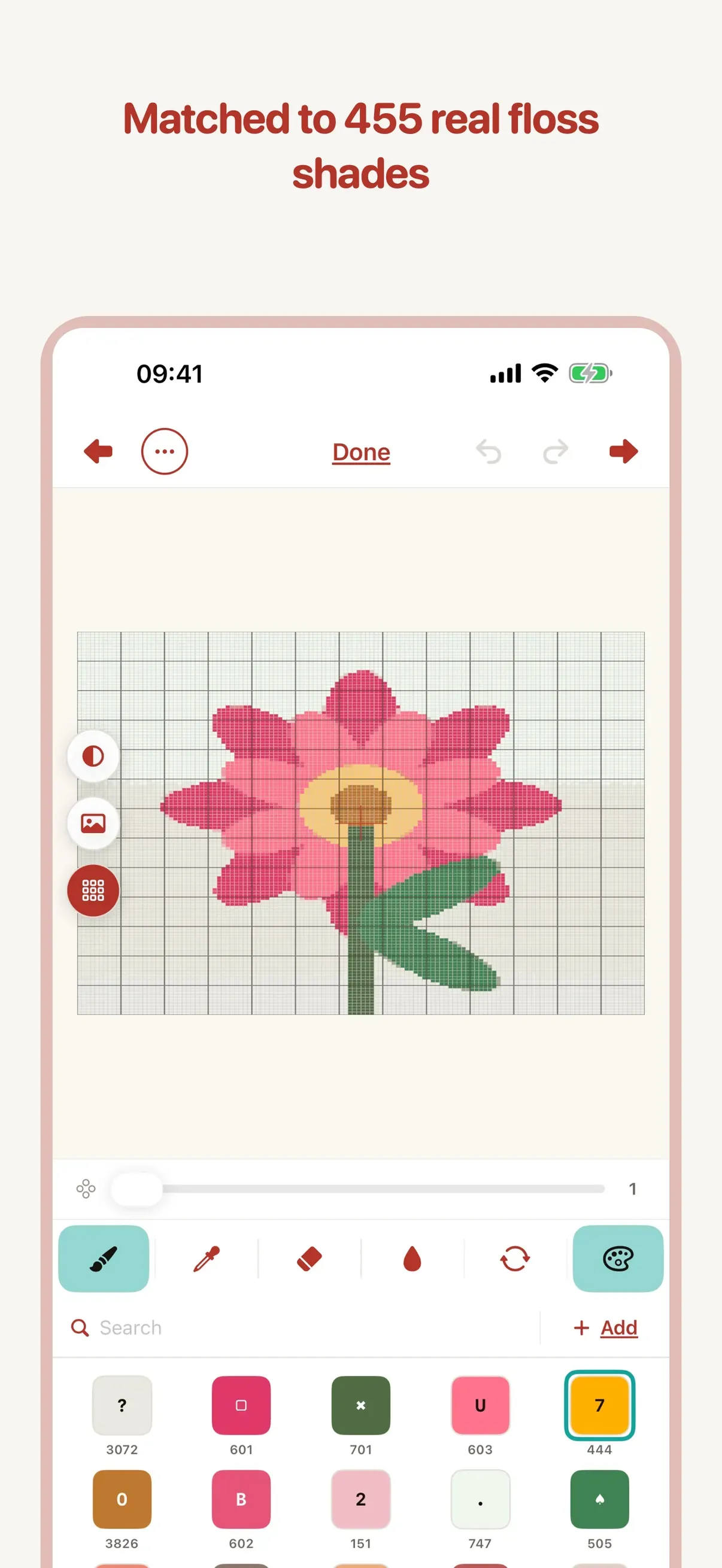
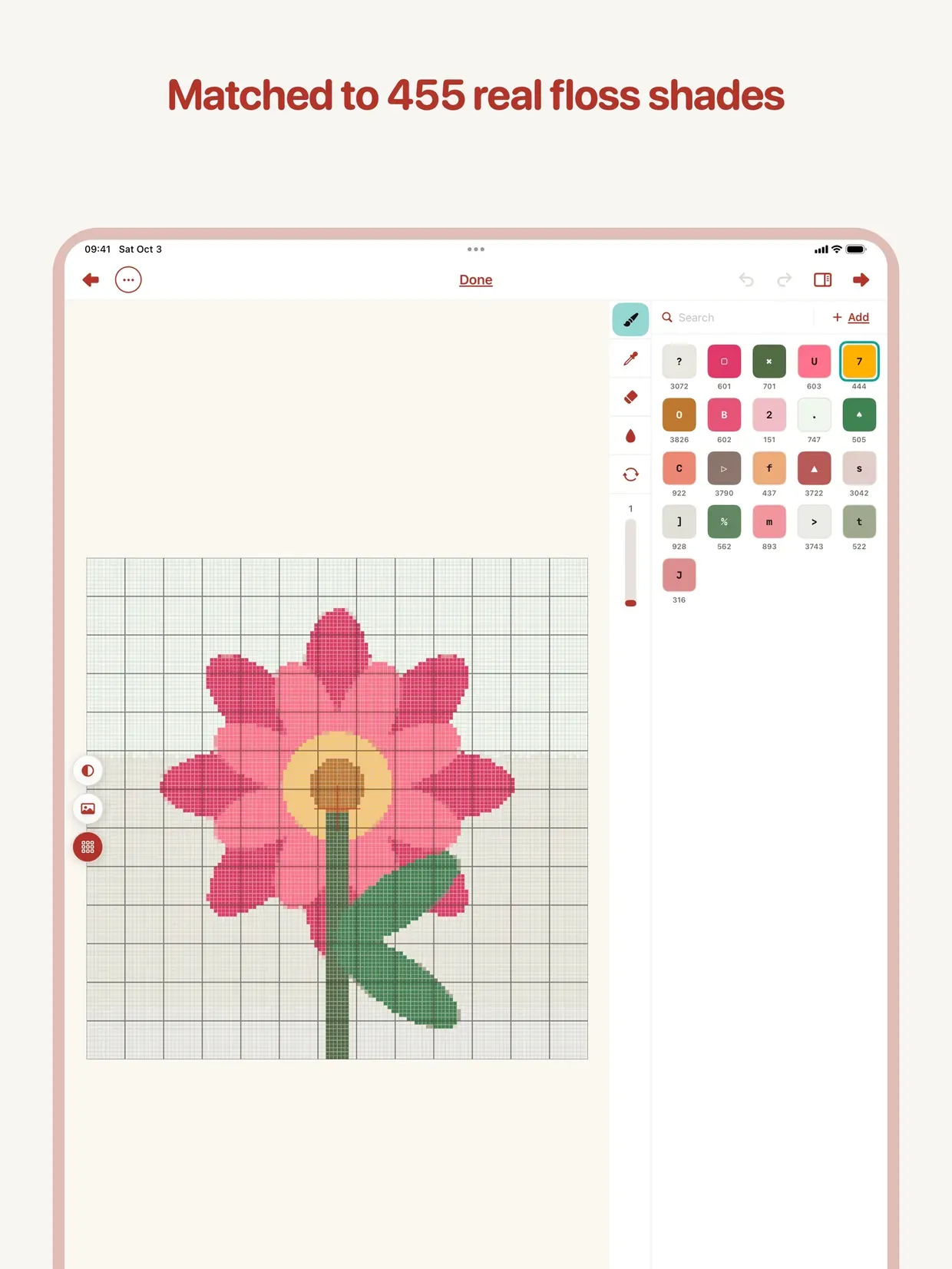
- Matched to 455 real floss shades, in CIELAB using Delta E 2000
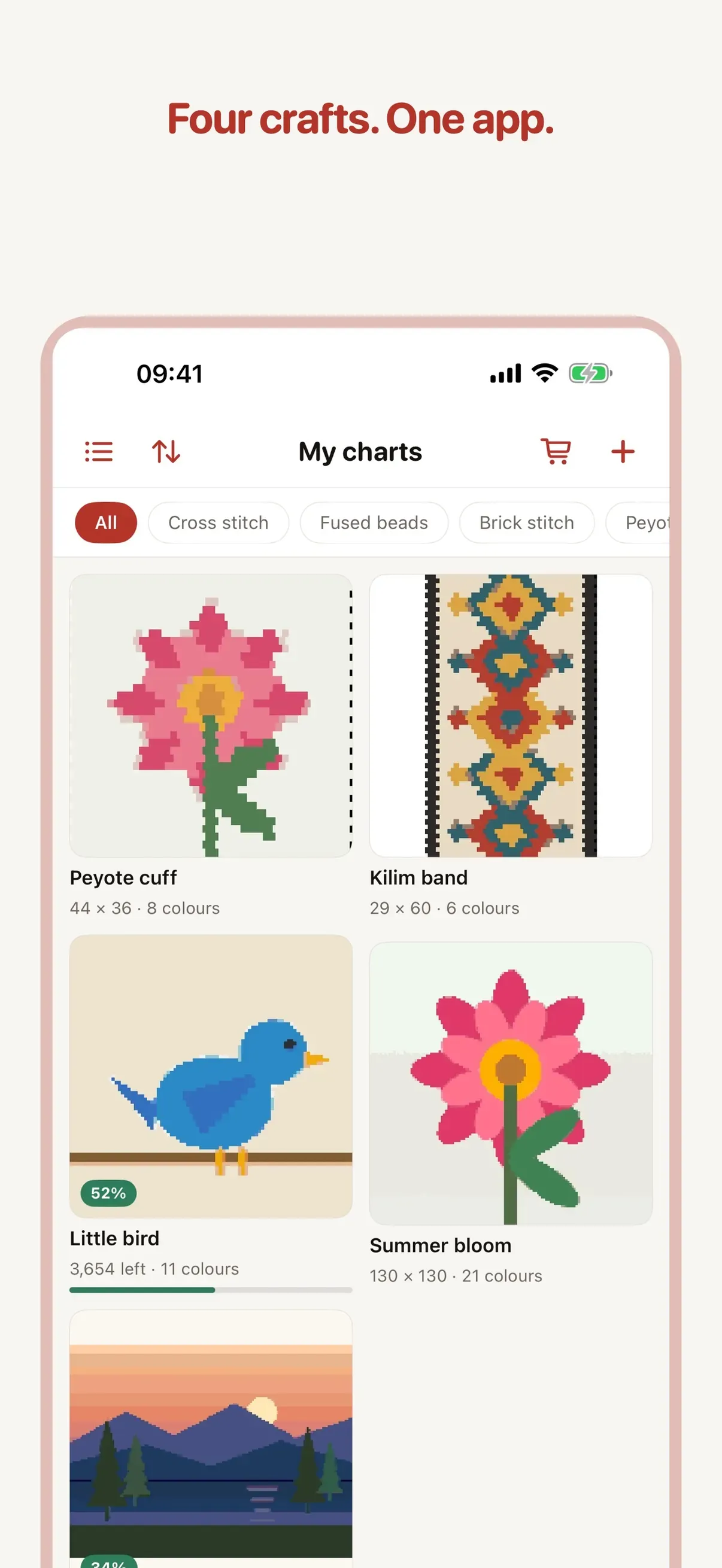
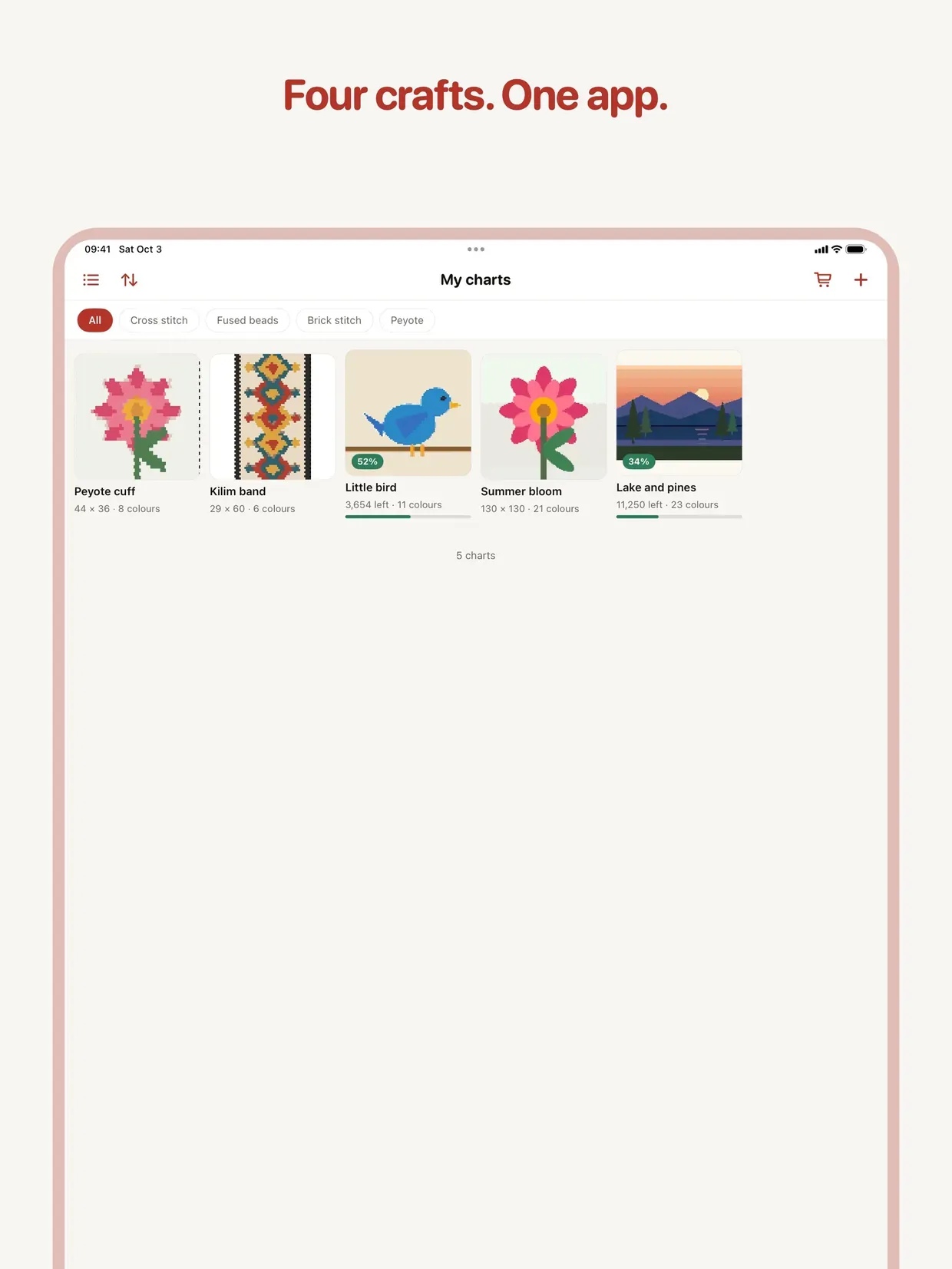
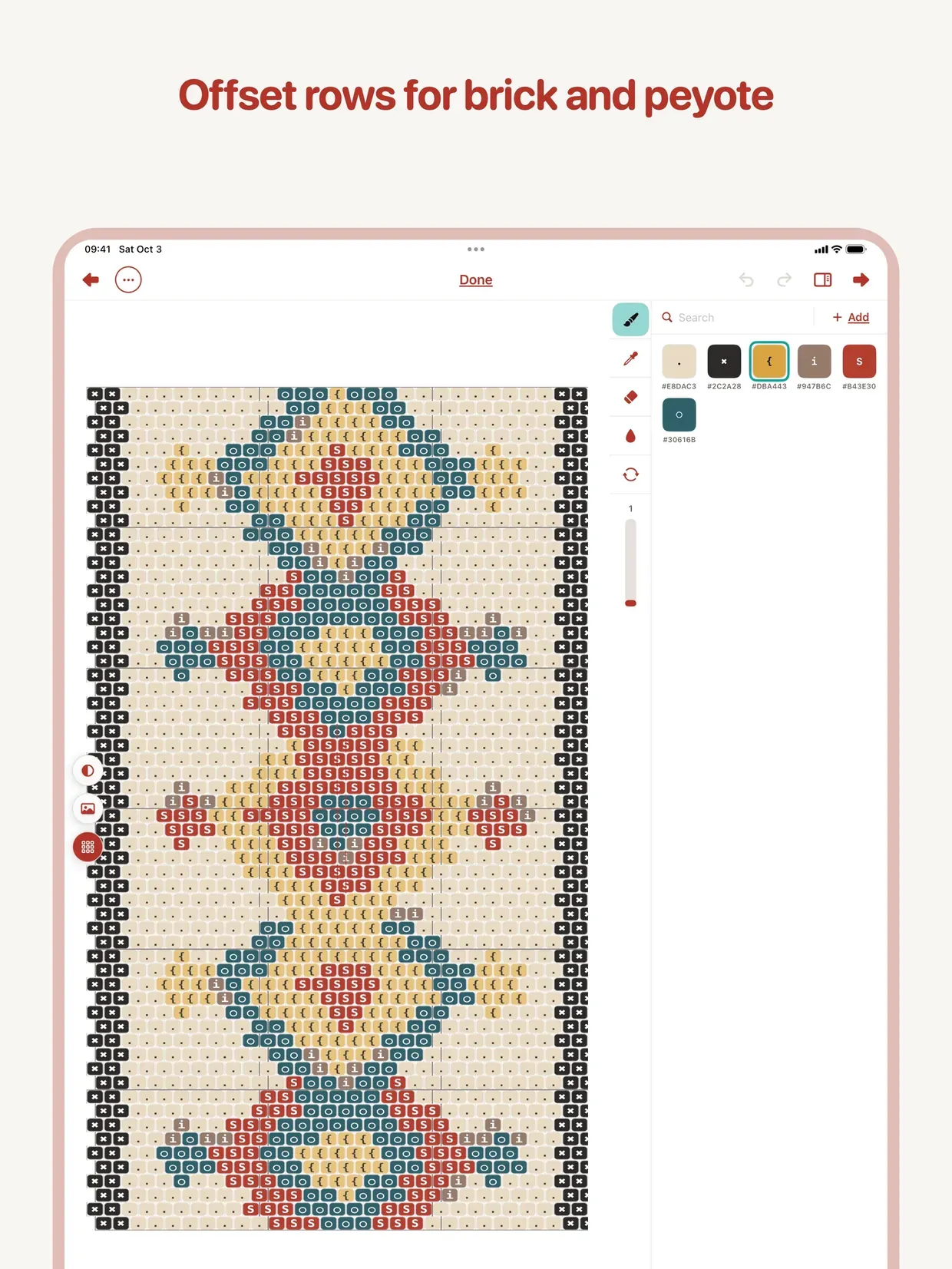
- Cross stitch, fuse beads, brick stitch and peyote in one engine
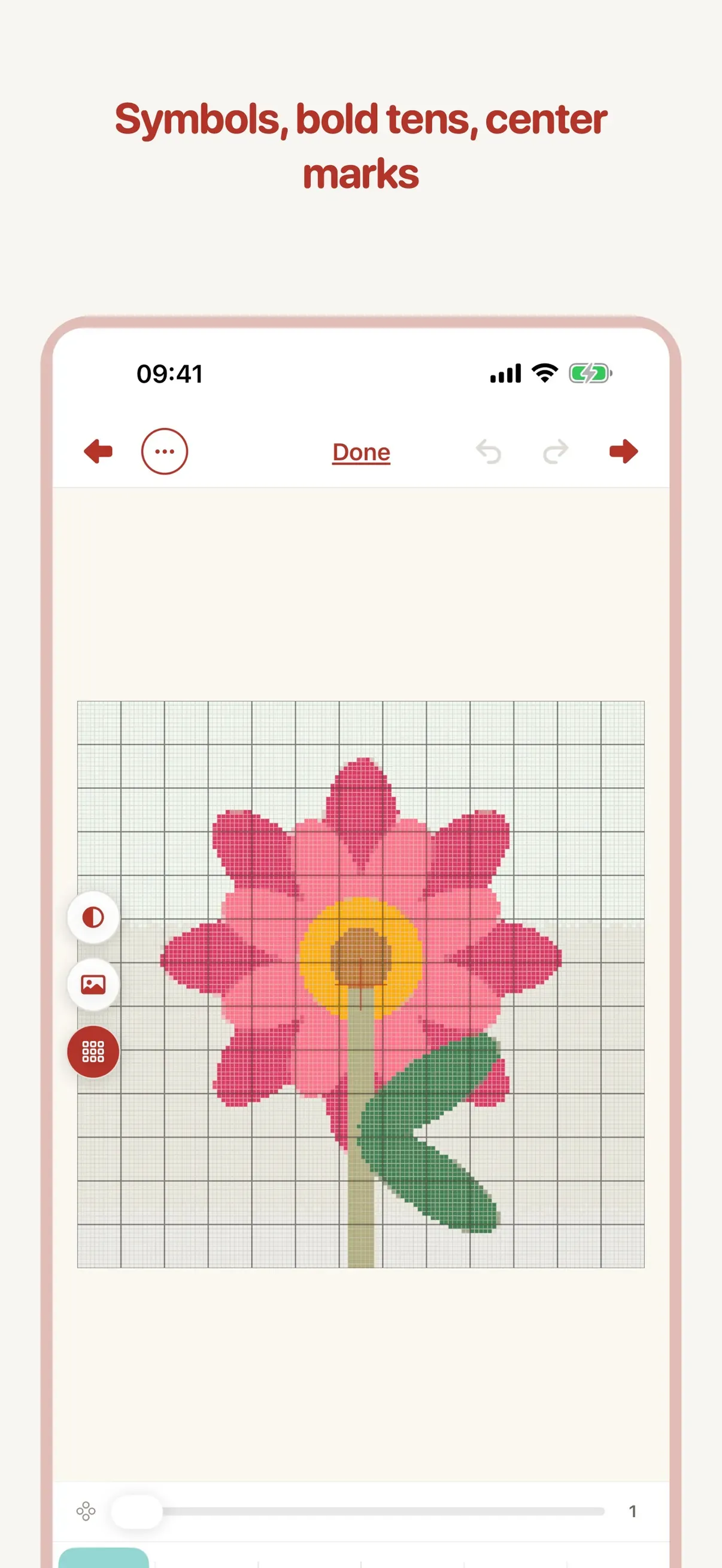
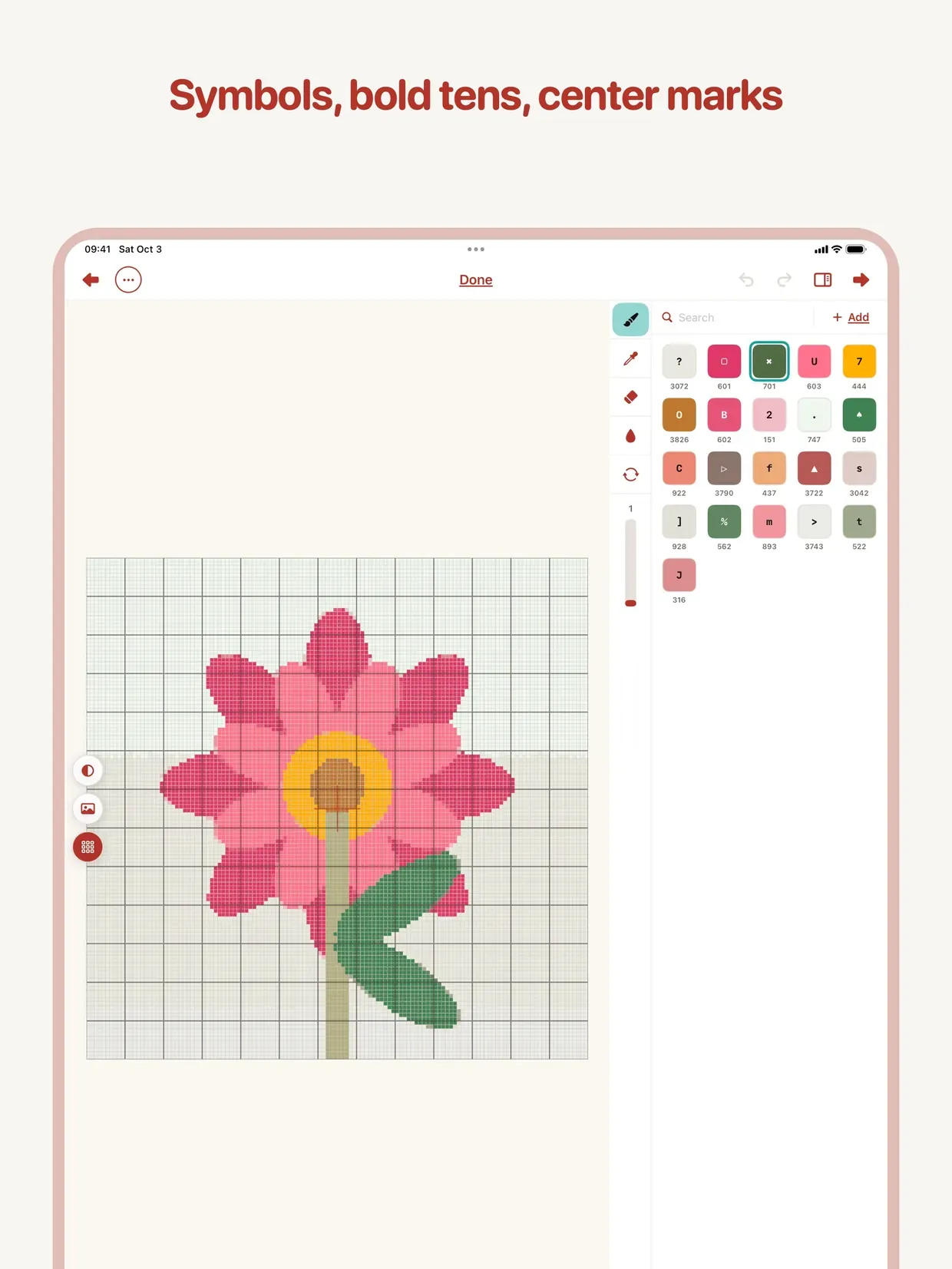
- Symbol chart with bold tens, centre marks and numbered rulers
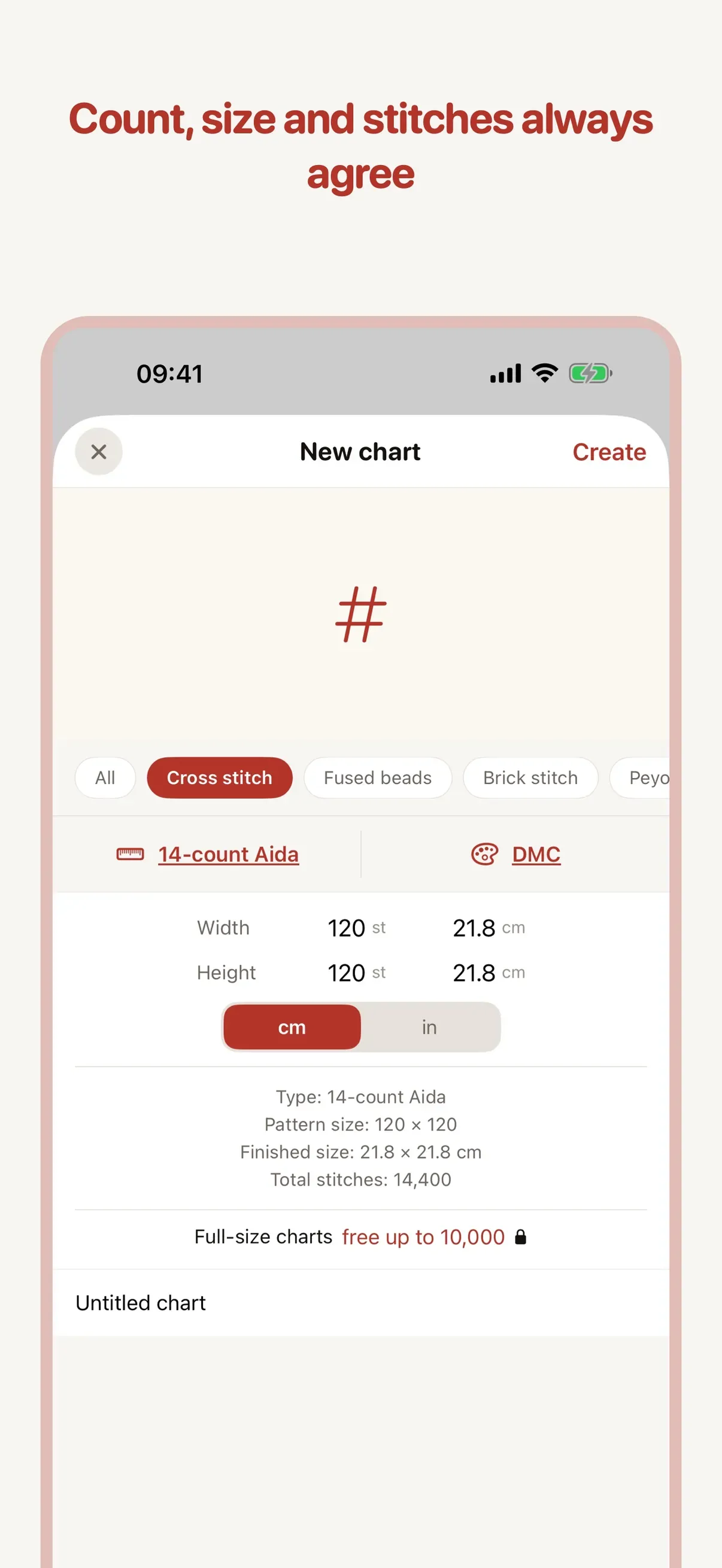
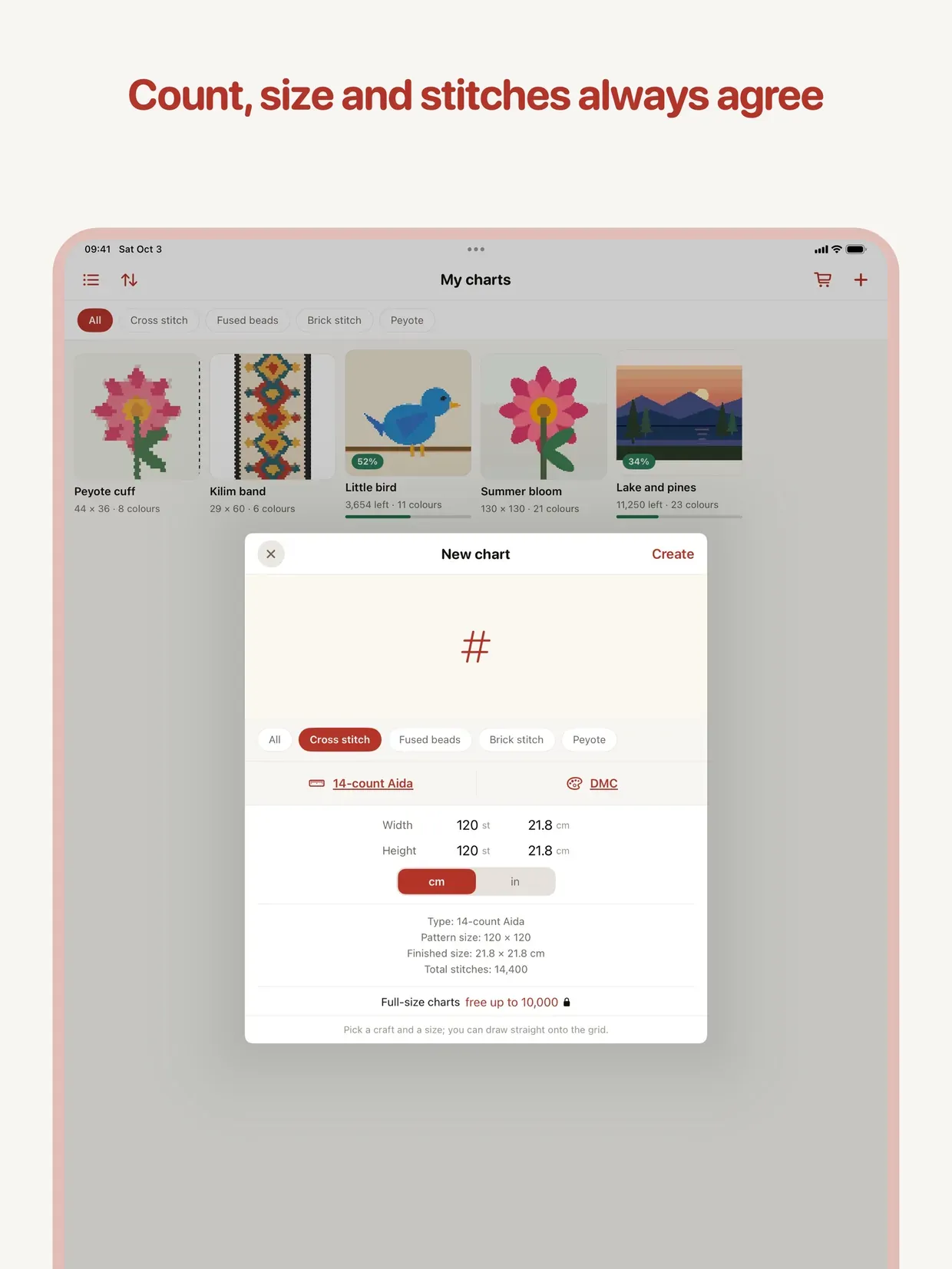
- Fabric count, stitch count and finished size always agree
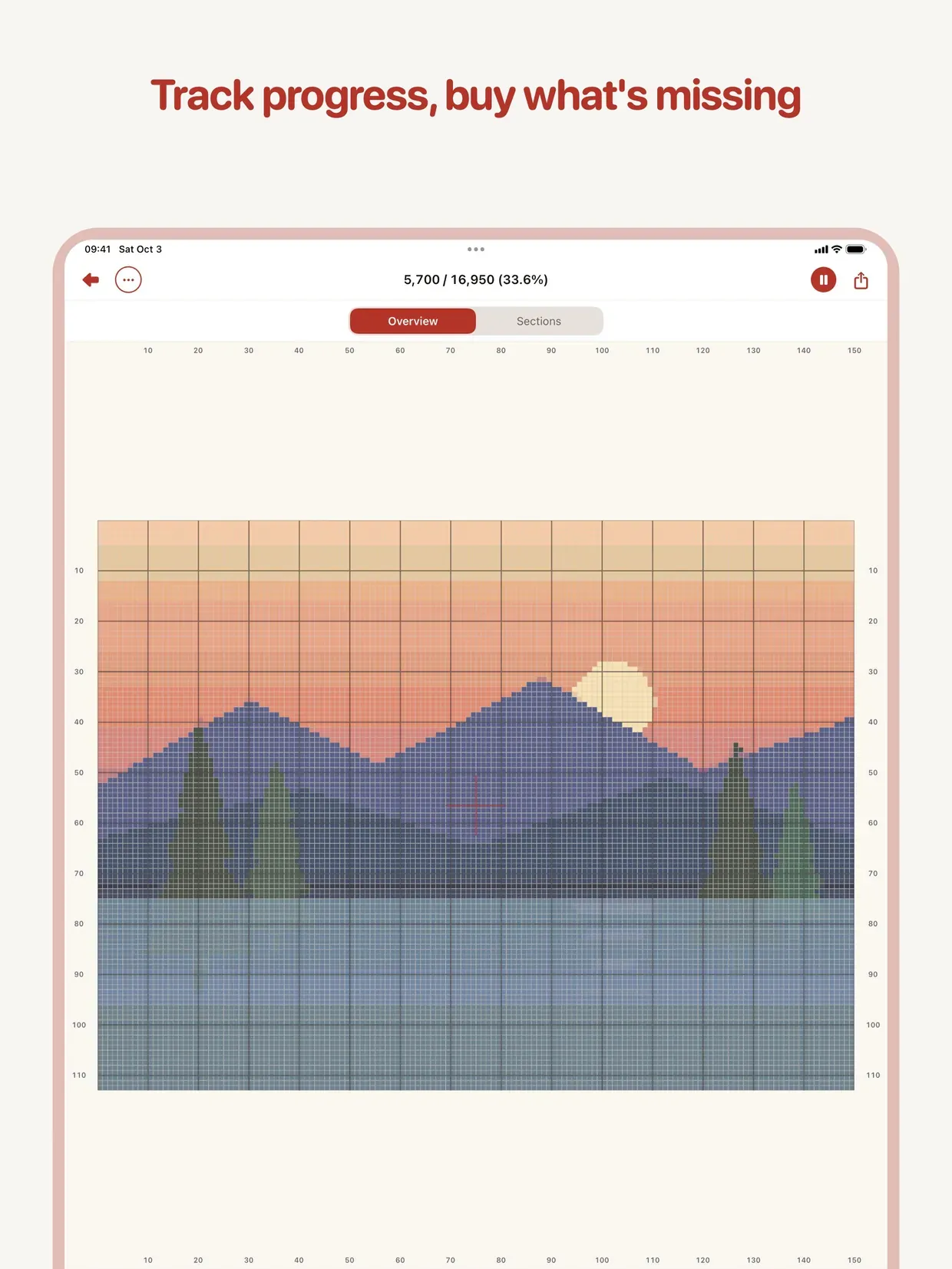
- Progress tracker with per-colour counts and a finish-date forecast
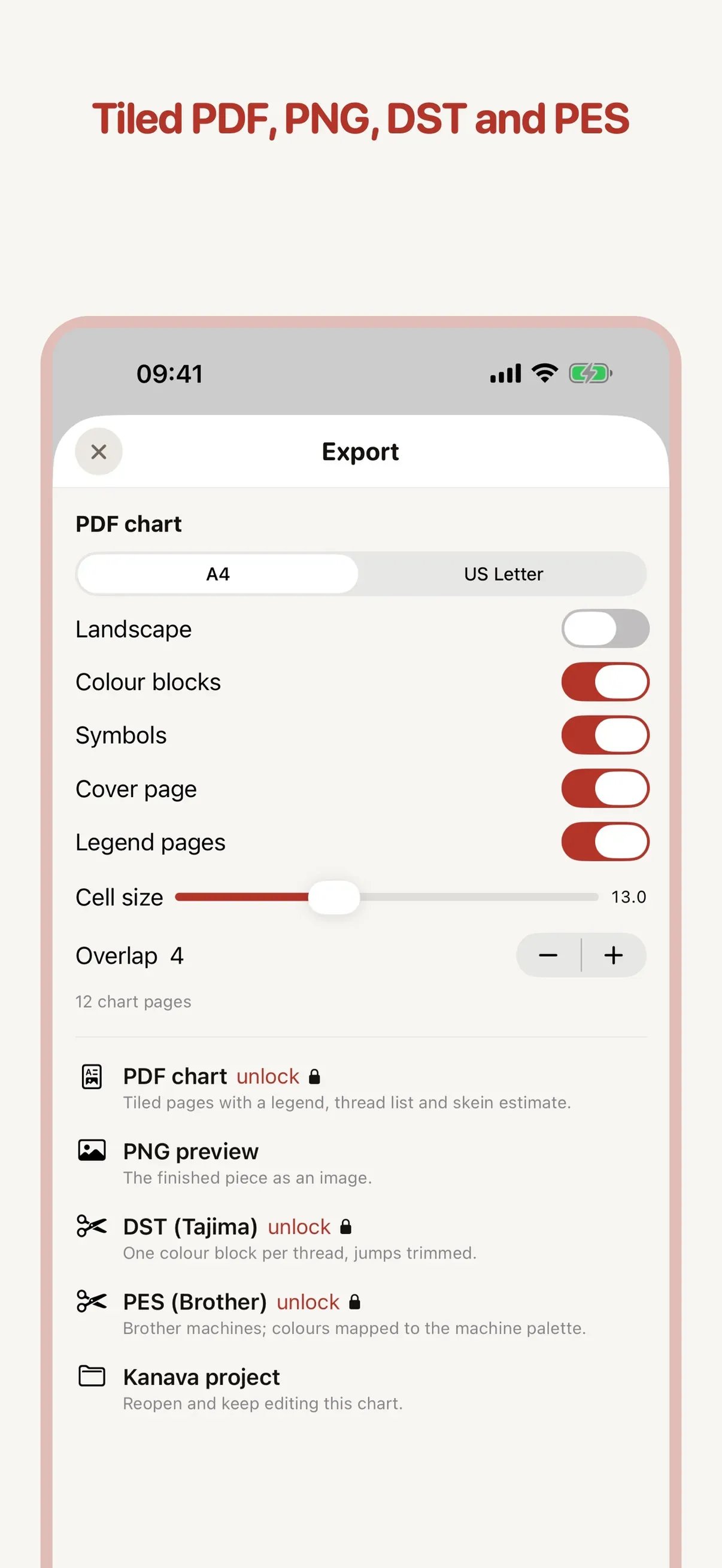
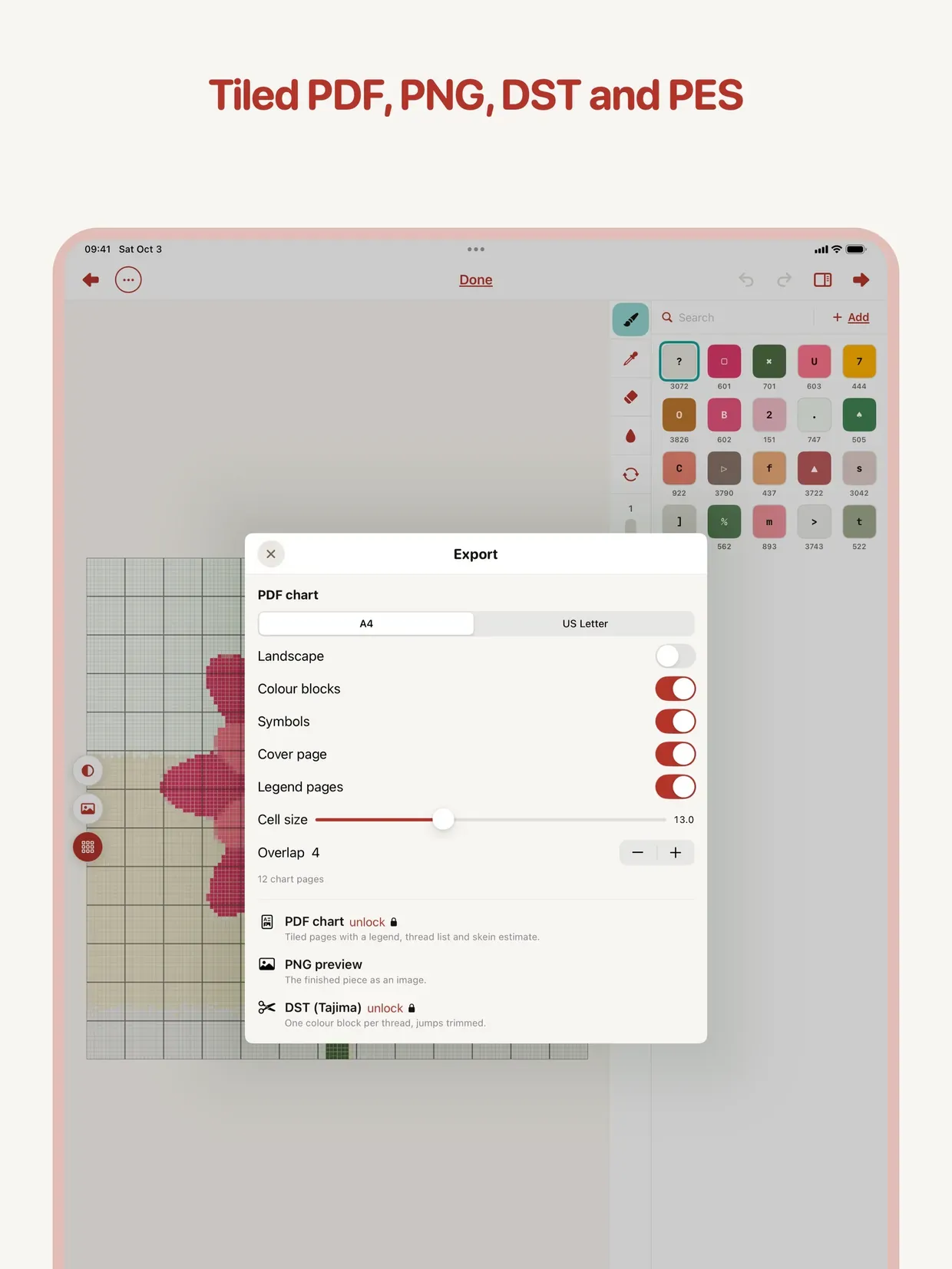
- Printable tiled PDF, PNG, DST and PES export
How it works
-
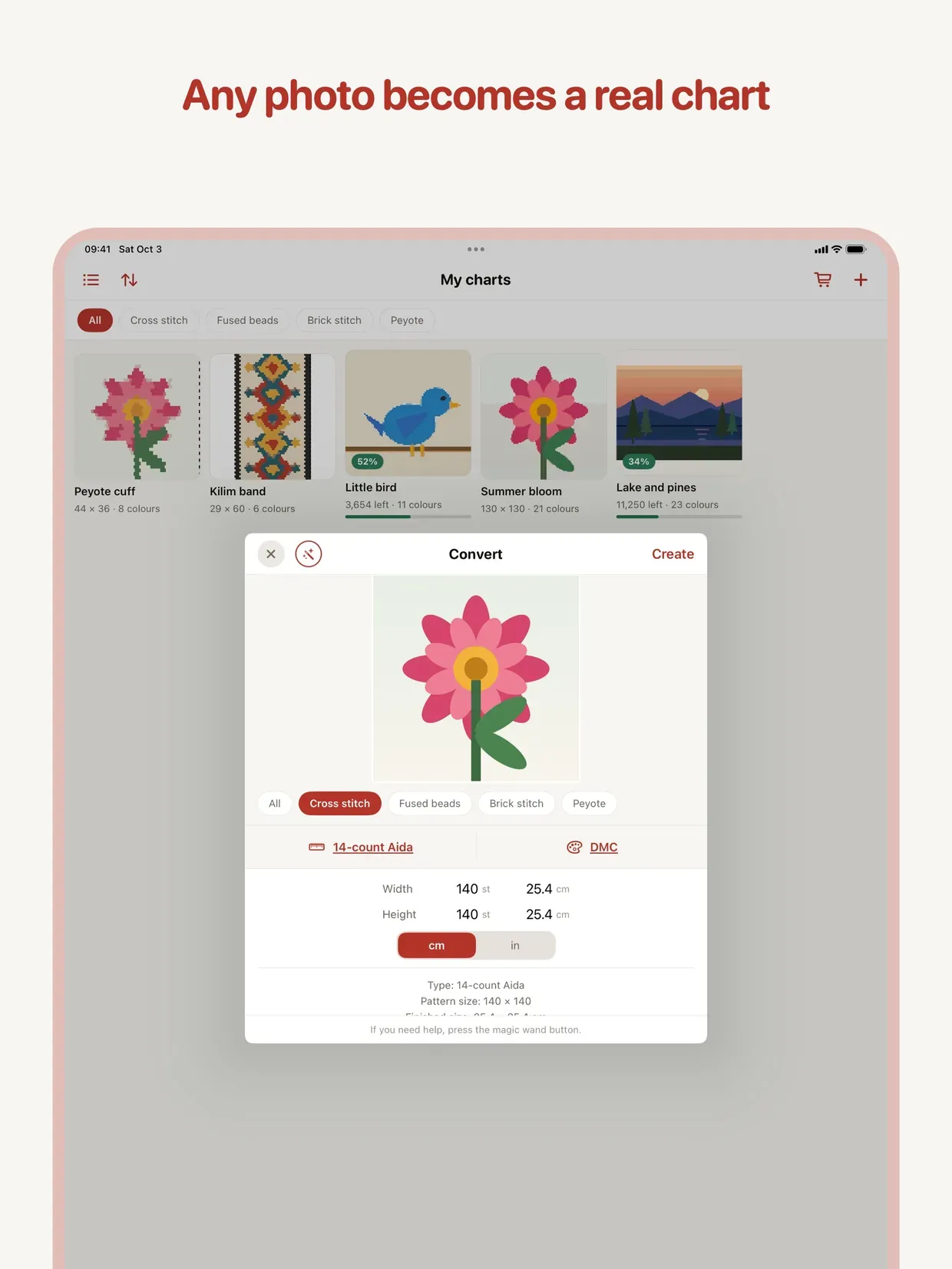
Start from a photo or an empty grid
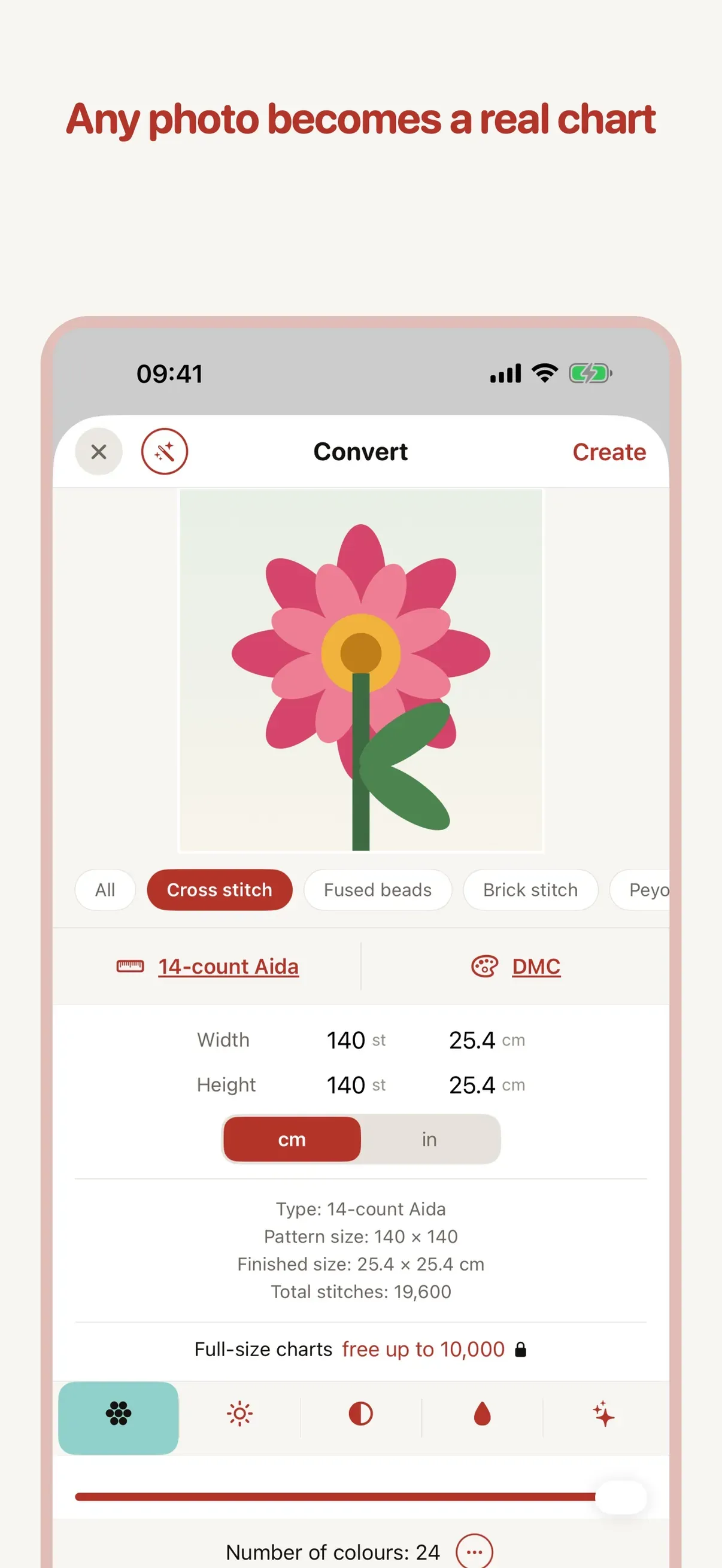
Pick a photo, take one with the camera, or open an empty grid and draw your own design. Choose the craft: cross stitch, fused beads, brick stitch or peyote. Brightness, contrast and saturation tune the picture before it is charted.
-
Set the fabric and the size
Choose 11 to 18 count Aida, or evenweave and linen worked over two. The stitch count and the finished size in centimetres or inches sit side by side and stay in step when you change any of them. Bead charts use pegboard and bead sizes instead.
-
Match the threads
Kanava reduces the picture to the number of colours you choose and matches each one to the 455 DMC shades in CIELAB with Delta E 2000. Remove single stitches, merge short runs, dither, or chart only from the threads you own. Brush, Fill, Pick colour and Replace colour fix any stitch by hand, and every edit can be undone.
-
Stitch, track and export
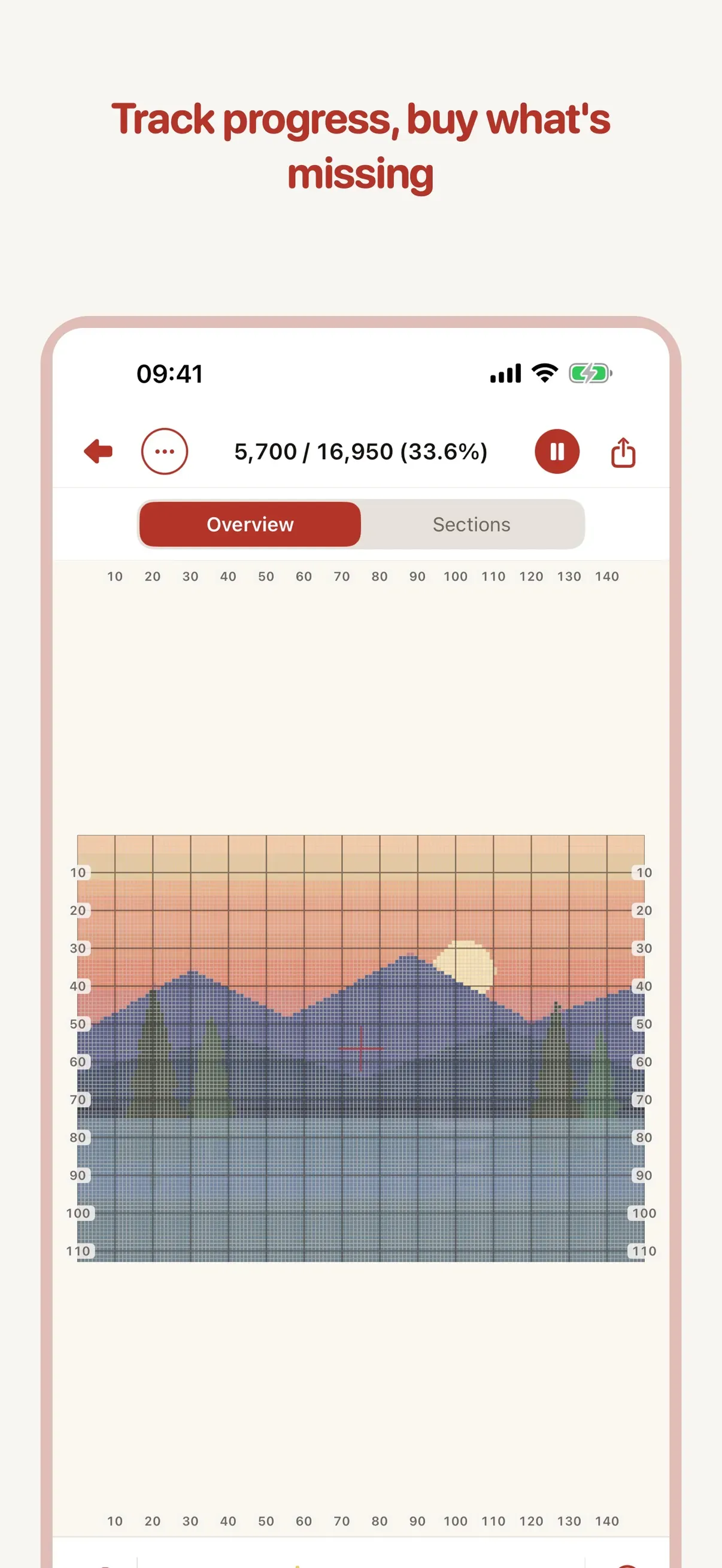
Mark stitched cells as you work and see what is left per colour, the time spent and an estimated finish date. Export a tiled PDF chart with a cover and legend pages, a PNG preview, DST or PES files for an embroidery machine, or a Kanava project file.
Who it is for
-
Stitchers charting their own photos
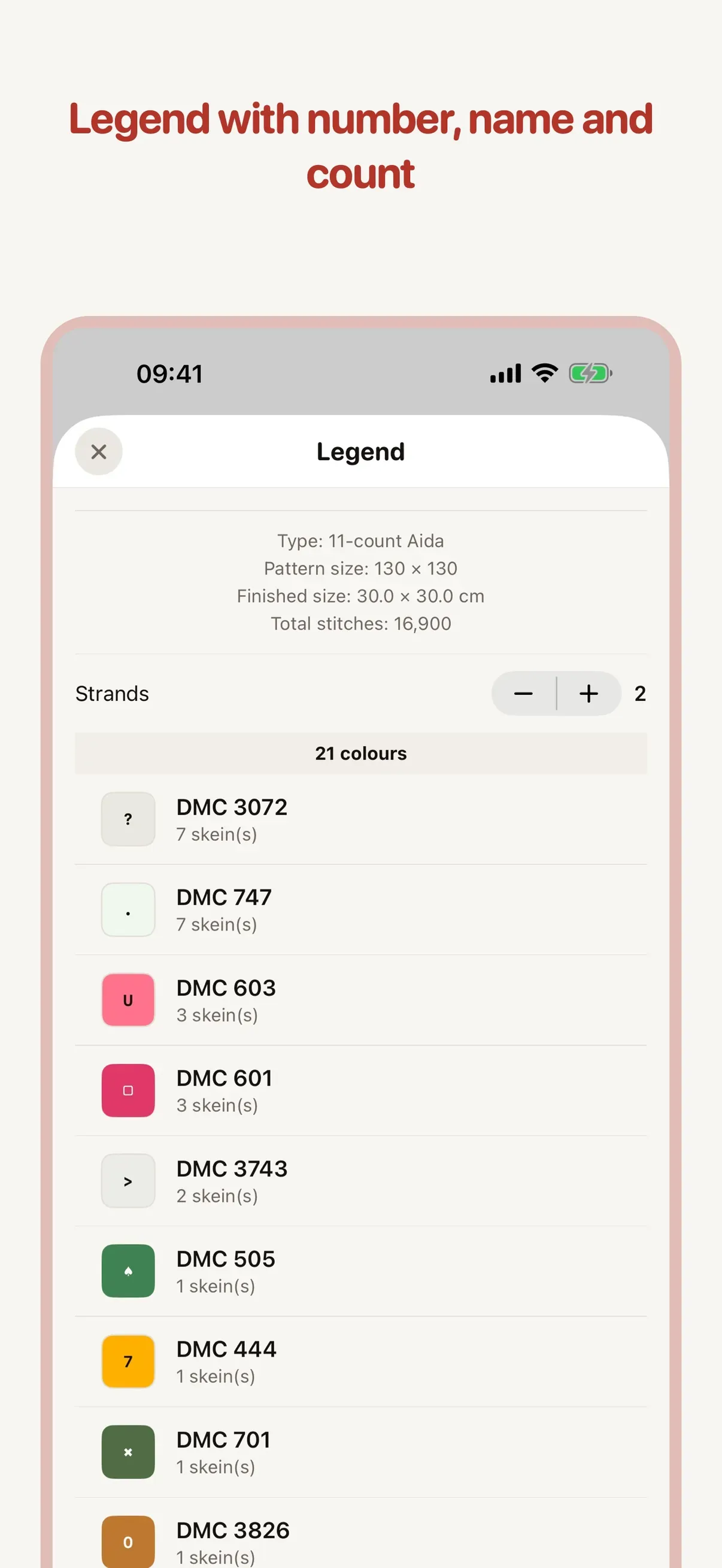
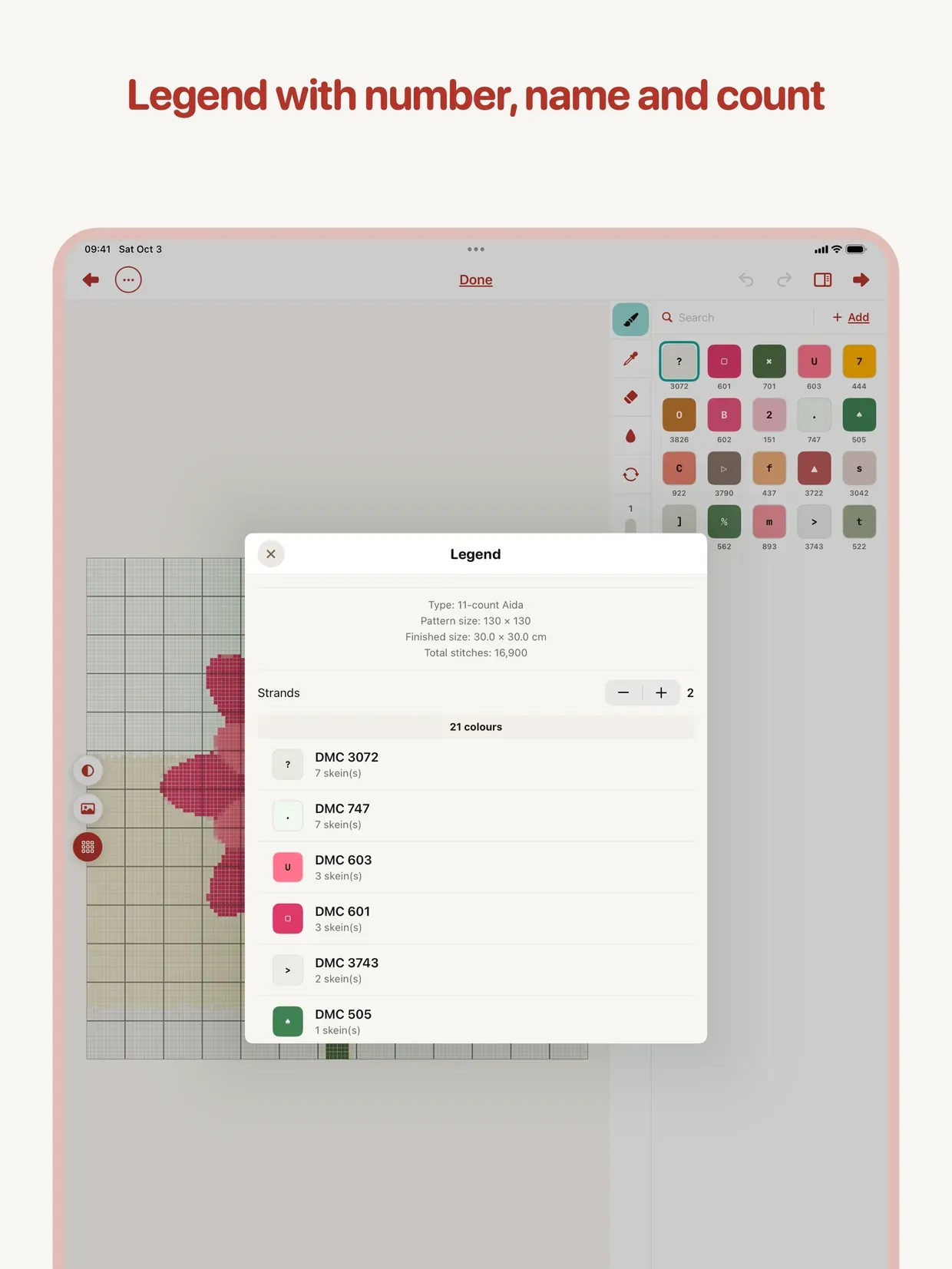
A pet, a house or a portrait becomes a symbol chart with bold tens, centre marks and a legend of DMC numbers and skeins.
-
Fuse bead, brick stitch and peyote makers
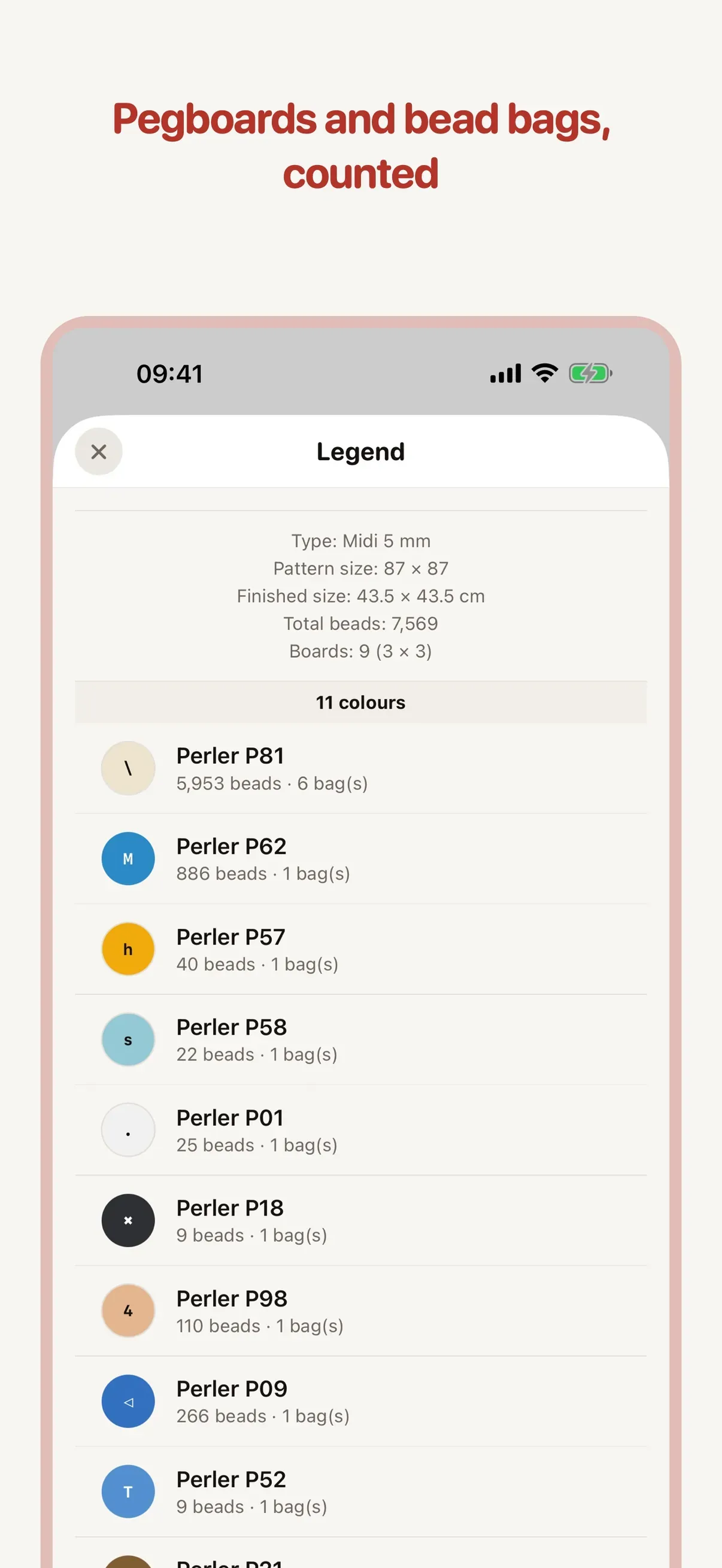
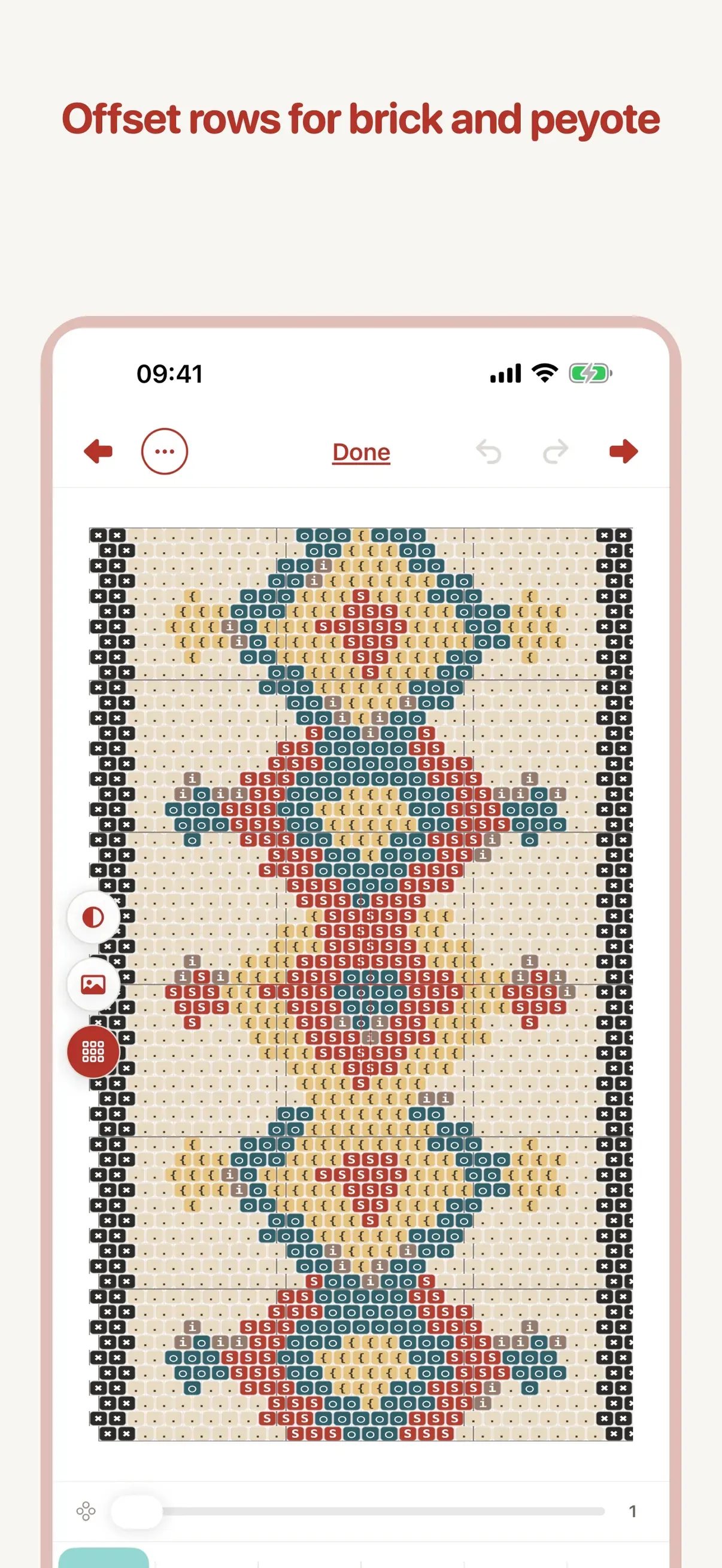
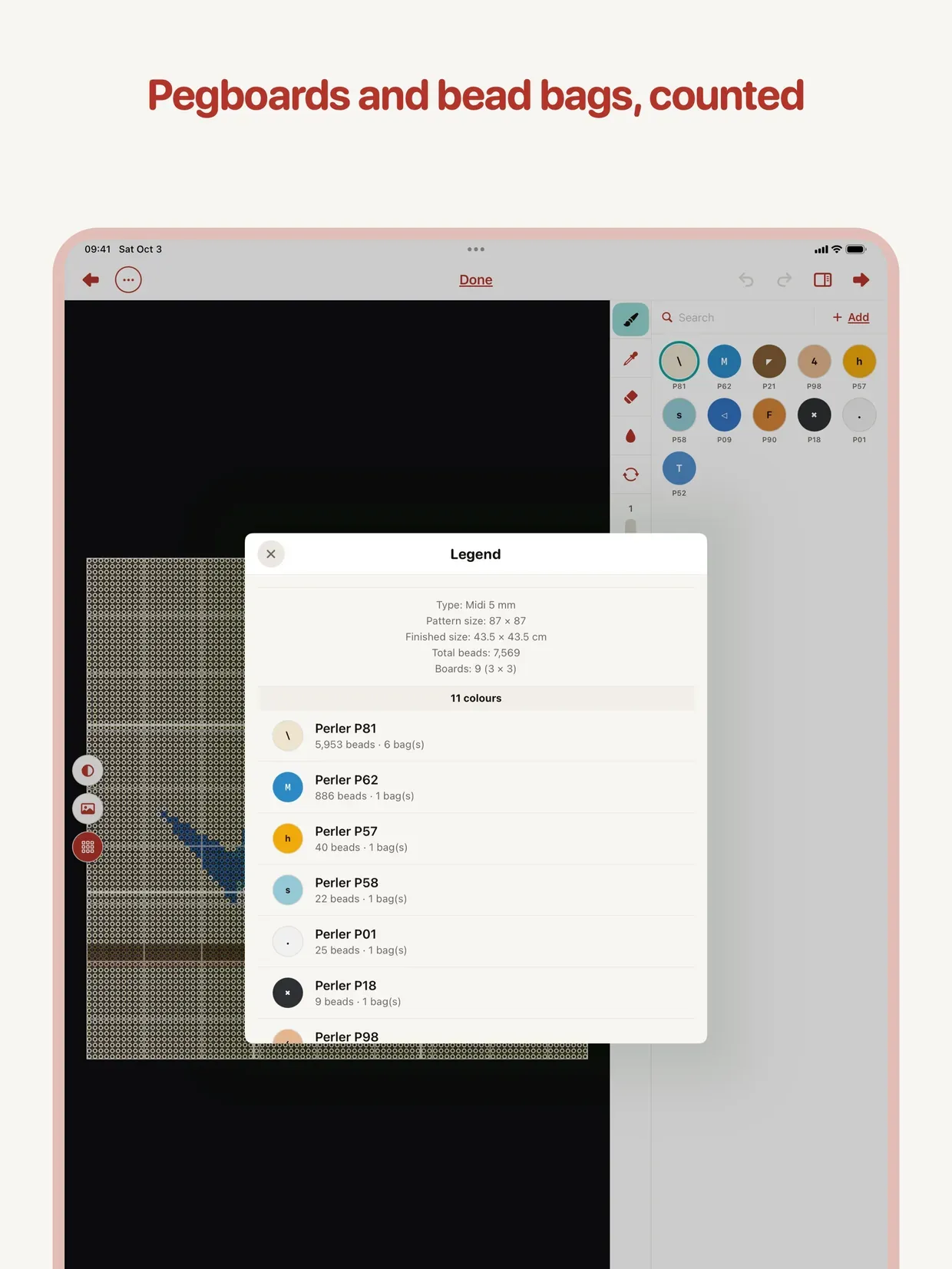
Bead charts show how many pegboards a design needs, shift brick and peyote rows by half a bead, and count beads in bags or grams.
-
Anyone with a thread stash
Tick the DMC threads you own, chart only from them if you like, and the shopping list shows just what is missing.
-
Machine embroiderers
Cross-stitch charts export as DST for Tajima and PES for Brother machines, with one colour block per thread.
Written guide
Kanava: a photo in, a counted chart out — matched to real floss
Kanava converts a photo into a counted chart for cross stitch, fuse beads, brick stitch and peyote, matched to 455 real floss shades in CIELAB. All on device.
Read the guideQuestions about Kanava: Cross Stitch Pattern
- How do I turn a photo into a cross stitch pattern?
- Start a new chart with From a photo or From the camera, then pick the craft, the fabric and the size. Kanava averages the picture into stitches and matches every colour to a real DMC thread. The number of colours, the picture adjustments and the cleanup options all re-chart from the original photo, so you can try again without starting over.
- What size Aida should I use, and how big will the piece be?
- Pick the fabric first: 11, 14, 16 or 18 count Aida, or 25 to 36 count evenweave and linen worked over two. Kanava shows the stitch count and the finished size in centimetres or inches together and keeps them consistent, so changing one updates the others. A higher count gives a smaller piece from the same chart.
- How many skeins of floss do I need?
- The legend lists every colour with its DMC number, name, stitch count and the skeins to buy. Set the number of strands you stitch with, and the estimate follows that and the fabric count. Fused bead charts count beads and bags, and brick stitch and peyote charts count beads and grams.
- Can I make perler bead and peyote patterns too?
- Yes. Fused beads use 57 Perler colours on Midi, Mini or Biggie pegboards, and the legend says how many boards the design needs. Brick stitch and peyote are charted with every other row shifted by half a bead, in Delica 11/0 or seed bead sizes, with colours taken from the picture itself. DST and PES files are offered for cross stitch only.
- What is free, and what does the full version add?
- Free charts go up to 10,000 stitches and 12 colours, and you can export a watermarked PNG preview and the Kanava project file. The full version adds the printable PDF chart, DST and PES machine files, up to 120 colours and larger charts. It is a one-time purchase, and a yearly plan with a one-week free trial is the other option.
- Can I track my progress on a big project?
- Choose Mark stitched and paint over the cells you have finished. The tracker shows the total, the stitches marked, what is left per colour and the time spent, and once there is a pace to go on it estimates the finish date. Finished areas can be shown in colour so the rest of the chart stays easy to read.
- Can I print the chart?
- Yes, with the full version. The PDF is tiled across A4 or Letter pages with an overlap you choose, plus a cover page with the finished size and legend pages with the thread list. You can set the cell size, turn pages to landscape, and print symbols, colour blocks or both.
- Does it work on iPad, and do I need an account?
- Kanava runs on iPhone and iPad. There is no account: photos are read on your device to build the chart, and charts are saved in the app on that device.
Same corner of the toy box
More apps you might like
If Kanava: Cross Stitch Pattern is your kind of thing, these live in the same neighbourhood — all made by the same pair of hands.