 Free on the App Store
- Category
- Productivity
- Runs on
- iPhone, iPad, Mac
- Developer
- Cihat SALİK
Preview
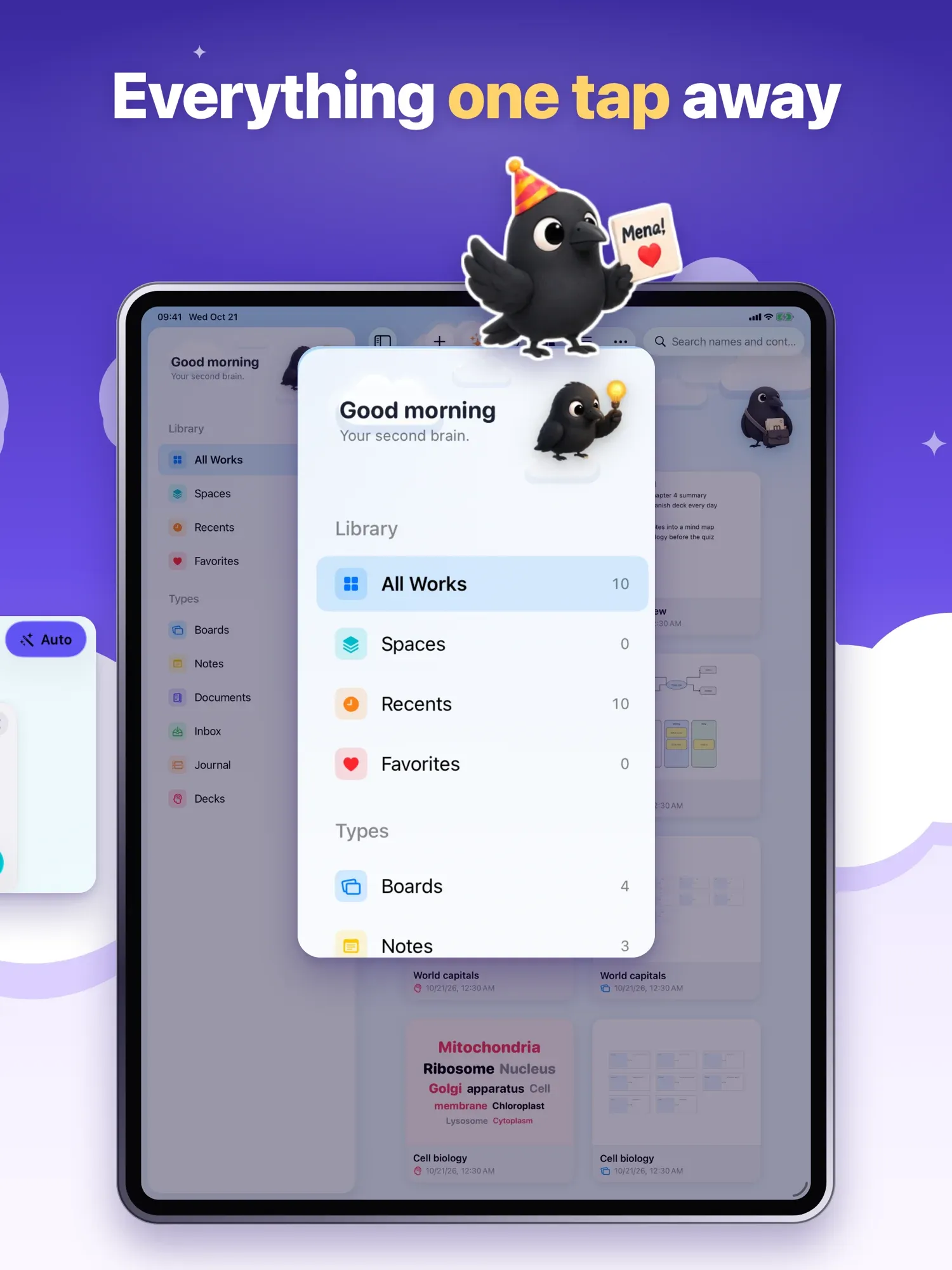
iPhone, iPad & Mac

About
Dedicated site: Mena: Mind Map & Concept Map
Follow on Instagram: @mena.notes
Highlights
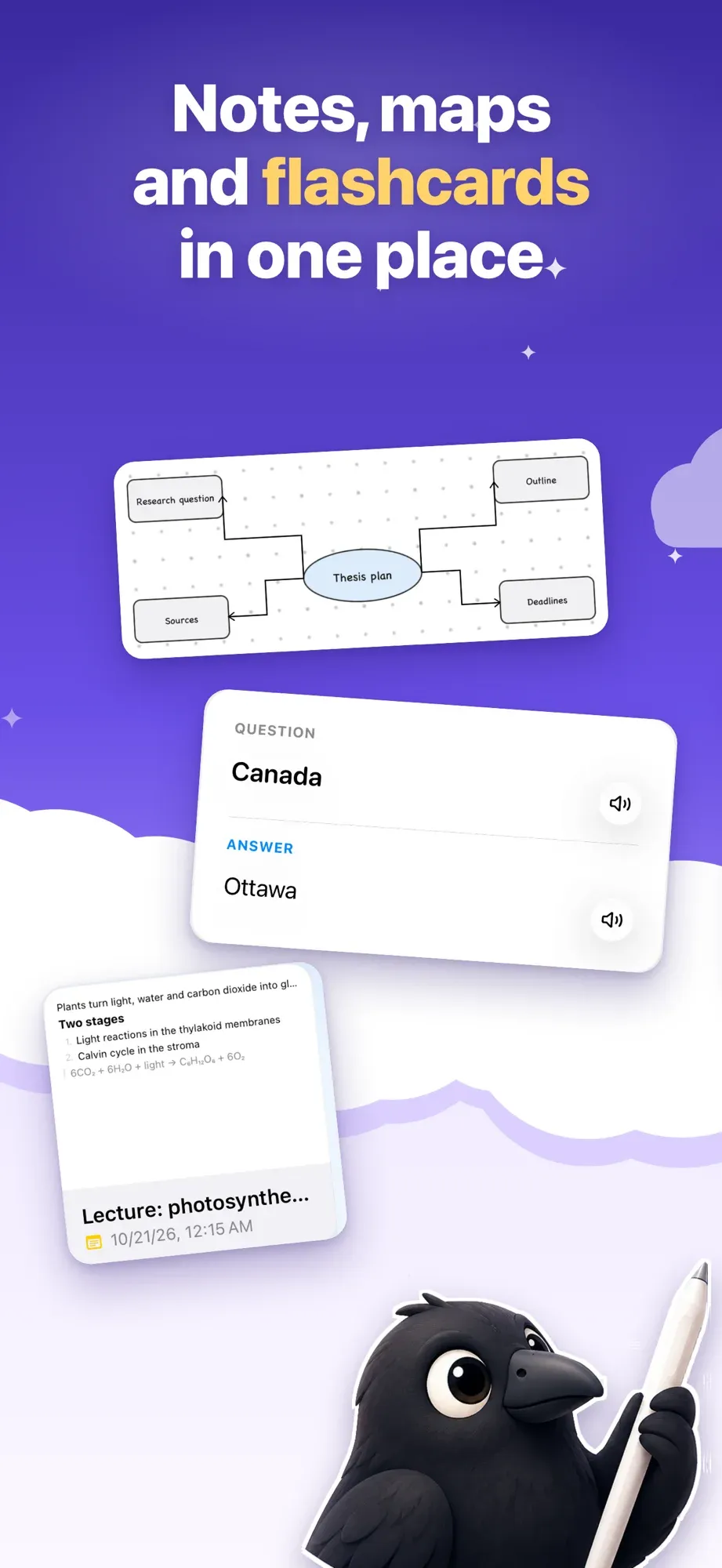
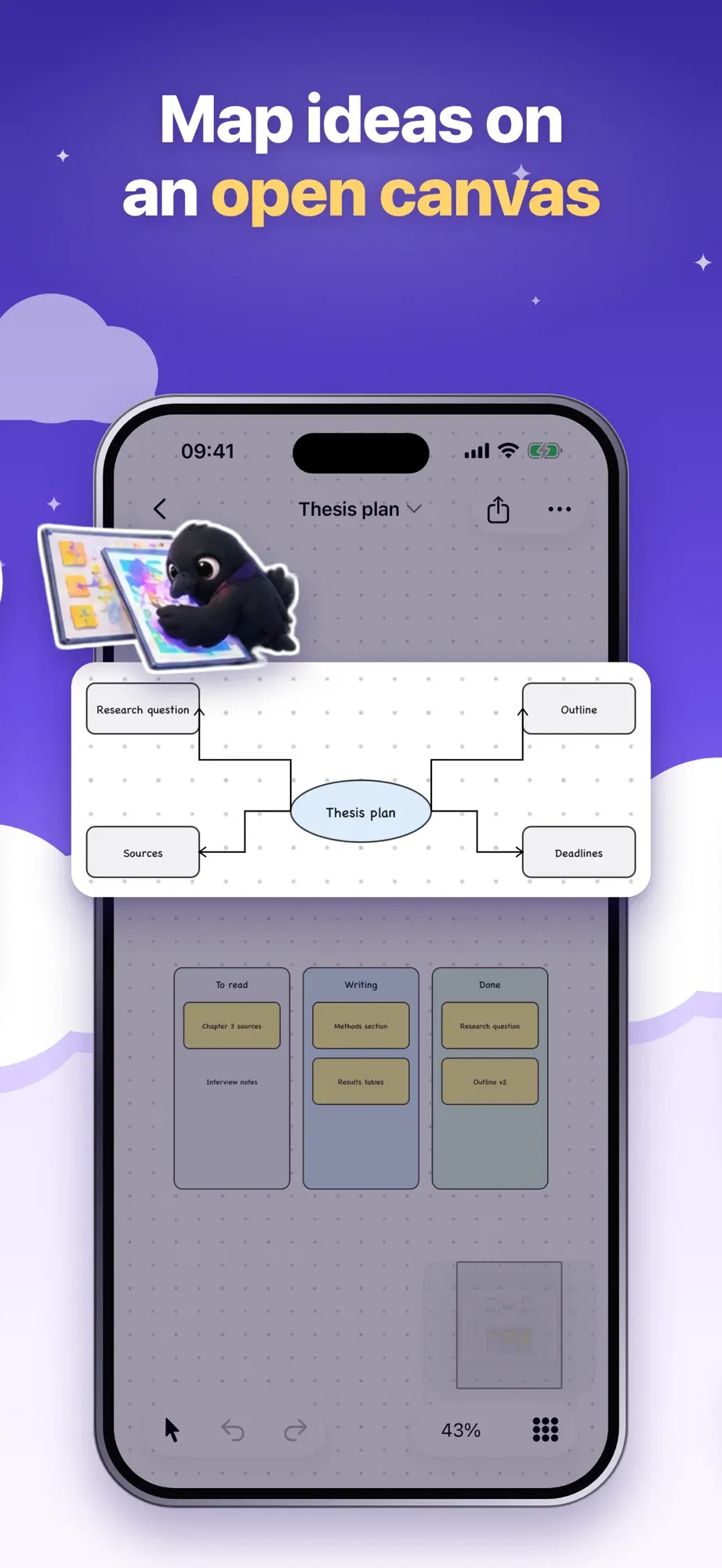
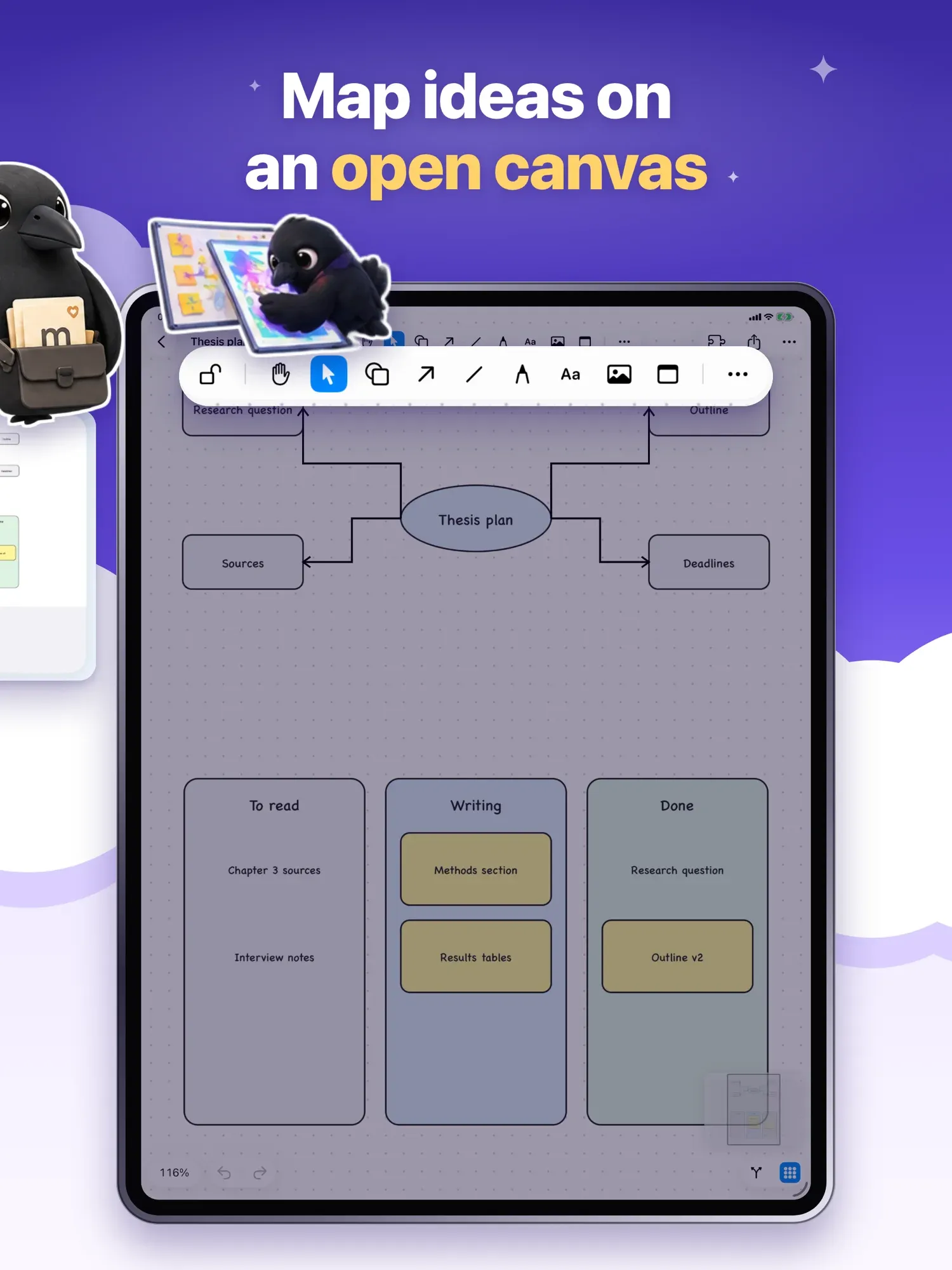
- Infinite canvas with sticky notes, connectors, frames, tables and 19 shapes
- Apple Pencil with Draw to Shape, and ink you can seek by voice-memo playback time
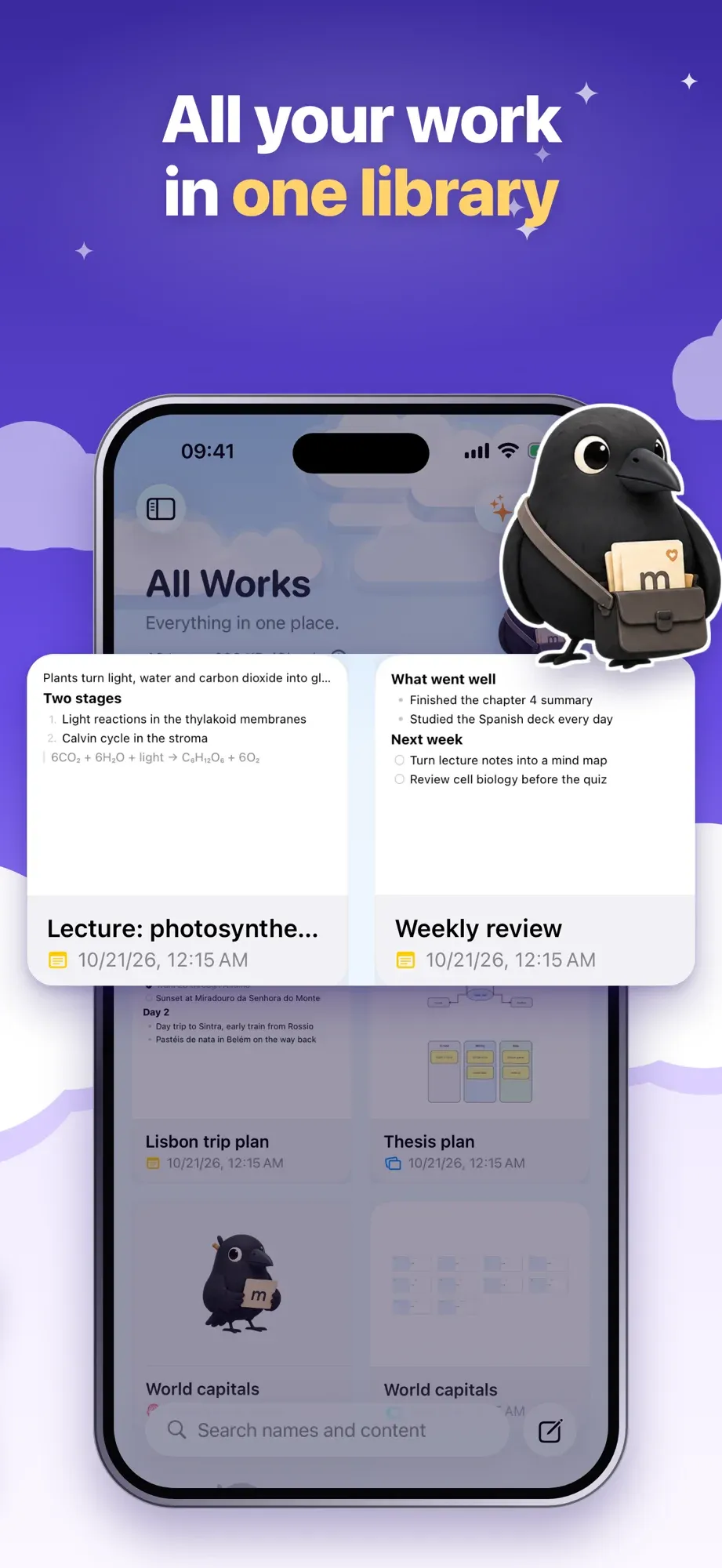
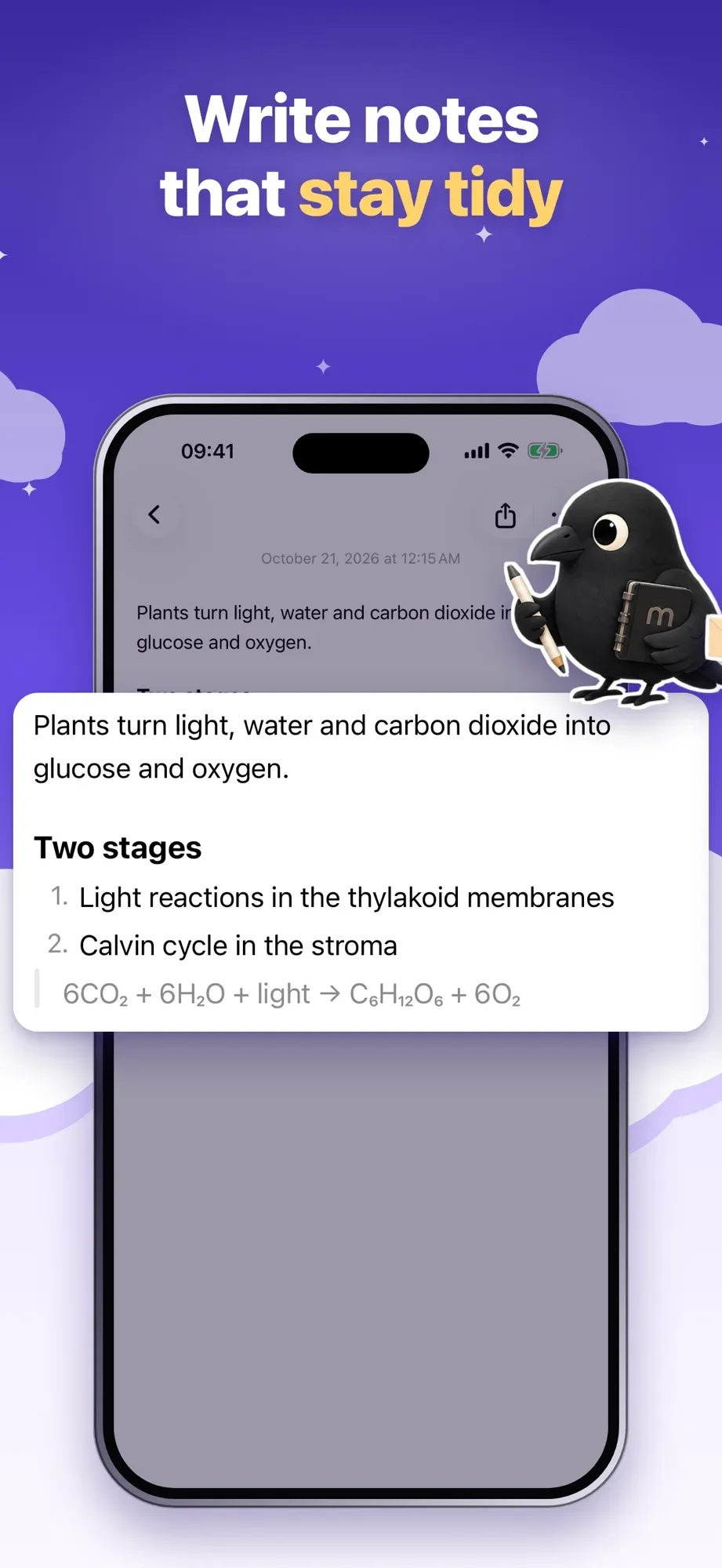
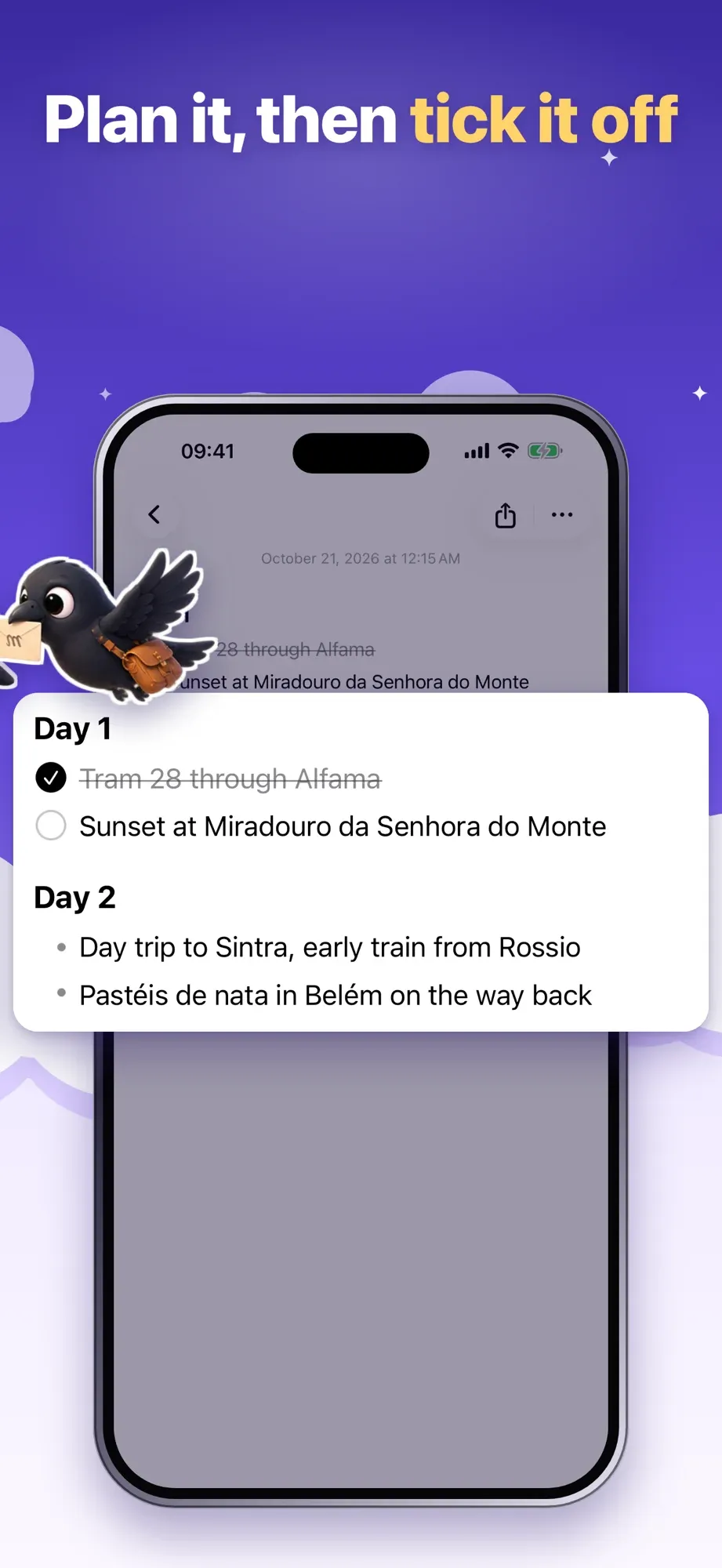
- Markdown, highlighted code, PDFs, images, video, audio and live maps on a board
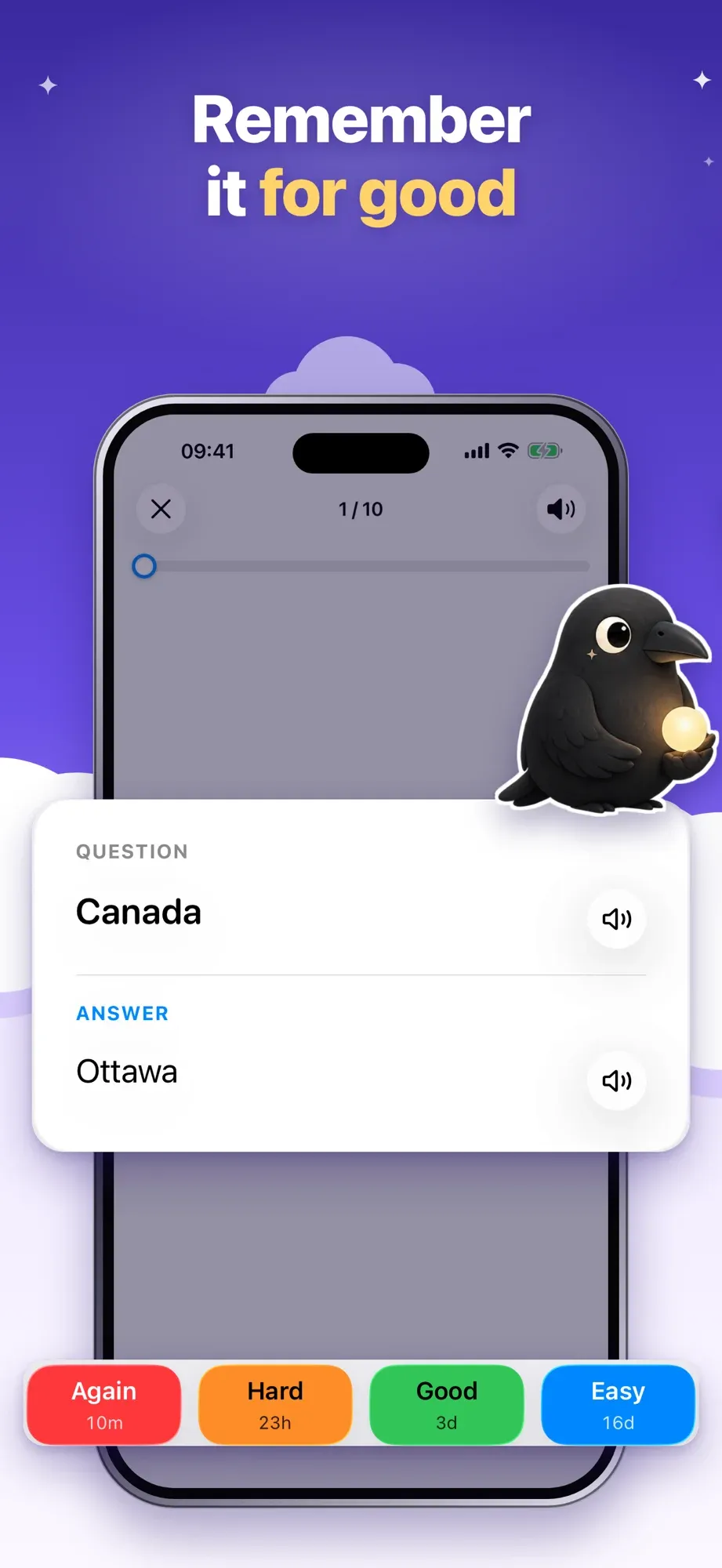
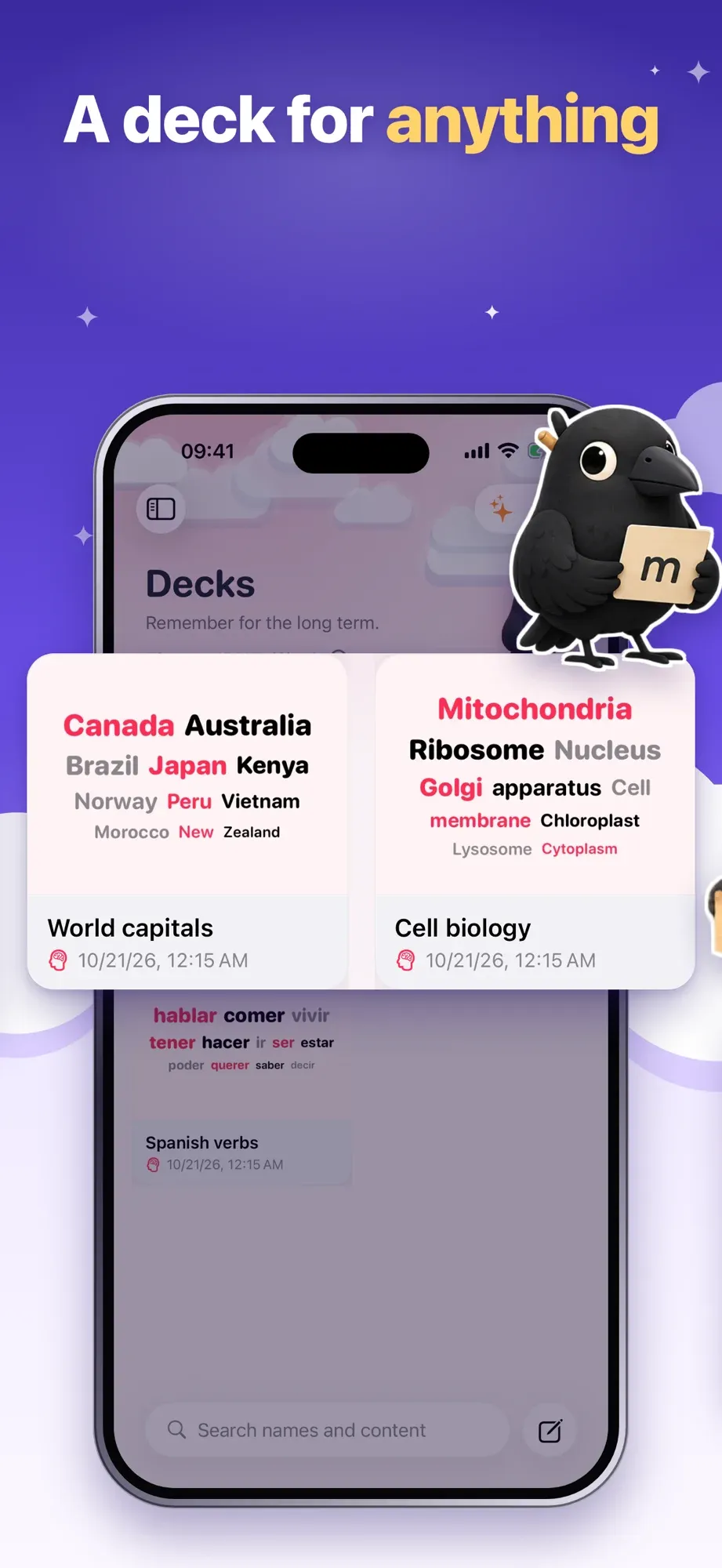
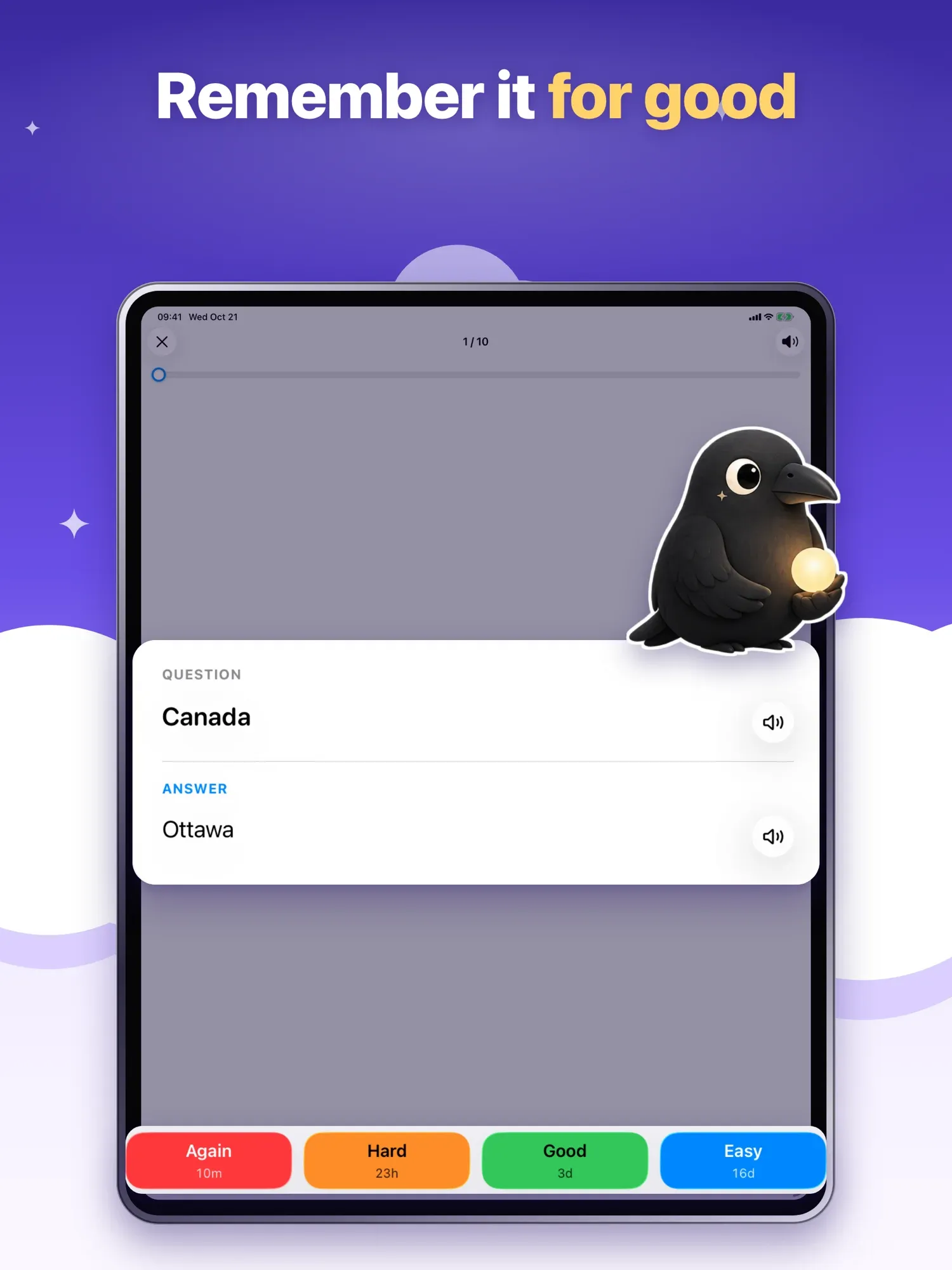
- FSRS spaced repetition with one-tap cloze deletion and on-device card generation
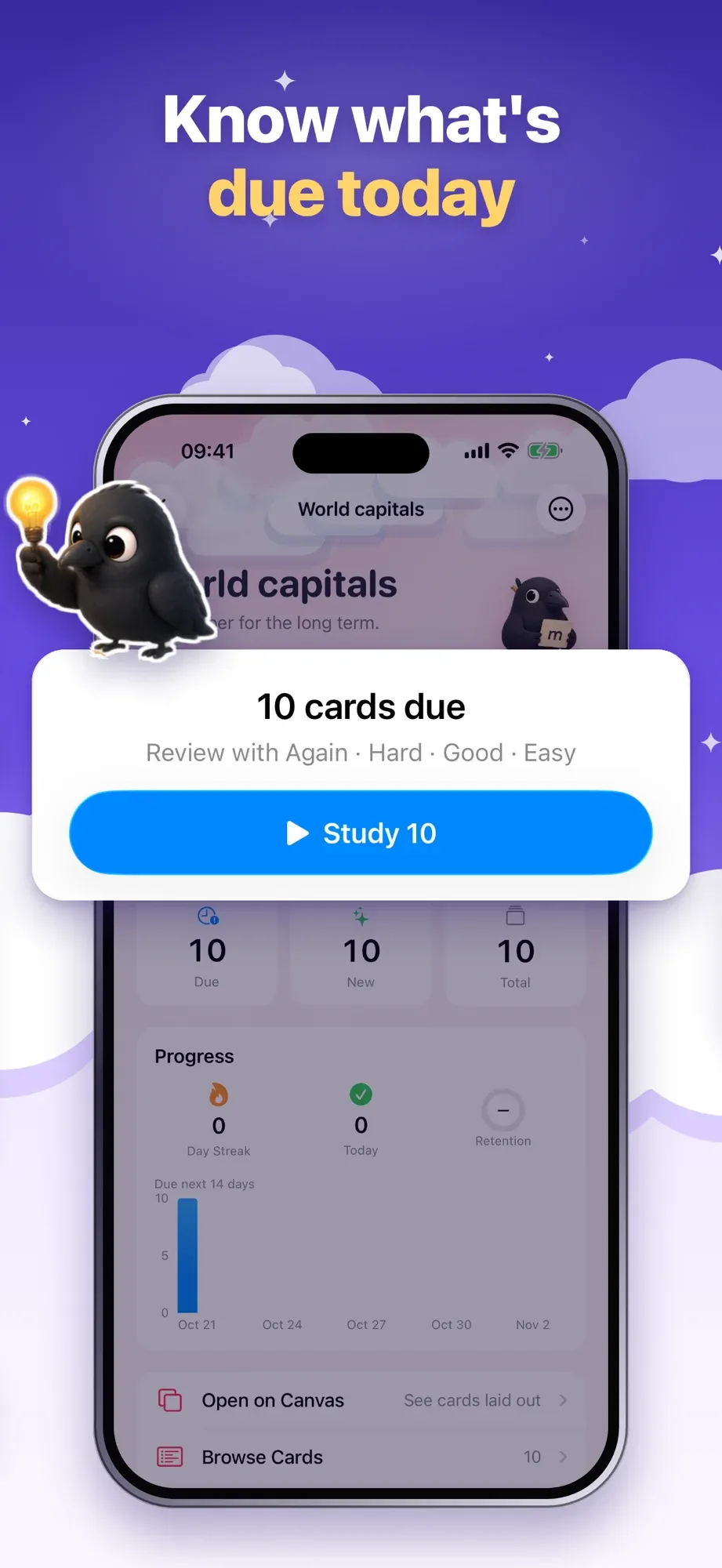
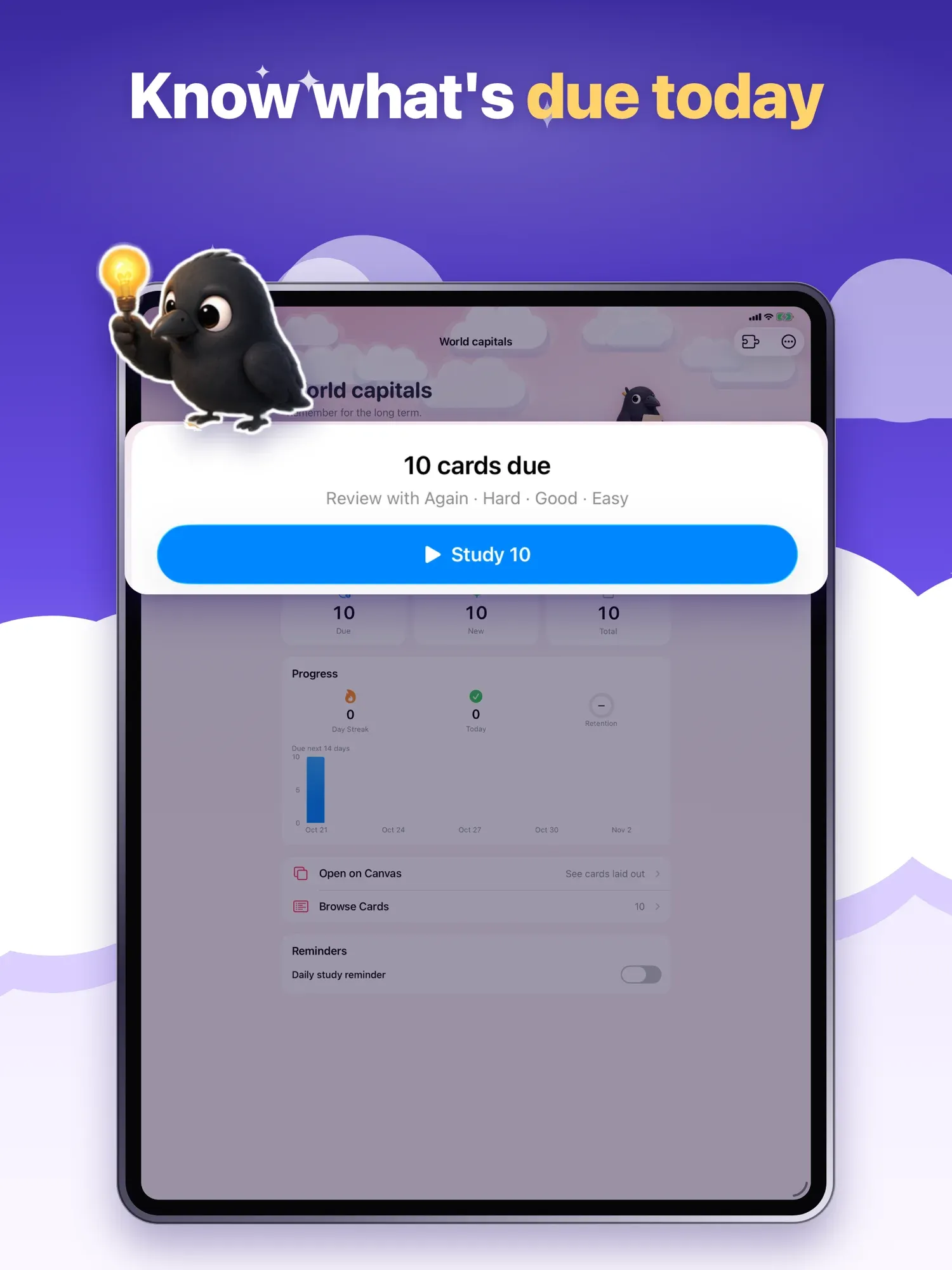
- Study dashboard with streak, retention rate and a 14-day forecast
- Import and export .apkg decks with scheduling data, images and clozes
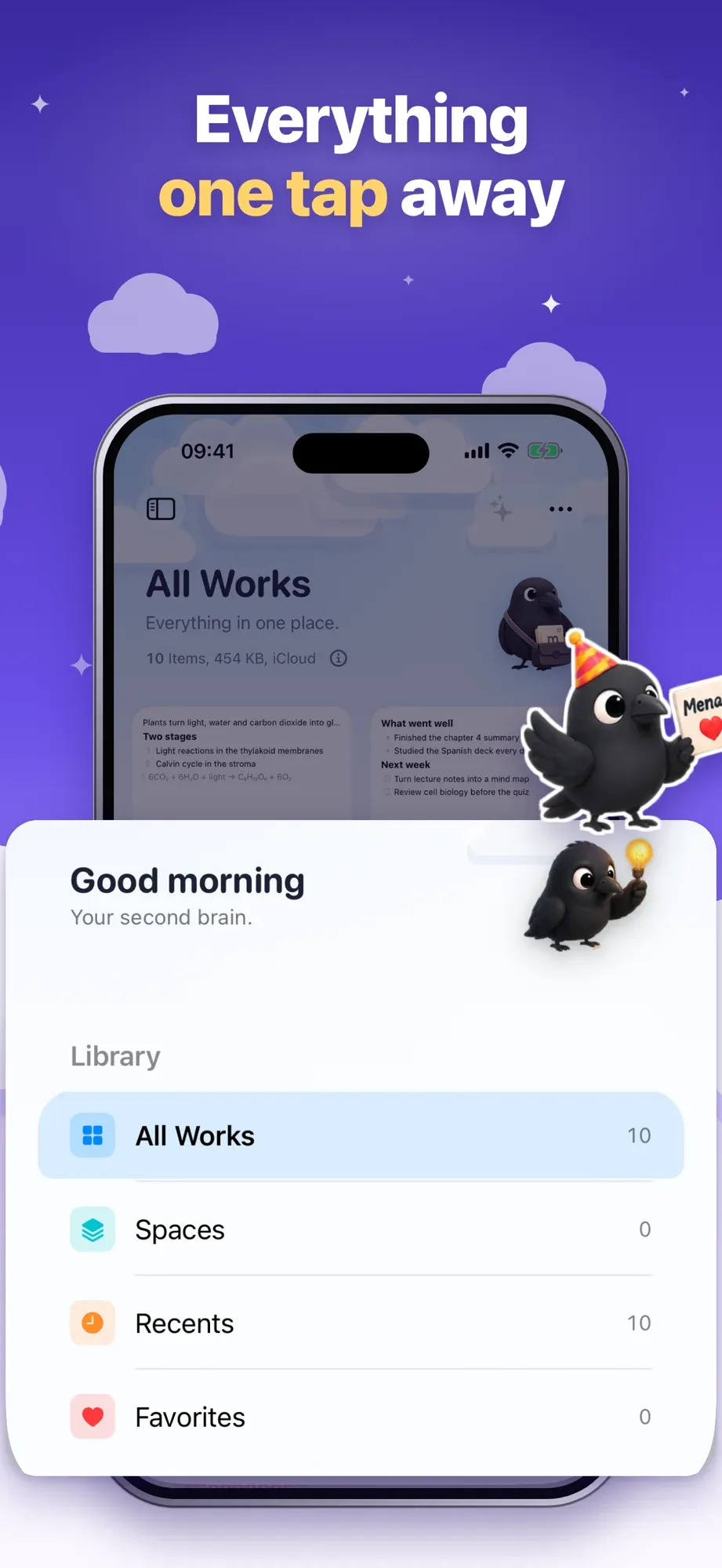
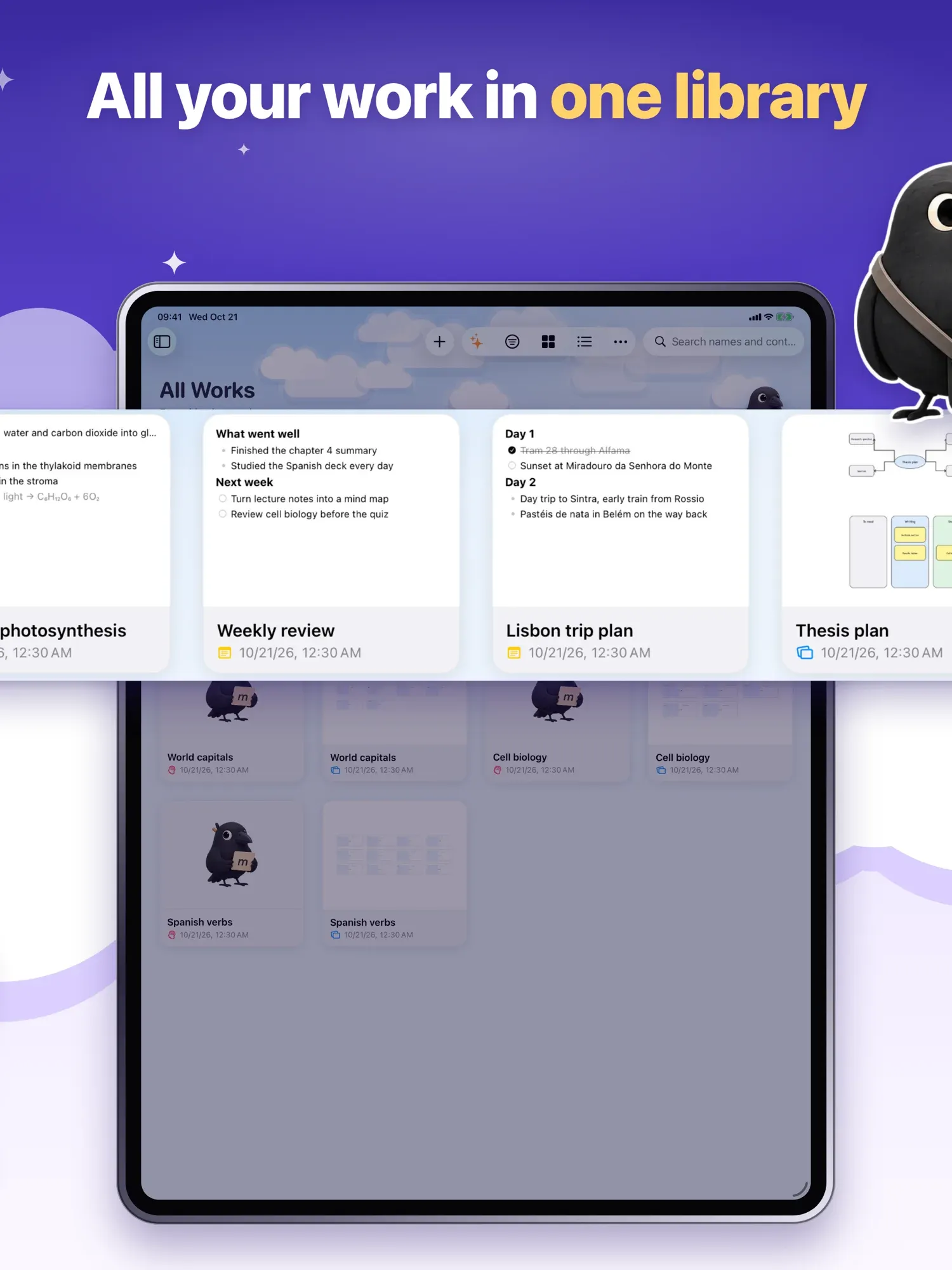
- Six board types: Board, Note, Journal, Atlas, Document and Deck
- Frames become slides you can present full screen or export as PDF
- Private iCloud sync across iPhone, iPad and Mac, with no account and no third-party server
How it works
-
Put the main idea down
Open a Board, an infinite canvas, and add a sticky note or a shape for your topic. Select it and tap Child or Sibling to add the next idea, already connected.
-
Link ideas into a concept map
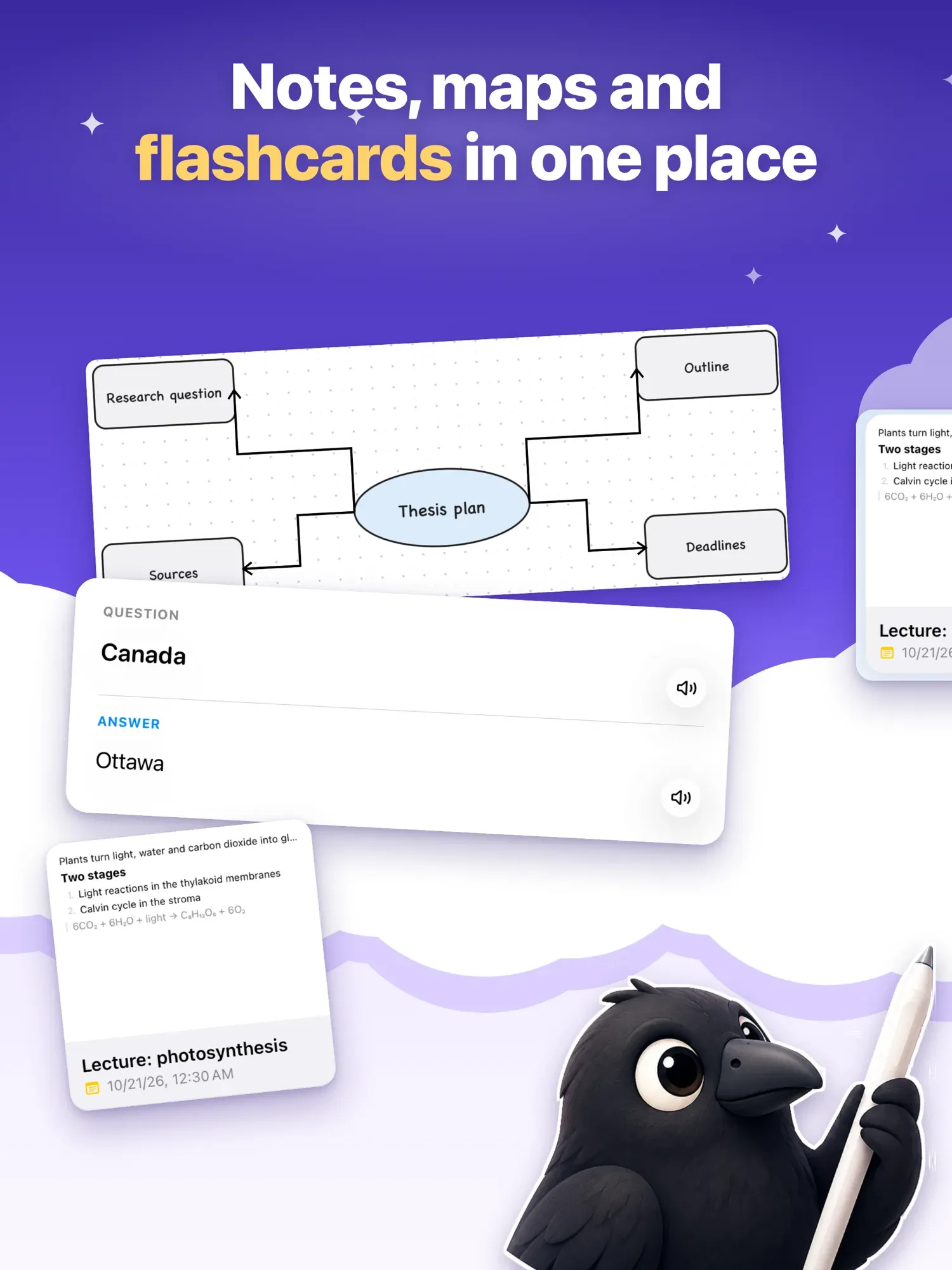
Draw connectors between any two notes and type a label on the line, so the map says how the ideas relate. Diagram from Text turns flowchart text written in Mermaid into shapes and connectors.
-
Add what you know
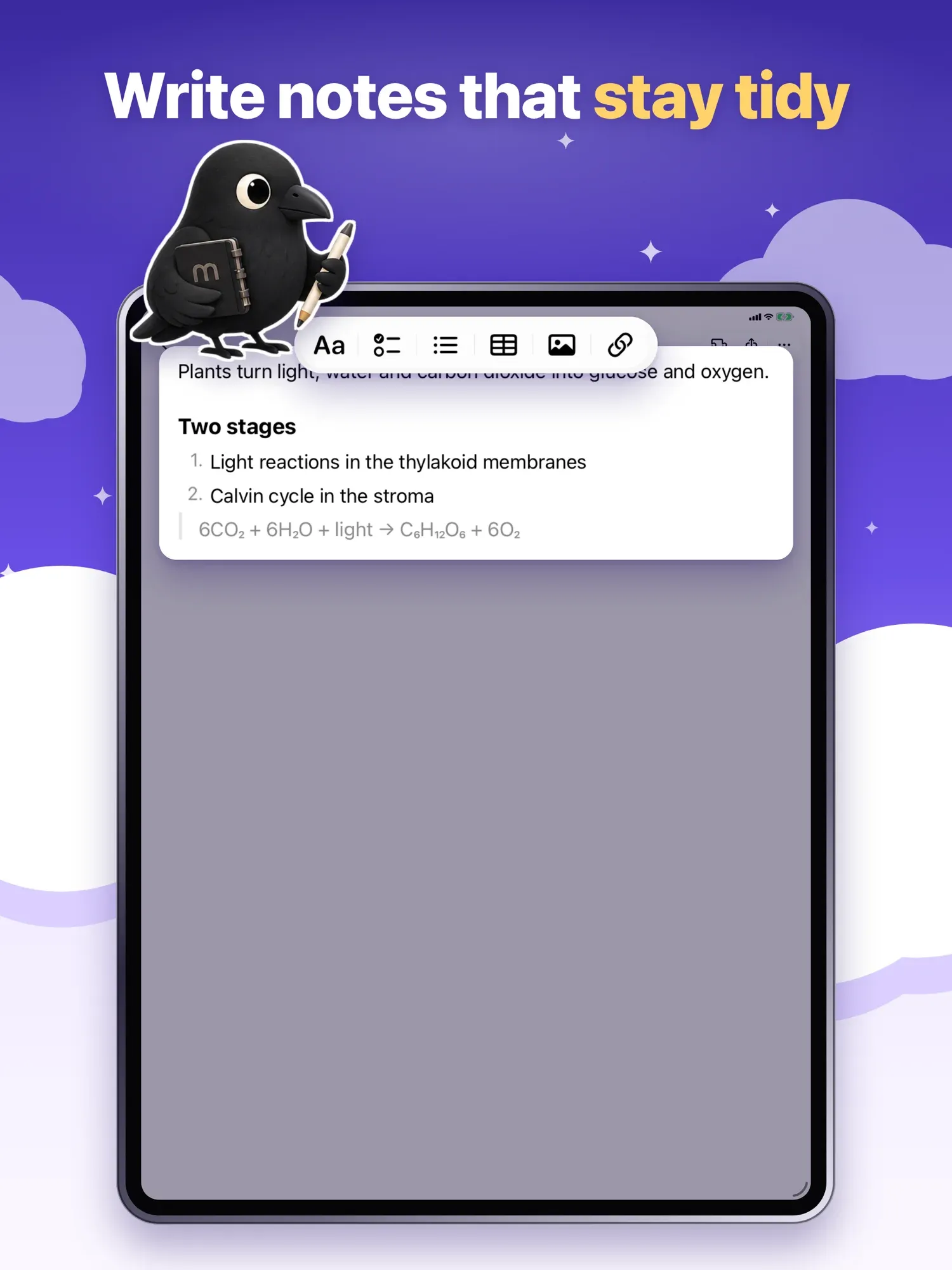
Write and sketch with Apple Pencil, and Draw to Shape snaps a rough shape clean. Drop in Markdown, highlighted code, images, PDFs, video, audio, live maps or a voice memo recorded on the canvas.
-
Study it and take it with you
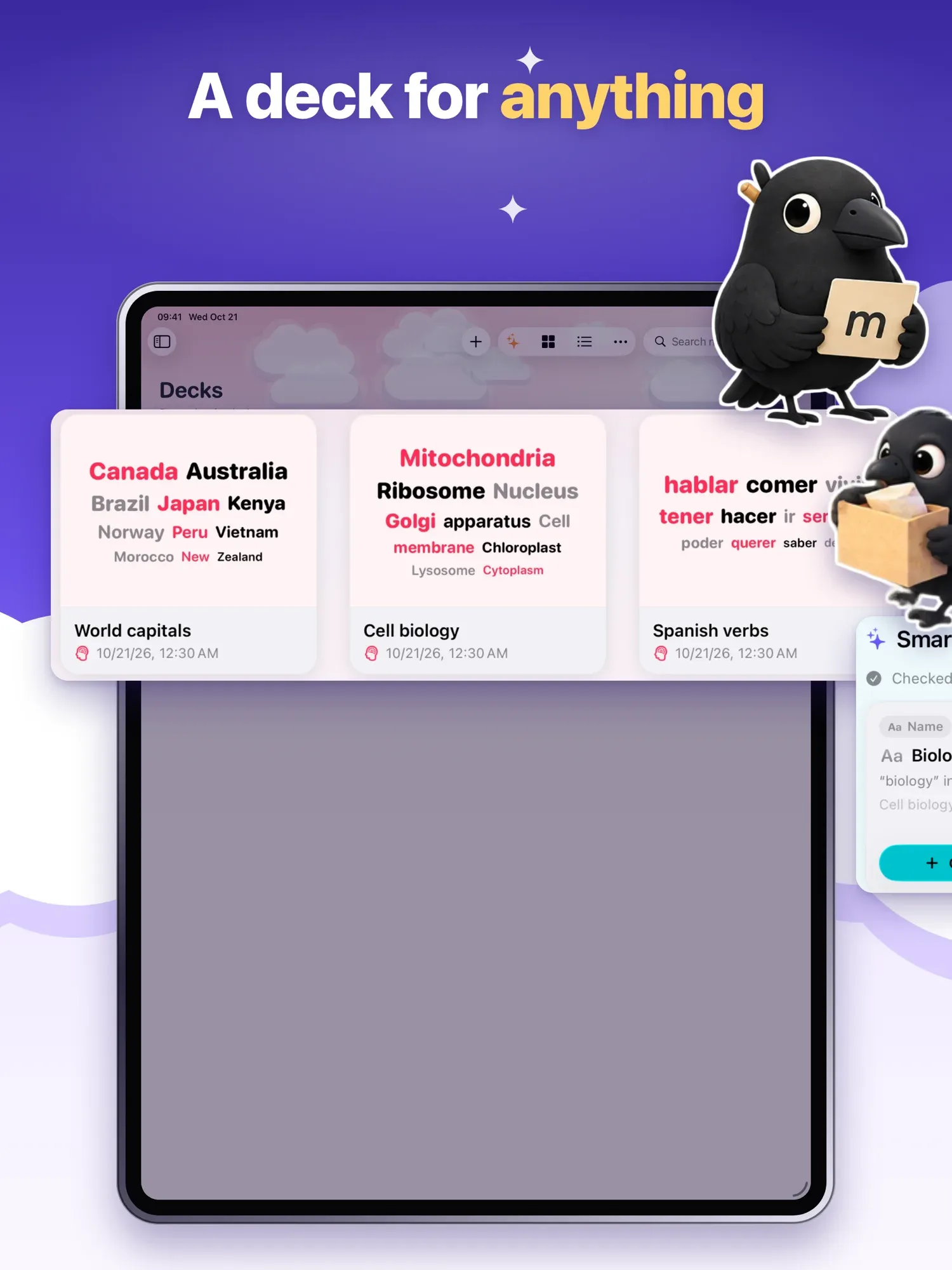
Turn a Deck into FSRS flashcards, generated from your notes on device. Frame part of a board to present it as a slide, and open every board on iPhone, iPad and Mac through your private iCloud.
Who it is for
-
Students who map, then memorize
Lay a topic out as a mind map, then study it with FSRS flashcards, cloze deletions and a study dashboard. Anki decks come in and go out as .apkg files.
-
Visual thinkers and planners
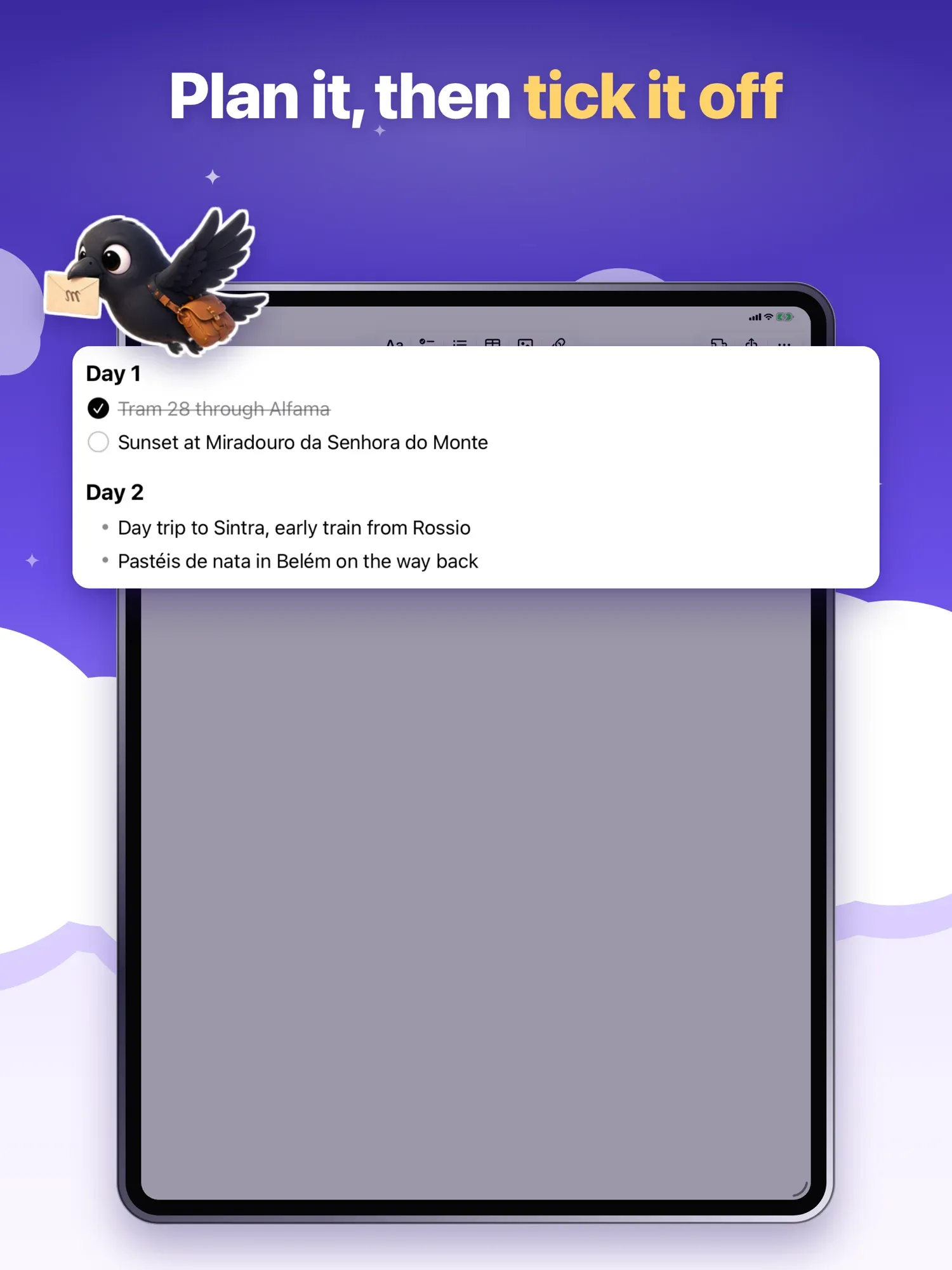
Brainstorm, plan and sketch flowcharts on a canvas with no page edges, using sticky notes, connectors, frames, tables and 19 shapes.
-
People who keep their notes private
There is no account and no third-party server. Boards sync through your own iCloud, and a deleted board waits in Recently Deleted.
Written guide
Mena: an infinite canvas that turns your notes into flashcards
Mena is a visual second brain for iPad: mind maps on an infinite canvas, handwritten notes, and FSRS flashcards, synced through your own iCloud with no account.
Read the guideMore guides about Mena
- Active recall: close the book and pull the answer out of your head
- Concept map or mind map: when to use which, and how to build a concept map
- How to make a mind map for studying that you will still remember next week
- How to turn your notes into flashcards you will actually keep reviewing
- MindNode, Xmind, SimpleMind or Mena: which mind map app fits how you work
Questions about Mena: Mind Map & Concept Map
- How do I build a mind map or a concept map?
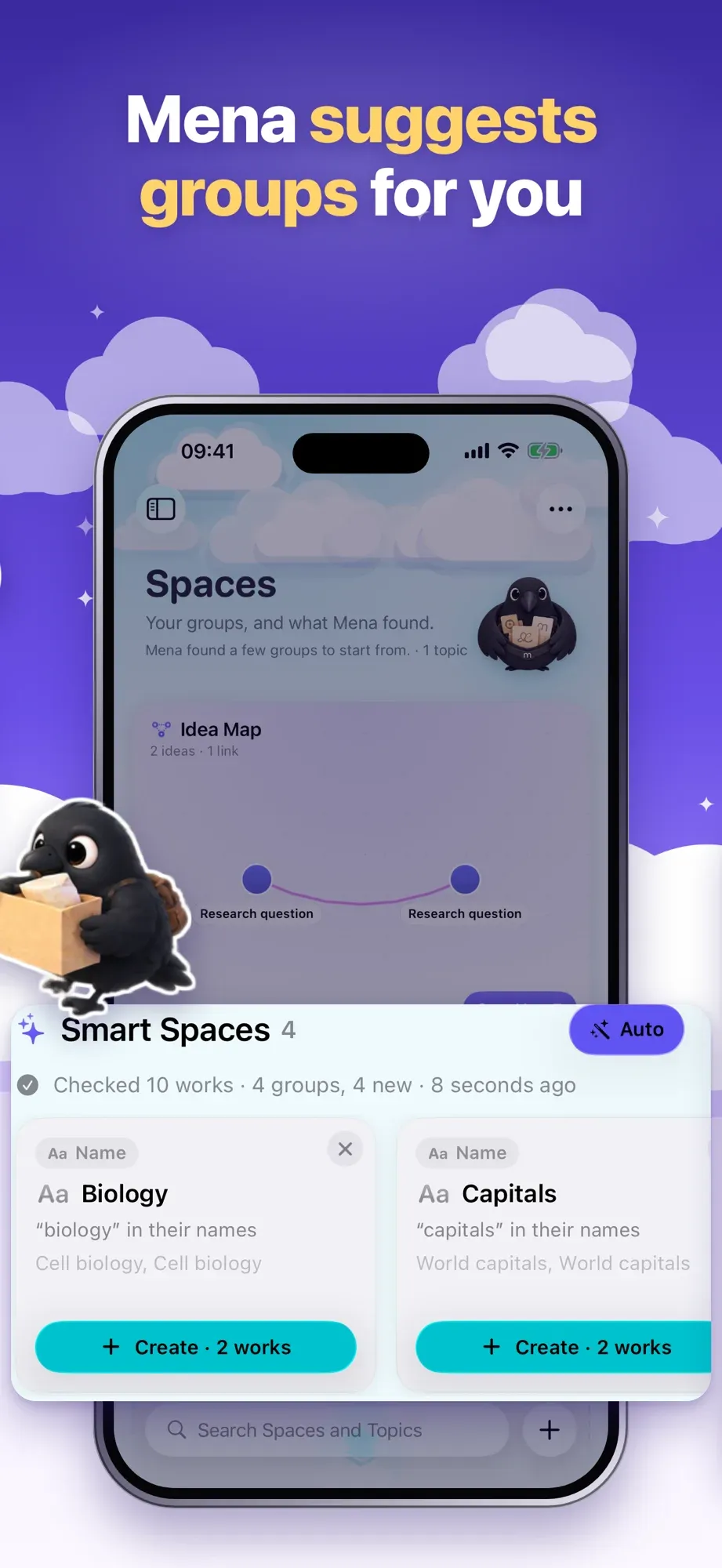
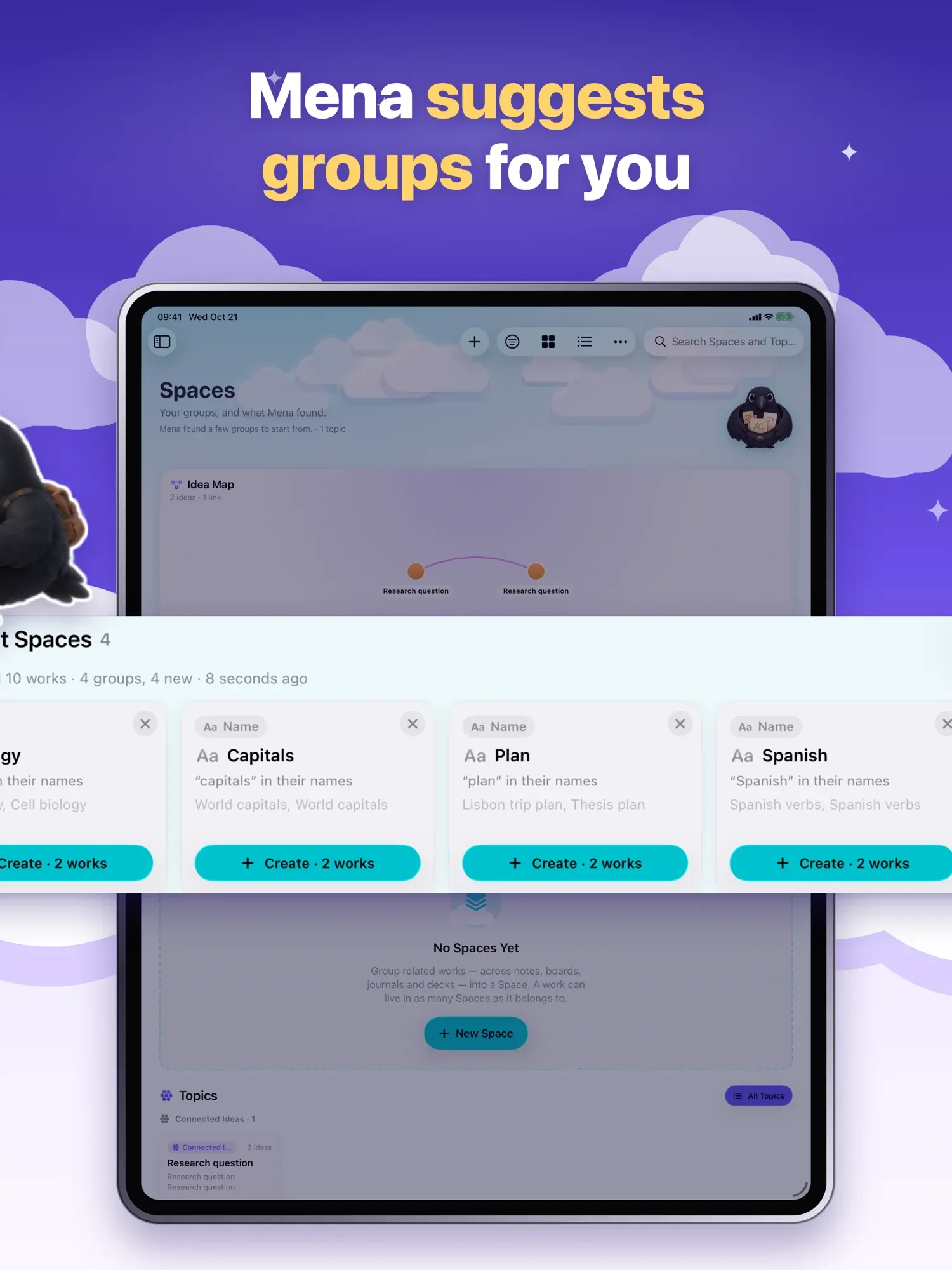
- Start on a Board, add a note for the main topic, select it and tap Child or Sibling to grow the map. For a concept map, draw connectors between notes and type a label on each one. Diagram from Text turns flowchart text in Mermaid syntax into shapes and connectors, and Atlas shows all your boards on one spatial map.
- Does it do flashcards as well?
- Yes. FSRS spaced repetition grades Again, Hard, Good and Easy with an interval preview, makes cloze deletions in one tap and generates cards from your notes on device. The study dashboard shows your streak, retention rate and a 14-day forecast, and Anki .apkg files import and export with scheduling data, images and clozes intact.
- What can I put on a board?
- Sticky notes, rich text and Markdown, code blocks with syntax highlighting, images, PDFs with page navigation, video, audio, live maps, web embeds and link previews. Record a voice memo on the canvas and the ink you drew while recording is seekable by playback time. Six board types cover the rest: Board, Note, Journal, Atlas, Document and Deck.
- How does syncing work?
- Private iCloud CloudKit sync across iPhone, iPad and Mac, with no account and no third-party server. Sync is free on every plan. Flashcard generation runs on device, web embeds and Unsplash search connect only when you use them, and deleted boards wait in Recently Deleted.
- What are the free limits?
- 3 boards, 3 notes, 3 documents and 5 decks, with journals and system boards never limited. Mena Pro lifts every limit as a monthly plan, a yearly plan with a one-week free trial, or a one-time lifetime purchase, and one purchase unlocks Pro on iPhone, iPad and Mac.
- Can I present a map or use it outside the app?
- Draw a frame around part of a board and it becomes a slide you can present full screen or export with the rest as a PDF. Four Home Screen and Lock Screen widgets cover quick capture, a live board preview, today’s study and per-deck stats, and the share extension sends text, links, images, PDFs and video from other apps to a board.
Get Mena: Mind Map & Concept Map
Visual Notes, Thinking & AI
Free tools
Free tools that fit Mena
Writing about Mena? Press kit with fact sheet, icon and screenshots
Same corner of the toy box
More apps you might like
If Mena: Mind Map & Concept Map is your kind of thing, these live in the same neighbourhood — all made by the same pair of hands.