 Free on the App Store
- Category
- Education
- Runs on
- iPhone, iPad
- Developer
- Cihat SALİK
Preview
iOS

About
Highlights
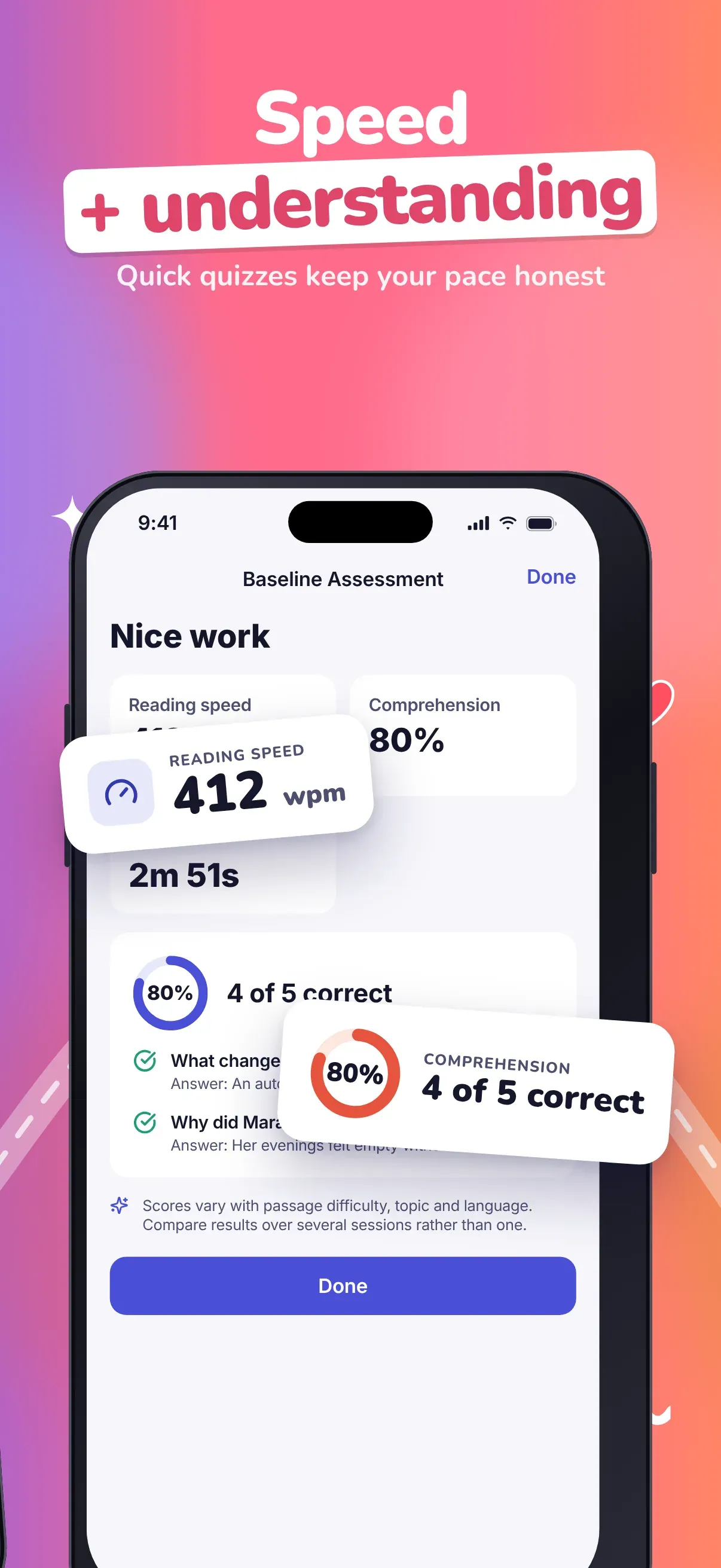
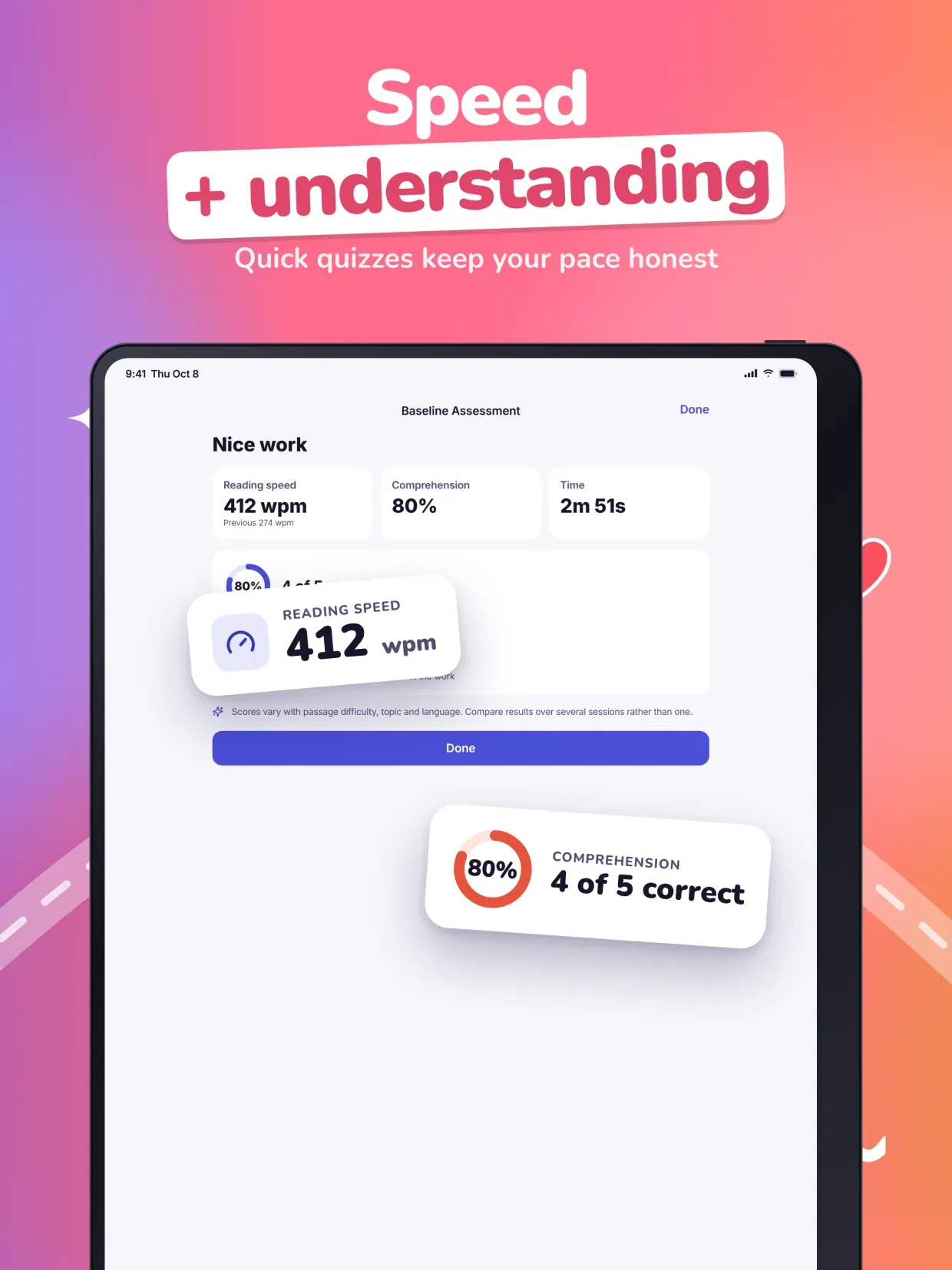
- A 3-minute baseline that measures reading speed and comprehension separately, so a faster pace has to prove itself
- Import what you already read: PDF, EPUB, Word, ODT, RTF, Markdown, HTML, CSV, plain text, web article links, pasted text and scanned pages
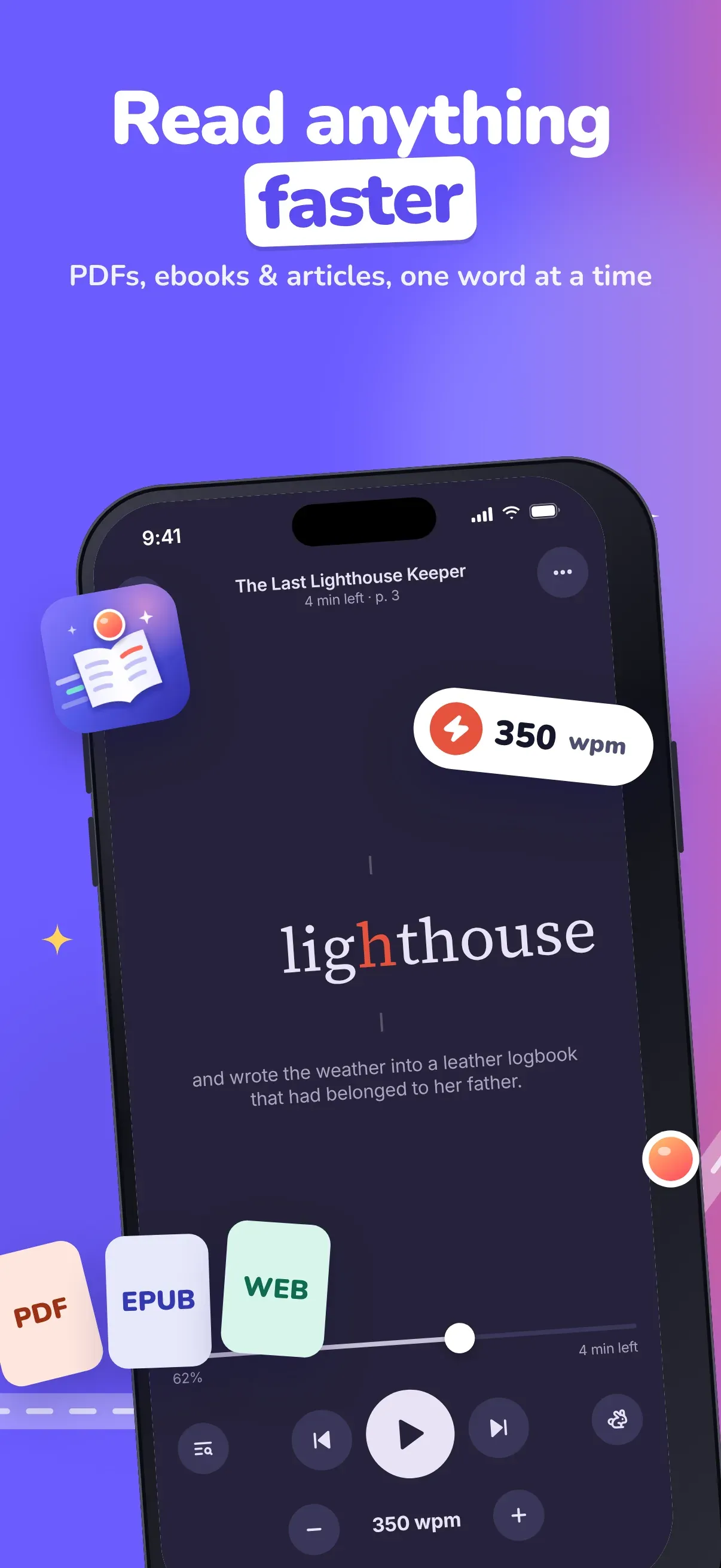
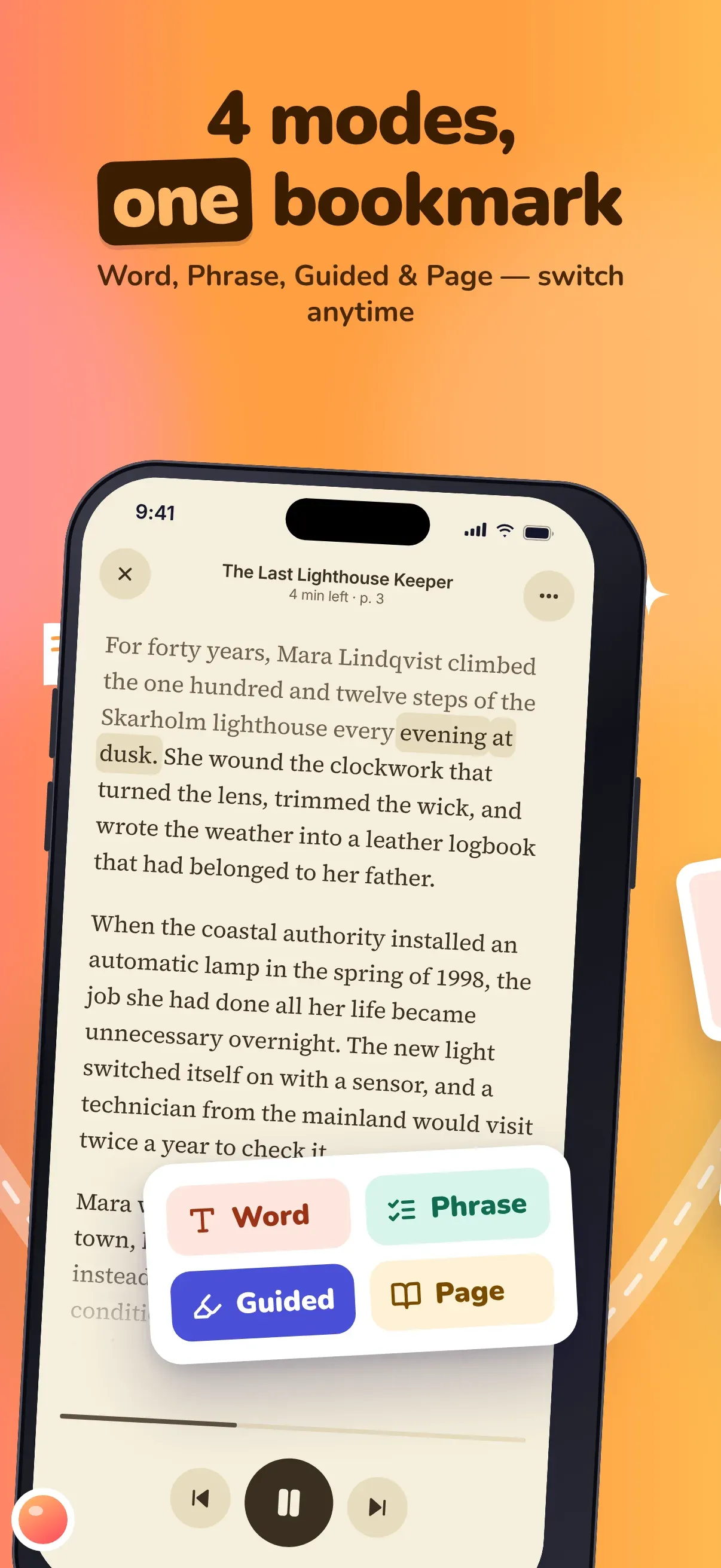
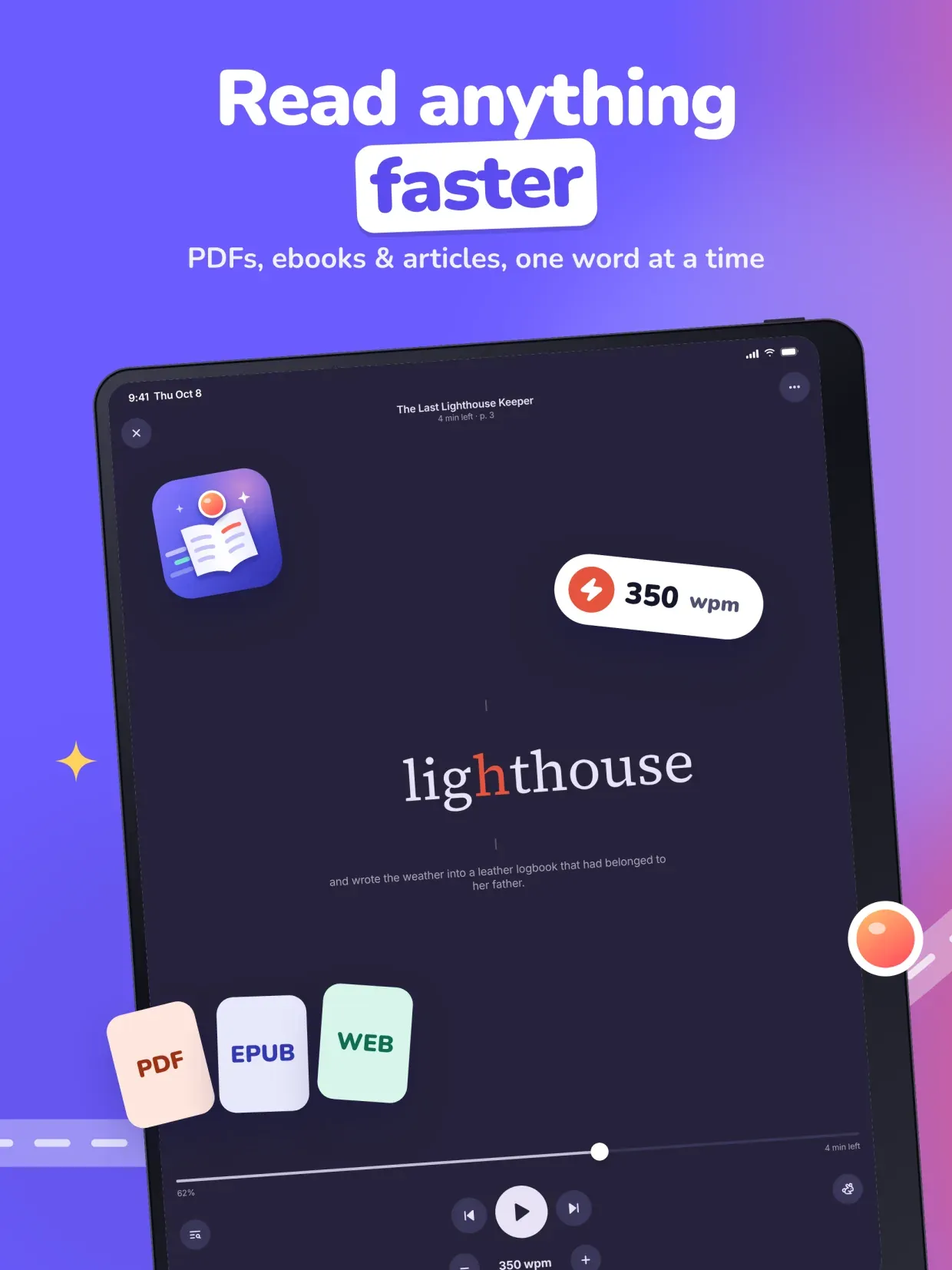
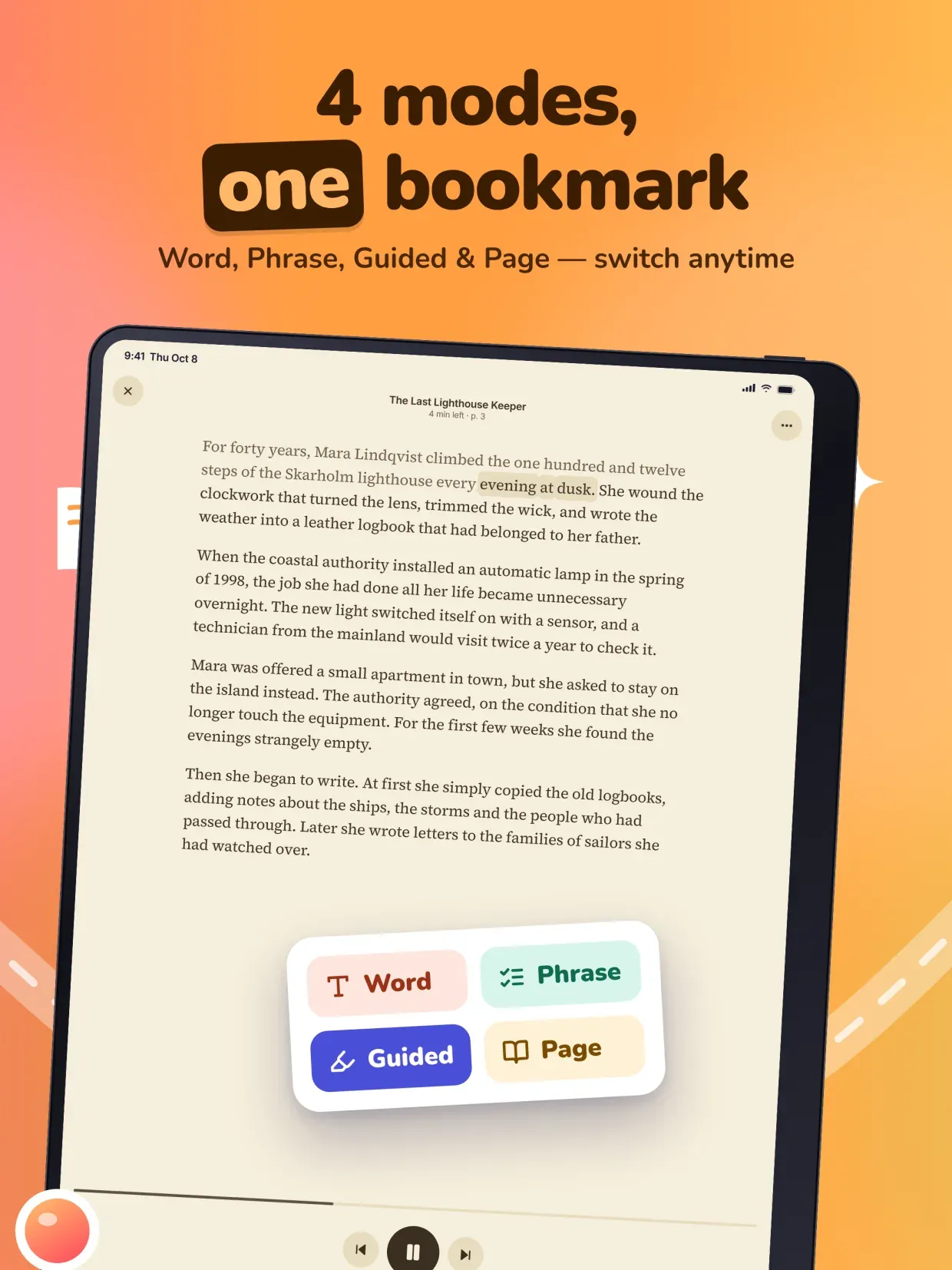
- Four reading modes — Word, Phrase, Guided and Page — sharing one bookmark, from 100 to 1,200 words per minute
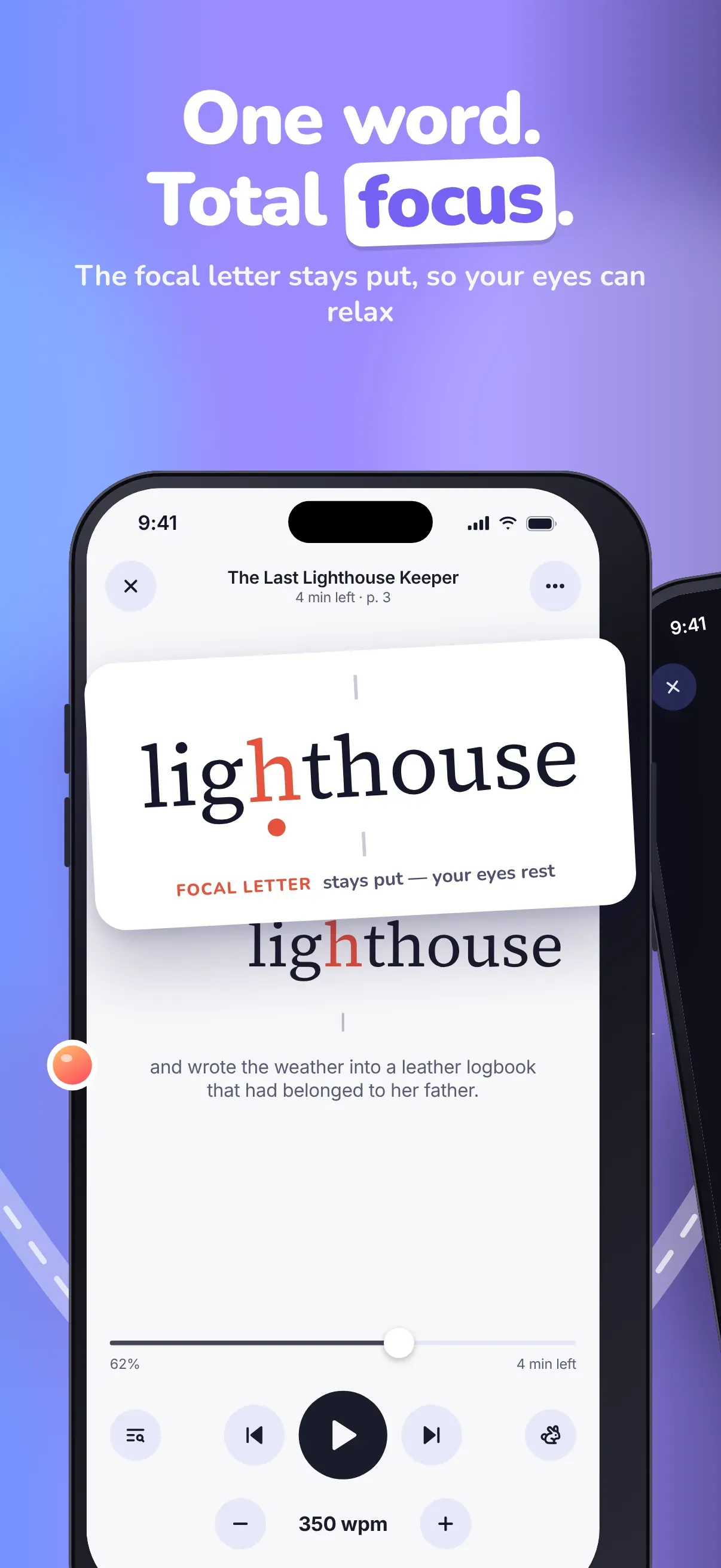
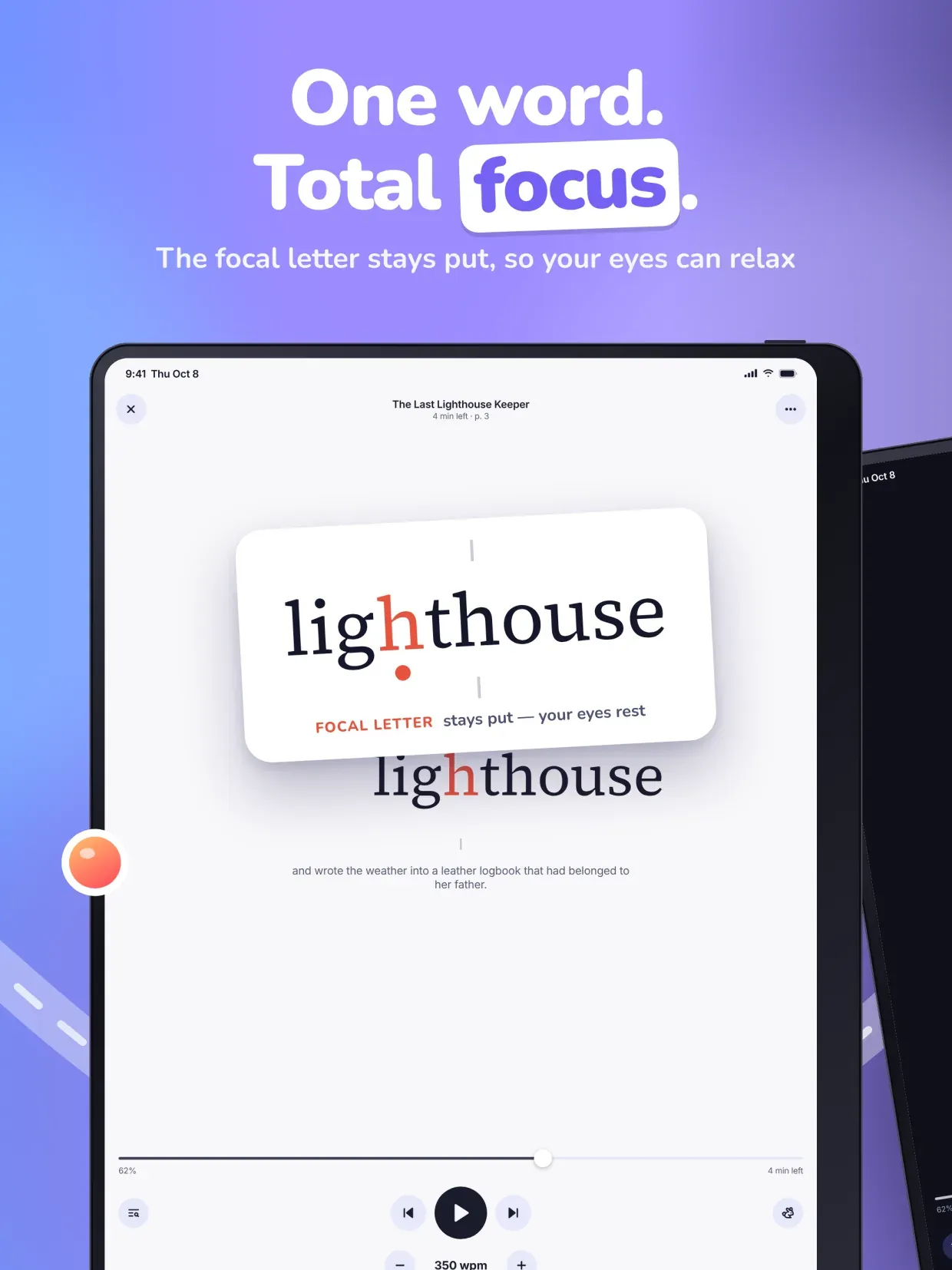
- A highlighted focal letter that holds your eyes still, with gentle pauses at punctuation and an optional warm-up
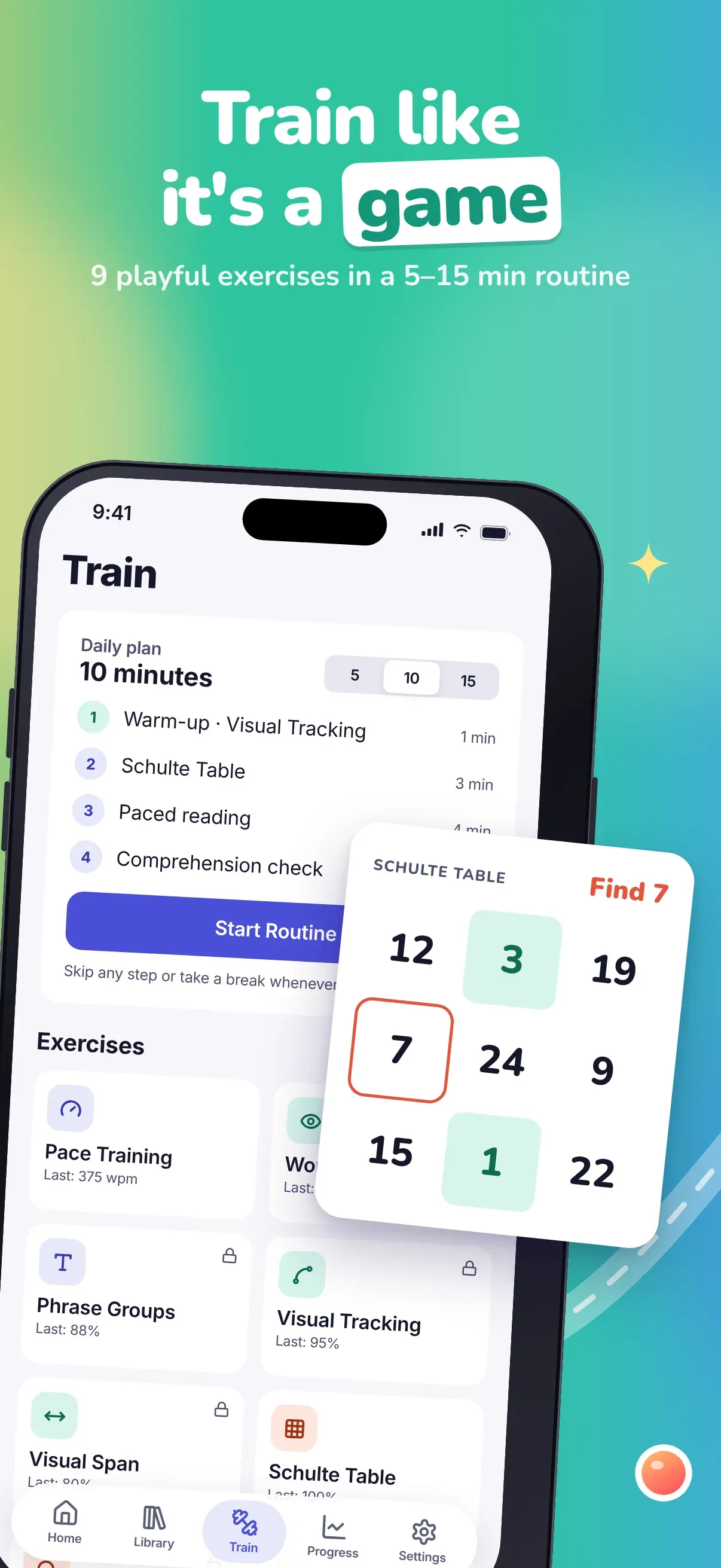
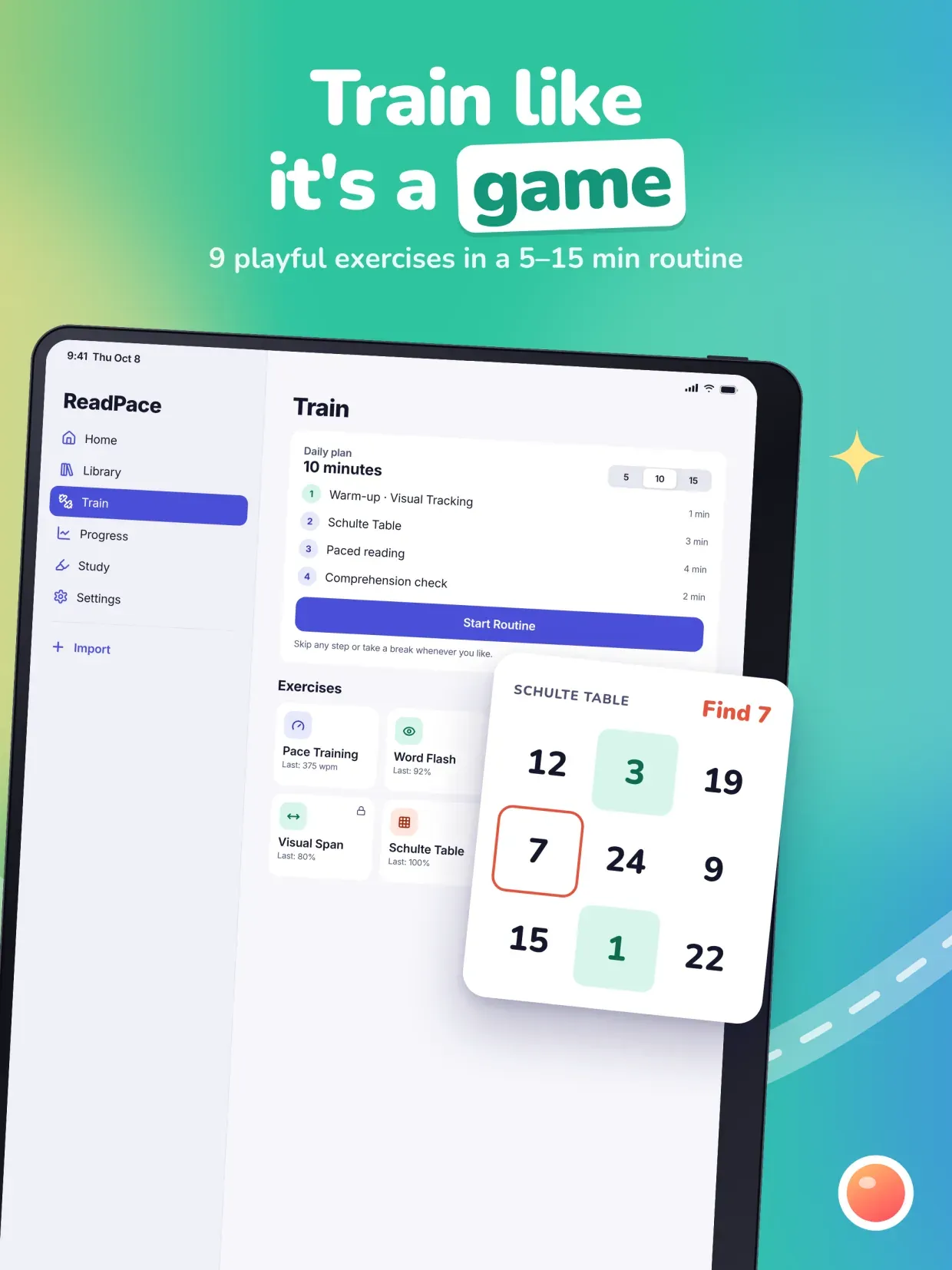
- Nine training exercises in a 5, 10 or 15-minute daily routine, with difficulty that adapts to your results
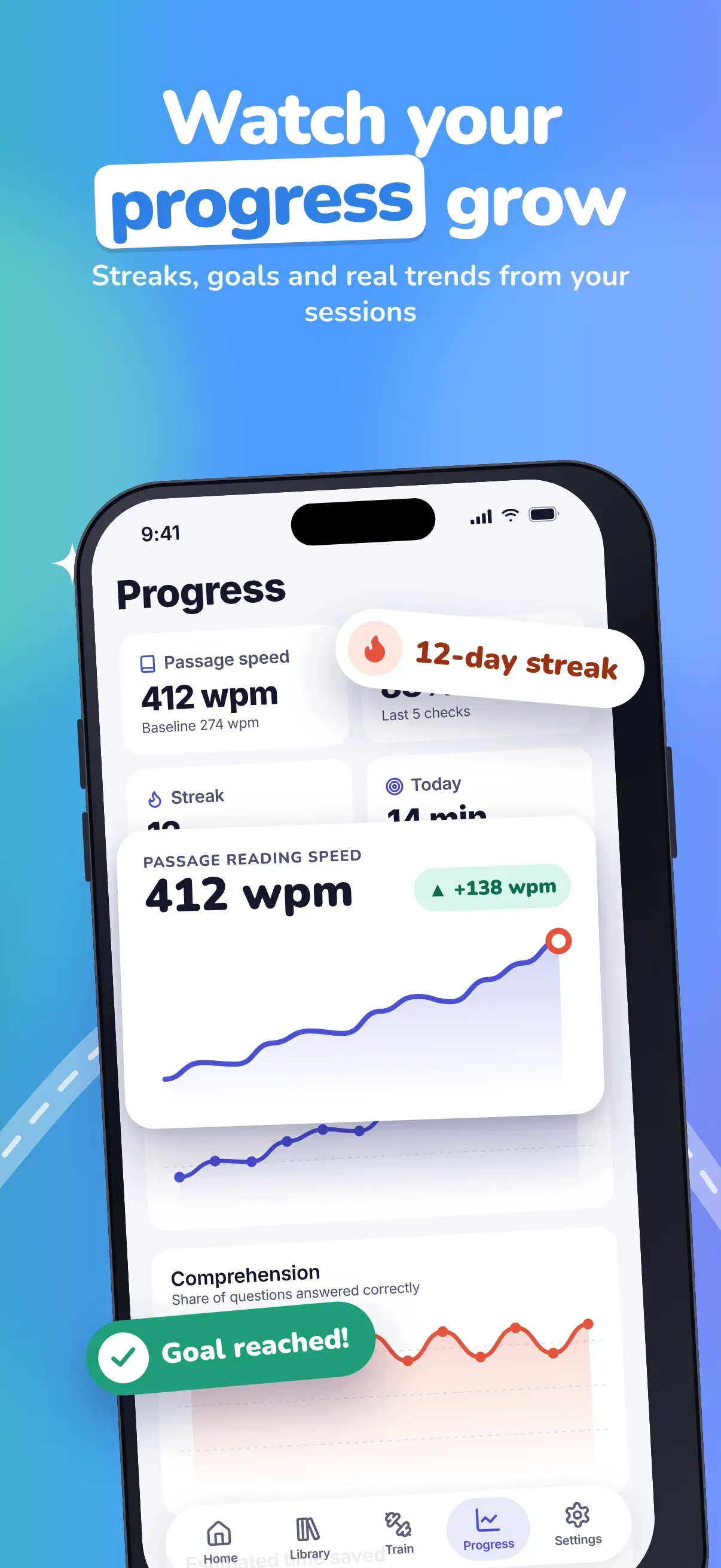
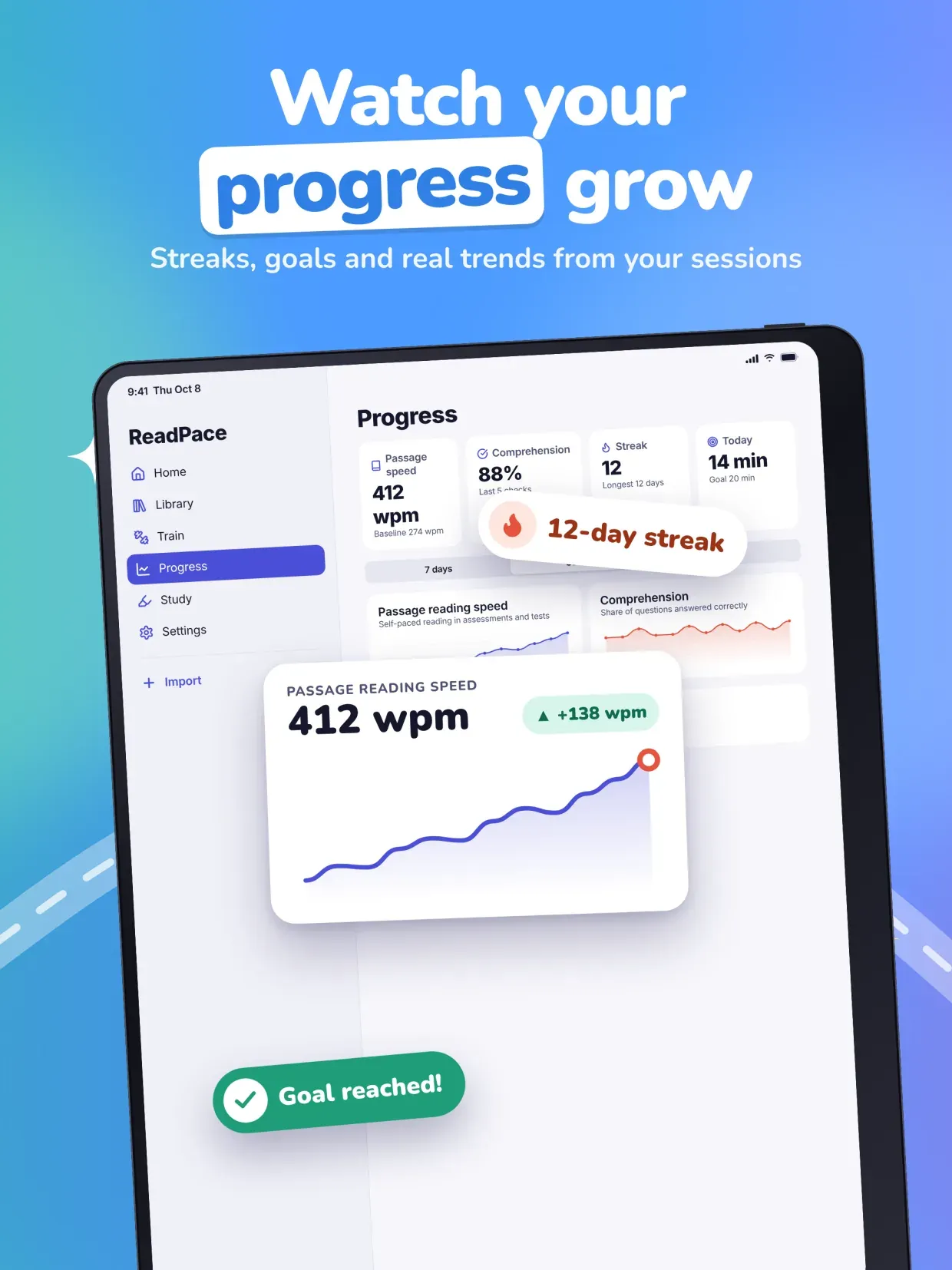
- Progress built only from sessions you finished: streaks, daily minutes and separate speed and comprehension trends
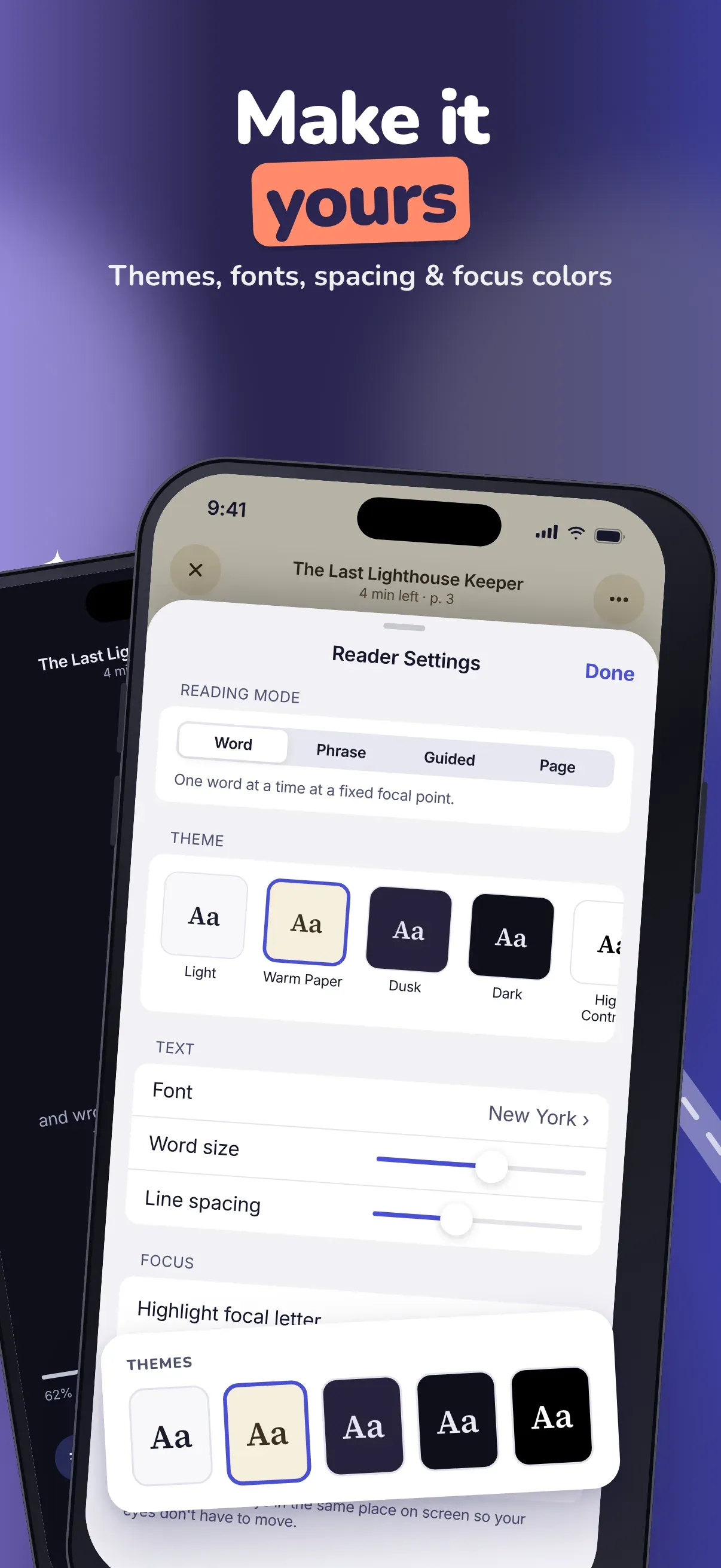
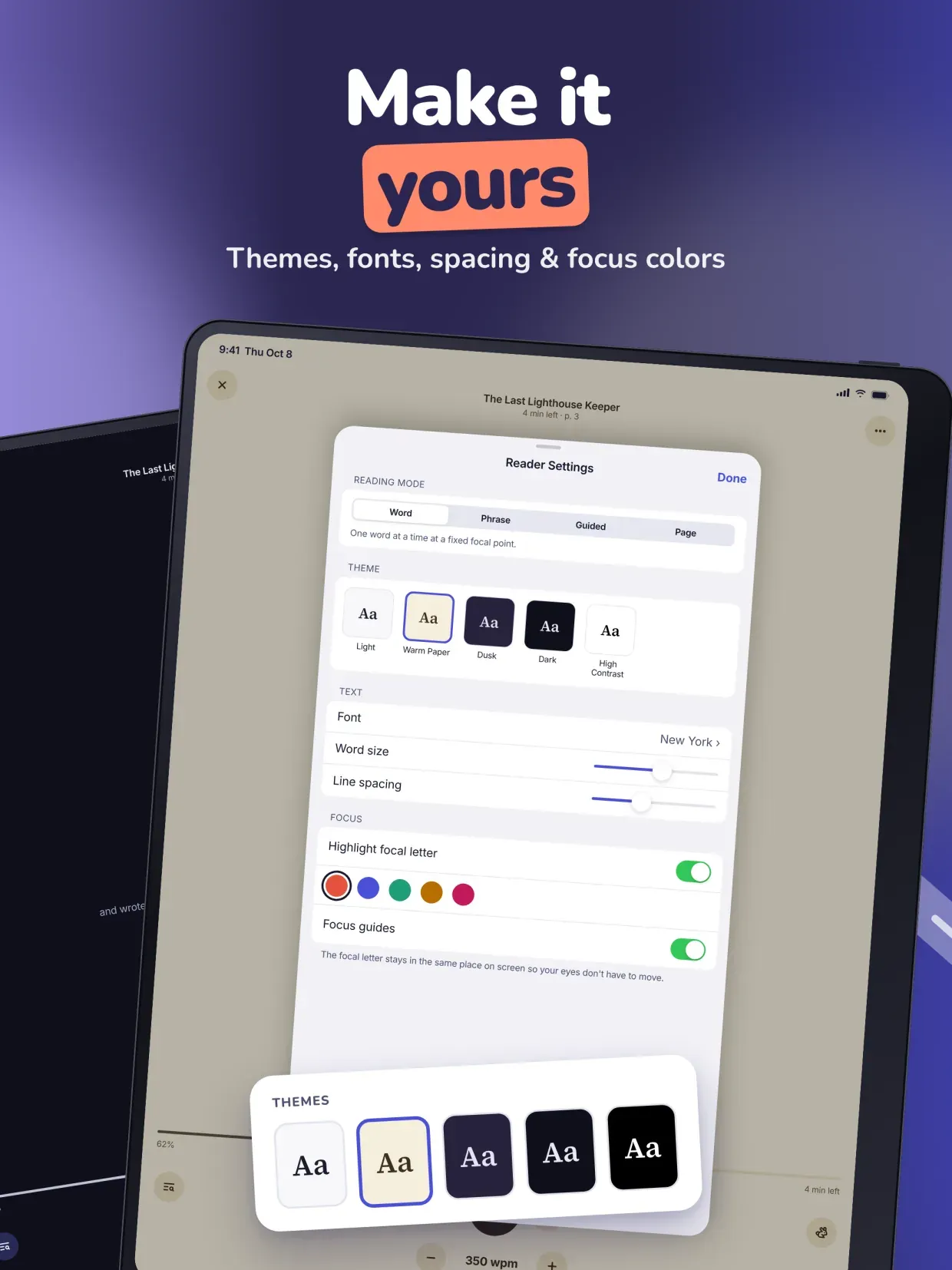
- Six reader themes and six fonts, Dynamic Type and VoiceOver, no account and no tracking
How it works
-
Bring in what you read
Import a PDF, EPUB, Word, ODT, RTF, Markdown, HTML, CSV or plain text file, open a web article from its link, or paste text. Text from Photos and Scan Printed Pages turn printed pages into text with recognition on the device. PDFs lose their running headers, footers and page numbers, so sentences do not break at the page edge.
-
Take the baseline
The Baseline Assessment has you read a short passage and answer five questions, in about 3 minutes. ReadPace keeps your speed and your comprehension as two separate results, so a higher words-per-minute figure cannot hide a drop in understanding.
-
Pick a way to read
Word shows one word at a time with a highlighted focal letter, Phrase shows short word groups, Guided moves a highlight through the full text, and Page is ordinary reading. All four share one bookmark, so you can switch in the middle of a chapter. Set the pace from 100 to 1,200 words per minute, with short pauses at punctuation and an optional warm-up.
-
Train a few minutes a day
The Train tab builds a 5, 10 or 15-minute routine from nine exercises, from Pace Training and Word Flash to the Schulte Table and a timed Passage Test. Difficulty moves up after strong sessions and back down after hard ones, and Progress charts speed and comprehension from the sessions you finished.
Who it is for
-
Students with long reading lists
Read the PDFs and chapters you actually have to get through, and with ReadPace Pro turn a document you have read into review questions.
-
Anyone who wants honest numbers
Speed and comprehension are measured and charted separately, so you can see whether a faster pace still works for you.
-
Readers whose focus drifts
Word and Guided set the tempo for you, and short drills like the Schulte Table work as a warm-up before a reading session.
-
People who need a comfortable page
High-contrast themes, six typefaces, adjustable spacing, Dynamic Type and VoiceOver are part of the free app.
Written guide
ReadPace: reading faster without quietly understanding less
A 3-minute baseline measures speed and comprehension separately. Four reading modes share one bookmark at 100–1,200 wpm, and nine exercises train your focus.
Read the guideQuestions about ReadPace: Speed Reading & RSVP
- Does speed reading actually work?
- Reading faster only helps if you still follow the text, so ReadPace measures both. The baseline times you on a passage and then asks questions about it, and Progress keeps the two trends apart. The lessons in the Train tab explain when slowing down is the better choice, and the focus drills are labelled as warm-ups, not eye therapy.
- Can I read one word at a time?
- Yes. Word mode shows one word at a time in a fixed spot, with one highlighted letter so your eyes do not travel across the line. You choose the focal color or turn the highlight off, and punctuation adds short pauses. Phrase mode shows up to three words at once if single words feel too fast.
- What can I import, and do Kindle books work?
- PDF, EPUB, Word (DOCX), OpenDocument text, RTF, Markdown, HTML, CSV and plain text, plus web article links, pasted text and photos or scans of printed pages. Books with DRM, which includes most store-bought ebooks, cannot be imported; ReadPace refuses them and never tries to decrypt them. DRM-free EPUB files open normally.
- What is a Schulte table good for?
- A Schulte table is a grid of numbers you find in order as quickly and accurately as you can. In ReadPace it is one of nine exercises and part of the daily routine, where it works as an attention warm-up. Your times are saved, and difficulty adjusts to your recent results.
- How do I read faster without losing comprehension?
- Start with the baseline so you know your current speed and score. Then raise the pace in small steps in Word, Phrase or Guided mode and take the Passage Test now and then. If comprehension drops in Progress while speed goes up, go back to the last pace that held.
- What is free, and what does ReadPace Pro add?
- Free covers your library, imports, unlimited Page reading, 15 minutes a day in the Word, Phrase and Guided modes, four exercises (Baseline Assessment, Pace Training, Word Flash and Schulte Table) and basic progress. ReadPace Pro removes the daily limit and adds all nine exercises, detailed progress, review questions, more than one collection, the Warm Paper and Dusk themes and text recognition for scanned PDFs. It comes as a monthly plan, a yearly plan with a one-week free trial, or a one-time purchase.
- Do I need an account, and which devices does it run on?
- There is no account and no tracking. Your library and history are stored on your iPhone or iPad, and reading works without a connection; only opening a web article fetches that page. The interface is in English and Turkish.
Get ReadPace: Speed Reading & RSVP
Read Faster & Train Your Focus
Free tools
Free tools that fit ReadPace
Same corner of the toy box
More apps you might like
If ReadPace: Speed Reading & RSVP is your kind of thing, these live in the same neighbourhood — all made by the same pair of hands.