 Free on the App Store
- Category
- Photo & Video
- Runs on
- iPhone, iPad
- Developer
- Cihat SALİK
Preview
iOS
About
Dedicated site: Tetherline: Camera Remote
Highlights
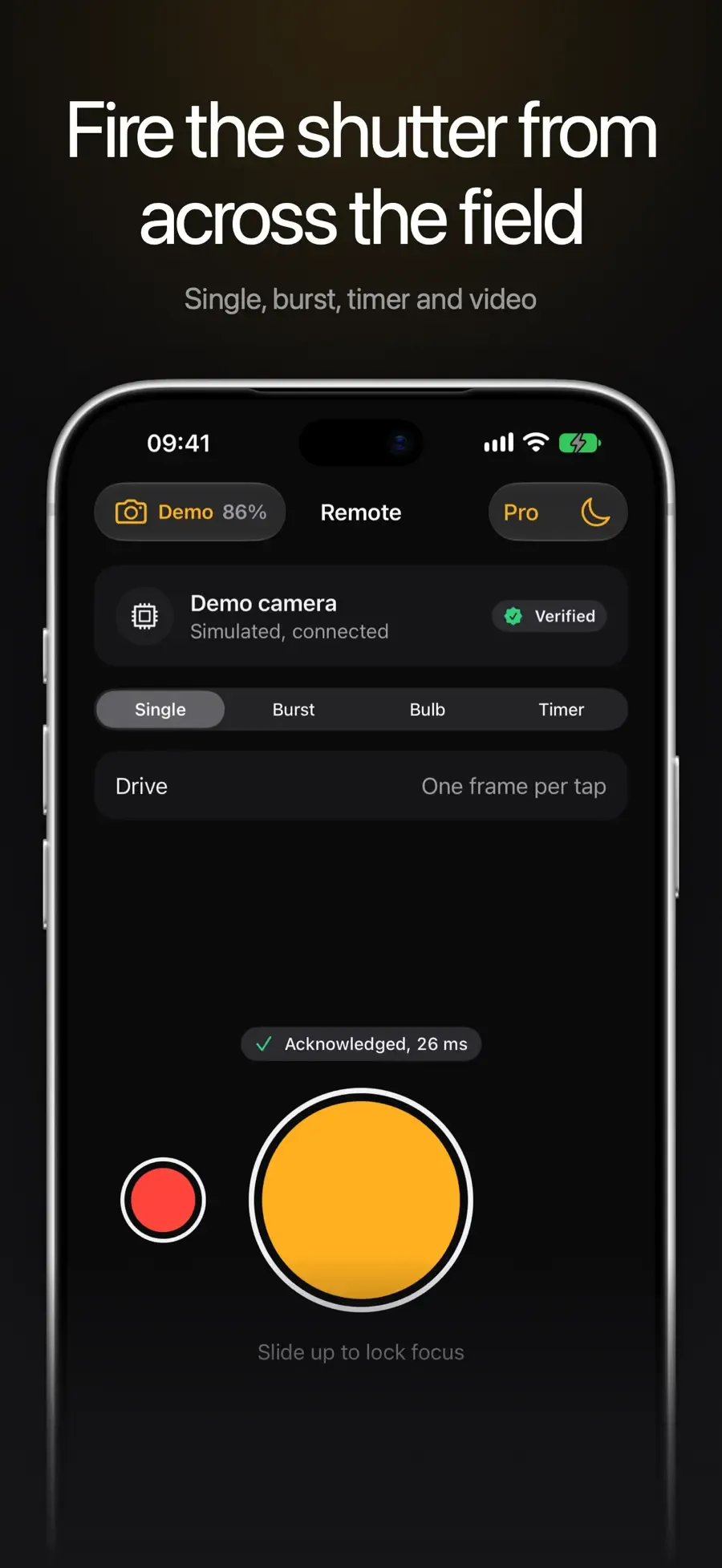
- Wireless shutter release: single, burst, self-timer and video start and stop
- Fire all cameras: trigger every paired camera together
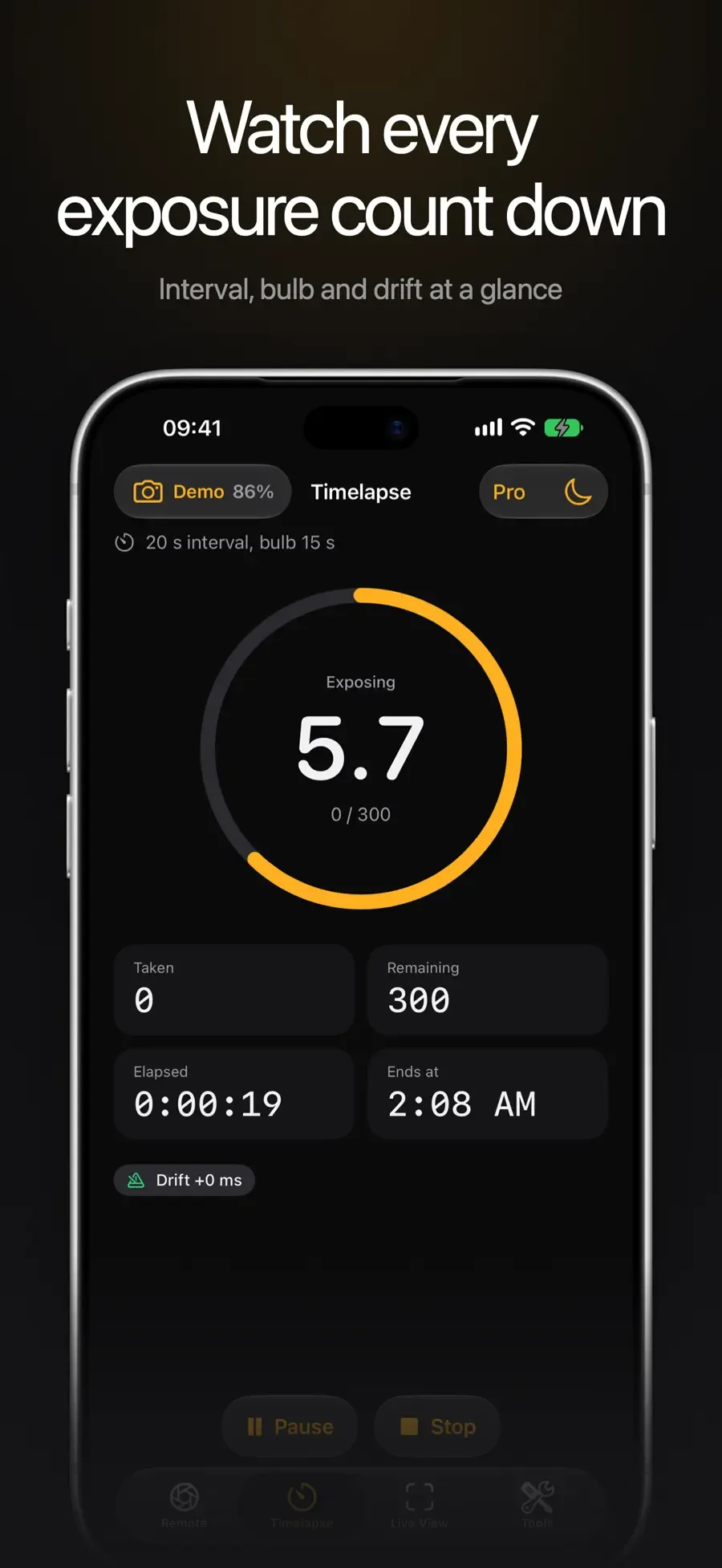
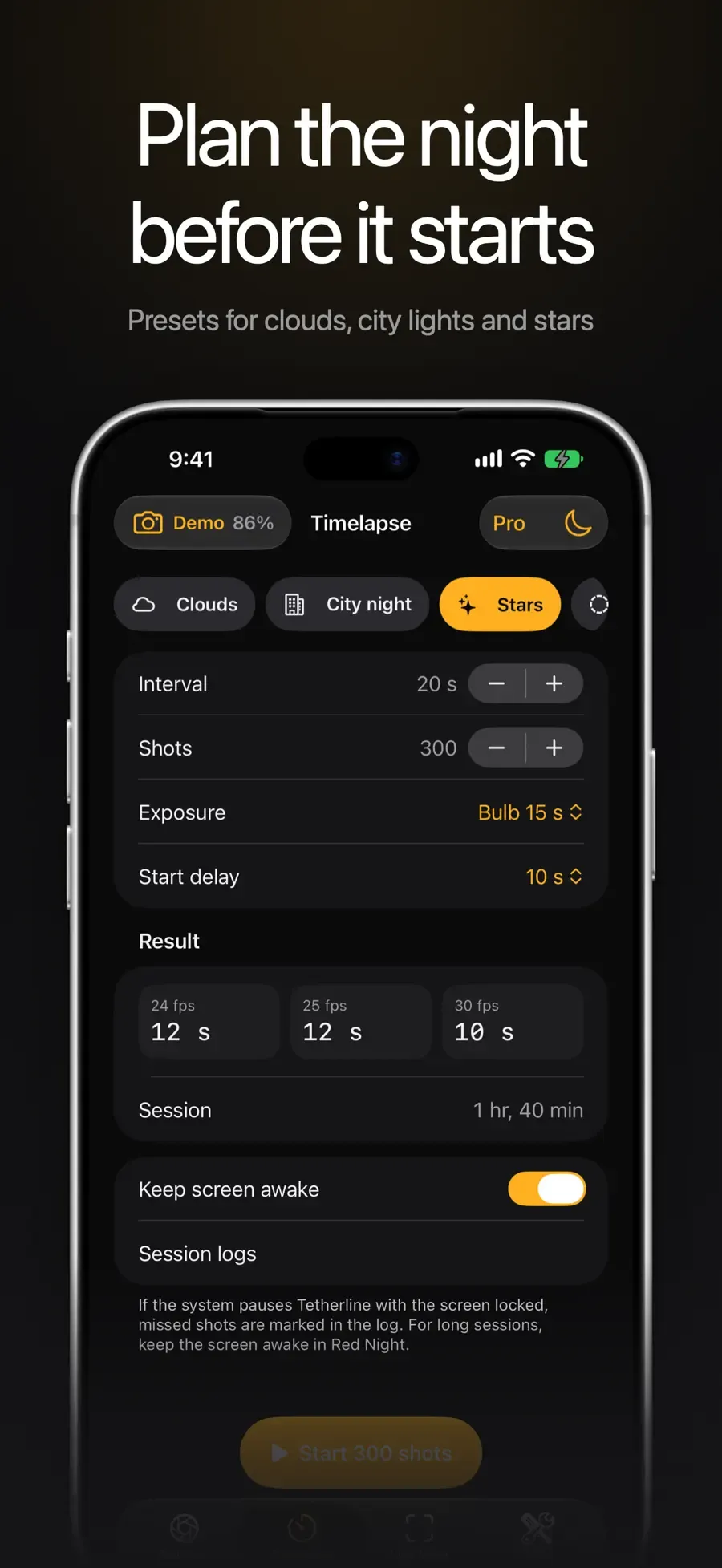
- Timelapse presets for Clouds, City night, Stars and Star trails, with interval, shots, exposure and start delay
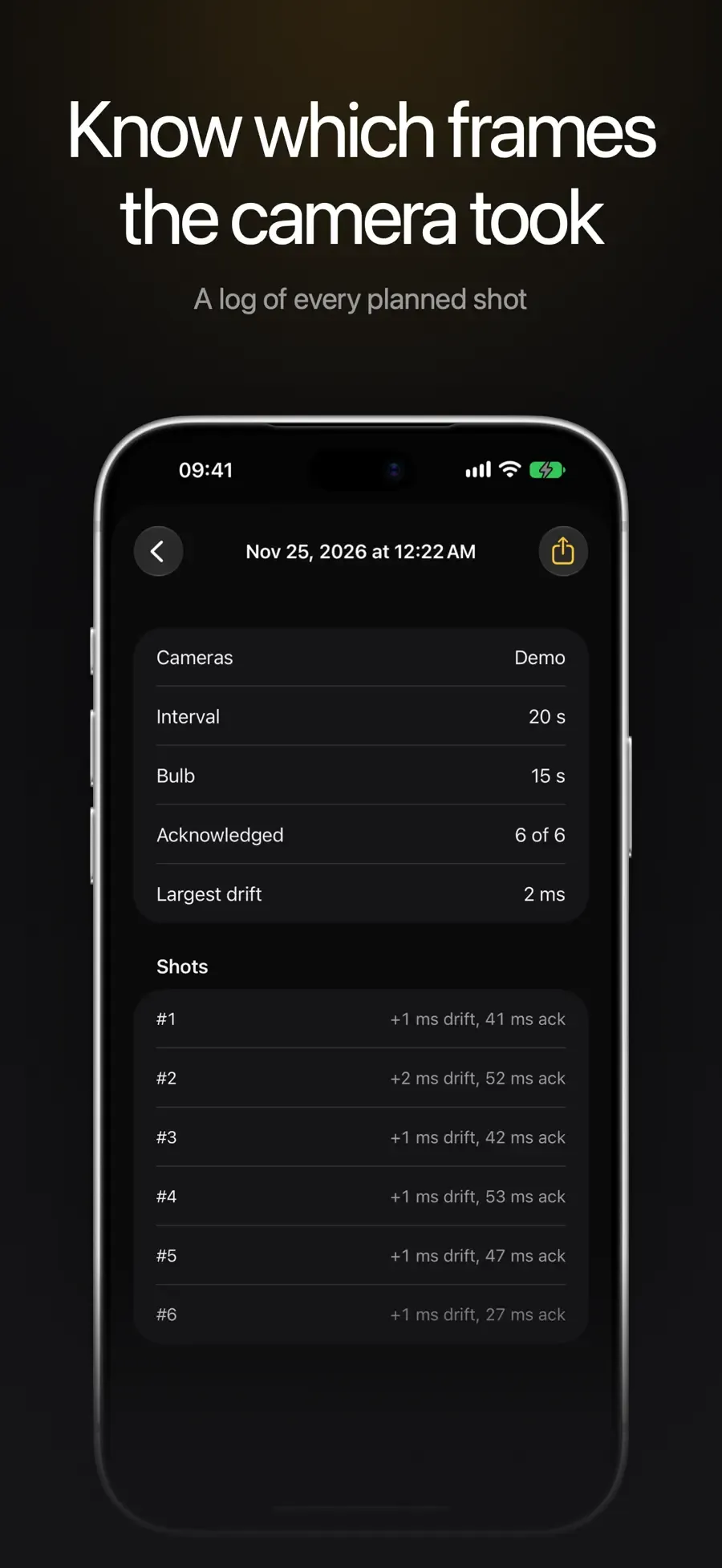
- A session log of every planned shot, whether the camera acknowledged it and its timing drift
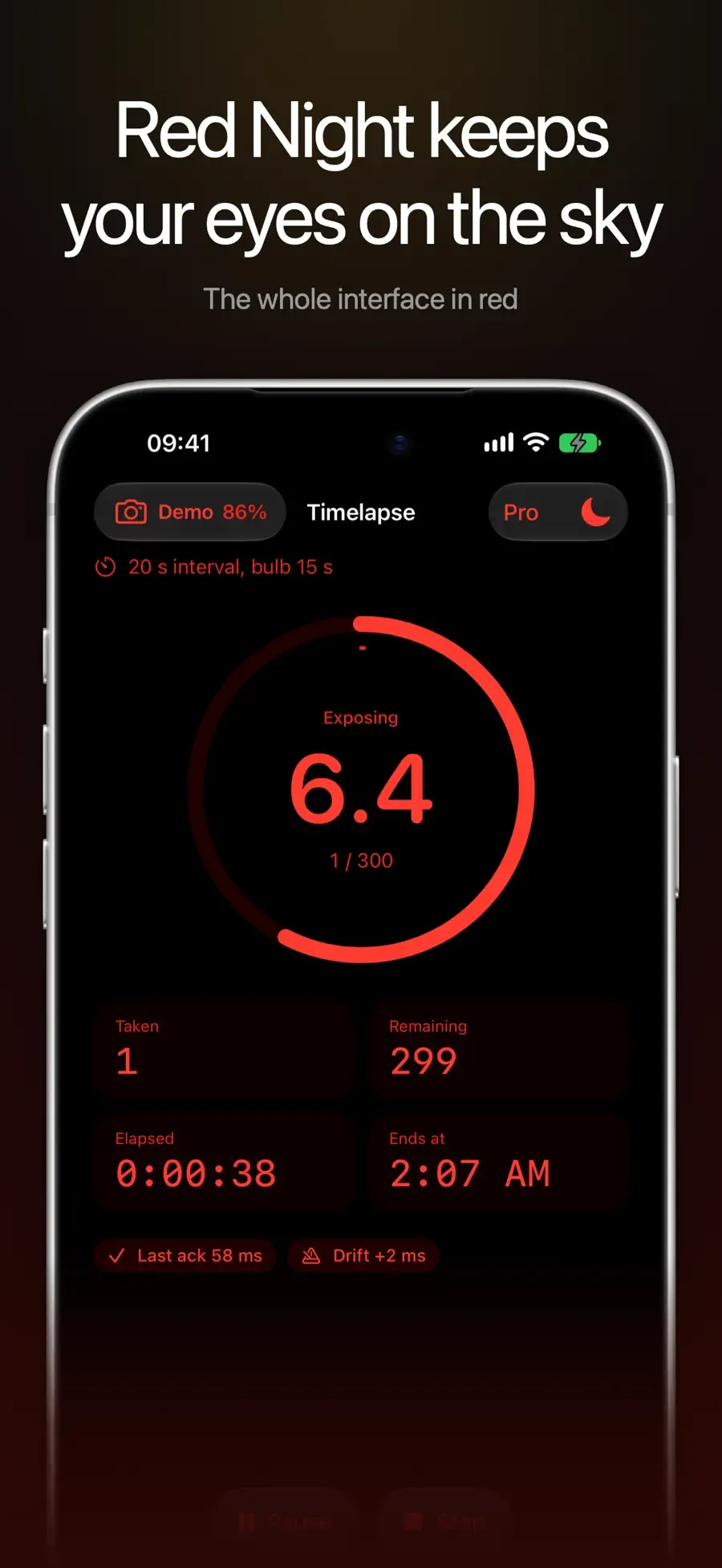
- Red Night interface, large buttons for gloves and a silent mode with no haptics
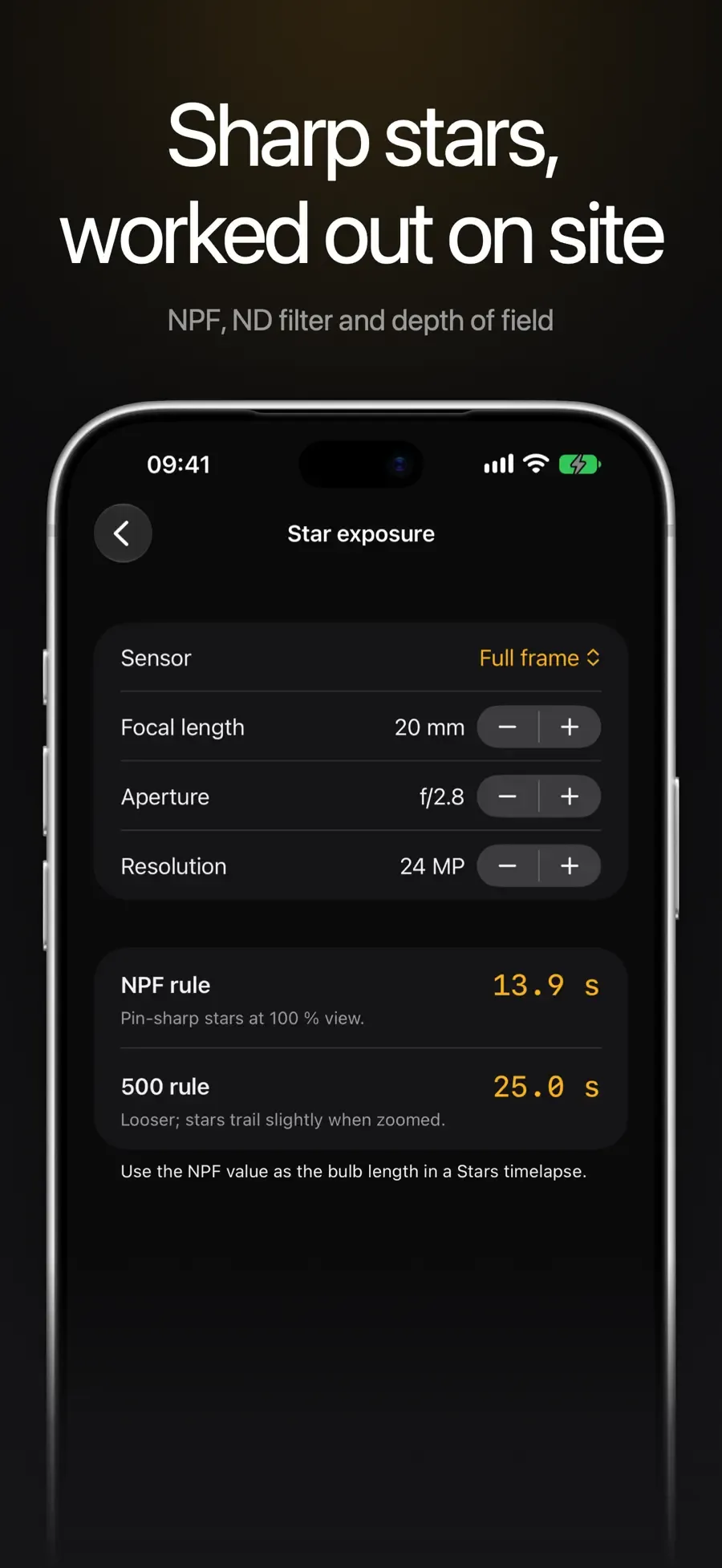
- Field tools: NPF star exposure, ND filter exposure up to 20 stops, depth of field and hyperfocal distance
- GoPro HERO9 Black to HERO13 Black over Bluetooth (Experimental), plus a labeled demo camera
- Tetherline Pro, yearly or Lifetime: timelapses longer than 10 shots and more than one camera
- No account, no analytics, no advertising: cameras and session logs stay on your iPhone
Written guide
Using an iPhone as a Bluetooth remote for a GoPro
How Tetherline turns an iPhone into a Bluetooth shutter remote and intervalometer for GoPro HERO9 to HERO13 Black, what it controls, and where its limits are.
Read the guideMore guides about Tetherline
Questions about Tetherline: Camera Remote
- Which devices does Tetherline: Camera Remote run on?
- Tetherline: Camera Remote runs on iPhone, iPad. It is built in SwiftUI for Apple platforms, so it follows the system appearance, Dynamic Type and VoiceOver.
- How much does Tetherline: Camera Remote cost?
- Tetherline: Camera Remote is free to download from the App Store. Anything sold inside the app is shown on the App Store listing before you install it.
- Does Tetherline: Camera Remote have its own website?
- Yes — Tetherline: Camera Remote has a dedicated site at tetherline.cihat.dev with a longer walk-through, screenshots and release notes.
- Who makes Tetherline: Camera Remote?
- Cihat SALİK, an independent developer in Istanbul, writes and publishes Tetherline: Camera Remote and every other app here. Support is answered by the same person who wrote the code.
- How do I get help with Tetherline: Camera Remote?
- The Tetherline: Camera Remote support page answers the questions people ask most, and email reaches the developer directly at [email protected].
Get Tetherline: Camera Remote
Shutter, timelapse and astro
Free tools
Free tools that fit Tetherline
Same corner of the toy box
More apps you might like
If Tetherline: Camera Remote is your kind of thing, these live in the same neighbourhood — all made by the same pair of hands.