 Free on the App Store
- Category
- Productivity
- Runs on
- iPhone, iPad
- Developer
- Cihat SALİK
Preview
iOS

About
Dedicated site: VoxPage: Read Aloud PDF Reader
Follow on Instagram: @voxpage.reader
Highlights
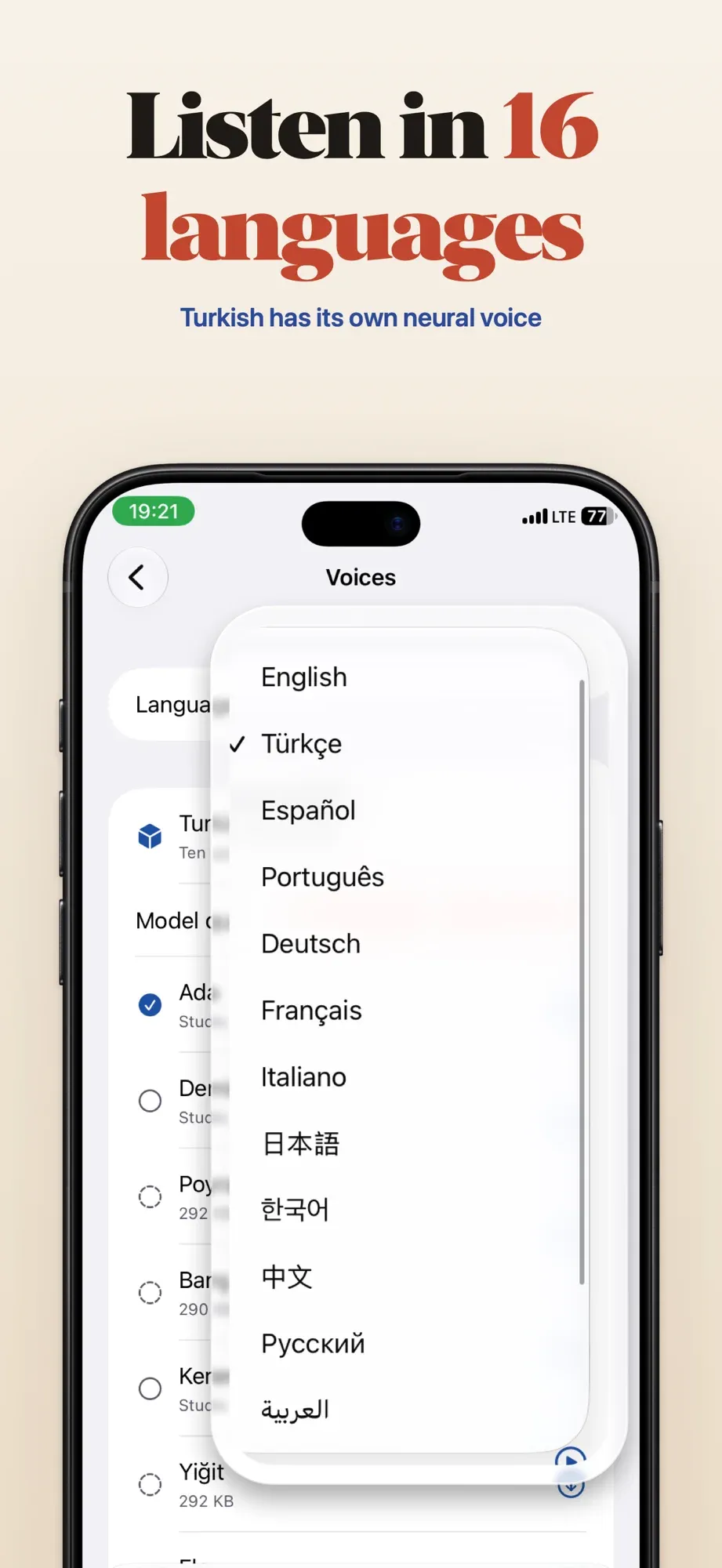
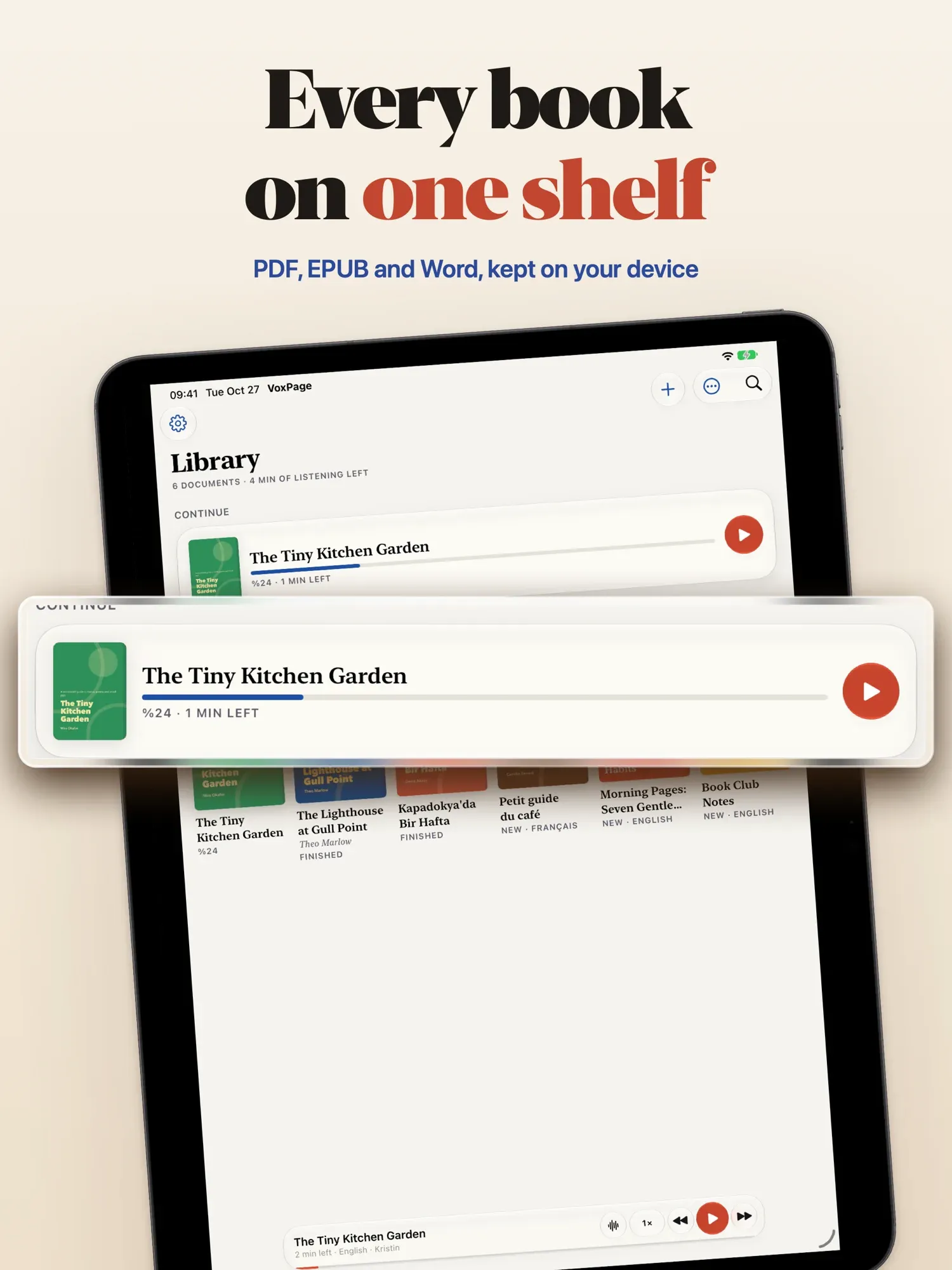
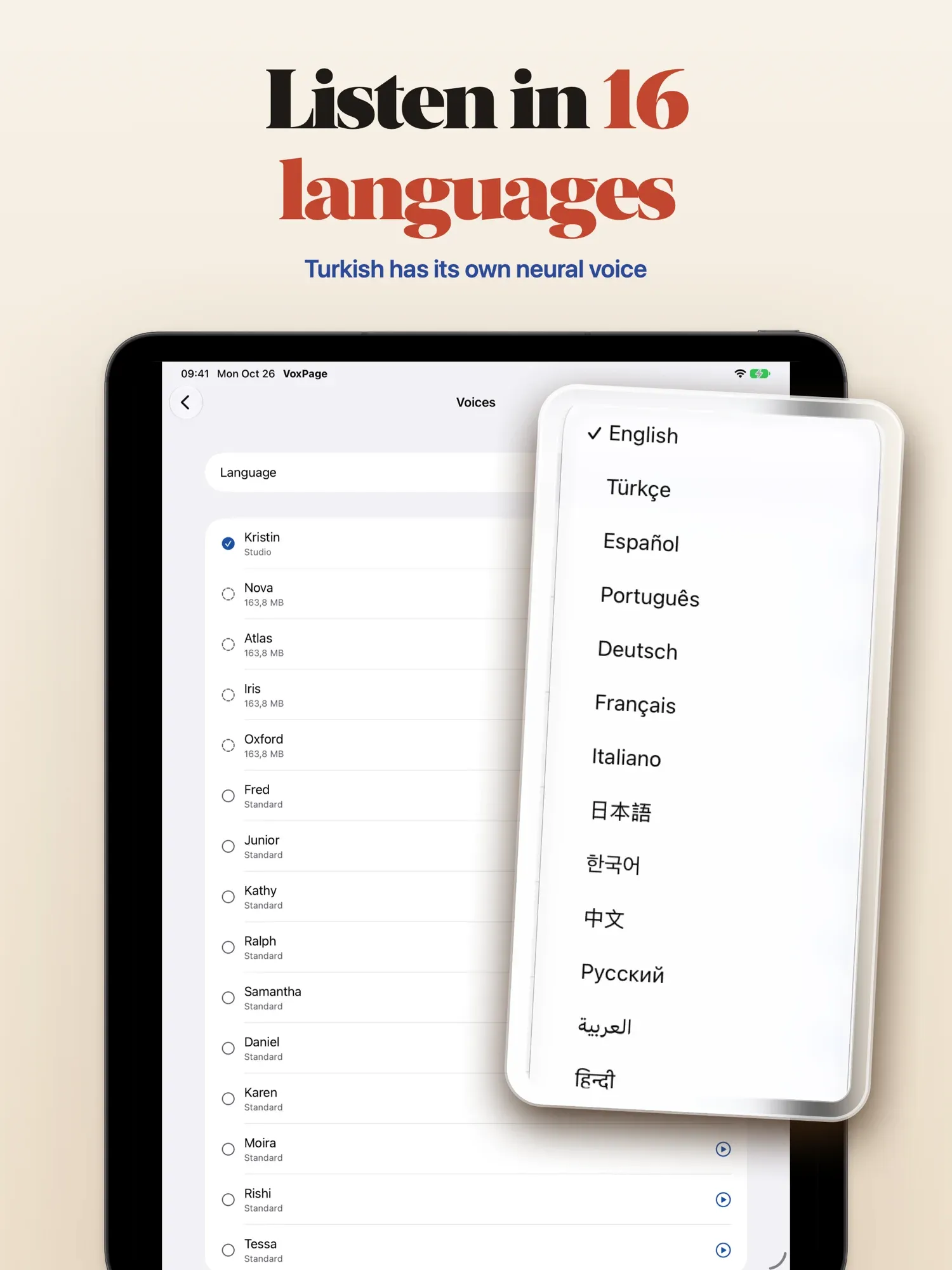
- Listen to PDF, EPUB, Word, RTF, Markdown, HTML and plain text in 16 languages
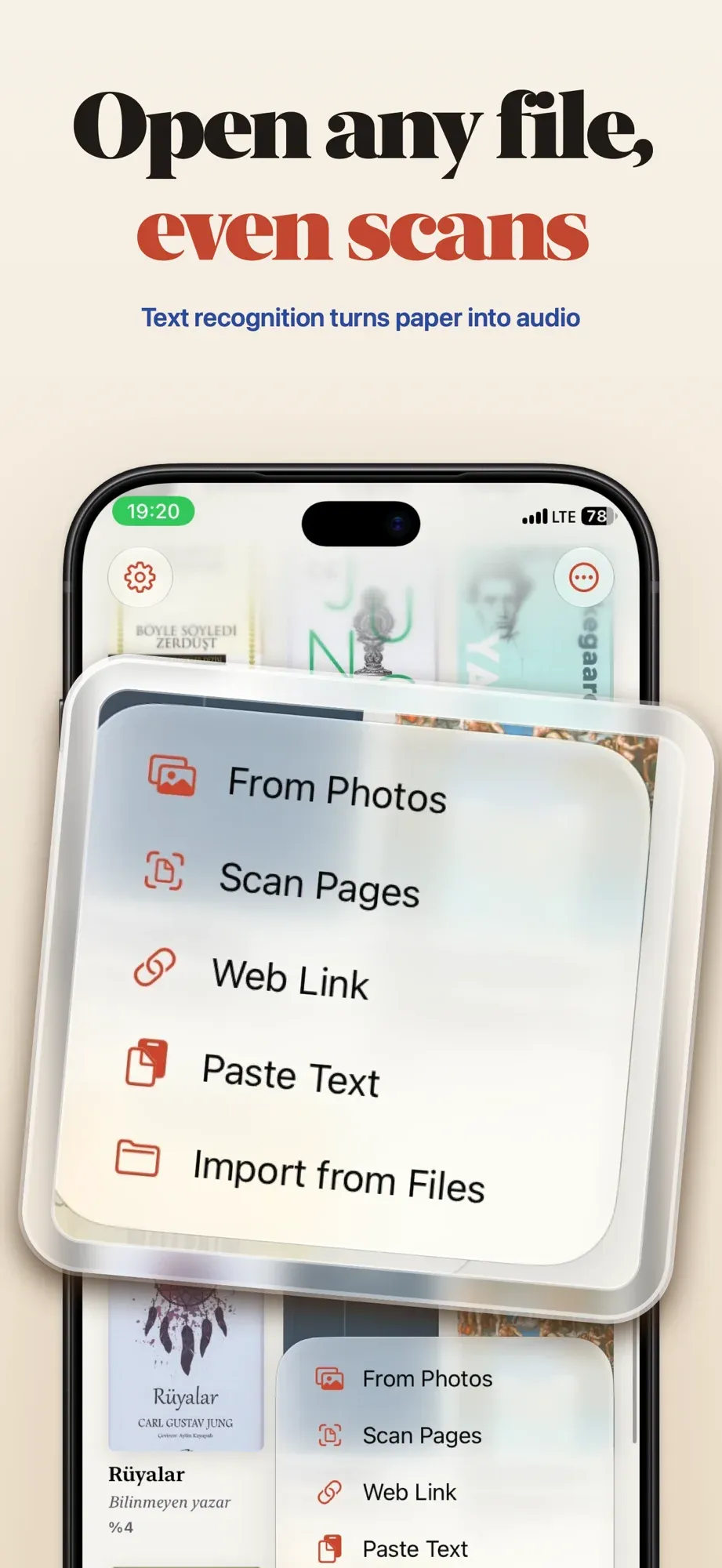
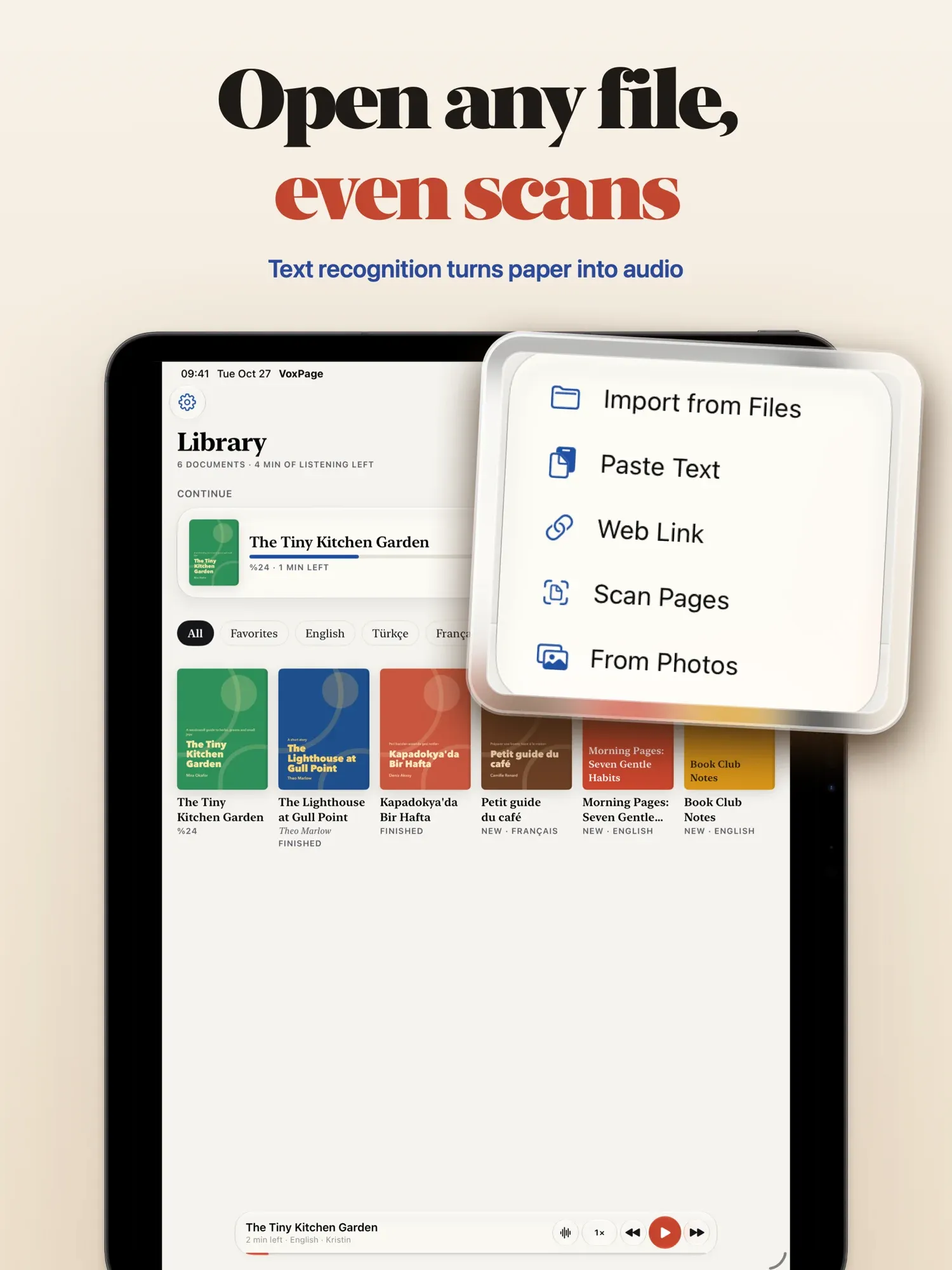
- Paste text, add a web link, scan printed pages or pick photos of pages to import them
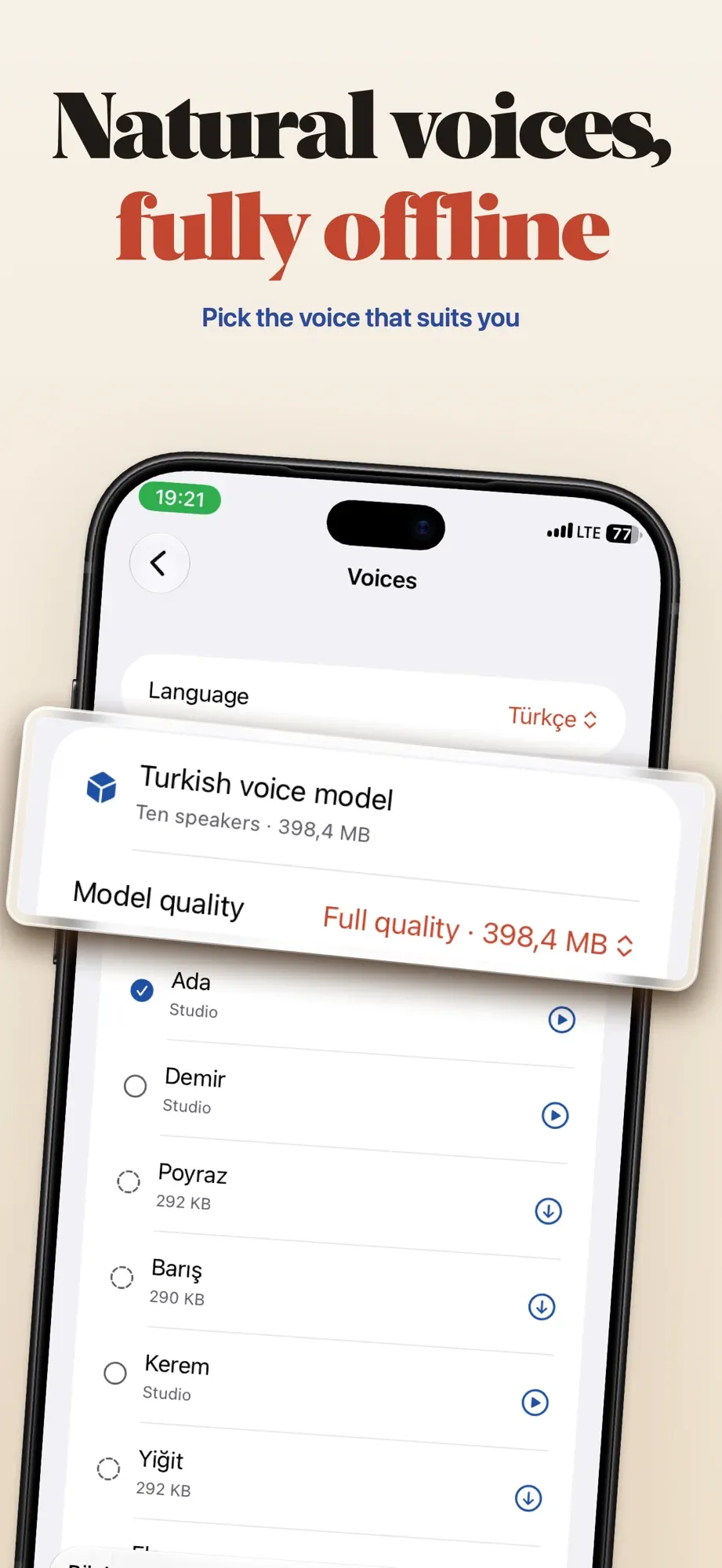
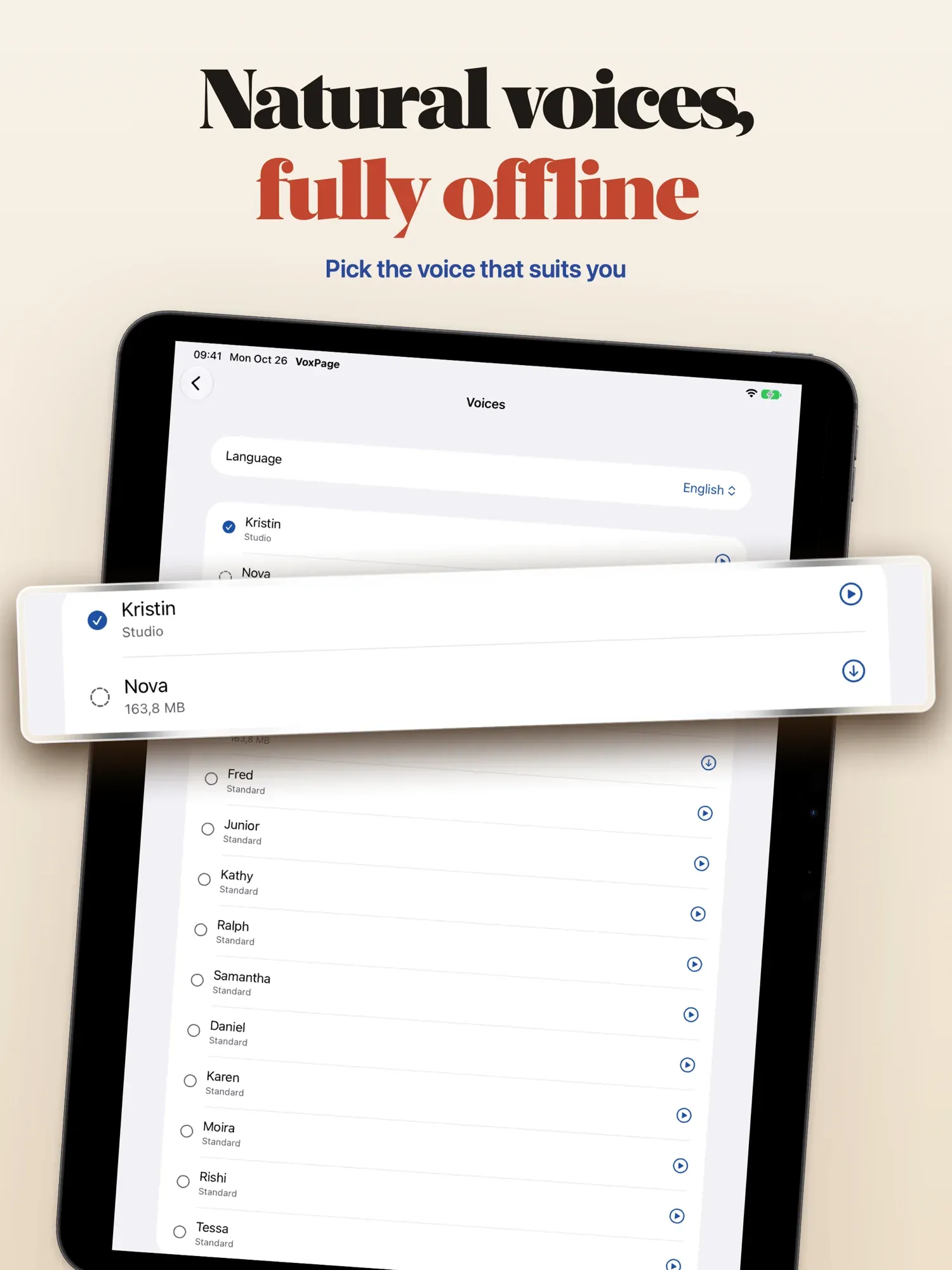
- Natural Studio voices for 14 languages run on your iPhone or iPad; the Turkish voice ships inside the app
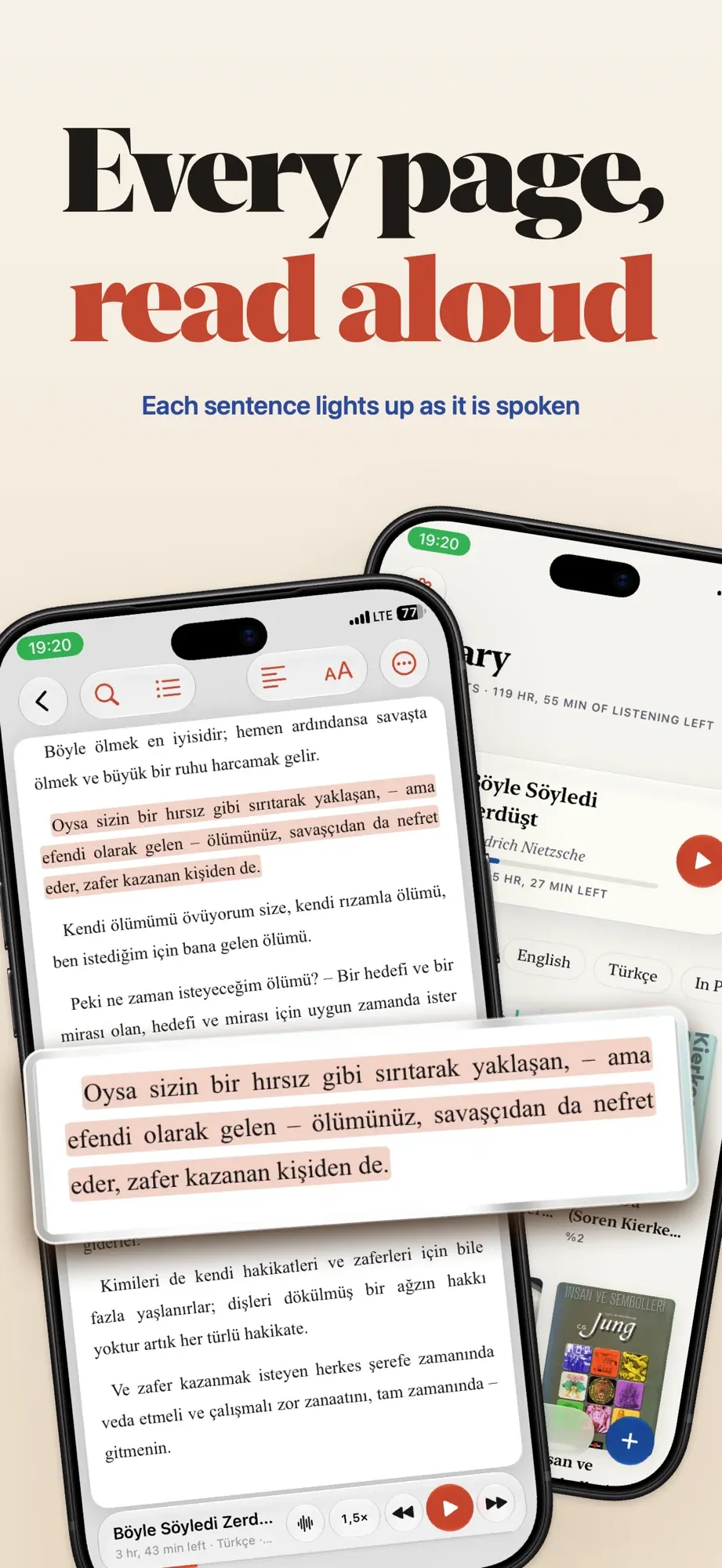
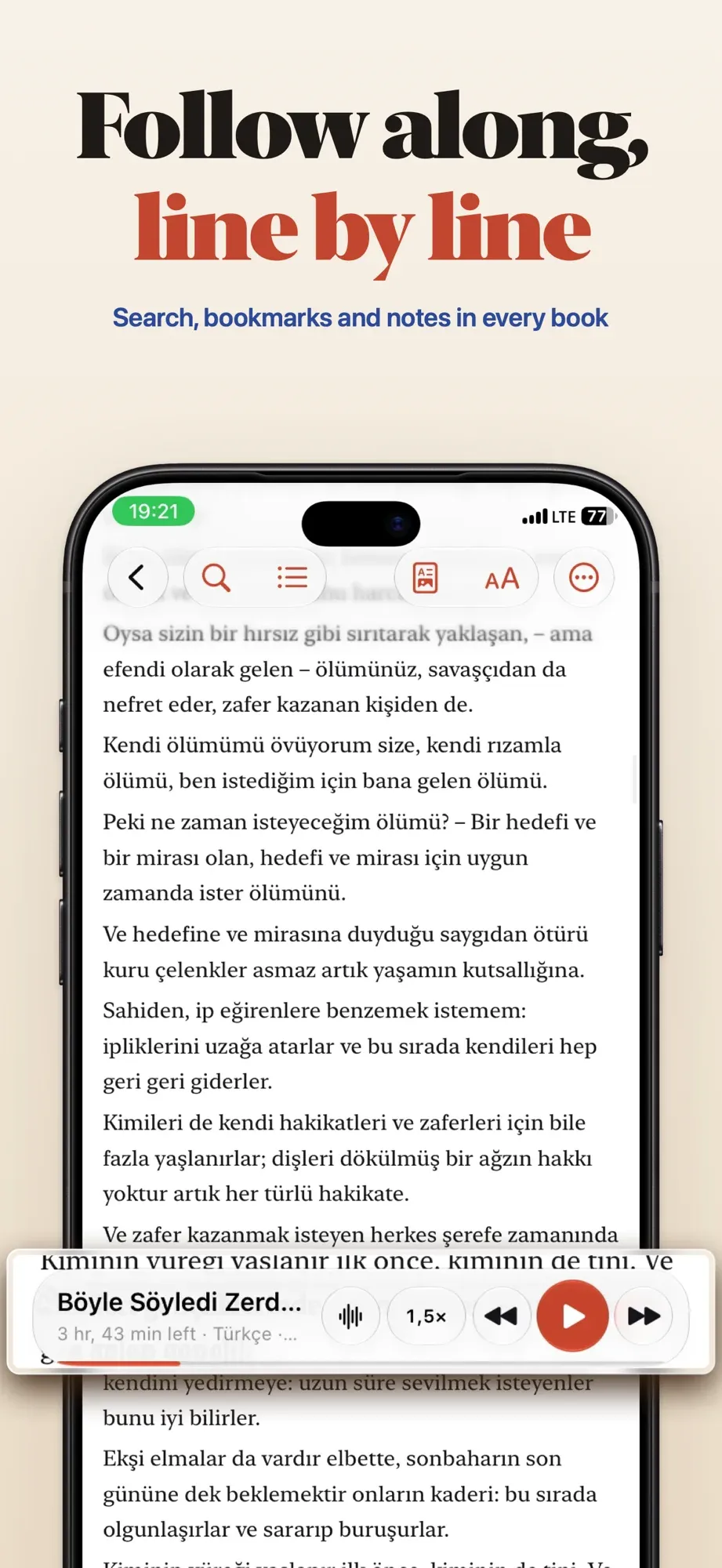
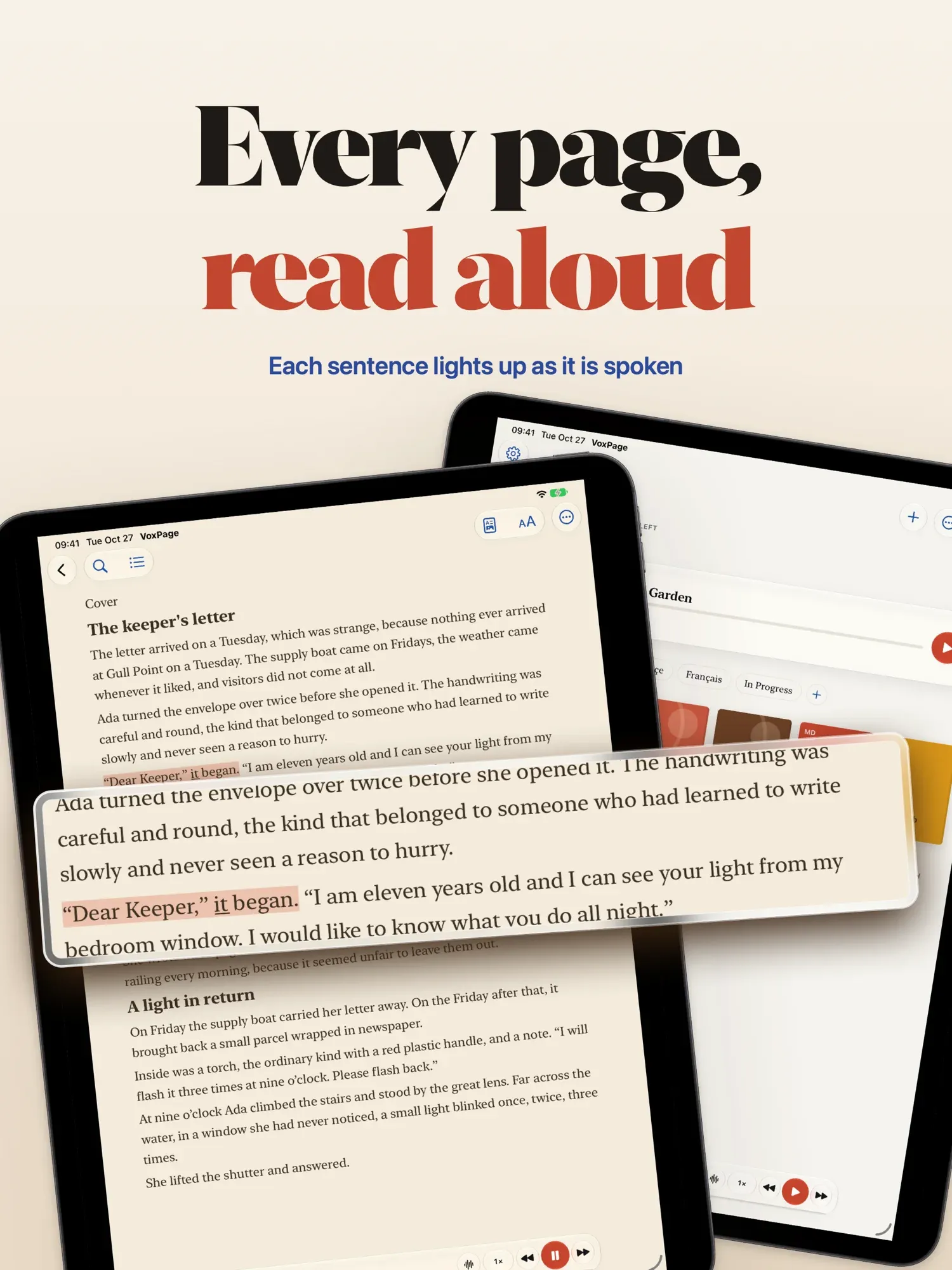
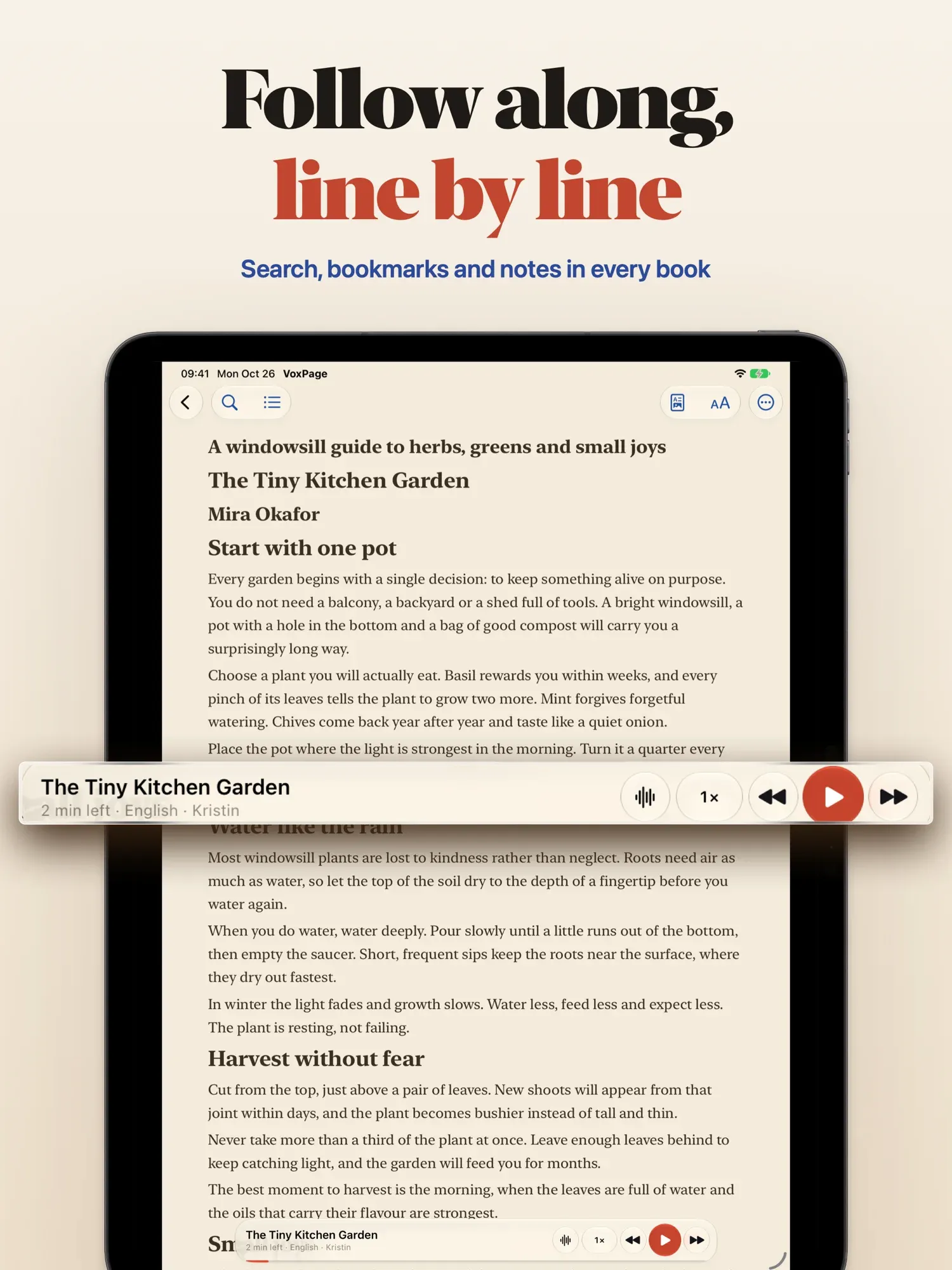
- Each sentence is marked on the page as it is spoken, so you can follow the text line by line
- Scanned PDFs, scans and photos go through on-device text recognition, then are read aloud
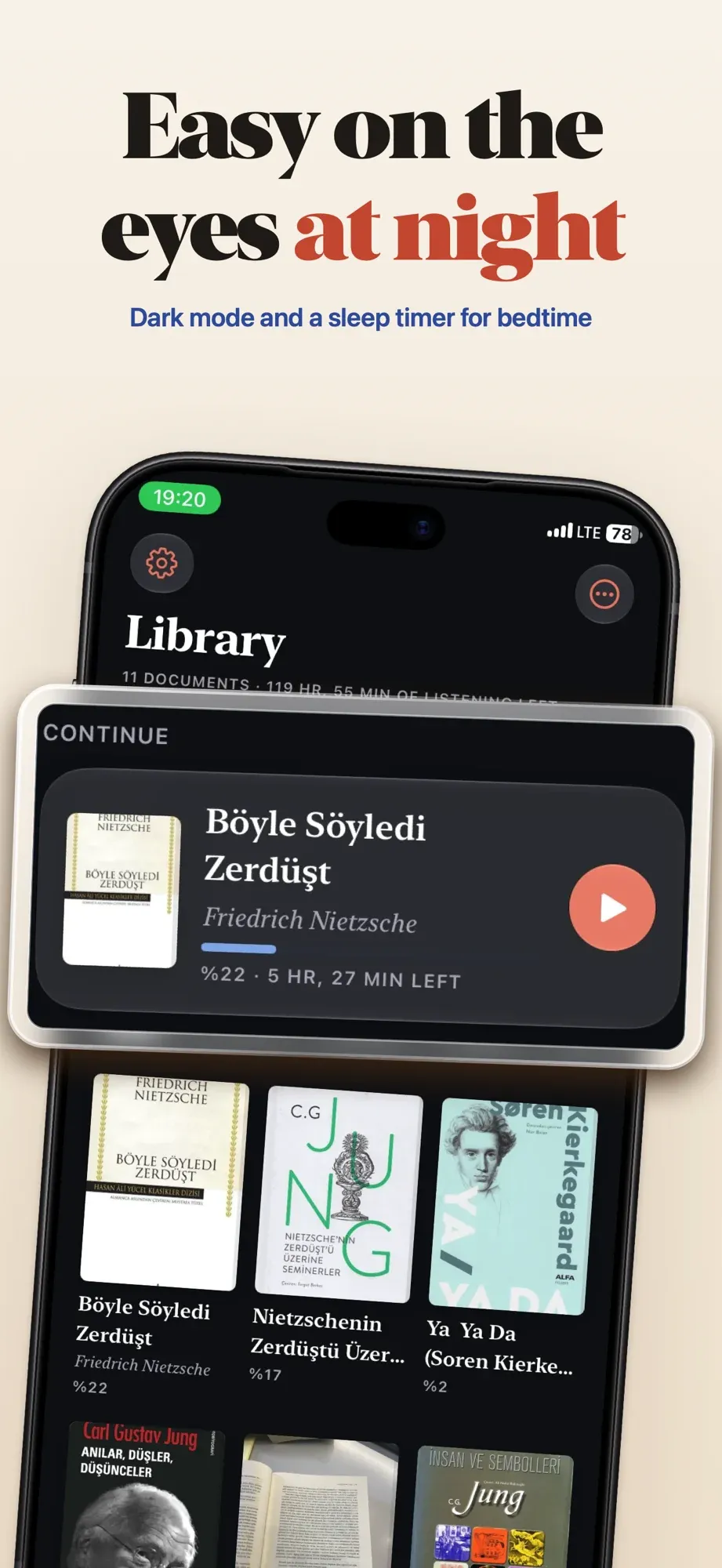
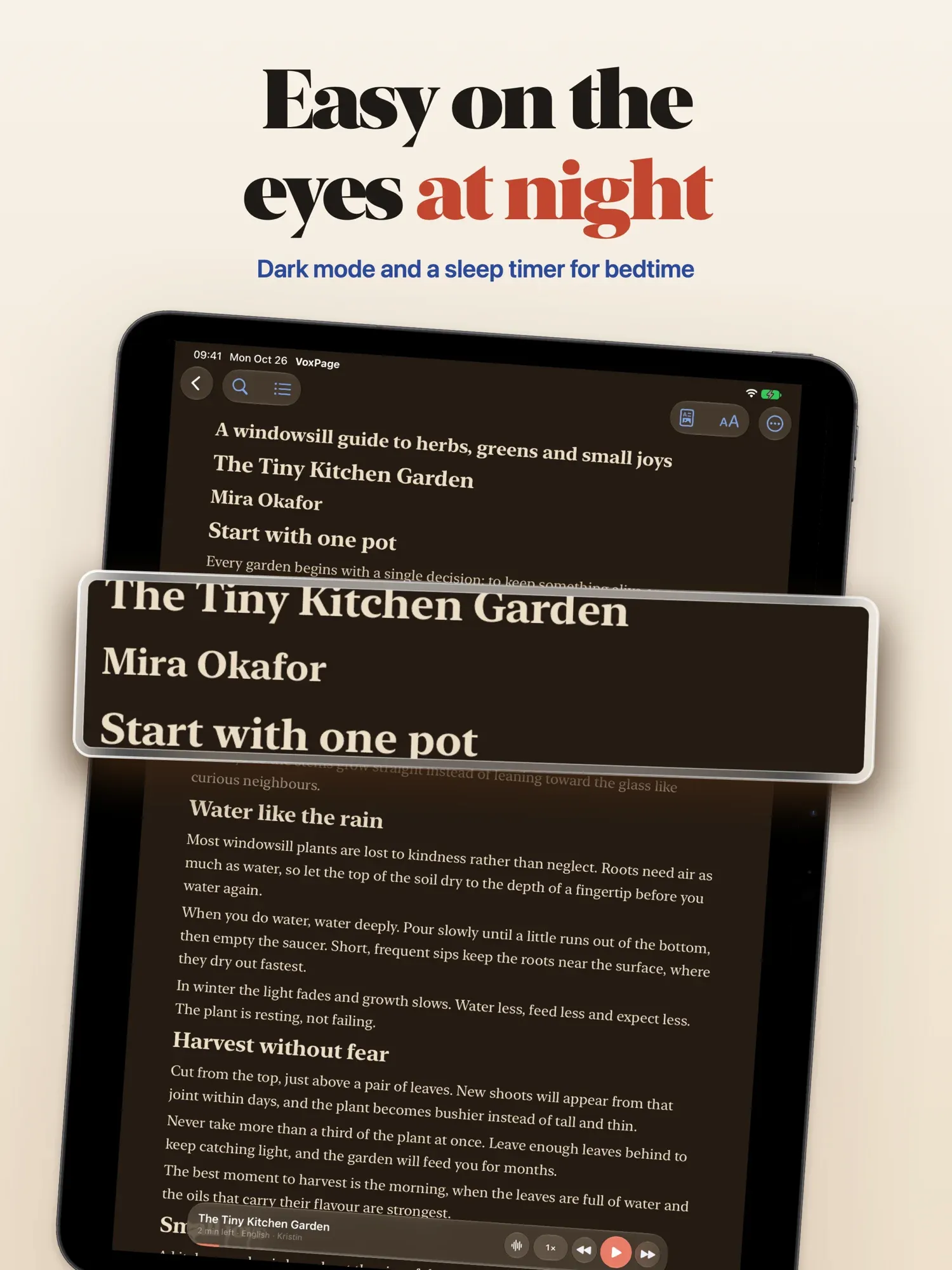
- Background playback with Lock Screen controls, a sleep timer and an Up Next queue
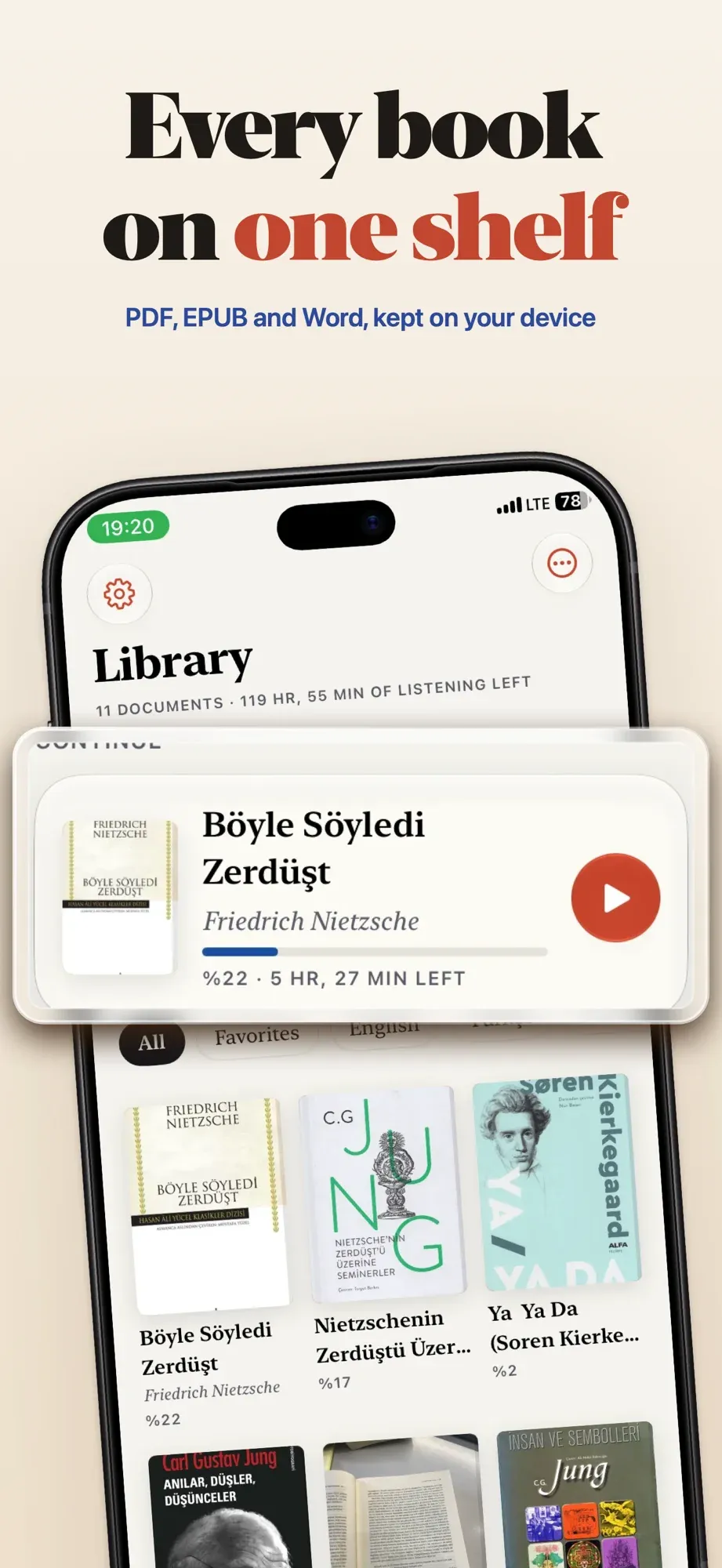
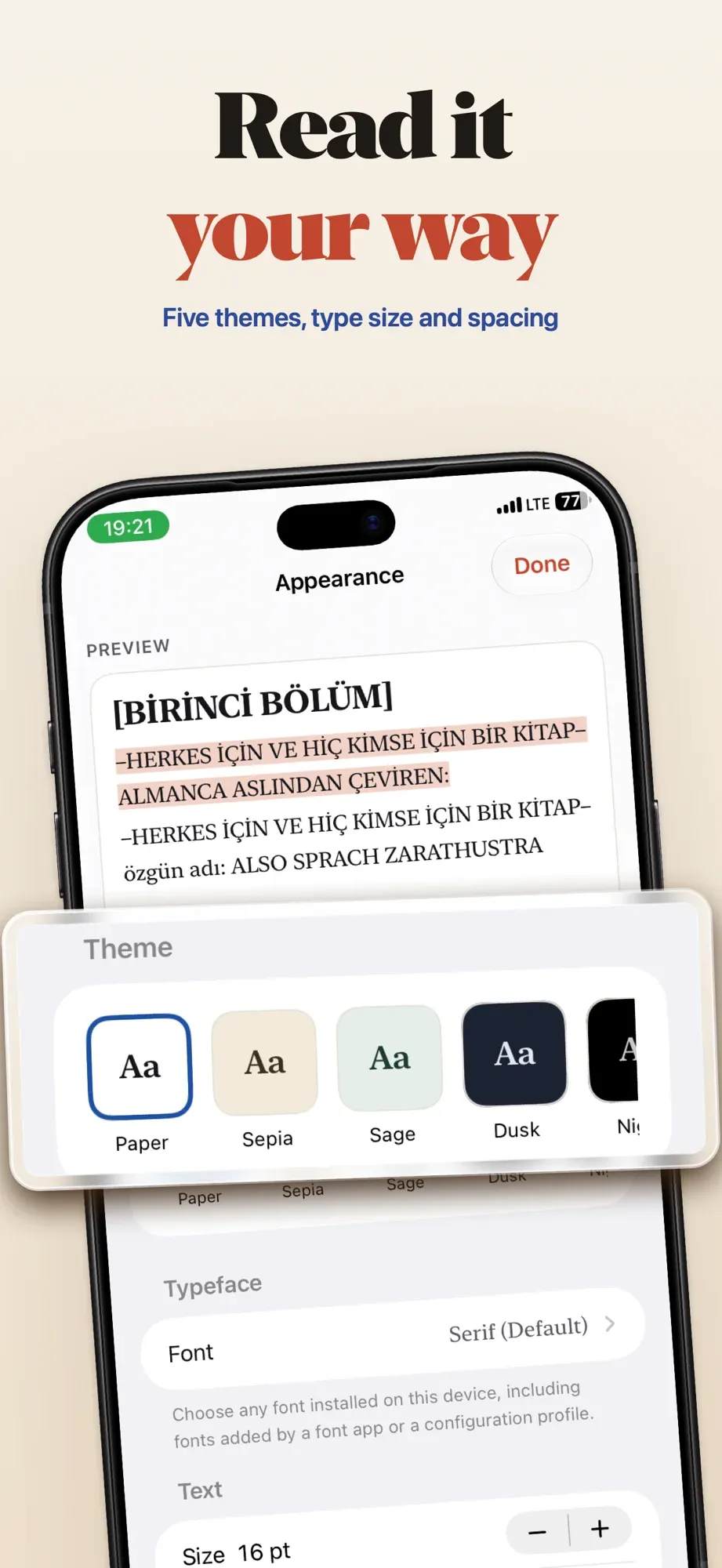
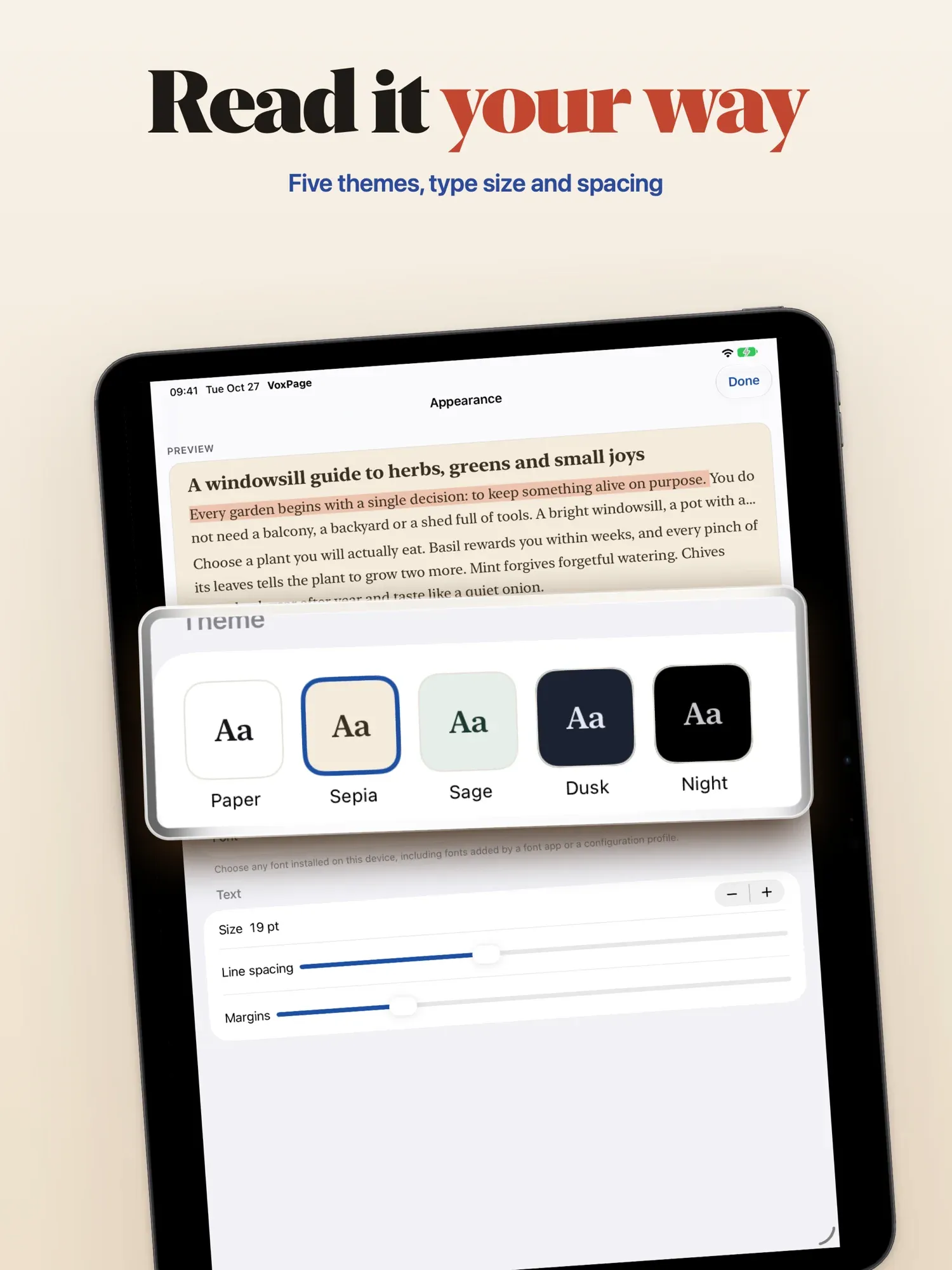
- Five reader themes, search, table of contents, bookmarks and notes; your place is kept in every document
- No sign-up; your library syncs through your private iCloud to your iPhone and iPad
How it works
-
Bring in what you want to hear
Import a PDF, EPUB, Word, RTF, Markdown, HTML or text file from Files, paste text, add a web link, or scan printed pages with the camera. Scans and photos of pages go through text recognition on your iPhone or iPad first.
-
Pick a voice and a speed
Natural Studio voices cover 14 of the 16 languages and run on the device: the Turkish voice ships inside the app, and the others download once. Each voice keeps the speed you set for it.
-
Press play and follow along
Each sentence is marked on the page as it is spoken. The reader pauses briefly at commas and longer at full stops, so long paragraphs keep their rhythm.
-
Keep listening with the screen off
Playback continues in the background with Lock Screen controls. Set a sleep timer, line up documents in Up Next, and come back later to the sentence where you stopped.
Who it is for
-
Students and researchers with long PDFs
Listen to a paper or a chapter on a walk or a commute, and find your place again by the sentence when you sit back down to read.
-
Readers who follow better with sound
Hear the text while each sentence lights up on the page, in one of five reader themes with the type size, line spacing and margins you choose.
-
Anyone with printed pages
Scan a letter, a handout or a book page with the camera. VoxPage reads the text out of the photo on your device and plays it like any other document.
Written guide
VoxPage: listening to your documents, with the sentence highlighted
VoxPage reads PDFs, EPUBs, Word files and scanned pages aloud with natural Studio voices that run on your iPhone, and marks each sentence as it is spoken.
Read the guideQuestions about VoxPage: Read Aloud PDF Reader
- Which files can VoxPage read aloud?
- PDF, EPUB, Word (DOCX), RTF, Markdown, HTML and plain text, in 16 languages. You can also paste text, add a web link, scan pages with the camera or pick photos of pages. Scanned PDFs and photographed pages go through on-device text recognition first.
- Do the voices work without a connection?
- Yes, once a voice is installed. The natural Studio voices for 14 languages run on your iPhone or iPad: the Turkish voice ships inside the app, and the others download once. Korean and Arabic use the voices built into iOS.
- Can I follow the text while it reads?
- Each sentence is marked on the page as it is spoken. Pick one of five reader themes, set the type size, line spacing and margins, search inside the document, jump through its table of contents, and keep bookmarks and notes next to the passages they belong to.
- Can I listen with the screen off?
- Yes. Playback continues in the background with Lock Screen controls. A sleep timer stops it at bedtime, Up Next lines up the following documents, and every document reopens at the sentence where you stopped.
- What are the free limits?
- The reader, 20 imports every 30 days, 30 minutes of listening a day and up to 20 bookmarks per document. VoxPage Premium removes the import and listening limits and adds any font on your device, the Sage and Dusk themes, accent colours and unlimited bookmarks, as a monthly plan or a yearly plan with a one-week free trial.
- Do I need an account, and where is my library kept?
- There is no sign-up. Your library is stored on your device and syncs through your private iCloud to every iPhone and iPad signed in to the same Apple Account: documents, reading positions, bookmarks and notes, collections and reading settings. Sync is free, and Settings › Data shows its status.
Get VoxPage: Read Aloud PDF Reader
Offline Text to Speech Voices
Free tools
Free tools that fit VoxPage
Same corner of the toy box
More apps you might like
If VoxPage: Read Aloud PDF Reader is your kind of thing, these live in the same neighbourhood — all made by the same pair of hands.