 Free on the App Store
- Category
- Lifestyle
- Runs on
- iPhone, iPad
- Developer
- Cihat SALİK
Preview
iOS
About
Dedicated site: Shelfmark: Home Library
Highlights
- Scan the barcode on a book; title, authors, publisher, pages and cover come from Open Library
- No barcode? The copyright page is read on your device
- Batch mode files a whole stack of scanned books at once
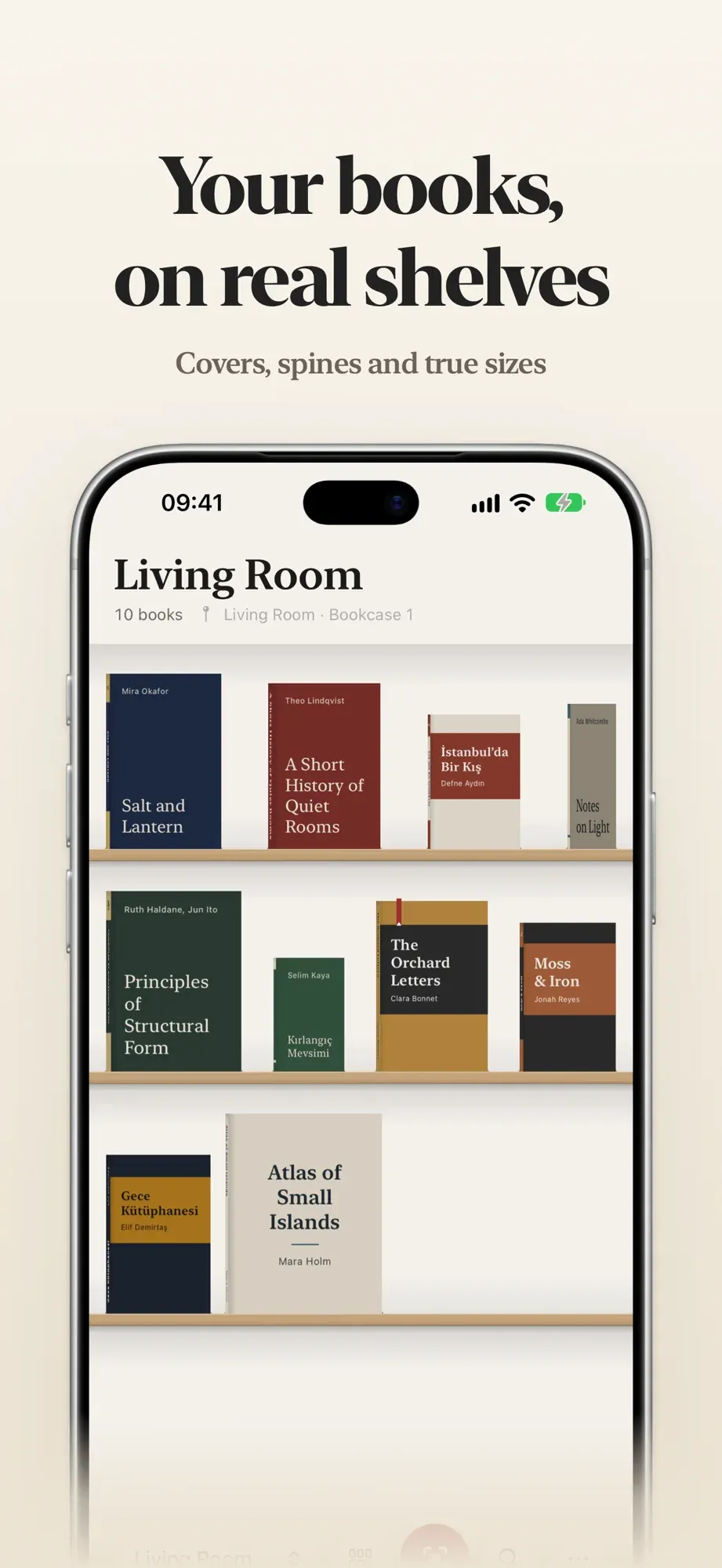
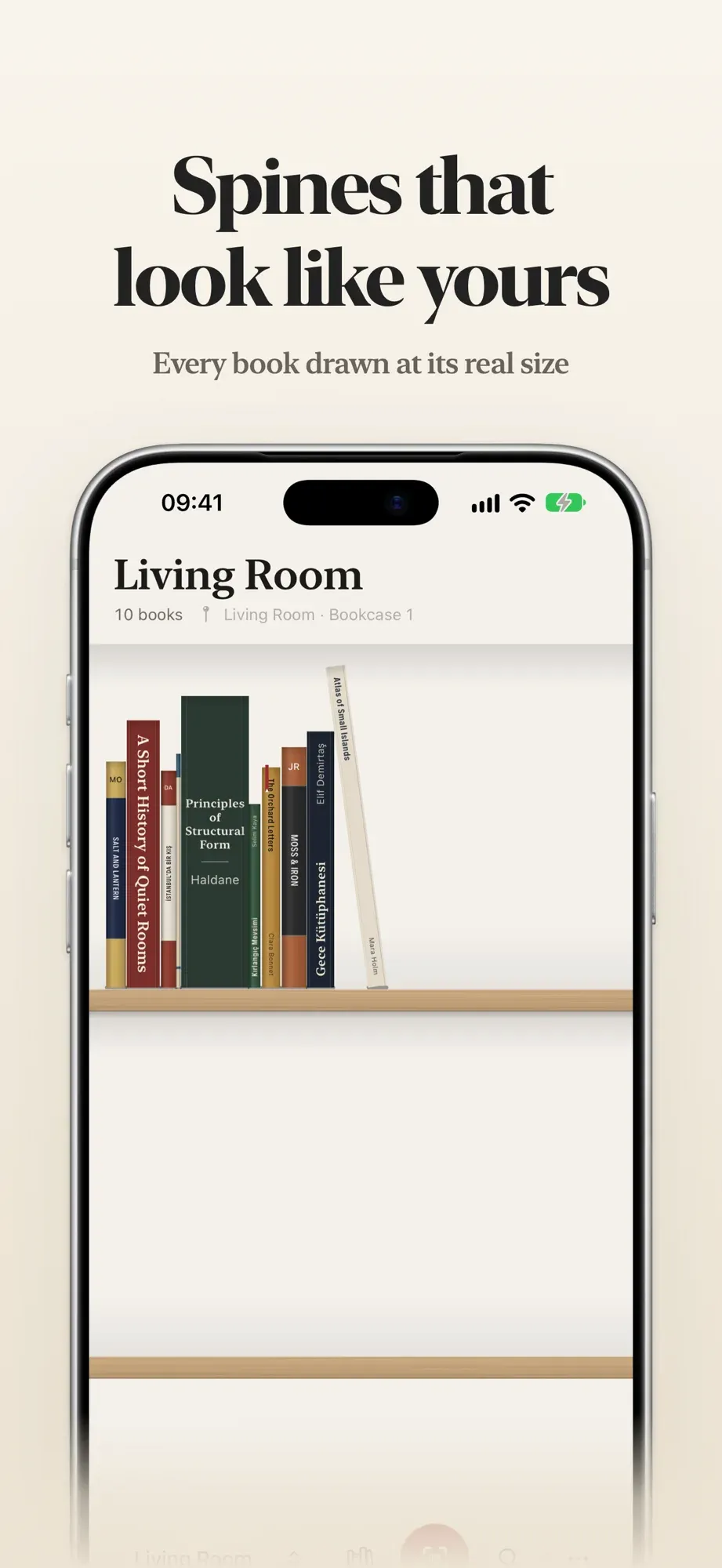
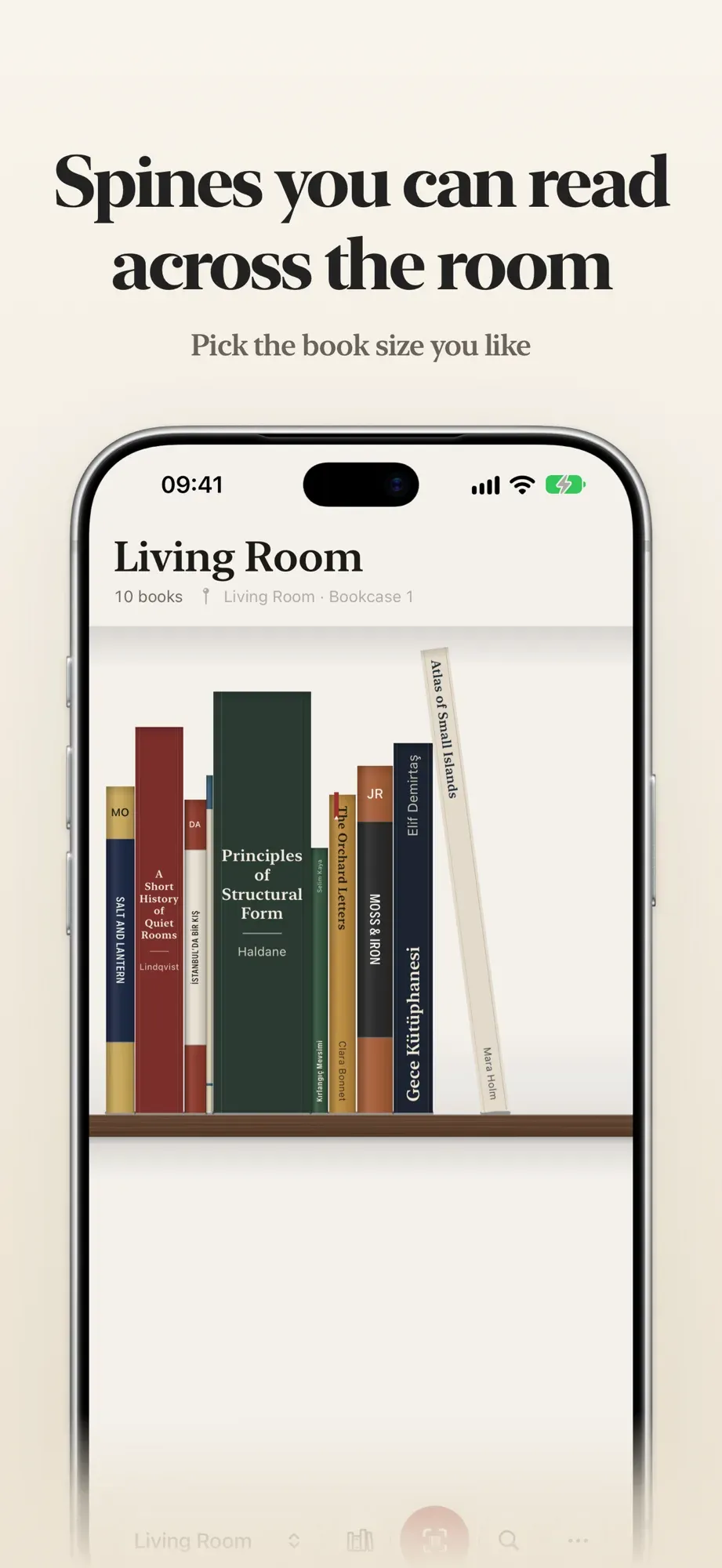
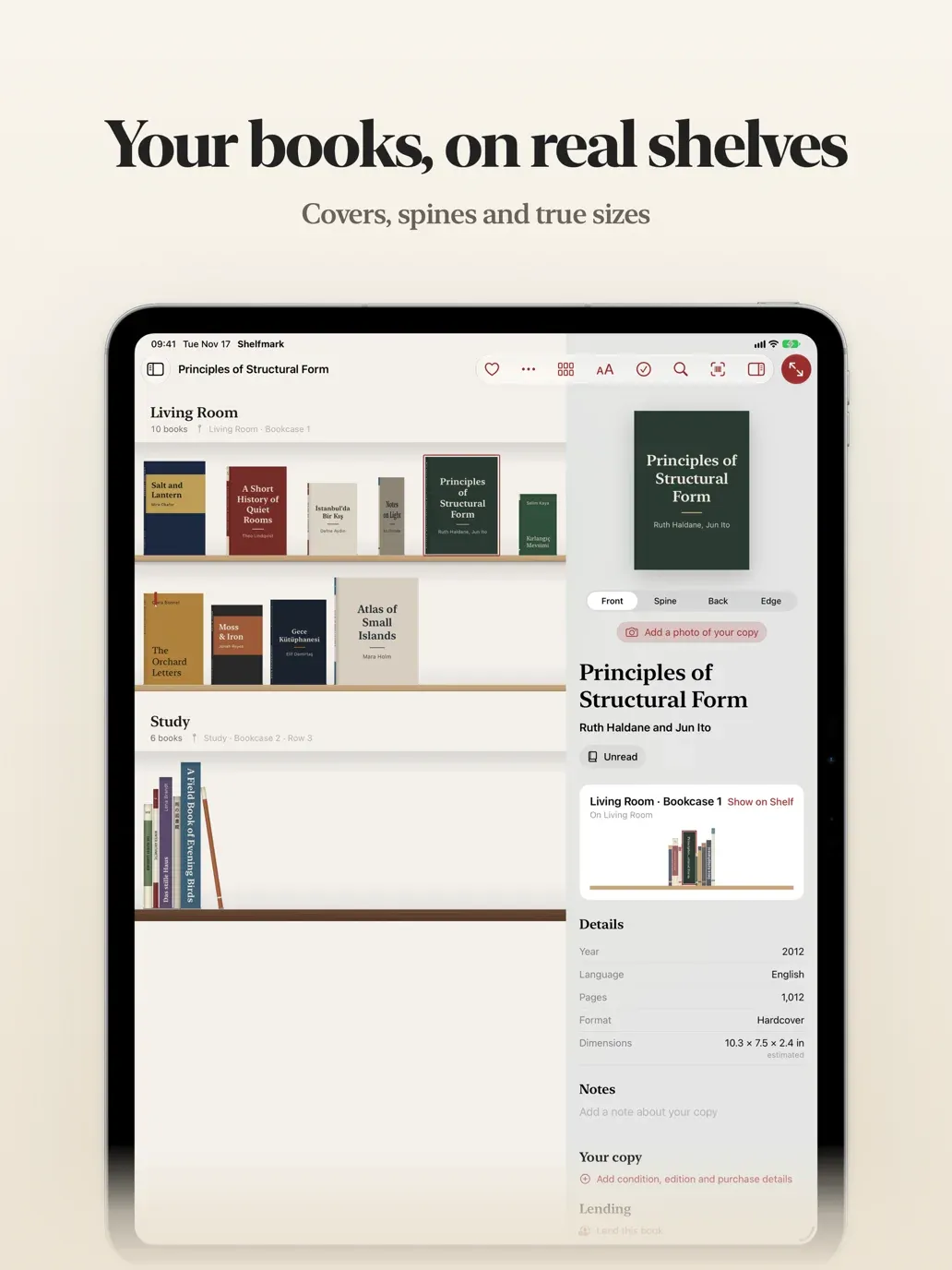
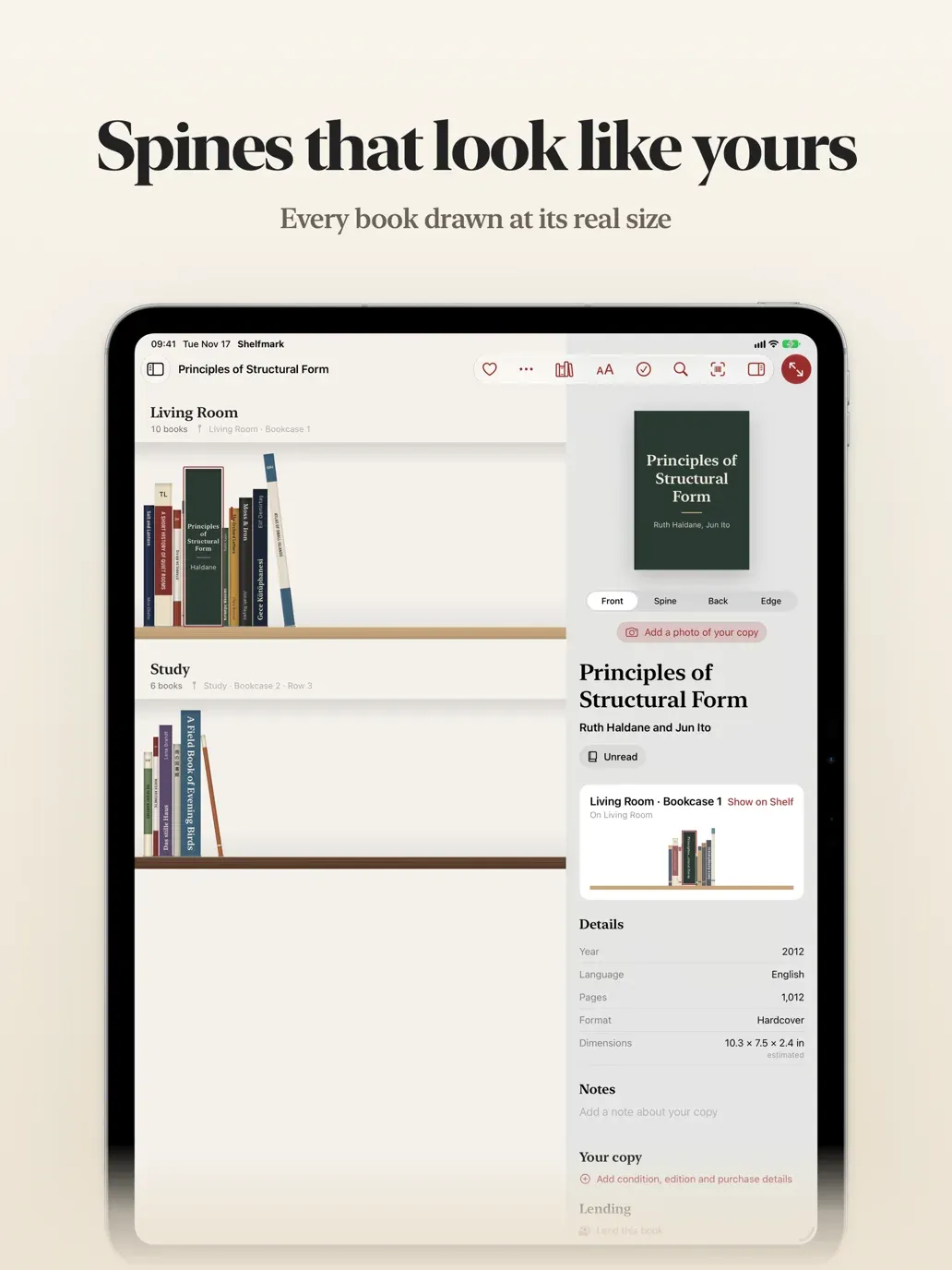
- Books drawn at their measured size, spines out or covers facing you
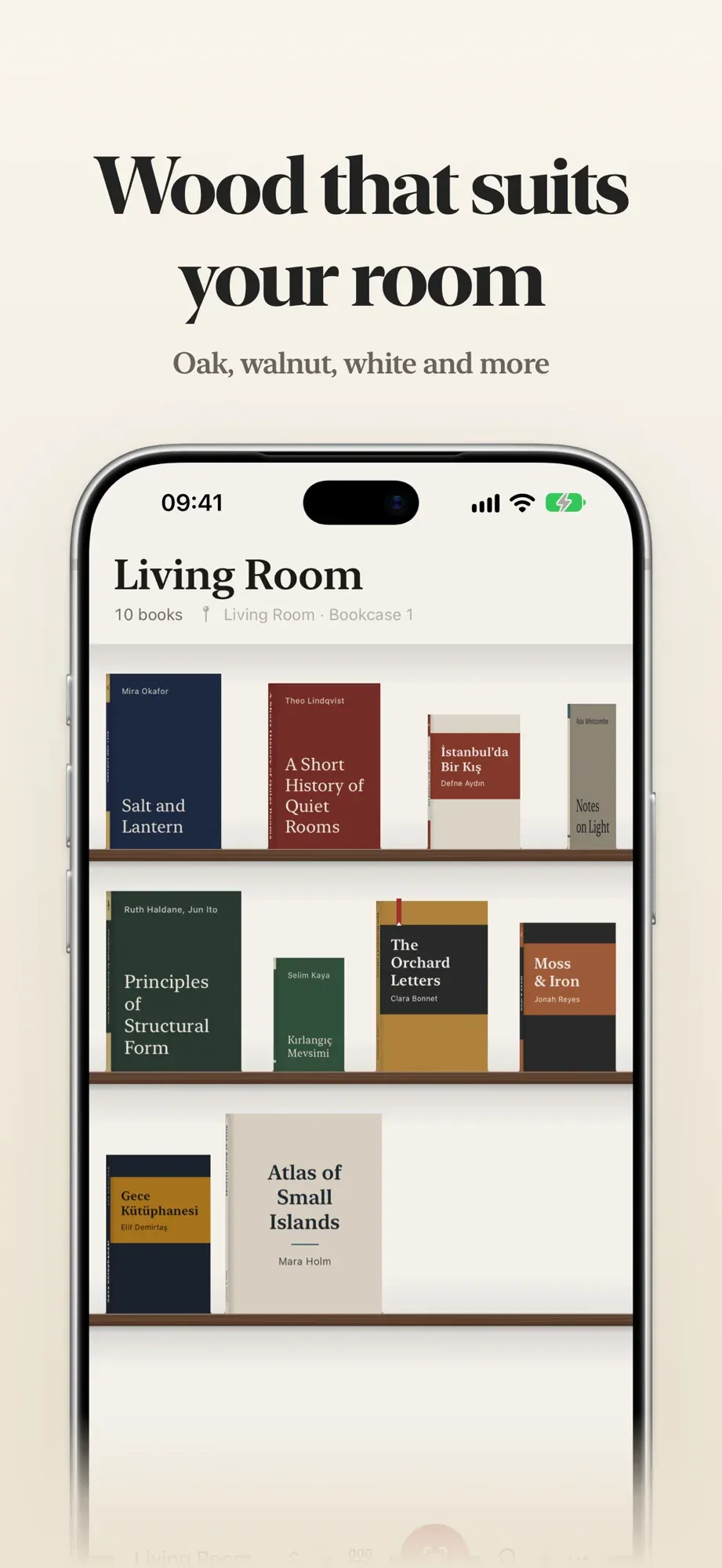
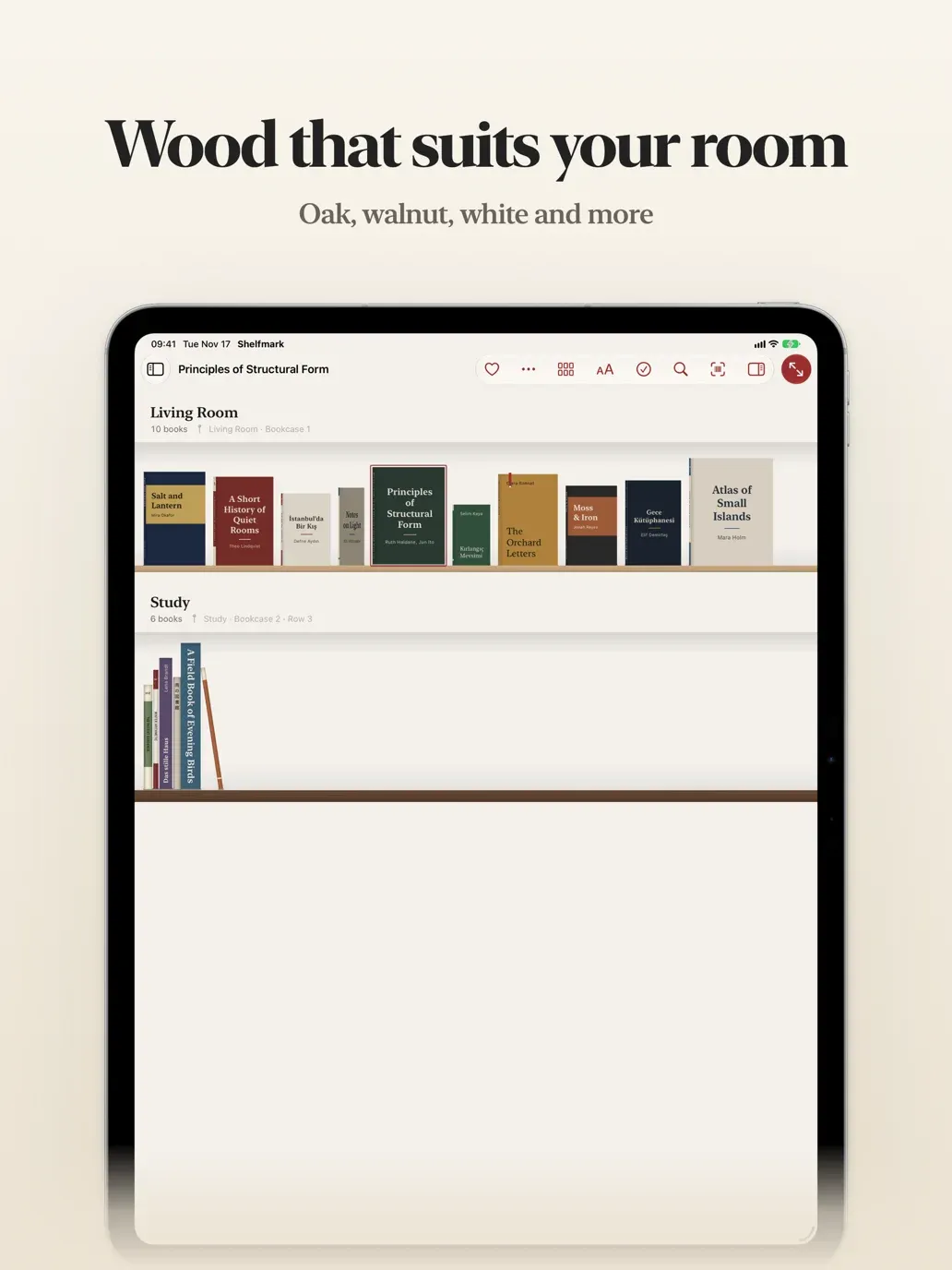
- Oak, walnut, white and more; several shelves side by side on iPad
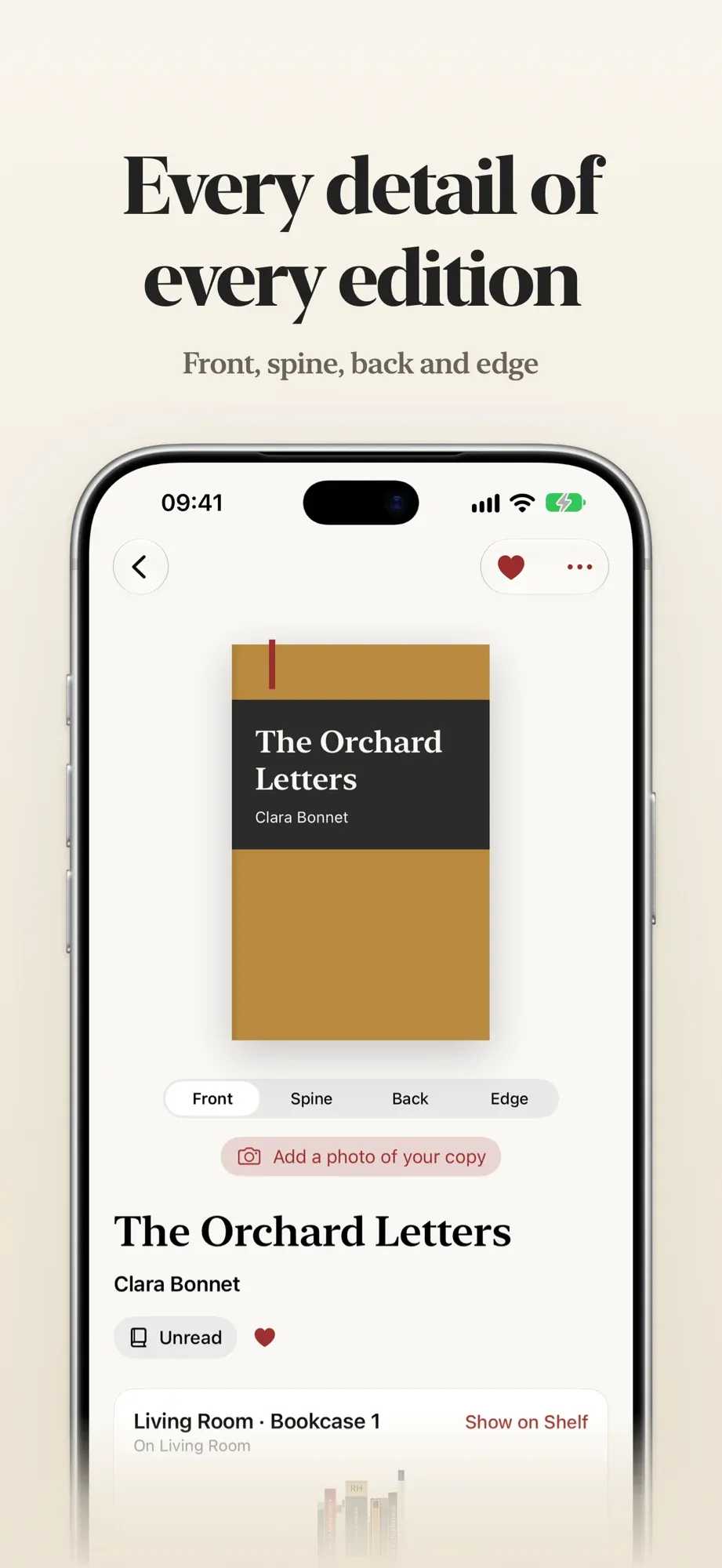
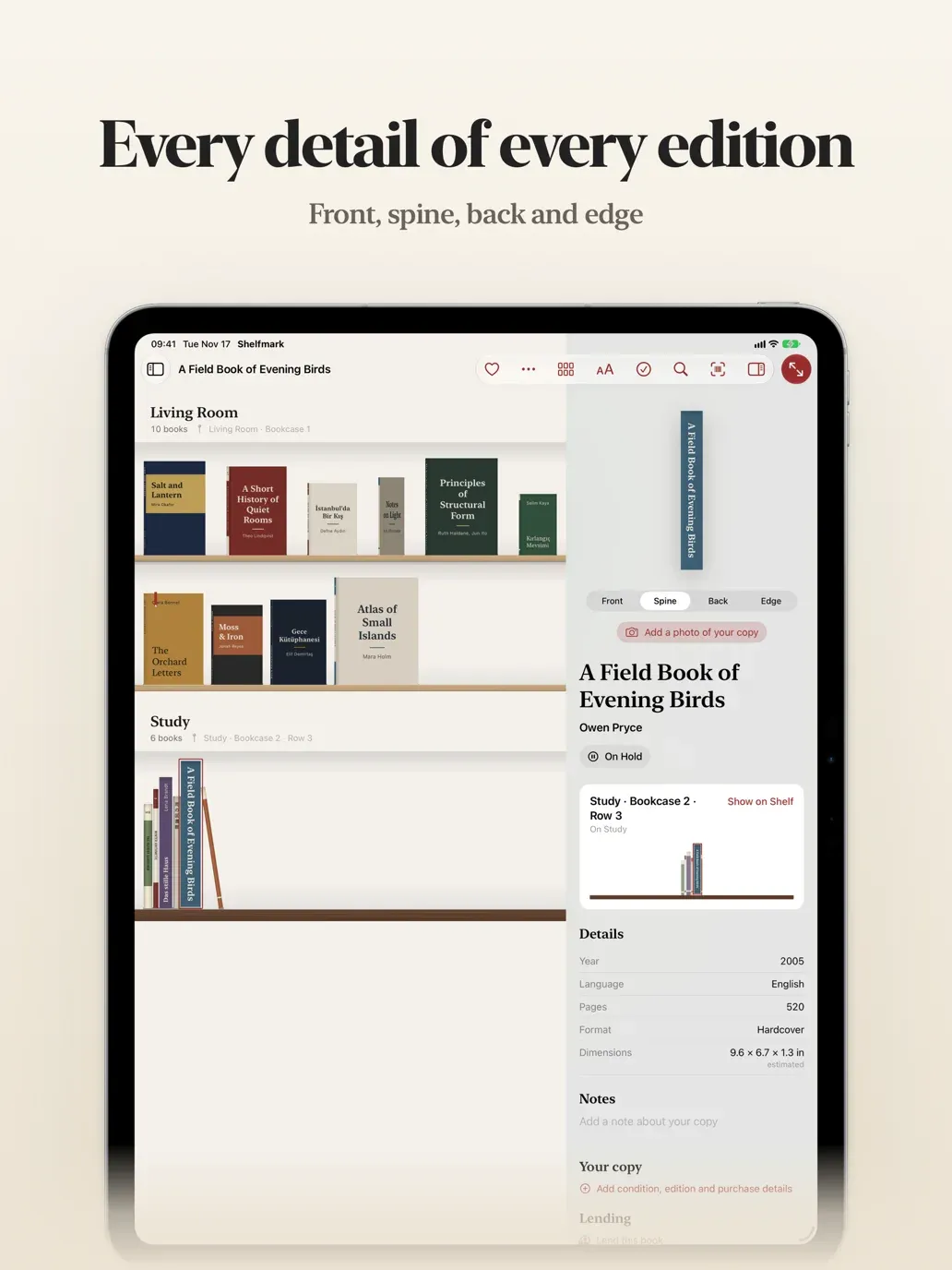
- Edition, format, condition, where you bought it and your own note
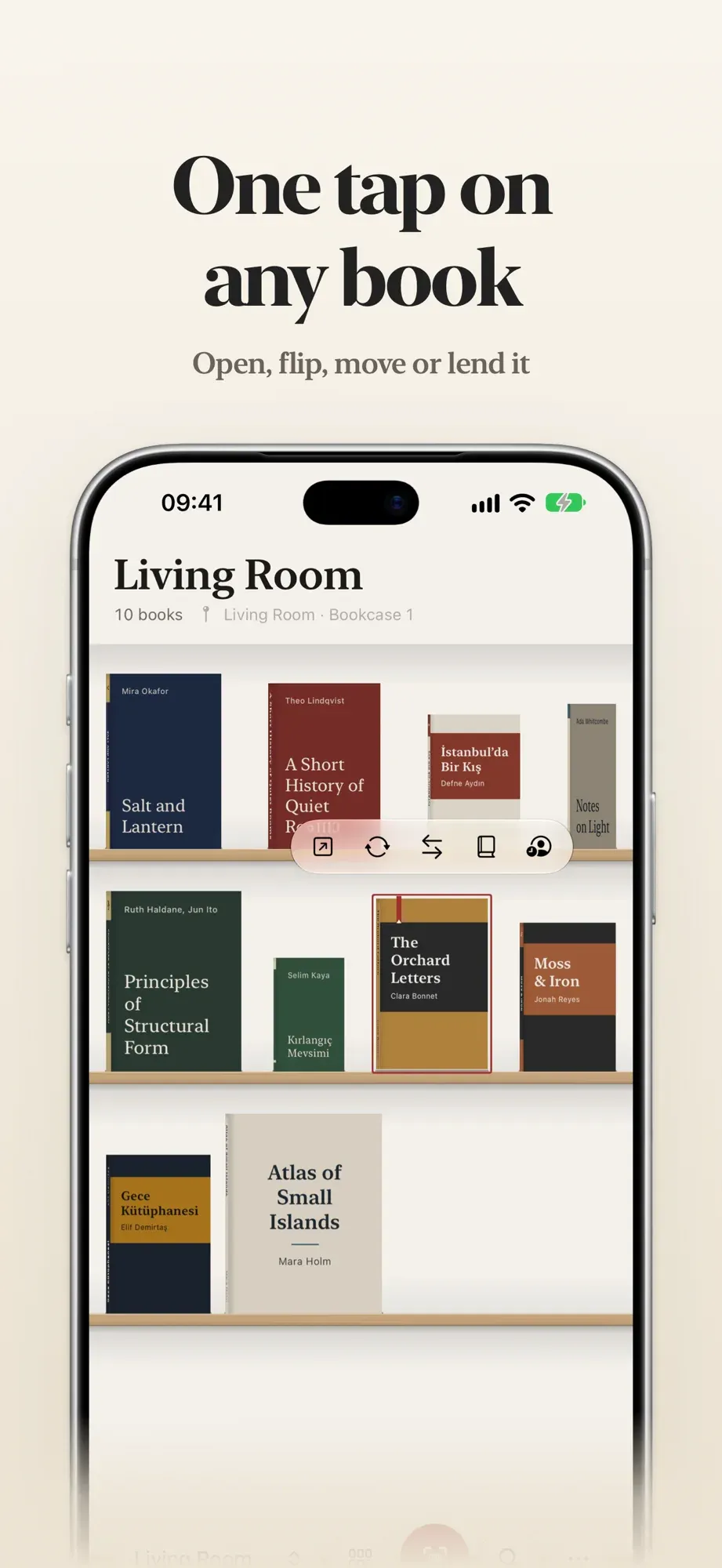
- Rooms, bookcases and rows, and who has the books you lent
- Bookstore mode tells you if you already own a book or another edition
- Goodreads and CSV import; CSV, JSON and full backup export
- No account; your library stays on your device or in your own iCloud
How it works
-
Scan the barcode
Point the camera at the barcode on the back cover. Title, authors, publisher, page count and cover come from Open Library. Batch mode keeps scanning so you can file a whole stack at once.
-
No barcode? Use the copyright page
For older editions and books without an ISBN, photograph the copyright page. The text is read on your device and fills in the details.
-
See it on the shelf
Every book is drawn at its measured size, spines out or covers facing you, on oak, walnut, white and more. On iPad, keep several shelves side by side.
-
Find, lend and check
Give shelves a room, bookcase and row, note who borrowed a book, and use Bookstore mode to see if you already own a book before you buy it.
Who it is for
-
Home libraries
Readers with books in several rooms who want to know what they own and where each copy stands.
-
Collectors
Edition, format, condition, where you bought it and a photo of your own copy, for first editions and signed books.
-
Lenders and bookshop browsers
Who has your book and since when, and a quick check in a bookshop before you buy a second copy.
Written guide
Books without an ISBN or a barcode: where to find the details and how to add them to your catalog
Why some books have no ISBN, where the publisher, year and edition hide in an old book, and how to catalog books without a barcode in a home library.
Read the guideQuestions about Shelfmark: Home Library
- Where does Shelfmark get book details?
- From Open Library, the free catalog run by the Internet Archive. Only the ISBN or your search text is sent. When a book is not there, photograph its copyright page or type the details.
- Can I import my Goodreads library?
- Yes. Export your library on the Goodreads website, then in Shelfmark open the More menu, Import & Export, Goodreads or CSV. You see a preview before anything is added. The free version holds 60 books, so a larger import needs Pro.
- Does Shelfmark need an account?
- No. Your library is stored on your iPhone or iPad. With Pro you can turn on sync through your own iCloud; it is never stored on the developer's servers.
- What is free and what does Pro add?
- Free: 60 books on 2 shelves, two shelf modes, three materials and export. Pro: unlimited books and shelves, every mode and material, iCloud sync, locations and lending reminders. Pro is monthly, yearly (with a one-week free trial) or a one-time purchase.
- Which devices does it run on?
- iPhone and iPad with iOS or iPadOS 18 or later.
Get Shelfmark: Home Library
Scan, shelve & find your books
Same corner of the toy box
More apps you might like
If Shelfmark: Home Library is your kind of thing, these live in the same neighbourhood — all made by the same pair of hands.