
Coming soon
- Category
- Utilities
- Runs on
- iPhone, iPad
- Developer
- Cihat SALİK
Preview
iOS


About
Follow on Instagram: @lean.compressor
Highlights
- Up to 85% smaller with HEVC, and a preset that looks the same on screen
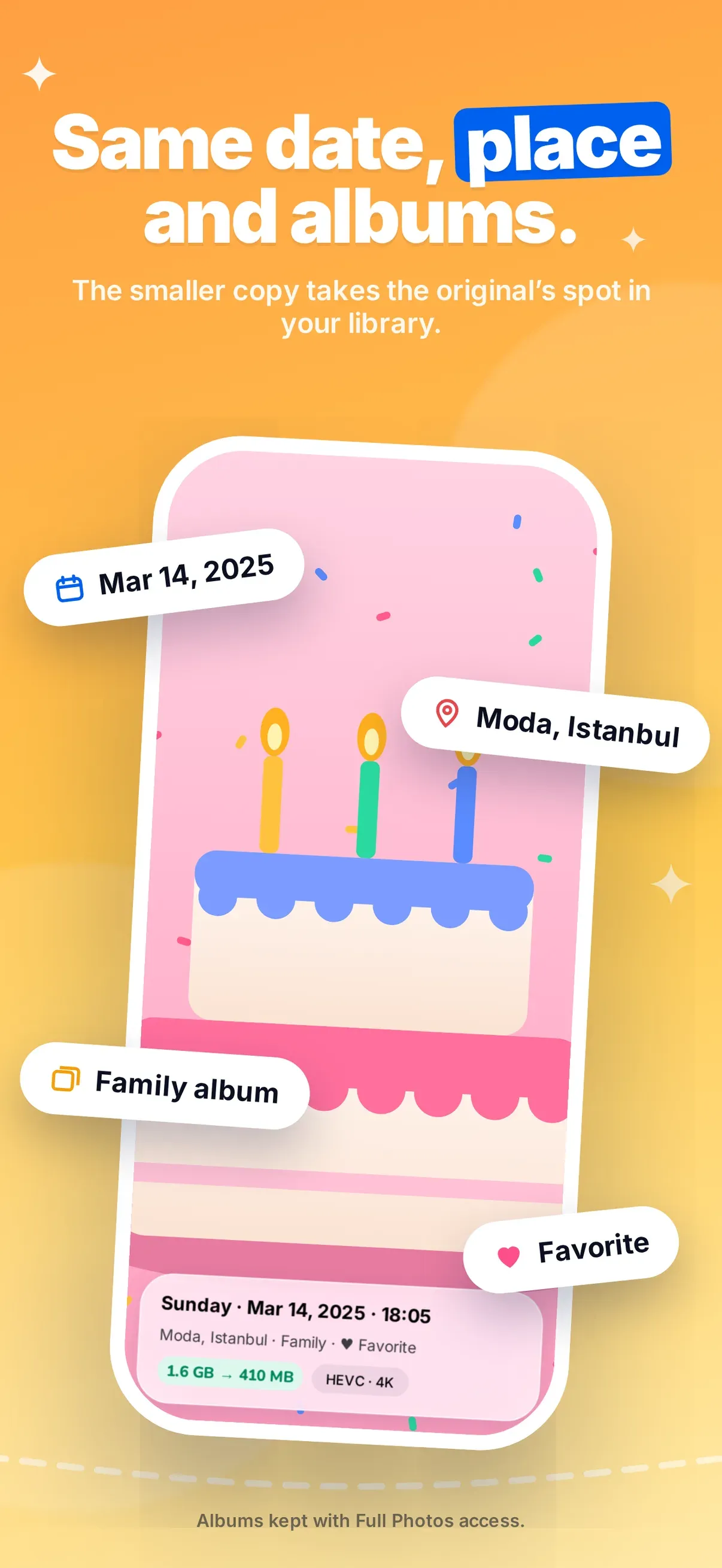
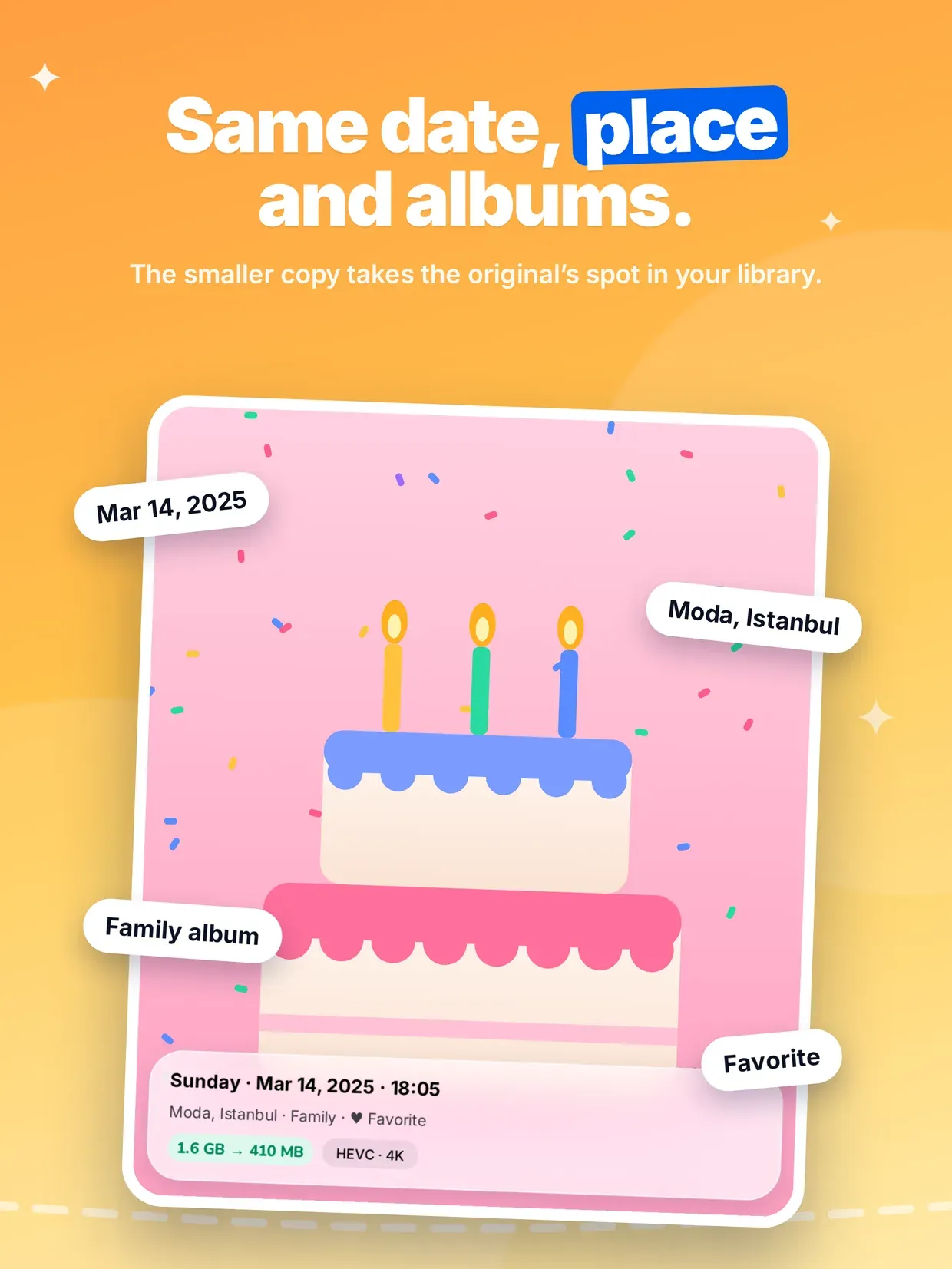
- Replace in place: same capture date, location, favorite and albums
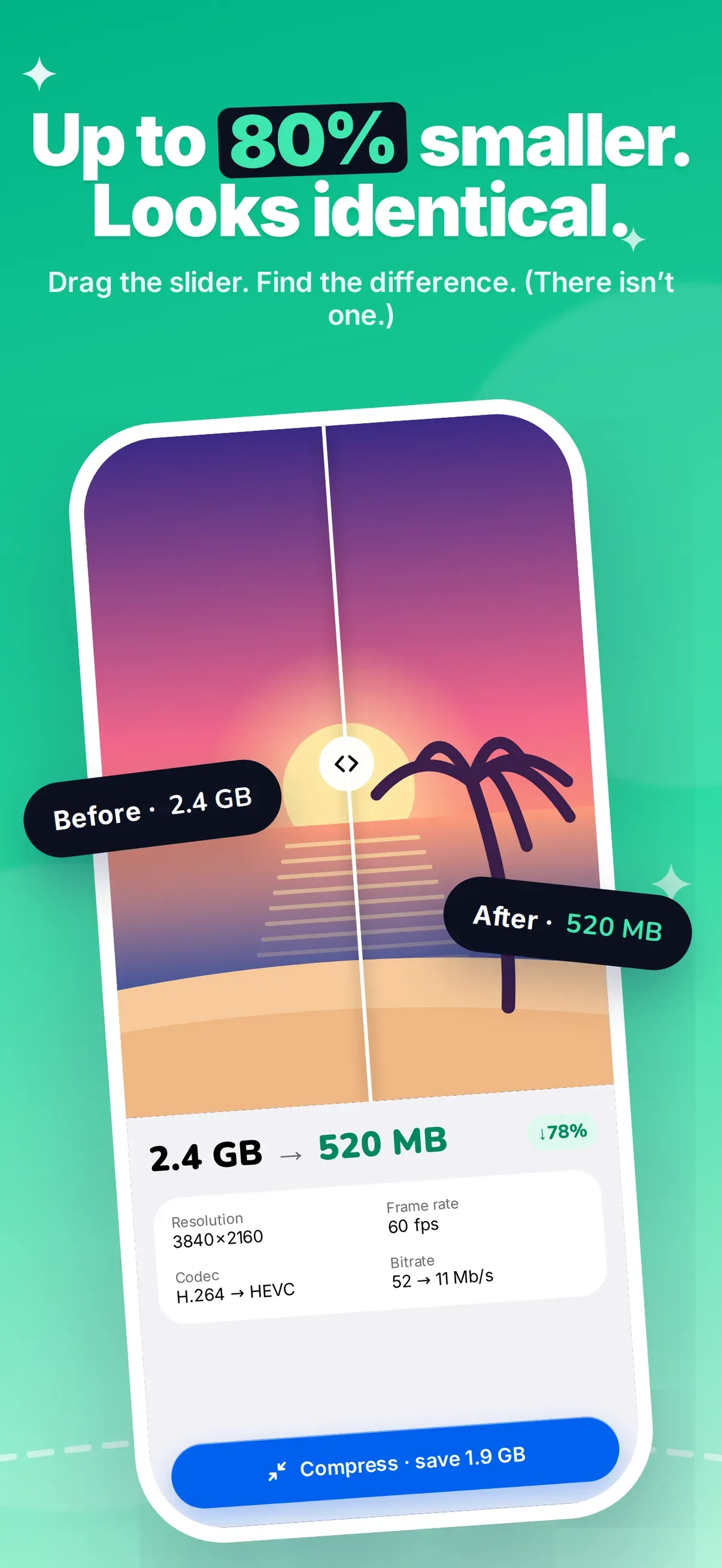
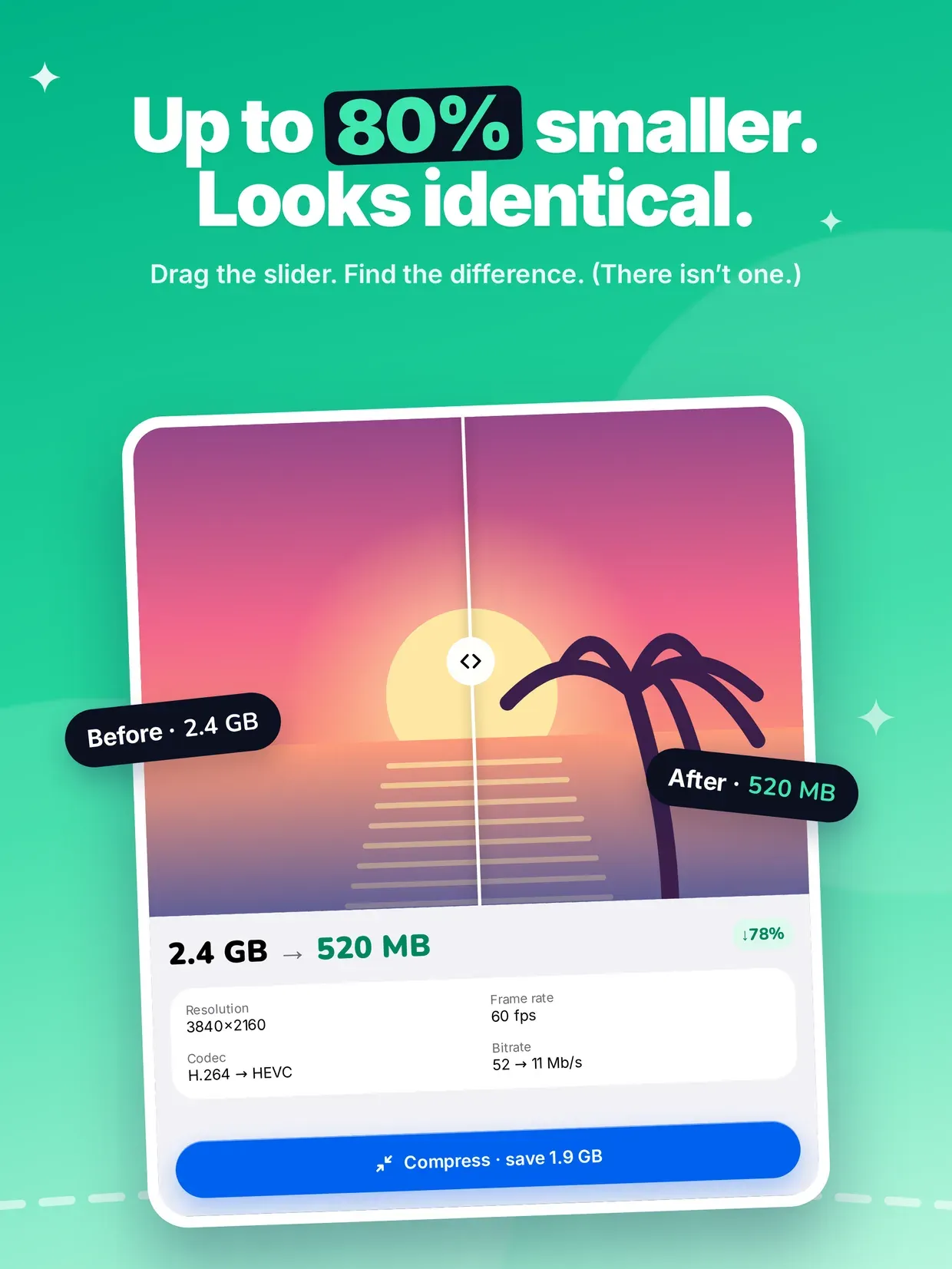
- Before/after slider on a sample of the real video
- Large batches keep running in the background, with one notification when done
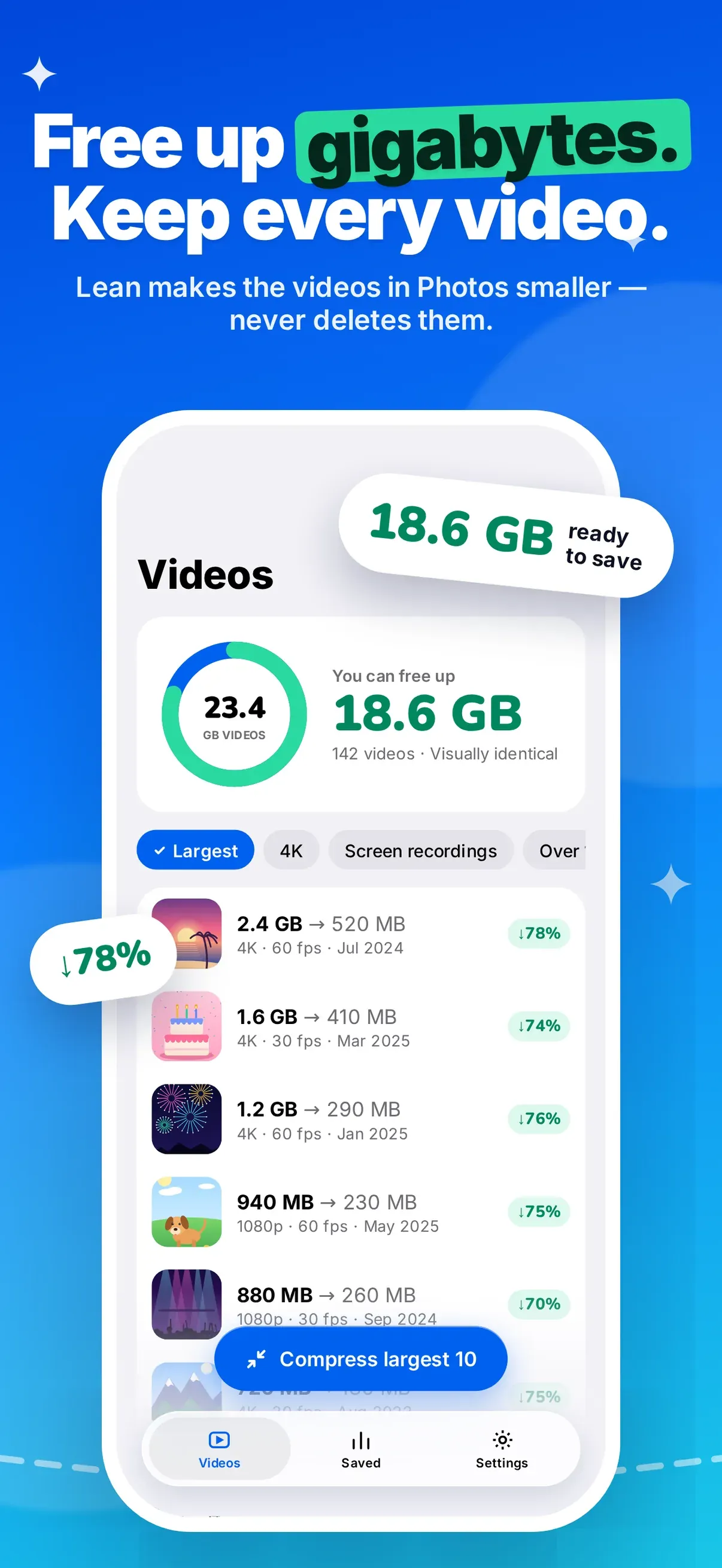
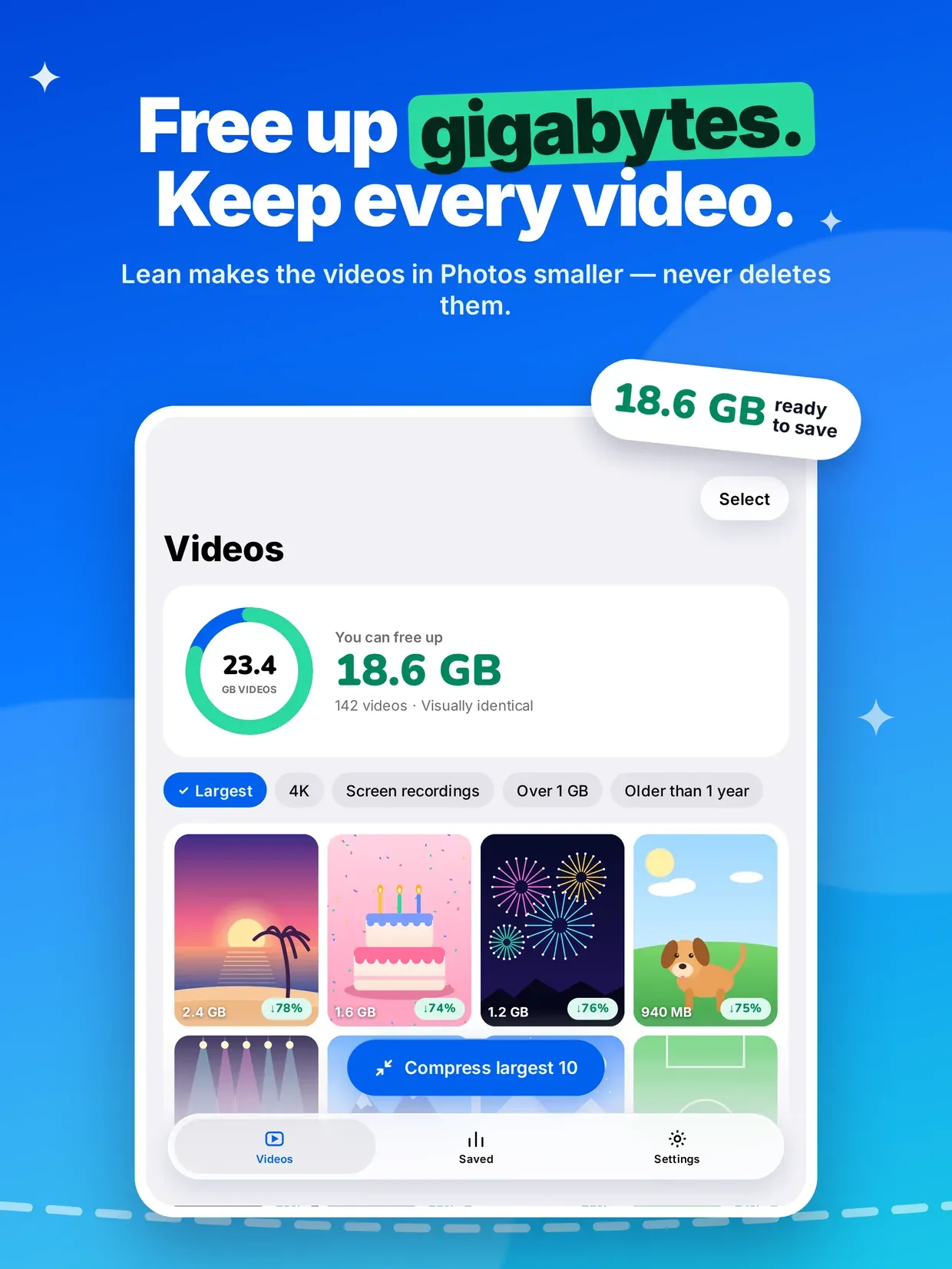
- Smart suggestions: largest, 4K, screen recordings, older than a year, over 1 GB
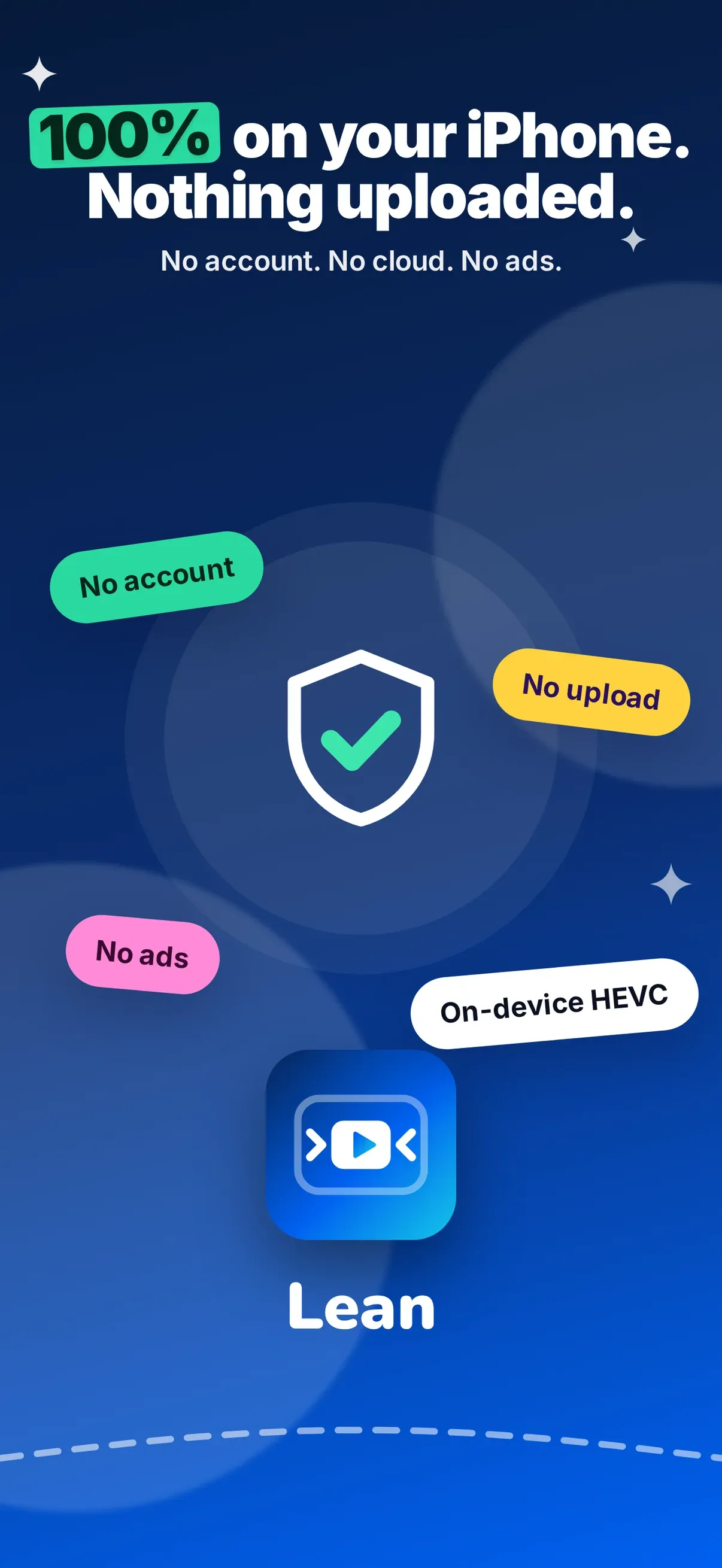
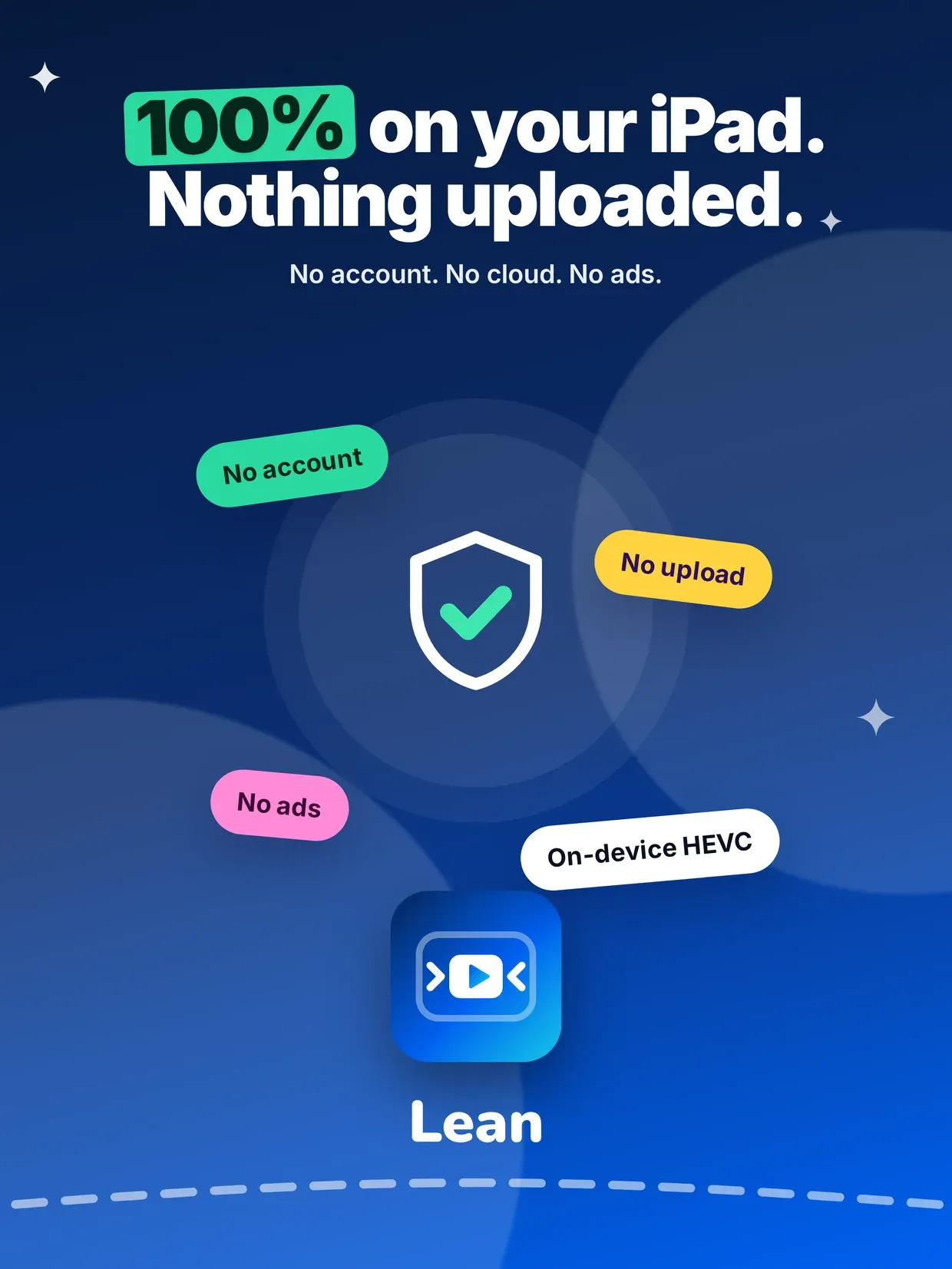
- Entirely on-device — no account, no uploads, no ads
- "Compress Largest Videos" from Siri and the Shortcuts app
How it works
-
Let Lean read your videos
Give Lean access to Photos and it lists every video by the space it would give back. Start from a suggestion, such as Largest, 4K, Screen recordings, Older than 1 year, Over 1 GB or From chat apps, or pick videos yourself.
-
Choose how small
Pick Visually identical, Balanced or Smallest. The advanced options cap the resolution at 4K, 1080p or 720p, cap the frame rate at 30 fps or remove the audio, and HDR videos stay HDR. A slider compares the original frame with the compressed one on a two-second sample of the real video.
-
Compress the batch
Lean checks free space before each video and skips any that would not come out at least 10% smaller. With Background processing on, a long batch keeps going after you leave the app, and Notify when finished sends one notification at the end. Videos stored in iCloud are downloaded as their turn comes.
-
Keep the same library
Each compressed video gets the original's capture date, location and favorite mark, and goes back into the same albums when Lean has full access to Photos. iOS asks before the originals move to Recently Deleted, where they stay for 30 days. The Saved tab adds up the space you got back, month by month.
Who it is for
-
Anyone whose iPhone is full
A few long 4K clips are often what filled the phone. Lean makes them smaller, so you do not have to choose which ones to delete.
-
People with years of family video
Older than 1 year and Over 1 GB find the clips that take the most room, and each one keeps its date and place in your timeline.
-
Anyone close to their iCloud limit
With iCloud Photos, a smaller library also takes less iCloud storage once the originals have left Recently Deleted.
Written guide
Lean: free up gigabytes without deleting a single video
Lean shrinks the videos already in your Photos library by up to 85% with HEVC, keeping their date, location, favourites and albums. Nothing is uploaded.
Read the guideQuestions about Lean: Video Compressor
- Can I compress videos on iPhone without losing quality?
- Visually identical re-encodes with HEVC at a level meant to look the same on your screen, typically 40 to 70% smaller. Before you commit, drag the slider across a two-second sample to compare the original frame with the compressed one. Balanced and Smallest trade more detail for more space.
- What happens to the original video?
- The compressed copy takes its place with the same capture date, location and favorite mark, and returns to the same albums when Lean has full access to Photos. iOS asks before the original moves to Recently Deleted, where you can restore it for 30 days. Choose Keep original too, or turn on Keep originals in Settings, to skip the delete.
- Does Lean upload my videos?
- No. Compression runs on your iPhone or iPad, and the new file goes straight back into your Photos library. There is no account and no sign-in, and Lean has no server of its own.
- What is free, and what does Lean Pro add?
- Your first 3 compressed videos are free, with every preset and advanced option. Lean Pro removes that limit, as a weekly plan with a 3-day free trial, an annual plan or a one-time lifetime purchase.
- Are there videos Lean will not compress?
- Cinematic, slow-motion, spatial and ProRes RAW videos are left as they are, so their extra data is not lost in a re-encode. Lean also skips a video when the result would not be at least 10% smaller, and discards its own output if the encoder overshoots.
- Can I compress videos with a shortcut?
- Yes. The Compress Largest Videos action is in the Shortcuts app and works with Siri. It opens Lean and compresses the number of largest videos you choose, 3 by default.
- Does Lean work on iPad, and in which languages?
- Lean runs on iPhone and iPad. The app is in English, Turkish, German, Spanish, Arabic and Japanese.
Same corner of the toy box
More apps you might like
If Lean: Video Compressor is your kind of thing, these live in the same neighbourhood — all made by the same pair of hands.