
Coming soon
- Category
- Graphics & Design
- Runs on
- iPhone, iPad
- Developer
- Cihat SALİK
Preview
iOS
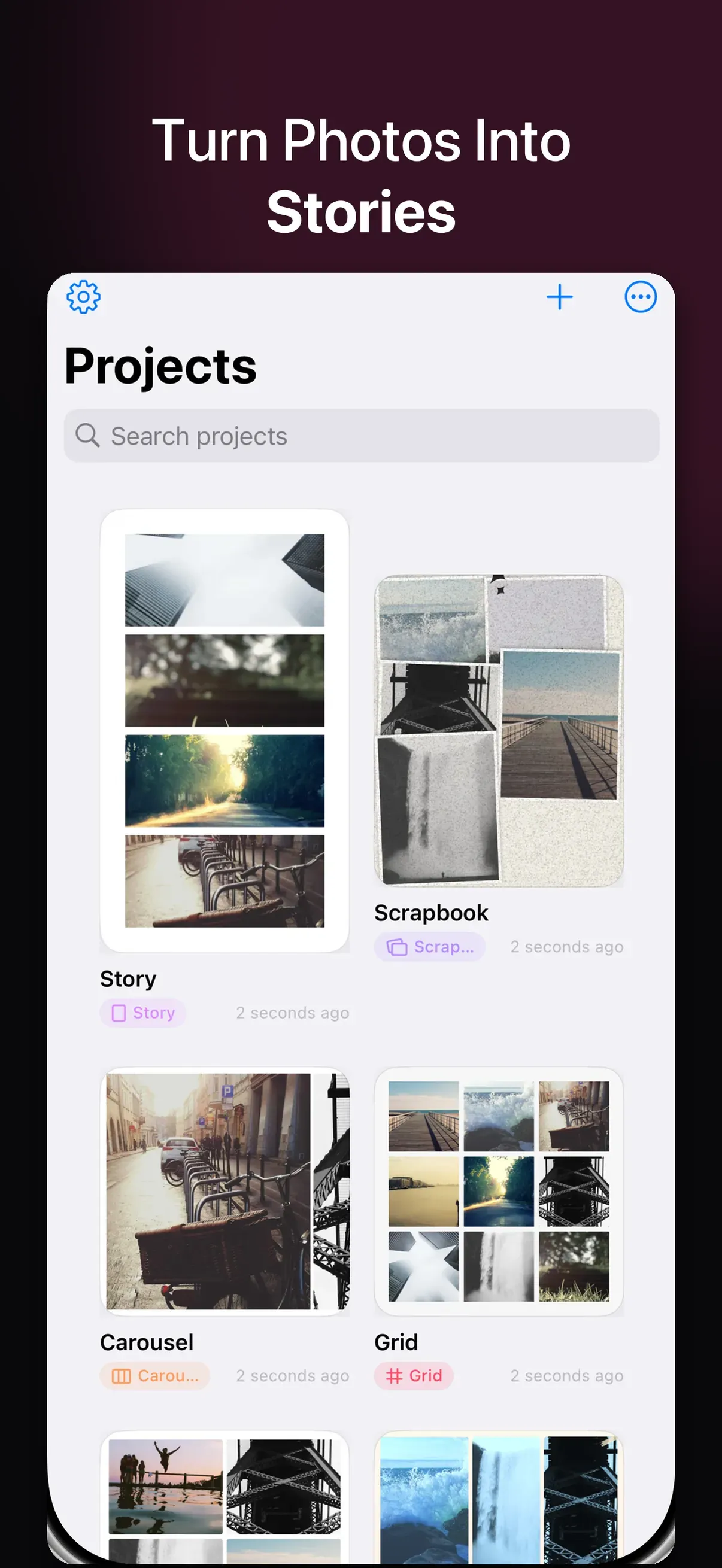
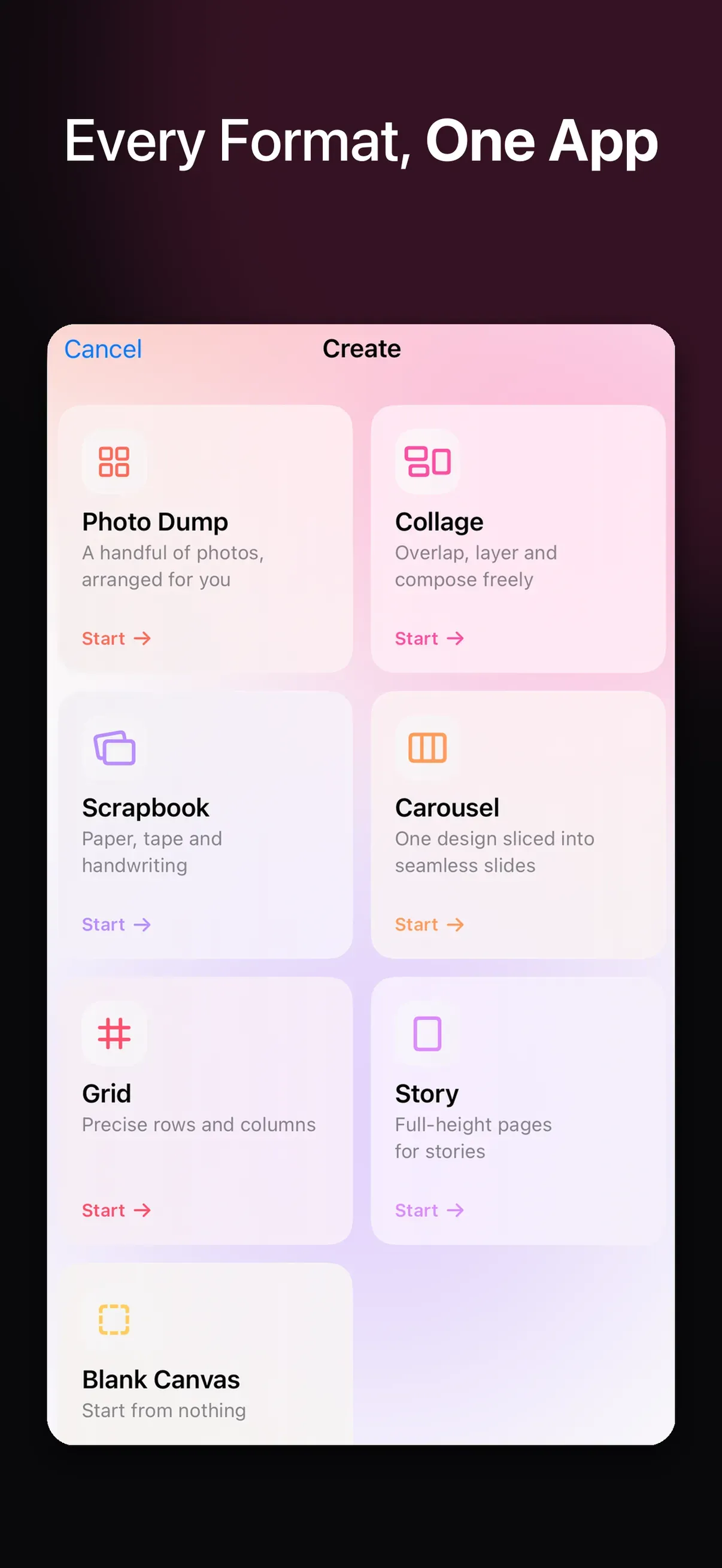
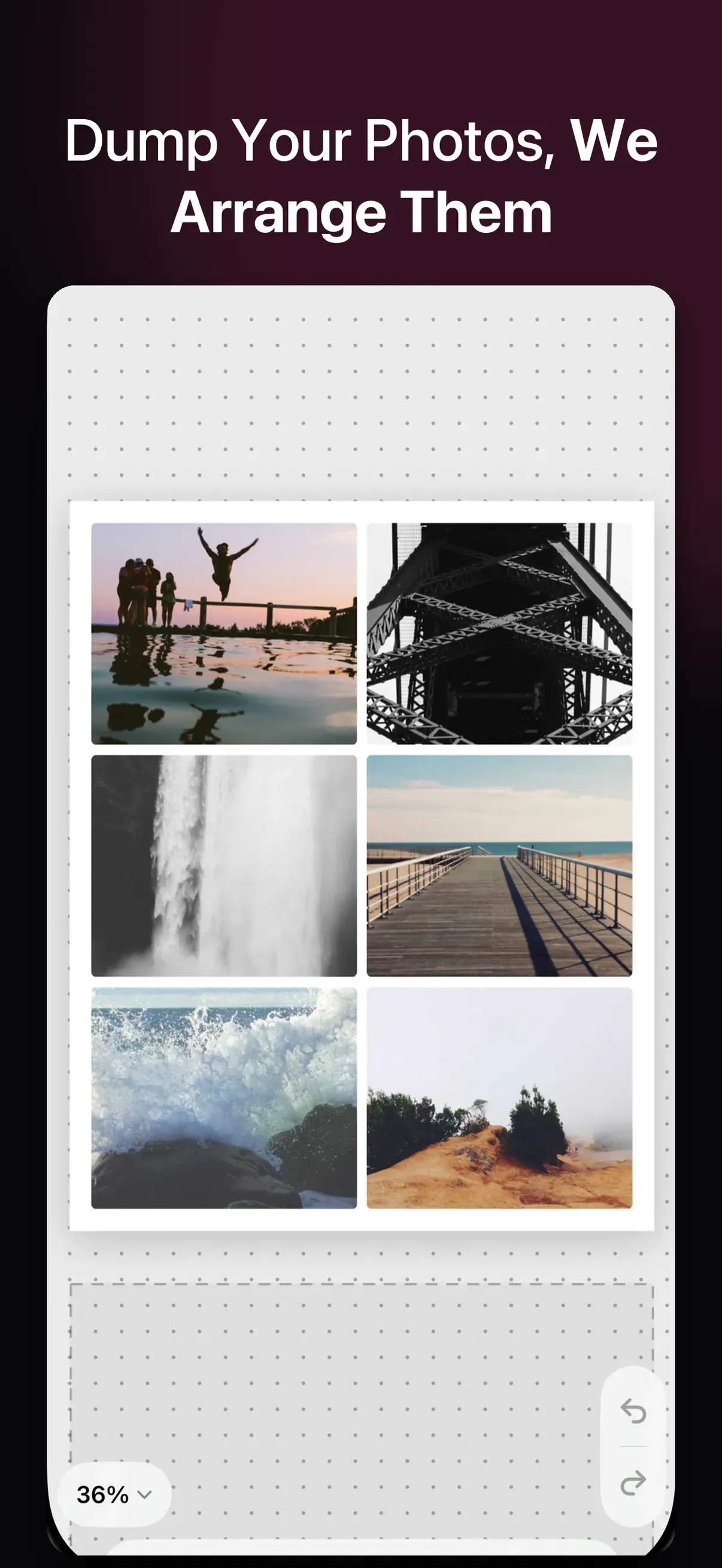

About
Highlights
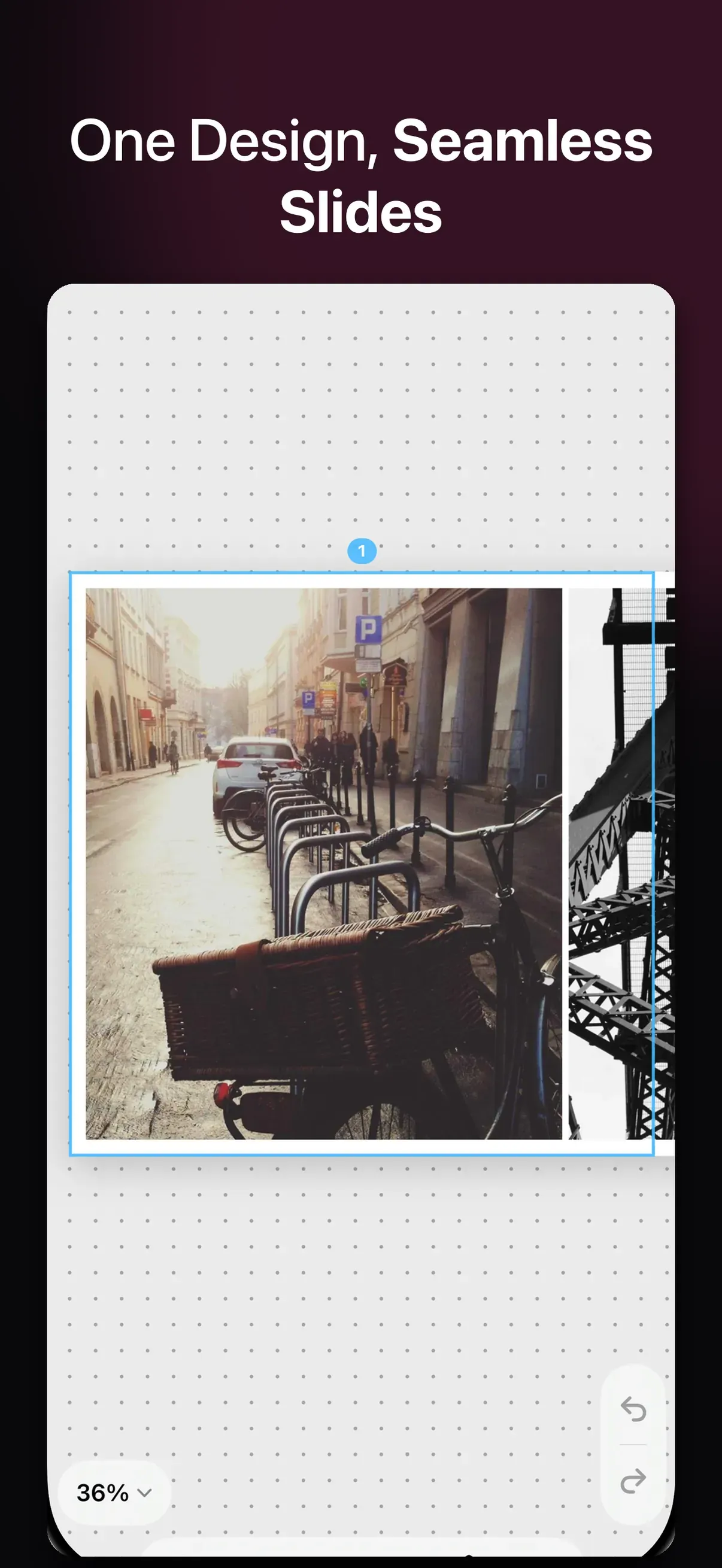
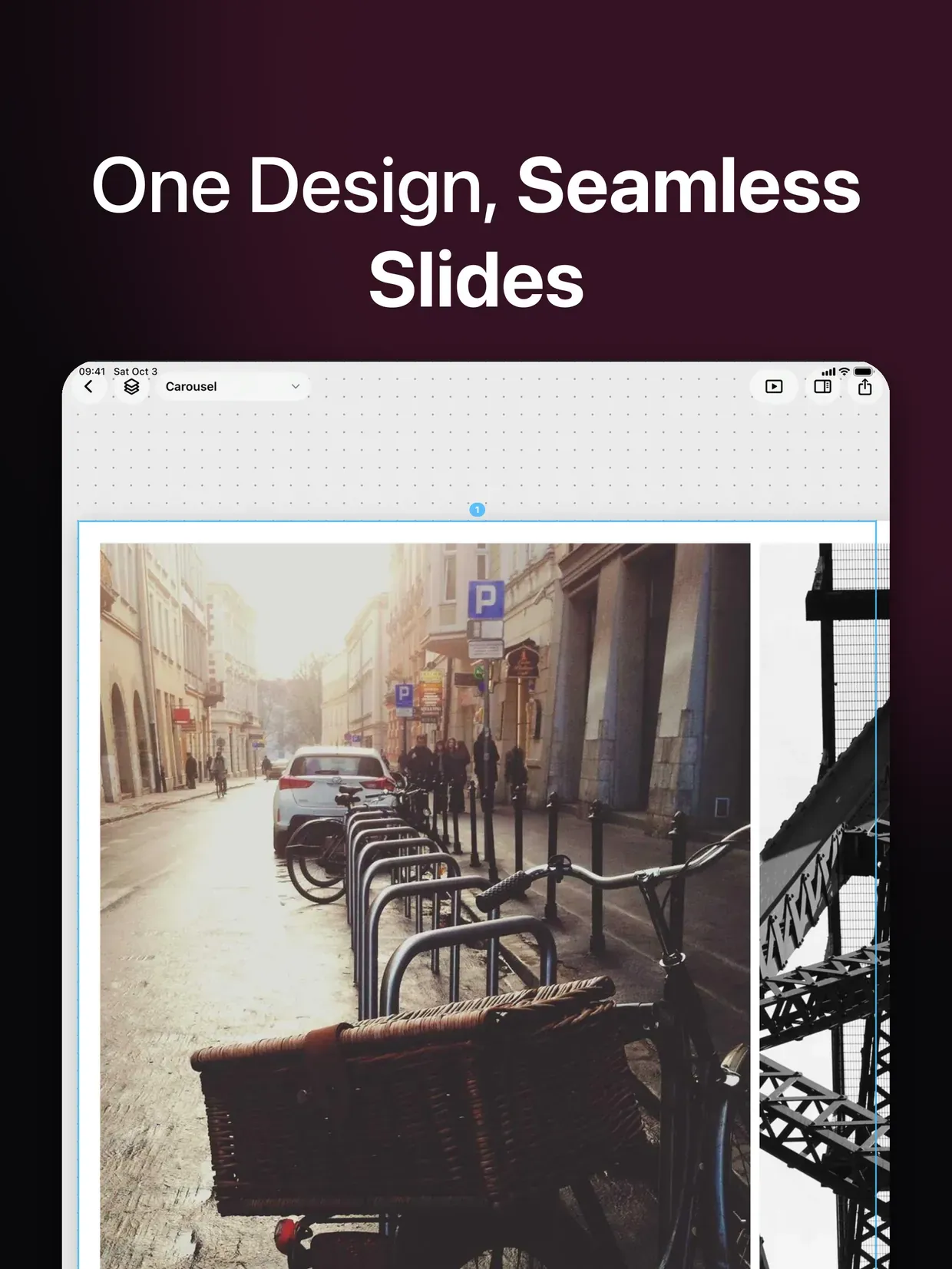
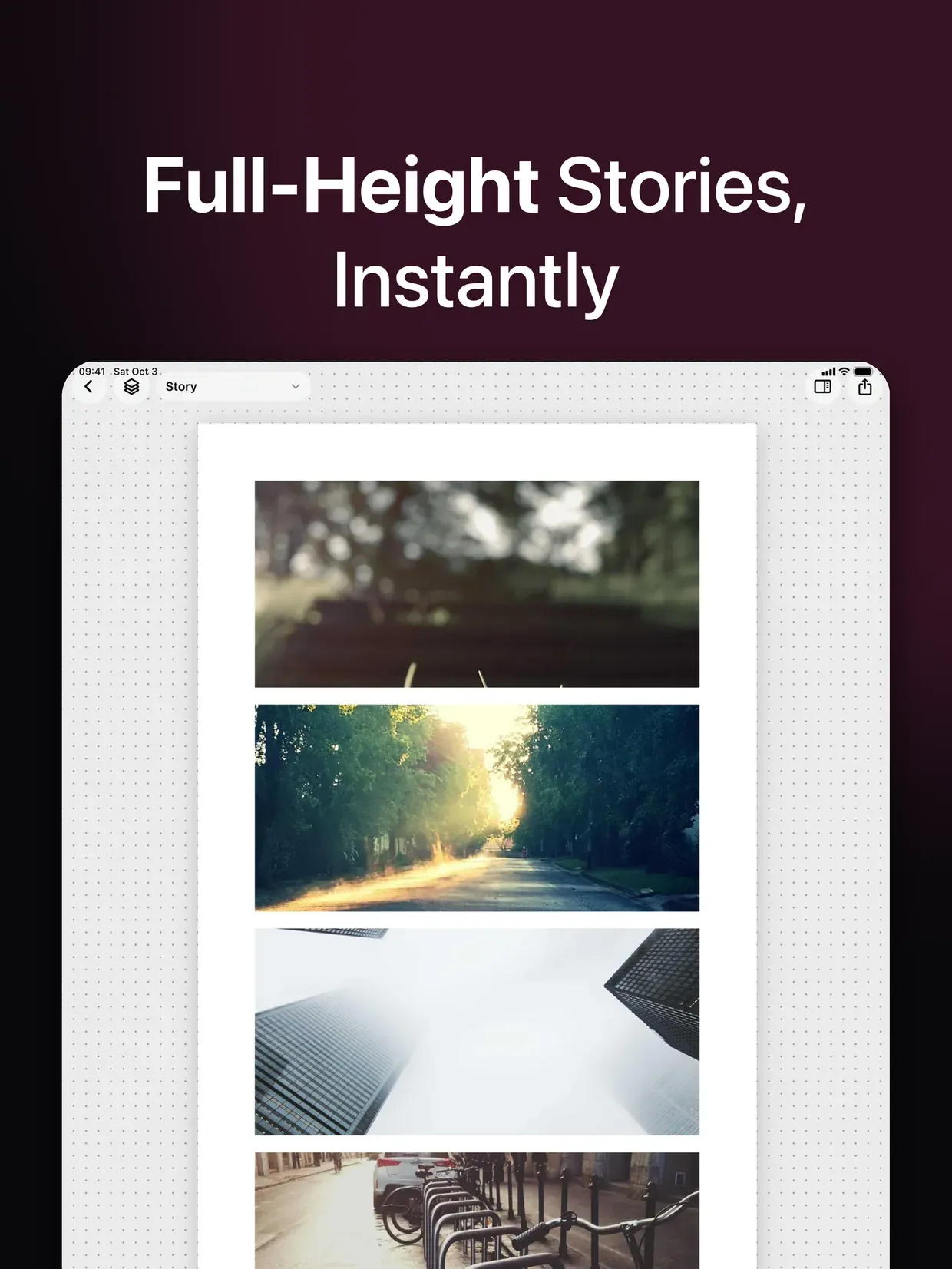
- One long canvas, cut on export into slides whose seams meet to the pixel
- A seam check that warns when a face, subject or text sits on a slide boundary
- On-device photo reading keeps crops centred on people and subjects
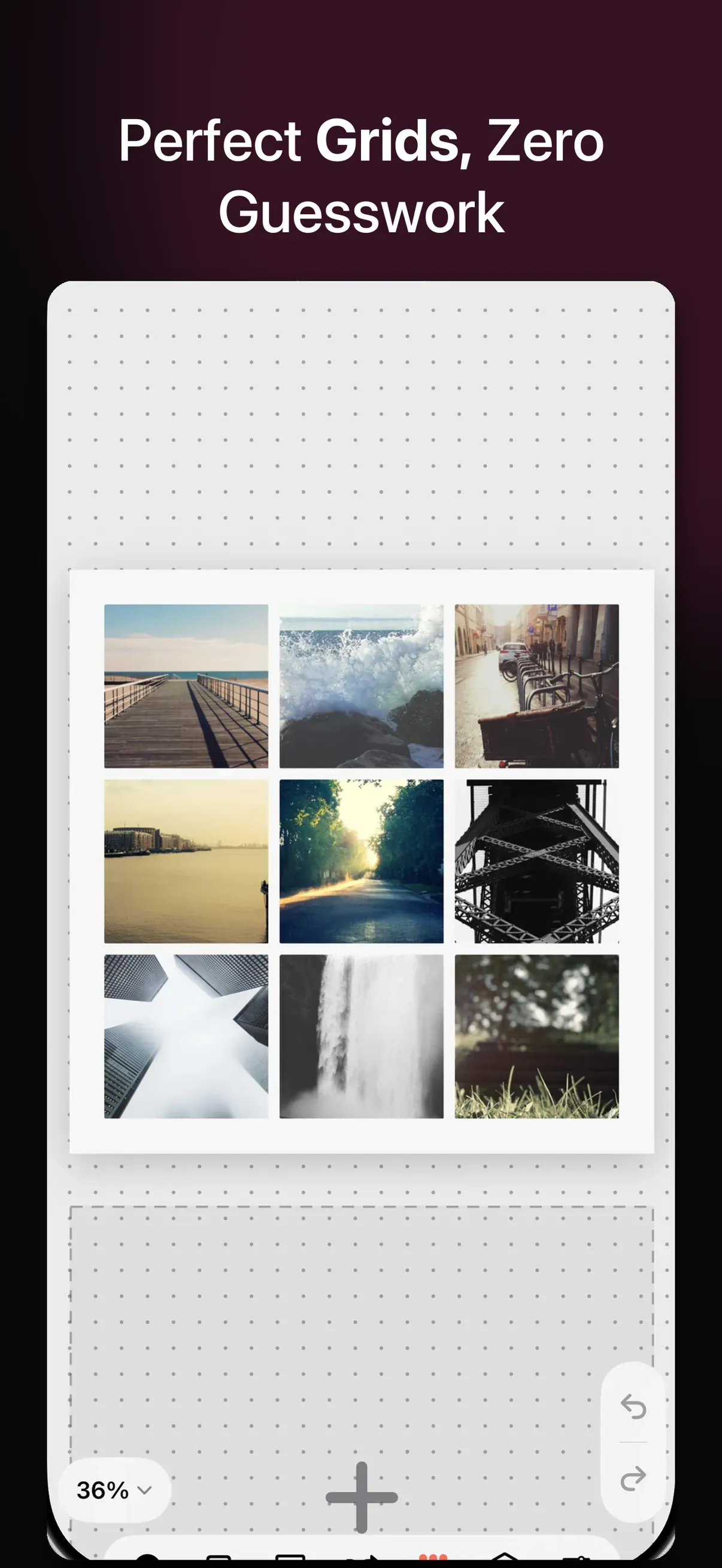
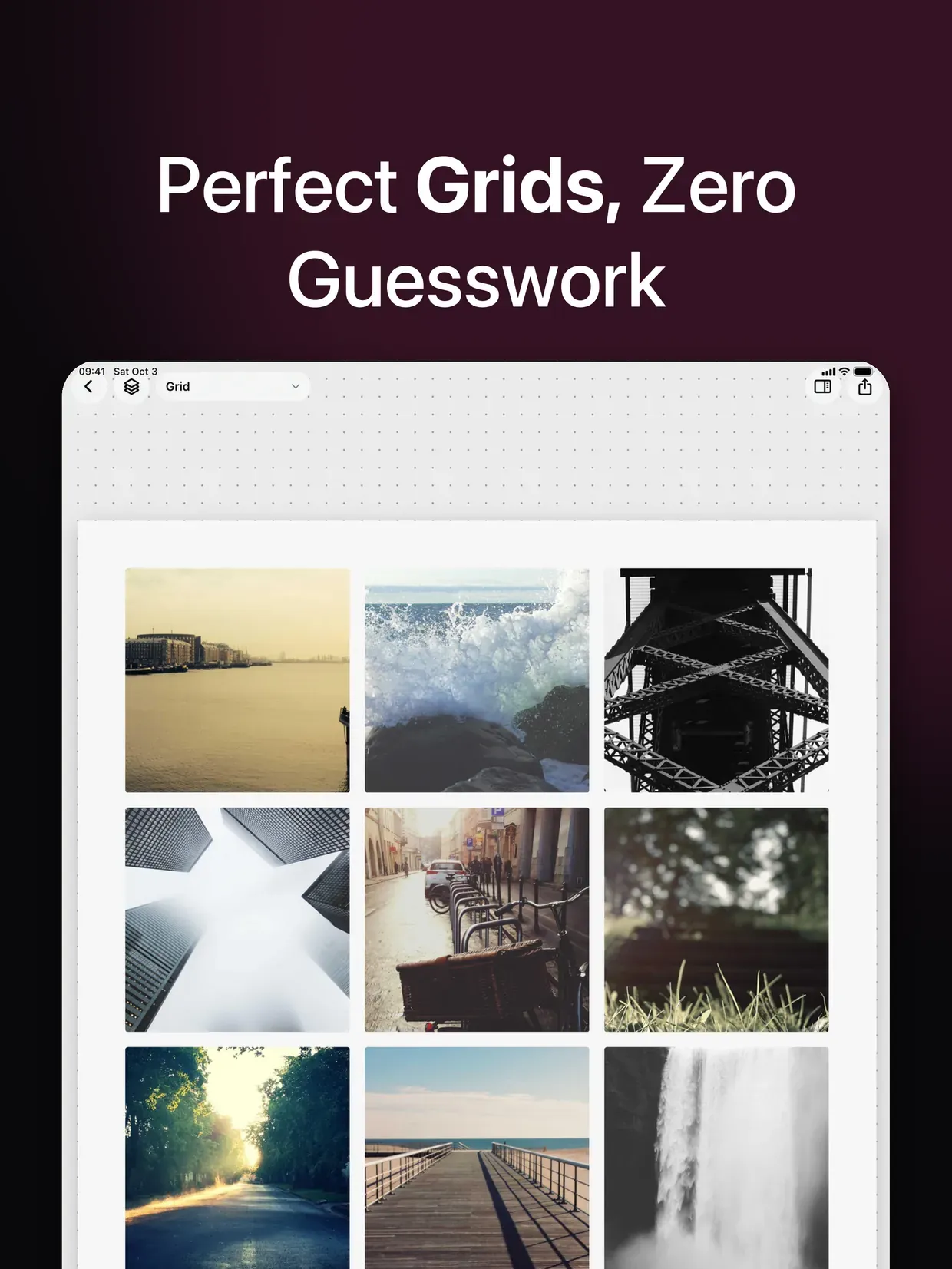
- Profile grids of one to five rows, numbered in posting order
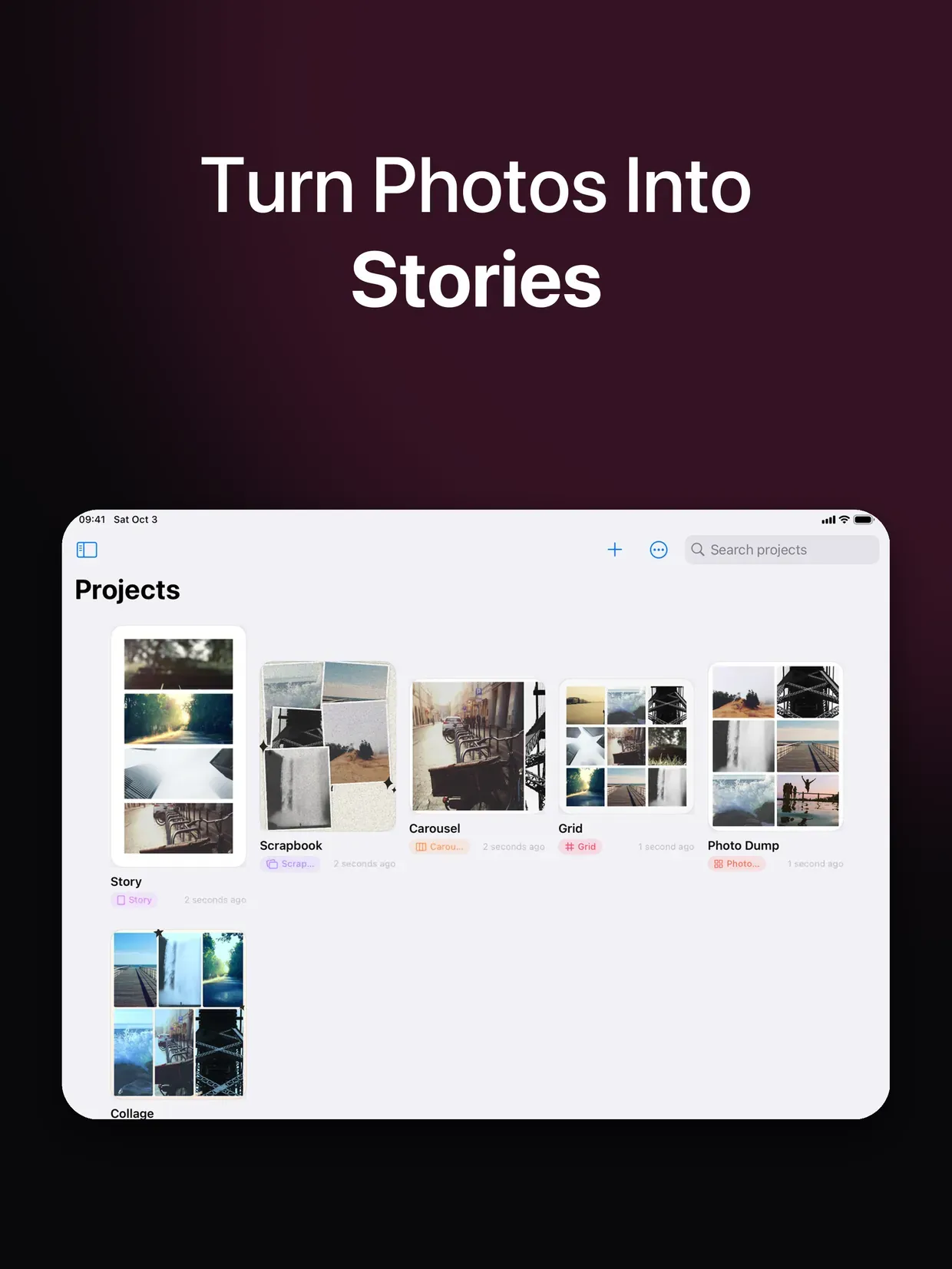
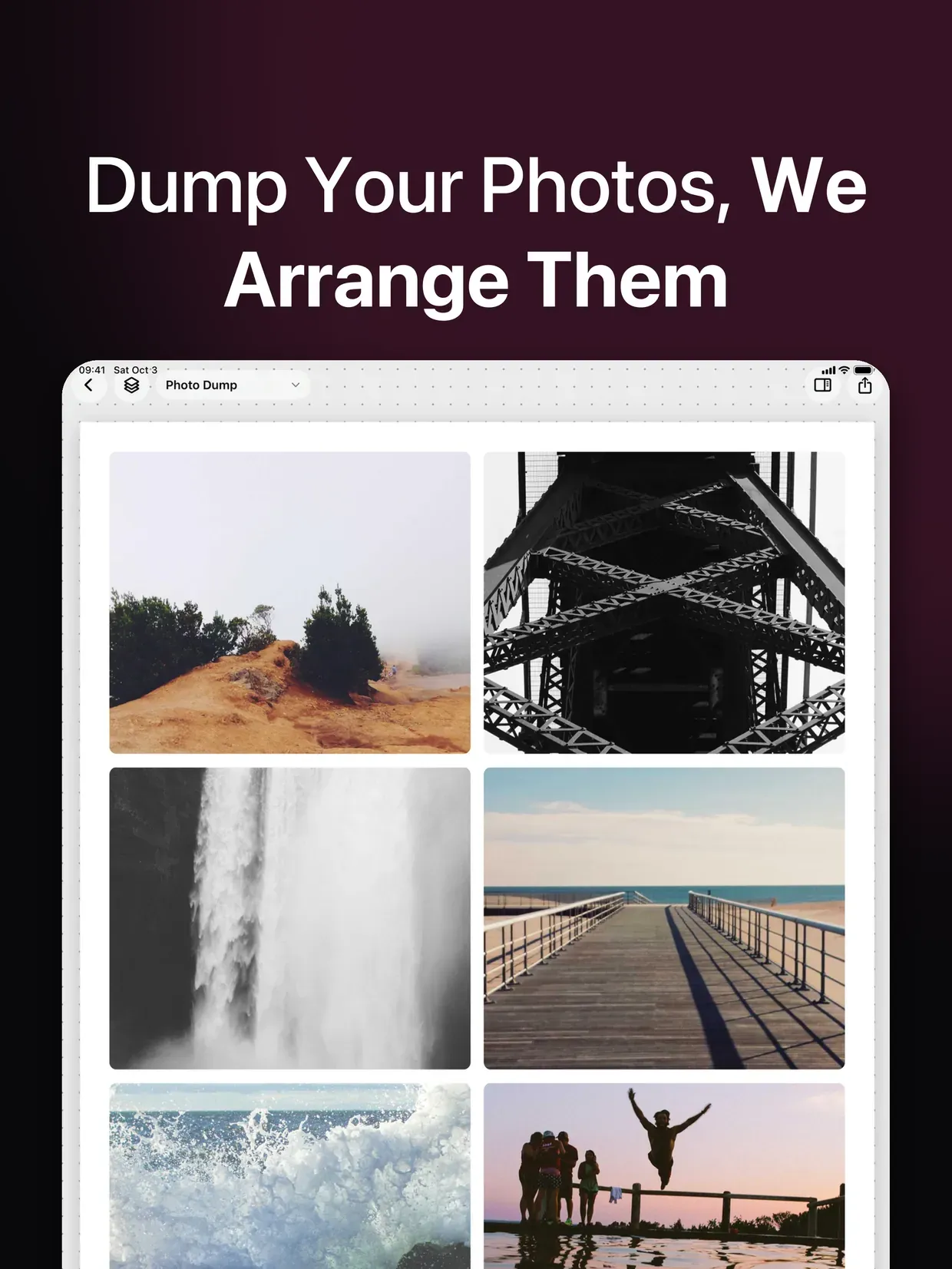
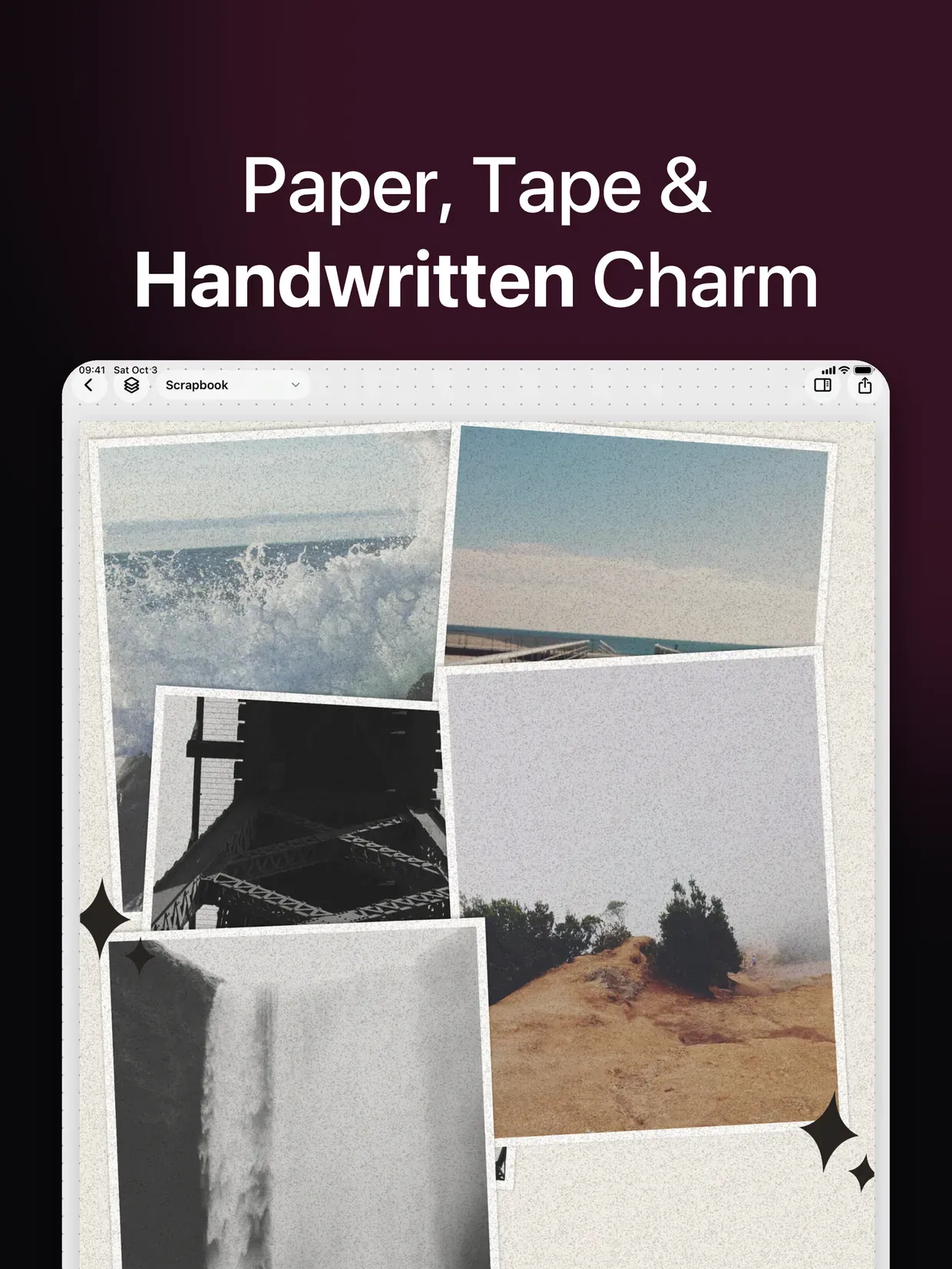
- 31 built-in templates across photo dump, collage, scrapbook, grid, story and carousel formats
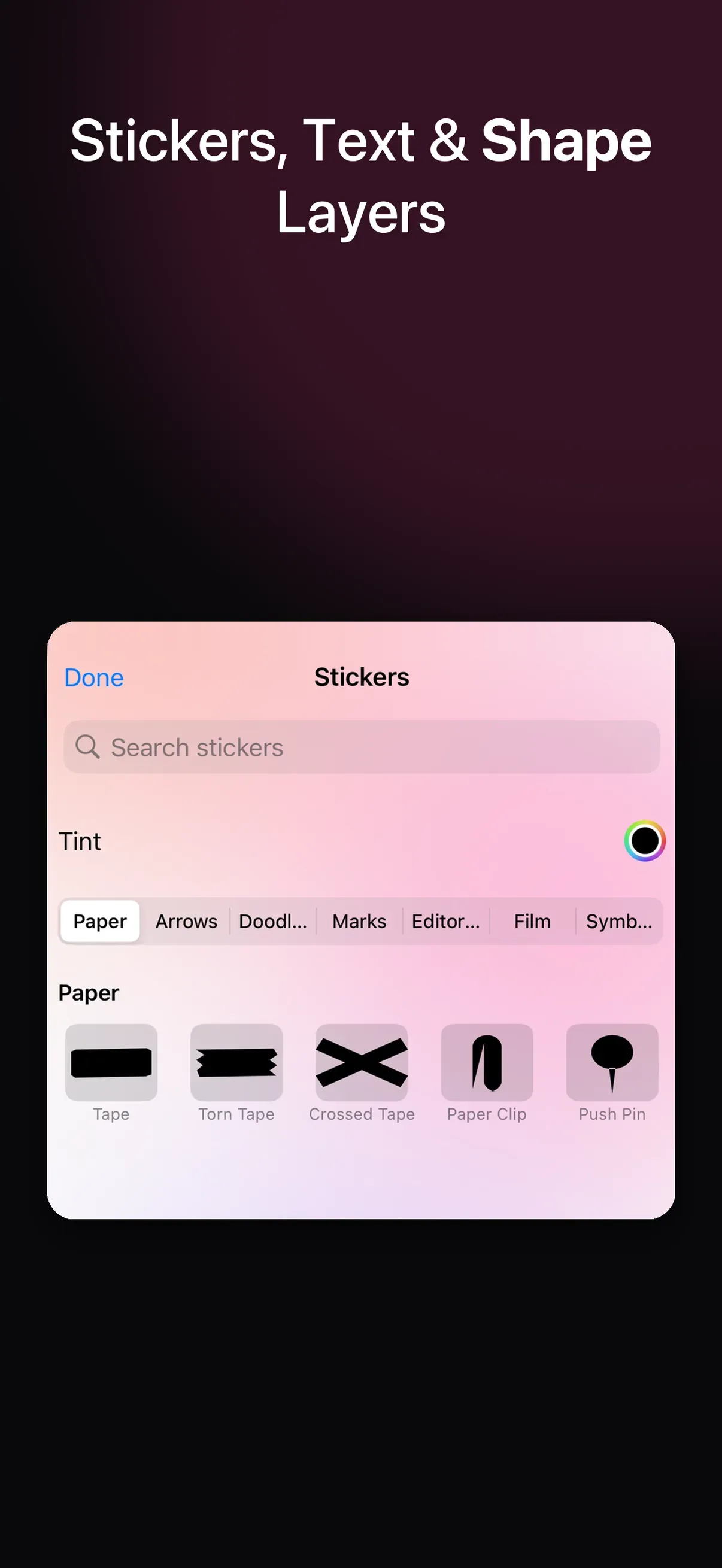
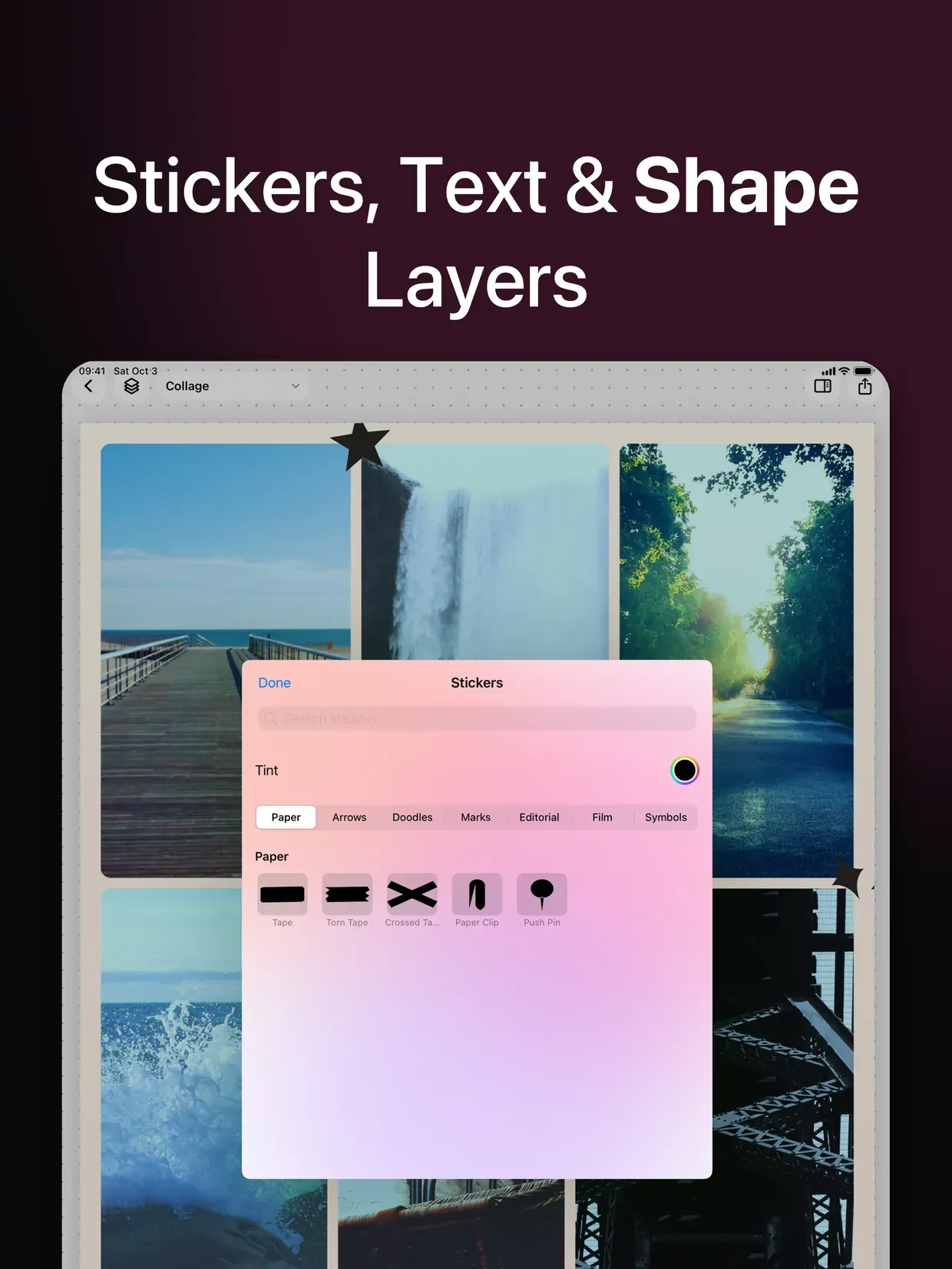
- Photos and video clips on the same page, with text, stickers, shapes, drawing and subject cutout as layers
How it works
-
Pick a format
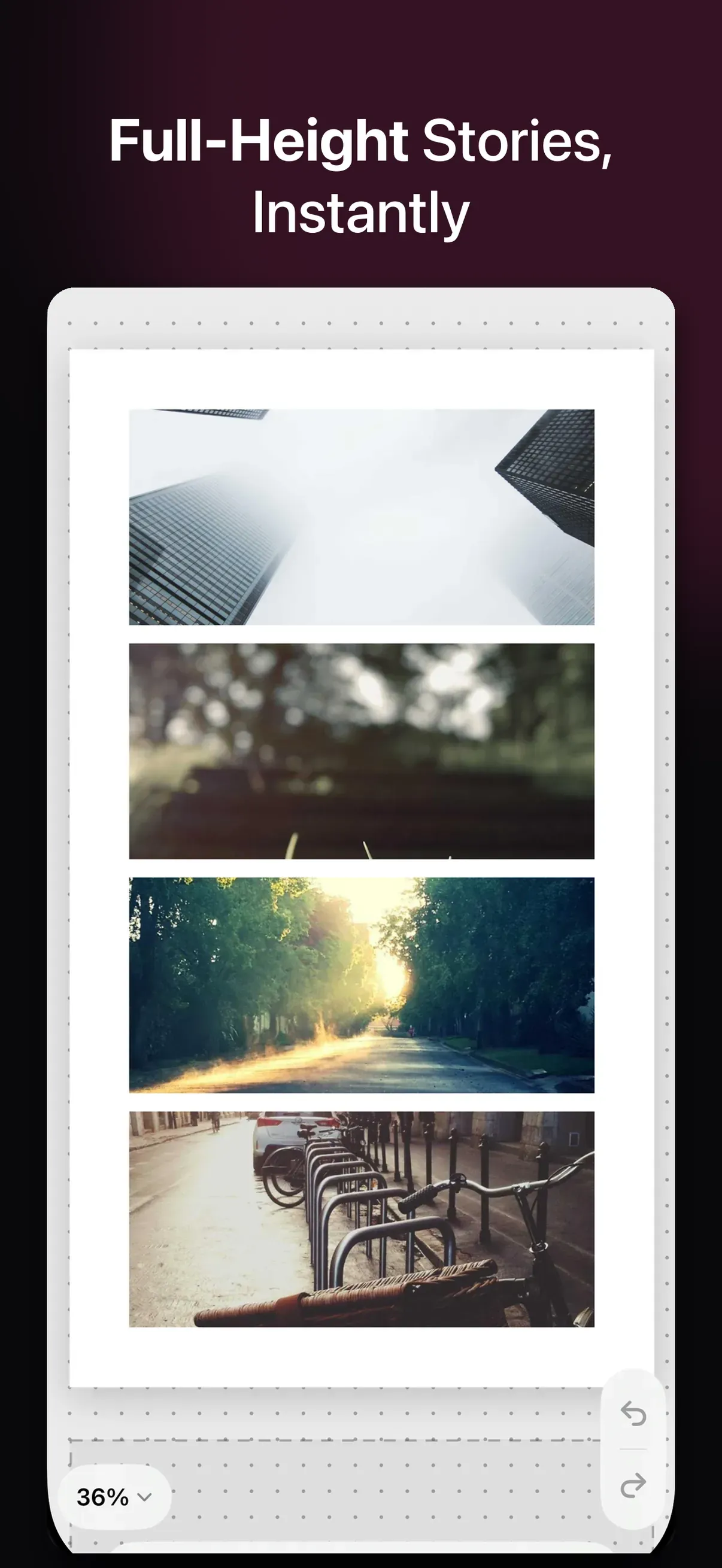
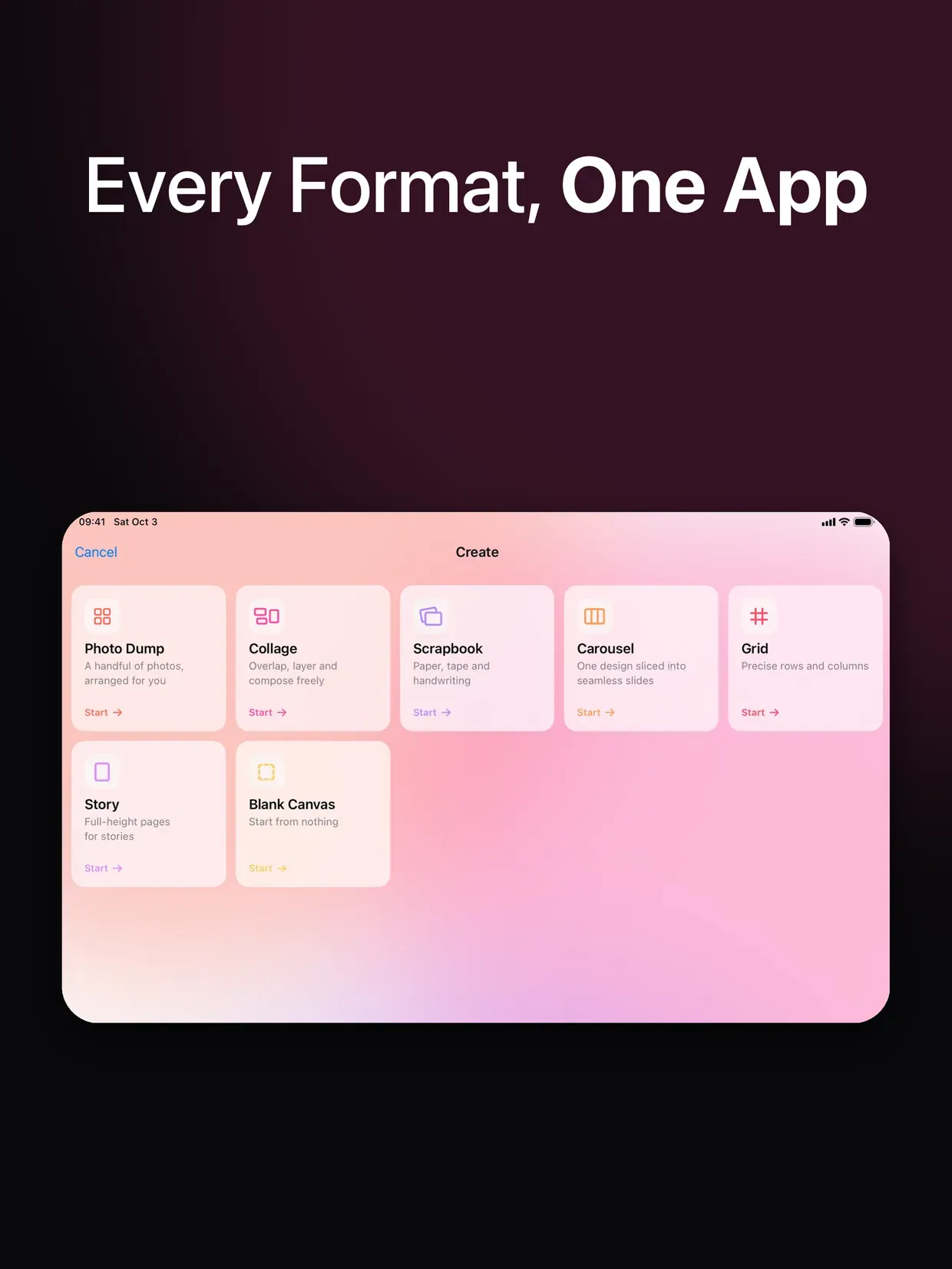
Tap Create and choose Photo Dump, Collage, Scrapbook, Carousel, Grid, Story or Blank Canvas, then a shape such as 1:1, 4:5 or 9:16. A carousel is one long canvas of 2 to 20 slides, so a photo can run from one slide into the next.
-
Add photos and let Folio lay them out
Choose a style and a handful of photos or video clips. Folio reads them on your device to find faces, subjects, brightness and warmth, and keeps crops centred on people. Shuffle tries a new layout, background colour and filter together.
-
Finish it in the editor
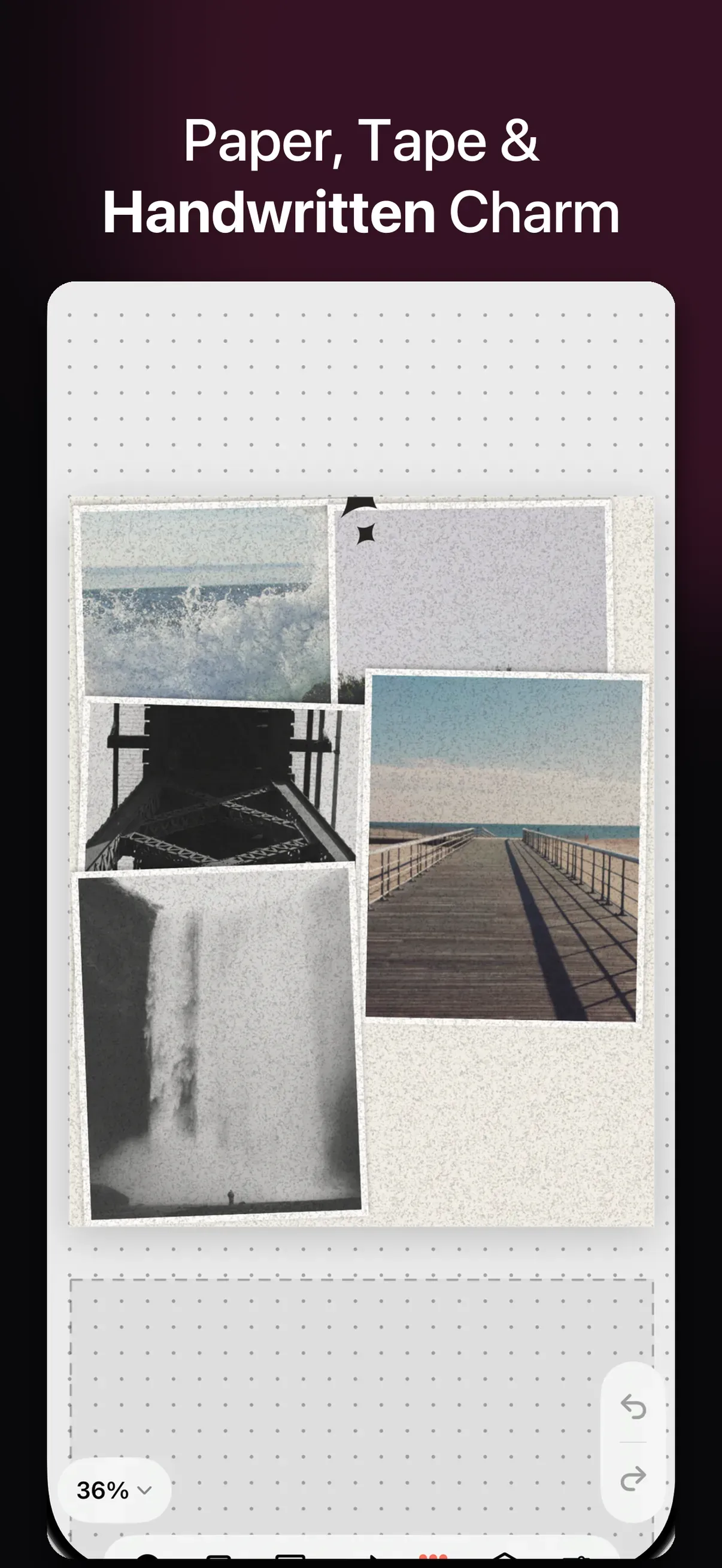
Add text, stickers, shapes and drawings, or set a photo's mask to Subject to cut the subject out. Every item is a layer you can move, lock and reorder, and it snaps to slide seams, safe areas and equal spacing. Save as Template keeps a page you like for next time.
-
Check the seams and export
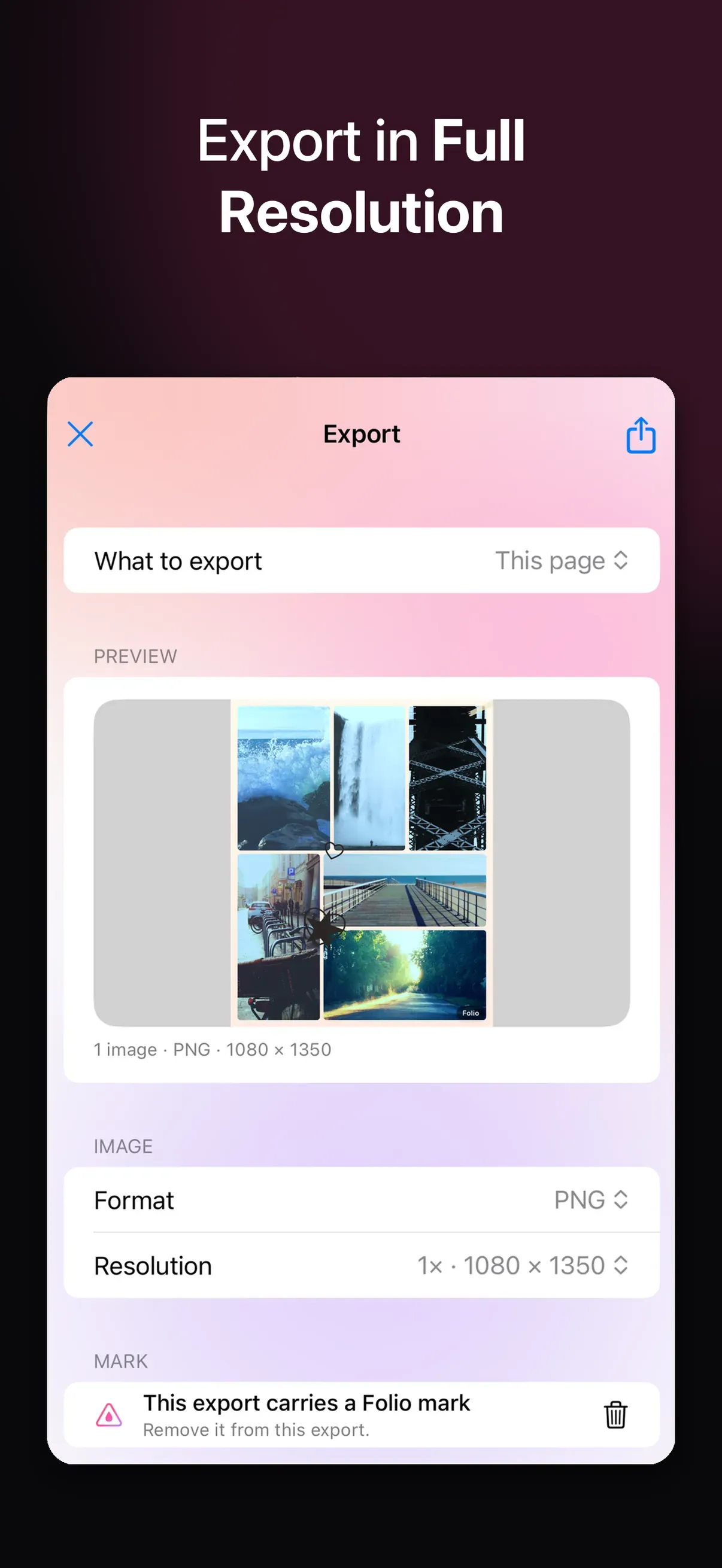
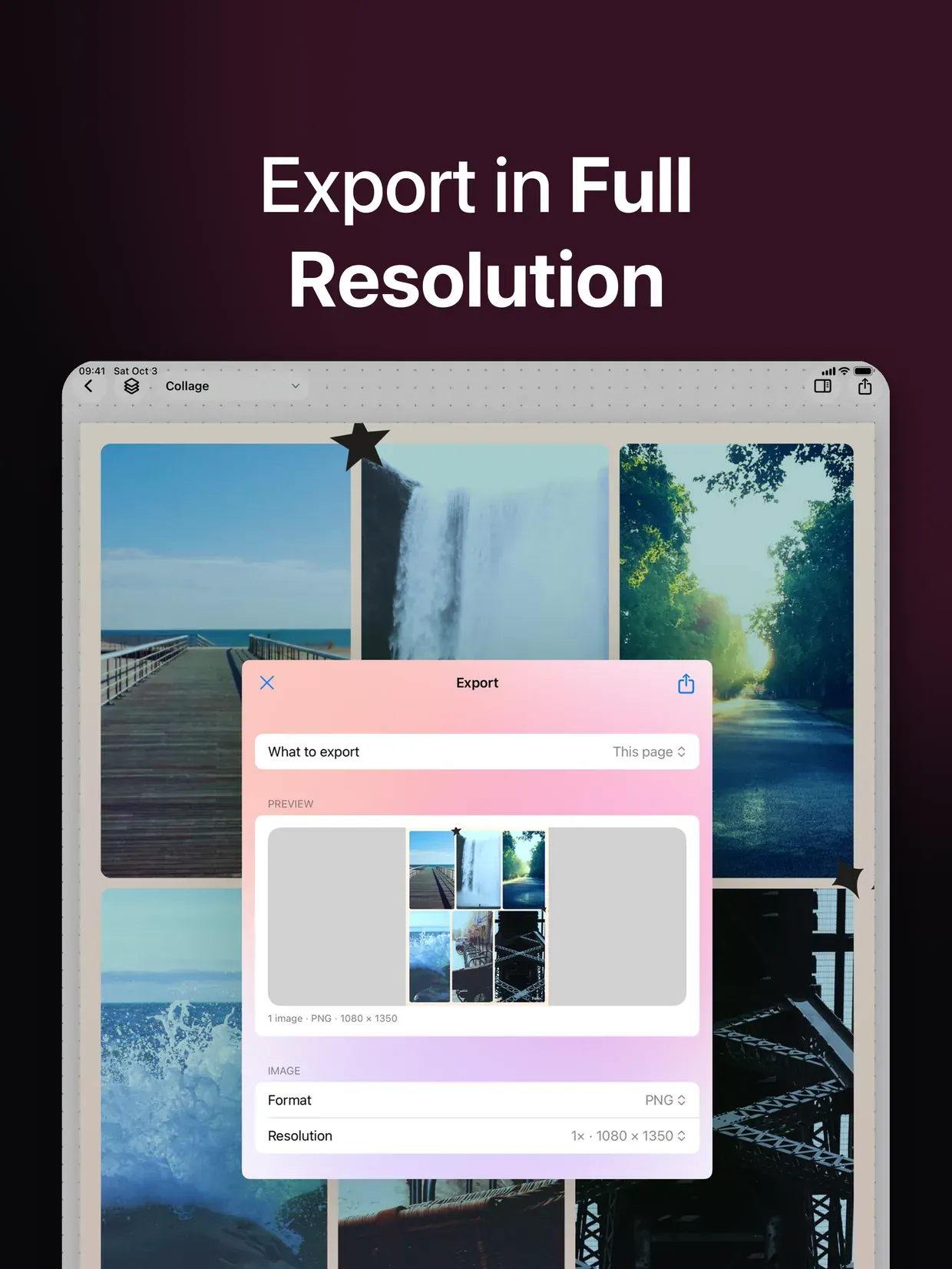
Export the page, all pages, the carousel slides or a profile grid. Under Before you export, Folio warns when a face, a photo's subject or a line of text sits on a slide boundary. The files go to the share sheet, where you can save them or post them.
Who it is for
-
People who post carousels
Design the whole swipe on one canvas and export slides whose edges line up, with a warning before a face gets split.
-
Photo dump and scrapbook fans
Pick a handful of photos and Folio arranges them around faces and subjects; Shuffle until one layout feels right.
-
Anyone planning a profile grid
Split one large image into one to five rows of tiles, numbered in the order you post them.
-
Small brands and creators
With Folio Pro, Brand Stamp puts your own logo or handle on exports, and your own .ttf and .otf fonts work in the editor.
Written guide
Folio: one long canvas, sliced into slides that meet to the pixel
Lay out one canvas and Folio cuts it into carousel slides whose seams meet exactly, checks every seam before export, and keeps crops centred on faces and subjects.
Read the guideQuestions about Folio - Photo Collage
- How do I make a seamless carousel for Instagram?
- Create a Carousel, pick the slide shape and the number of slides, and design across the whole canvas as if it were one wide image. On export, choose Carousel slides: Folio cuts the canvas into separate images whose seams meet exactly, so a photo placed across a boundary continues when people swipe. Post the files in their numbered order.
- How does Folio stop a face from being cut in half?
- Folio finds faces and the main subject in each photo on your device. Before you export, it lists anything that sits on a slide boundary: a face, a photo's subject or a line of text that would be split. It also flags items outside the safe area that social apps may crop or cover.
- Can I split one picture into a profile grid?
- Yes. Choose Profile grid in the export sheet and pick three columns by one to five rows. The tiles are numbered in posting order, starting with the one that belongs bottom right, so the grid assembles itself on your profile. If the canvas is not the right shape for square tiles, Folio tells you they will be cropped.
- Can I mix photos and videos in one collage?
- Yes. Video clips sit beside photos on the same page, and you can trim, mute or loop each one. With Folio Pro, a page or carousel exports as an MP4 in H.264 or HEVC that plays the clips with their own sound.
- What is free, and what does Folio Pro add?
- Everything in the editor is free, including every template, every filter and subject cutout. Free exports are PNG or JPEG at 1×, and they carry a small Folio mark that you can remove from an export in the Mark section of the export sheet. Folio Pro adds 2× and 3× resolution, HEIC, ZIP archives, video export, project packages, Brand Stamp and your own fonts. It comes as a weekly plan with a 3-day free trial, a monthly plan, a yearly plan with a one-week free trial or a one-time lifetime purchase.
- Are my photos uploaded, and do I need an account?
- No to both. Folio reads your photos on your device and uploads nothing; a photo leaves the app only when you share an export. Projects are stored in the app. If you give Folio access to selected photos only, it copies each photo you pick into the project instead of linking to it.
- Which devices and languages does Folio support?
- Folio runs on iPhone and iPad. The app is in English and Turkish.
Same corner of the toy box
More apps you might like
If Folio - Photo Collage is your kind of thing, these live in the same neighbourhood — all made by the same pair of hands.

Lean: Video & Photo Compressor
Photo & Video Size Reducer
UtilitiesiOS
Cue: Teleprompter That Listens
Voice Script Reader & Practice
ProductivityiOS · macOS
İlmek: Knitting Pattern Maker
Crochet Chart, Weave & Stitch
Graphics & DesigniOS
StarType: My Handwriting Font
Text to Handwriting Keyboard
UtilitiesiOS · macOS