Fliqlo is the flip clock screen saver many Mac users know: big white numbers on a black background. People look for an alternative for a few reasons. It stopped working after a macOS update, they want a different style, or they want an analog clock instead of a digital one.
This comparison covers four clock screen savers, each described from its own official page or repository. That includes where Lume Clock, the app this site is about, is the wrong choice.
The short version
- Want the classic flip clock? Fliqlo, which is still free.
- Want minimalist type, nothing else? Padbury Clock Revived.
- Want a moving landscape with the time on top? Aerial.
- Want an analog watch dial? Lume Clock.
- Can’t install anything? The flip clock in your browser runs full screen in a tab.
Fliqlo
Fliqlo describes itself as a flip clock screen saver that shows the time in large white numerals on a black background. It is available for macOS and Windows, and as an app for iPhone and iPad.
What its site lists for the Mac:
- Free.
- Version 2.2.1, which requires macOS 14 or later. Since 2.x, Fliqlo runs as a menu bar app and does not appear in the macOS Screen Saver settings; version 1.9.5 is still offered in the
.saverformat. - 12-hour or 24-hour time, landscape or portrait, a dimmer, flaps you can show or hide, a smaller display size, and on macOS a choice between the main display only or all displays.
Good for: the look most people mean when they say “clock screen saver”. Not for: anyone who wants an analog dial.
Padbury Clock Revived
The original Padbury Clock is a minimalist type-only clock by designer Robert Padbury, and many people still search for it by name. Padbury Clock Revived is an open-source reimplementation of that screen saver. Its author notes that they could not reach Robert Padbury about the rights to his original design.
From its repository:
- Free, MIT licence.
- Fonts including San Francisco, SF Mono, SF Rounded and New York.
- A night-time mode, an optional footer message and a main-screen-only option.
- Installed by downloading the
.saverand double-clicking it. - The changelog says version 1.2.0 was updated for Apple Silicon and macOS 26.
Good for: a quiet, typographic clock that looks at home on a Mac. Not for: anyone who wants a dial, hands or a lot of styles.
Aerial
Aerial is not a clock first. It is a free, open-source aerial video screen saver, MIT licensed, with no telemetry. It earns a place here because its overlay editor can put a large clock on top of the video, which the stock macOS aerials do not offer.
From its site:
- The current version requires macOS 26 Tahoe or later. The site says version 4.0.16 still runs on macOS 15 Sequoia.
- Clock and other information overlays, positioned through an overlay editor.
Good for: someone who likes the macOS aerials and wants the time on them. Not for: a clock you read from across a dark room, where a moving landscape competes with the numbers.
Lume Clock
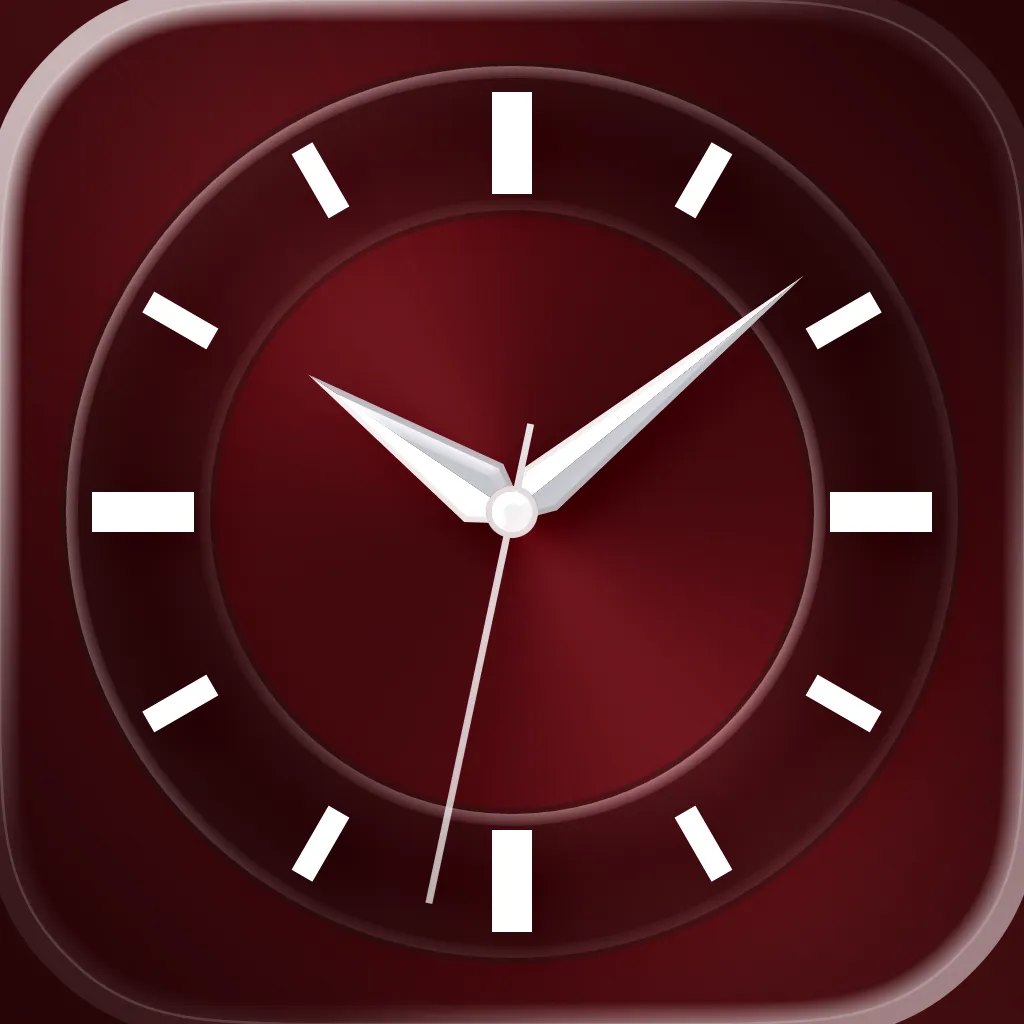
Lume Clock is an analog clock built around watch dials. On the Mac it works in a window, full screen, or as a screen saver you export from the app.
From the app and its App Store listing:
- A choice of dials and lume colours, with your choice of hands, markers and numerals, including Roman numerals and world scripts.
- Three second-hand movements: Quartz steps once a second, Mechanical beats 8 times a second like a 28,800 bph calibre, and a smooth sweep. Quartz and Mechanical have optional ticking sounds. Our tick vs sweep article explains the difference.
- An Export Screensaver… button that saves your current dial into your Screen Savers folder and hands the screen saver to the macOS installer, so you never look for a
.saverdownload. - Works offline. No account, no ads, no tracking.
Where it is the weaker choice:
- It is analog only. If you want a flip clock or big digital numerals, Fliqlo or Padbury Clock Revived fit better.
- Some dials and options require an in-app purchase. The other three are free.
- The screen saver comes from the Mac app, so you install the app first, not just a small plug-in.
Good for: a desk or nightstand clock that looks like a watch face, on a Mac. Not for: someone who wants digital time.
Side by side
| Fliqlo | Padbury Clock Revived | Aerial | Lume Clock | |
|---|---|---|---|---|
| Clock style | Flip clock | Minimalist digital type | Clock overlay on aerial video | Analog watch dial |
| Price on Mac | Free | Free | Free | Some dials and options are in-app purchases |
| Open source | No | Yes, MIT | Yes, MIT | No |
| Install | Download from its site | .saver download, double-click |
Download from its site | Exported from the Mac app |
| iPhone version | Yes, paid app | Not listed | Not listed | Yes, iPhone and iPad |
Prices and system requirements change. Check each official page before you install.
Installing any of them
All four end up in the same place: System Settings, Wallpaper, Screen Saver, under Other. If macOS blocks a download or the screen saver shows only black, our guide on how to install a screen saver on Mac walks through Gatekeeper, the timing settings and hot corners.