 Free on the App Store
- Category
- Graphics & Design
- Runs on
- iPhone, iPad
- Developer
- Cihat SALİK
Preview
iOS
About
Highlights
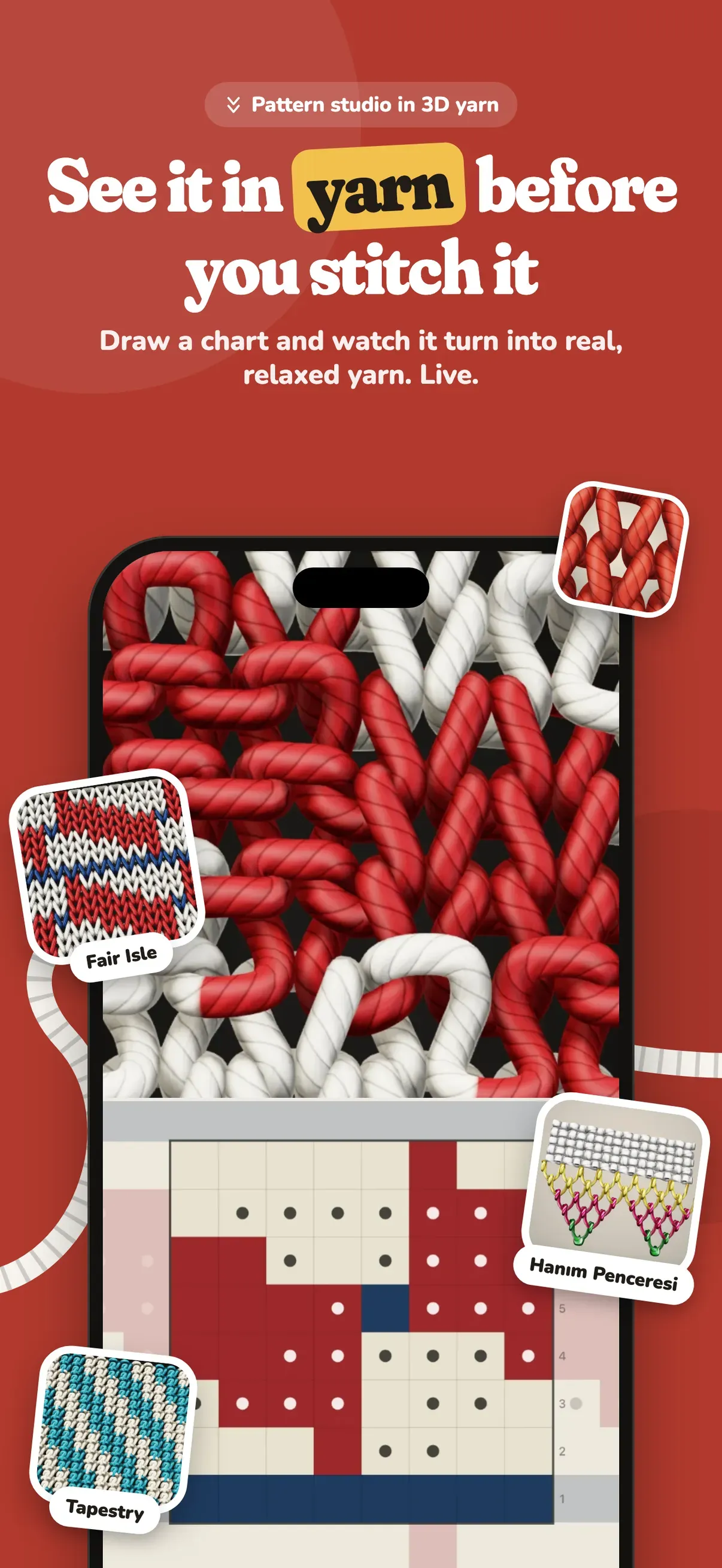
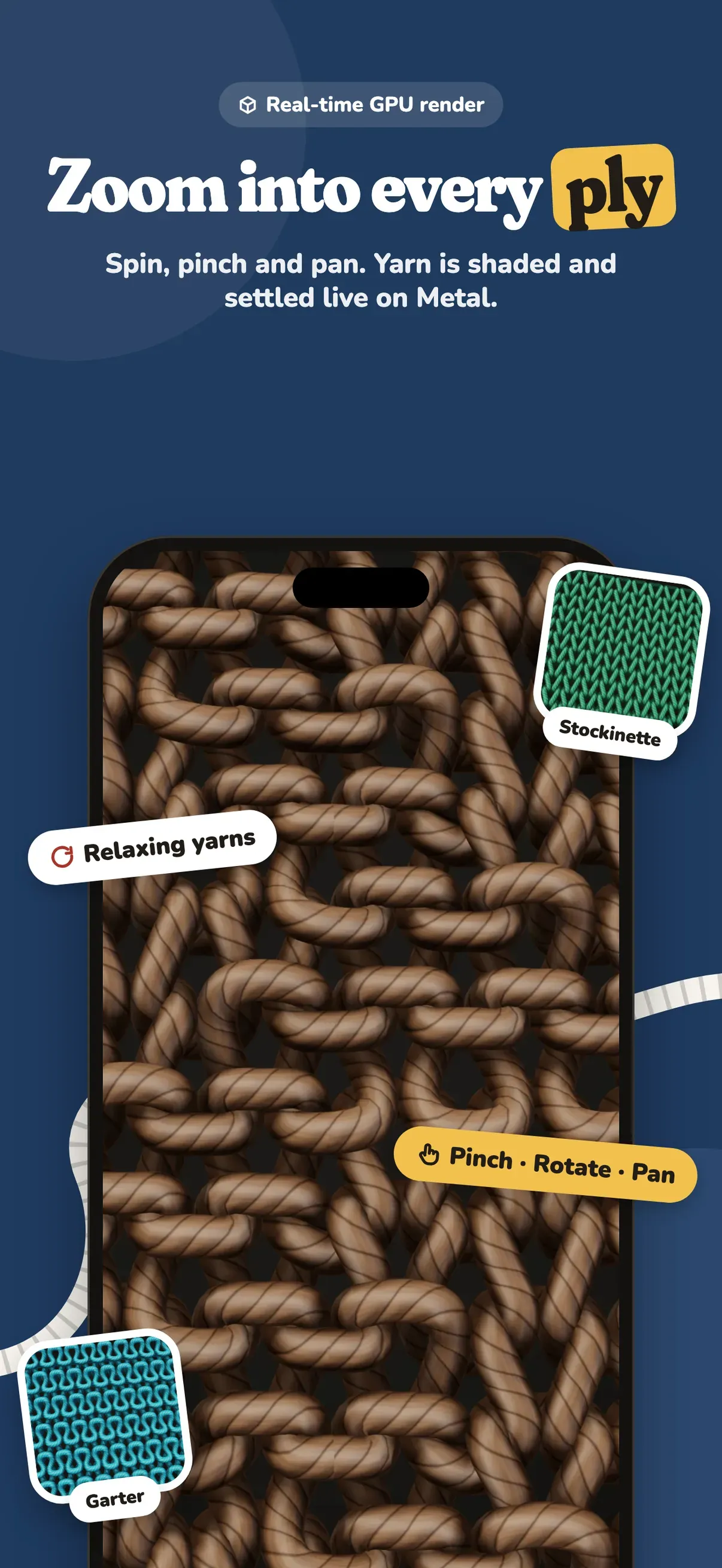
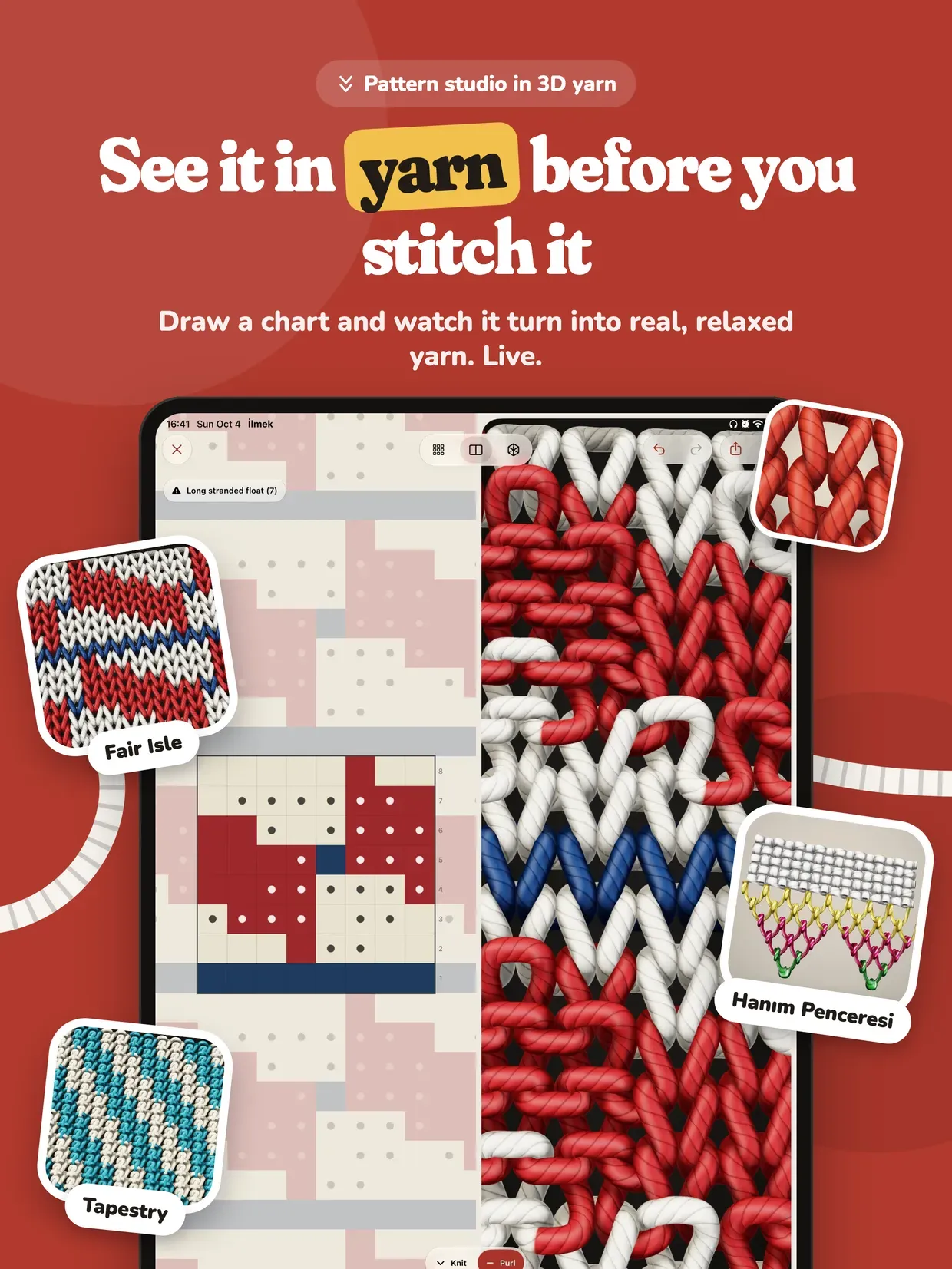
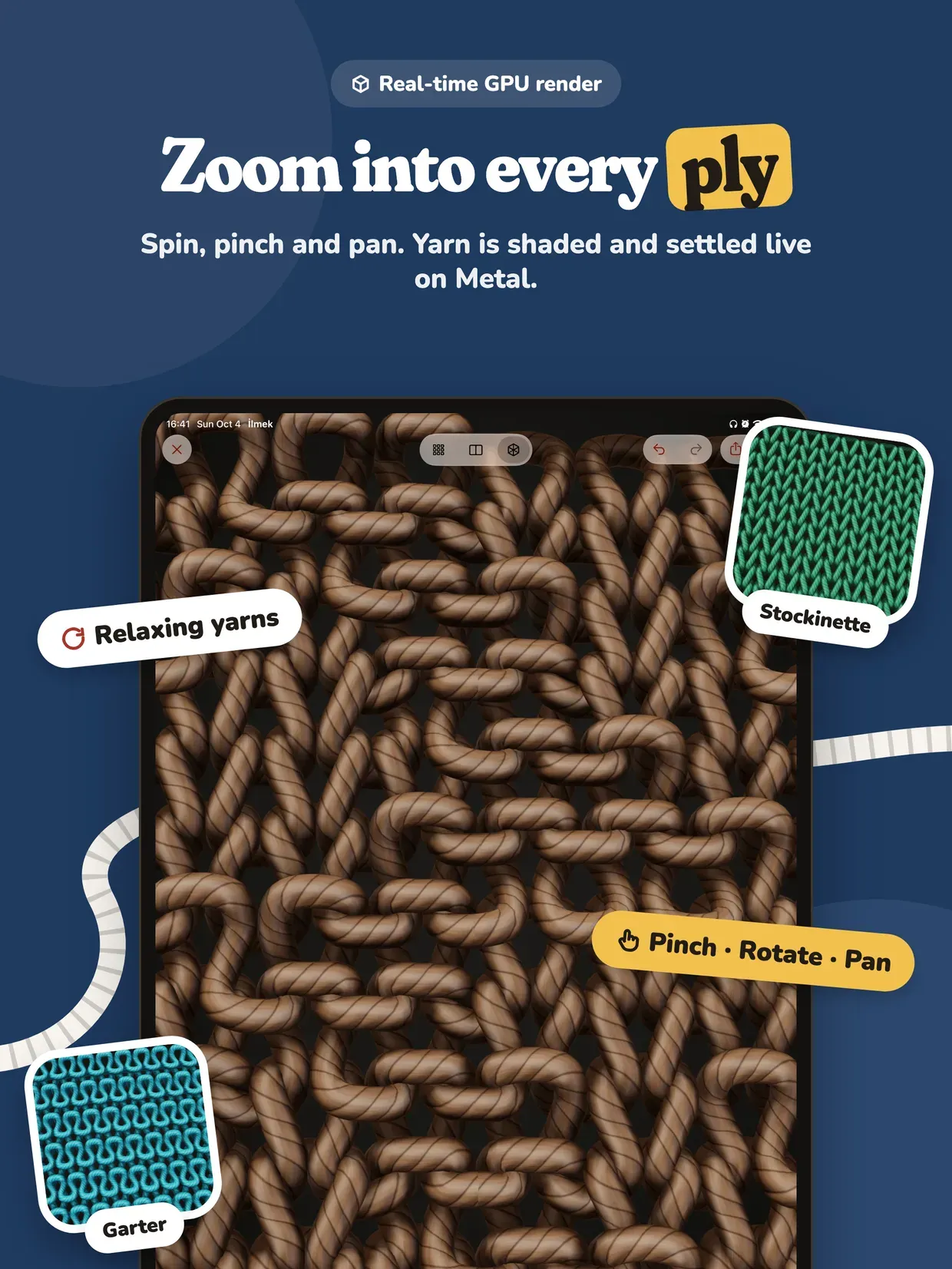
- Live 3D yarn preview on the Metal GPU, relaxed while you draw
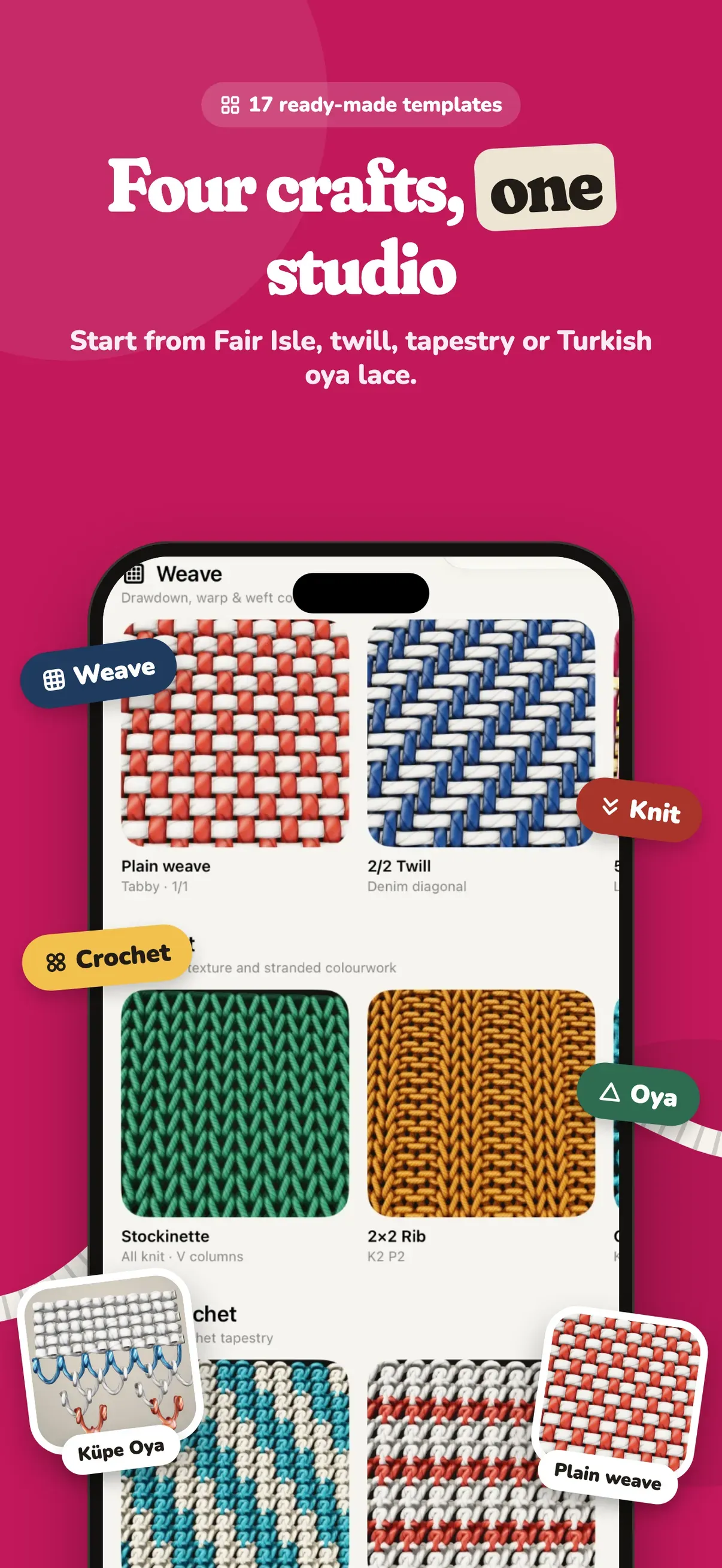
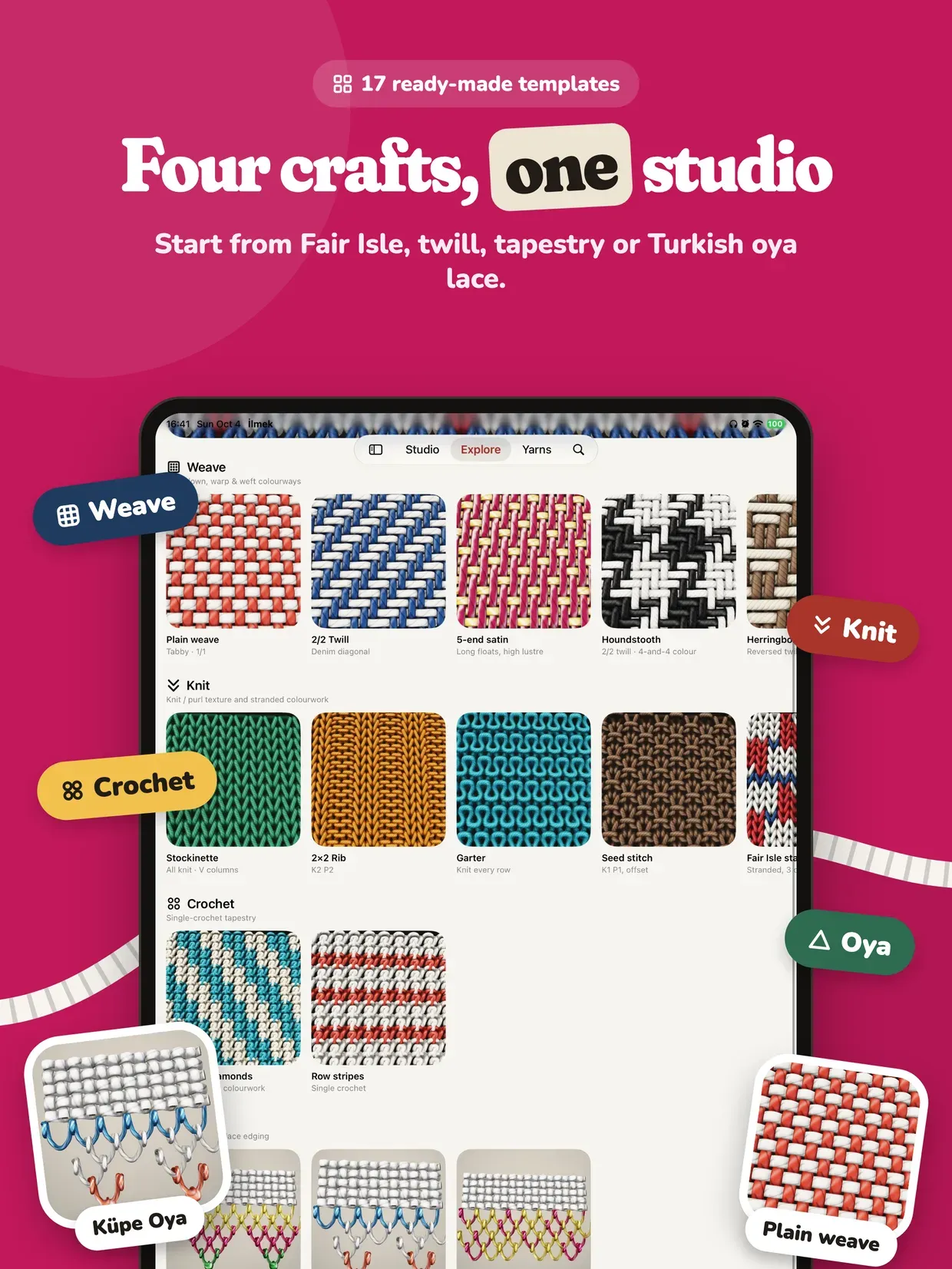
- Weaving, knitting, crochet and Turkish oya in one chart editor
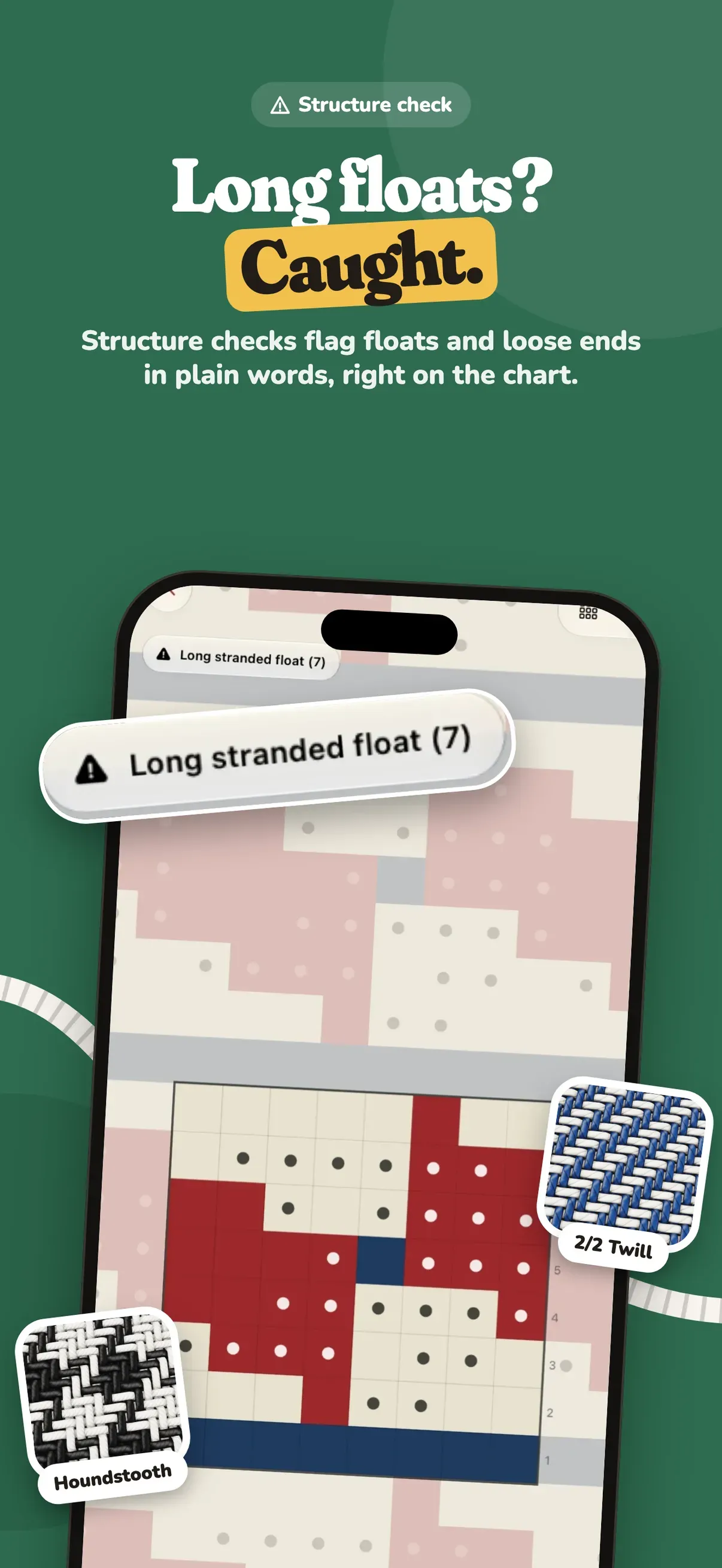
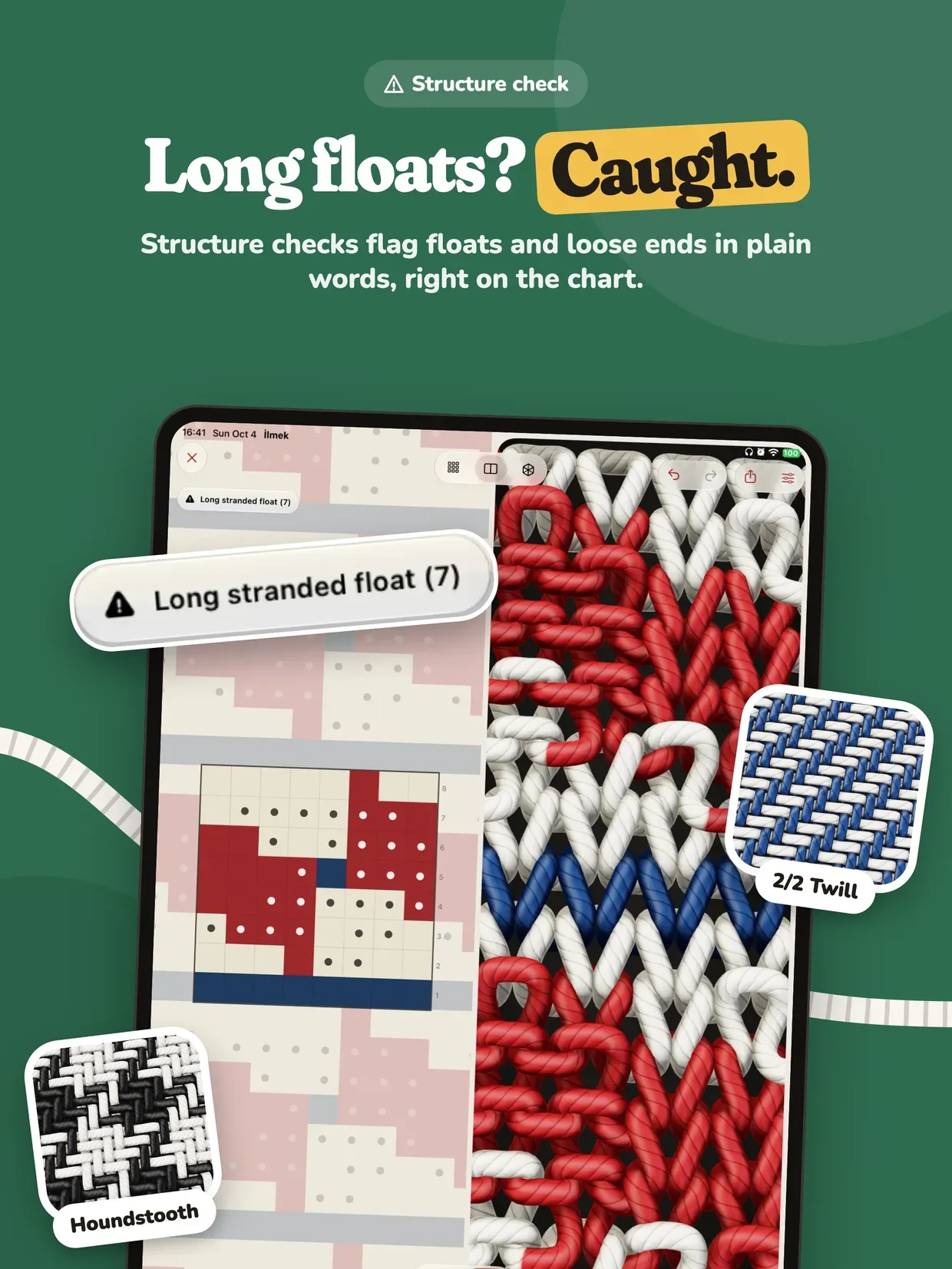
- Structure checks for long floats, loose ends and unsupported loops
- 50 templates, from plain weave to Küpe Oya
- Mirror and rotational symmetry, selection, and unlimited undo
- Fibre, ply, twist and colour change how each stitch sits
- WIF 1.1 loom drafts, printable PDF charts, PNG renders and .ilmek files
How it works
-
Pick a craft and a starting point
Choose weave, knit, crochet or oya, then start from a blank chart or one of the 50 templates in Explore, from plain weave and houndstooth to Fair Isle and Küpe Oya. Knit and crochet charts can also start from a picture with Photo to Chart.
-
Draw the chart
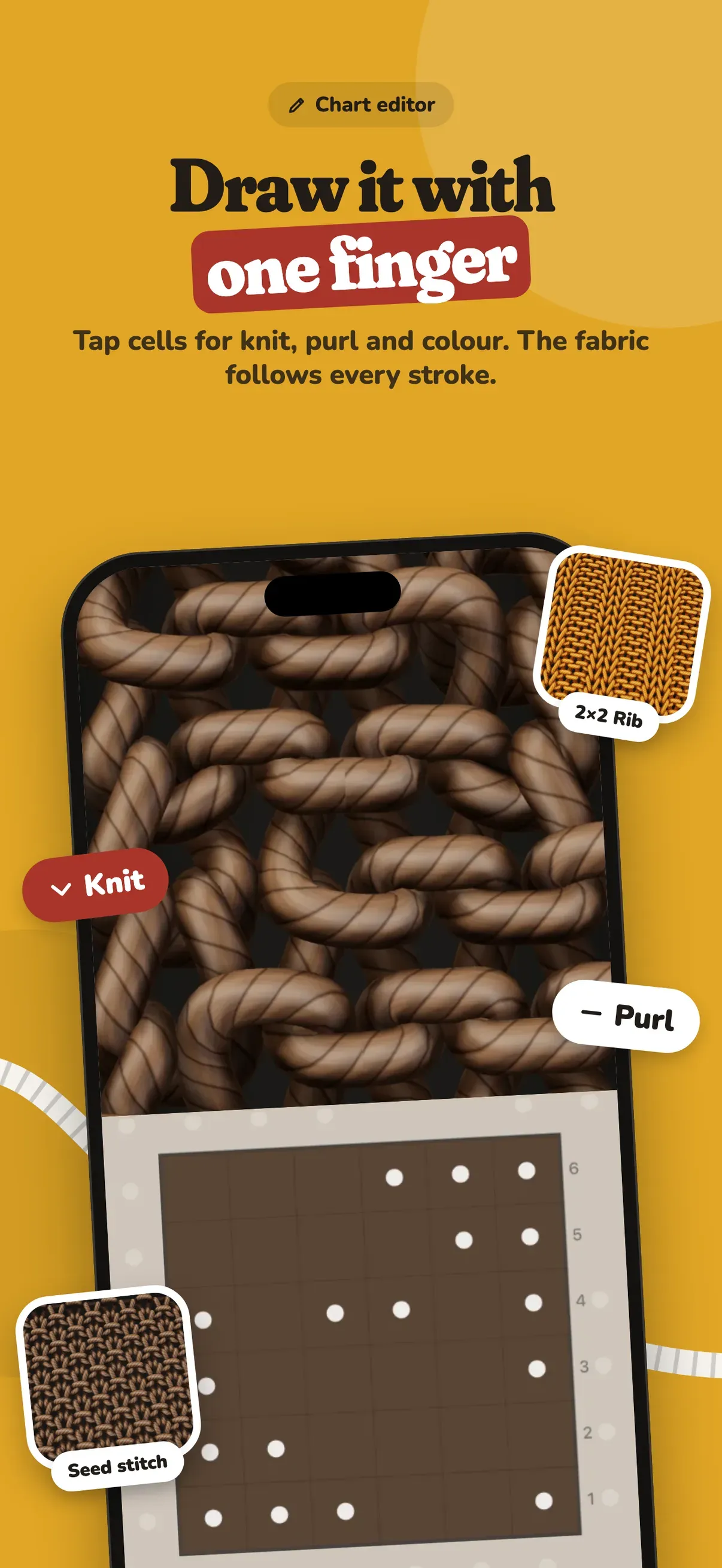
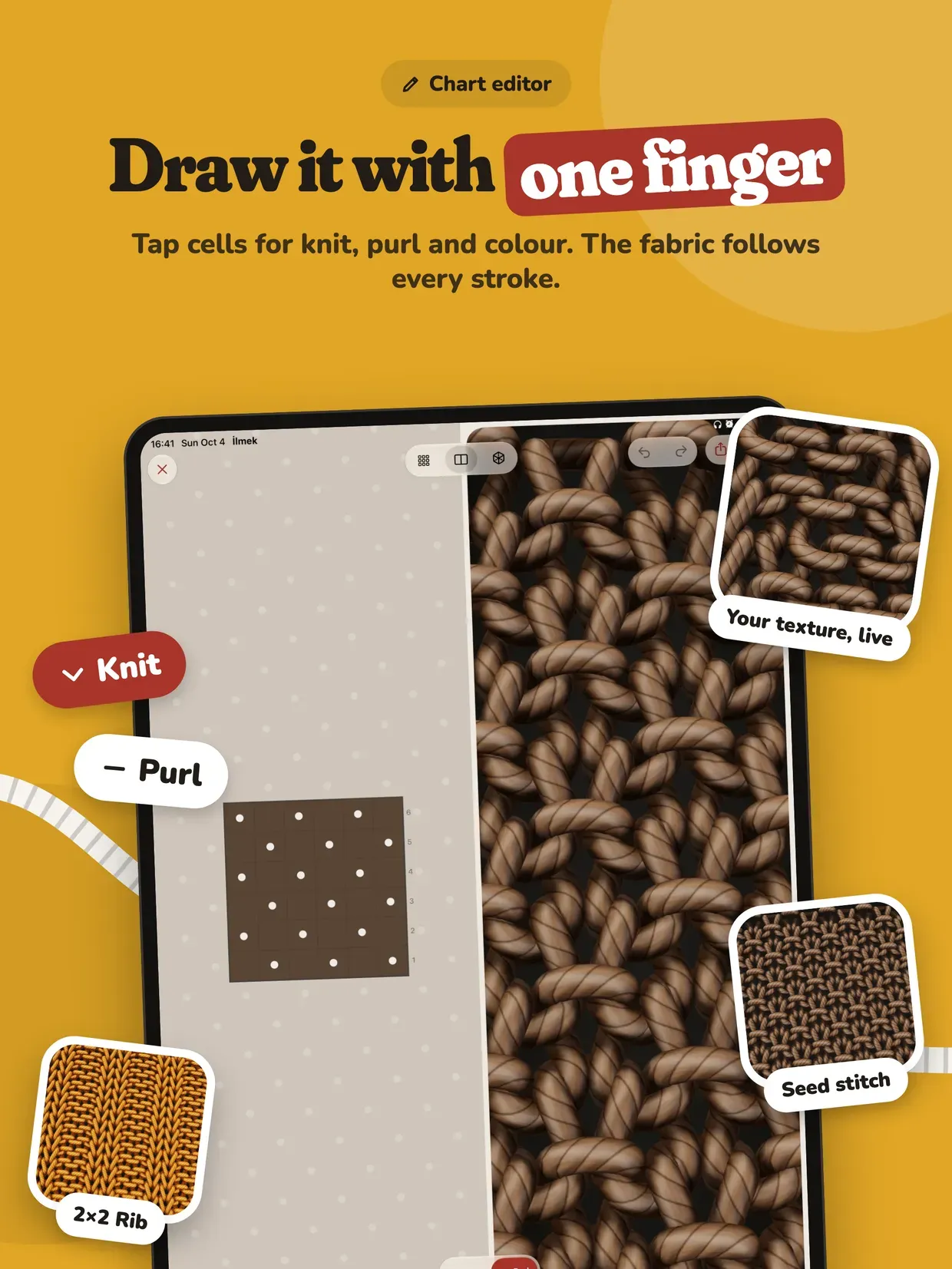
Pencil, line, rectangle, ellipse, fill, eyedropper and eraser, plus a selection you can copy, cut, paste and nudge. Mirror and rotational symmetry repeat what you draw, and every step can be undone.
-
See it as yarn while you draw
The chart is drawn as 3D yarn as you work: each strand bends and presses against its neighbours, shaded down to the ply. Switch the fibre between cotton, wool, silk, linen and mohair, and the stitch sits and catches the light differently. Long floats, unbound ends and unsupported oya loops are marked on the chart as they appear.
-
Take it to the needles or the loom
Knit and crochet charts can be read as written row-by-row instructions. Export a PNG of the yarn render or an .ilmek pattern file, and with İlmek Pro a printable PDF chart with a colour key or a WIF 1.1 draft for weaving software.
Who it is for
-
Colourwork knitters
See a Fair Isle or stranded chart in your own colours before you cast on, with long floats and crowded rows marked.
-
Weavers
Draw the drawdown and let İlmek work out the threading, tie-up and treadling, then send the draft to loom software as a WIF file with Pro.
-
Tapestry crochet makers
Turn a photo into a single-crochet colour chart, tidy it by hand and follow the rows written out.
-
Oya lace makers
Chart Turkish needle-lace edgings loop by loop, with unsupported loops pointed out before you start.
Written guide
İlmek: watch your chart become real yarn while you draw it
İlmek charts weaving, knitting, crochet and Turkish oya lace, renders it as relaxed 3D yarn on the GPU as you draw, and exports WIF and printable PDF.
Read the guideQuestions about İlmek: Knitting Pattern Maker
- How do I make a knitting chart from a picture?
- Open a knit or crochet chart and choose Photo to Chart from the Create menu. Set how many stitches wide the chart should be and how many yarns to use; the rows follow your gauge, so the finished piece keeps the picture’s proportions. The colours come from the photo or from the yarns already on the chart, and the result is an ordinary chart you can keep editing.
- What is a float, and how does İlmek catch long ones?
- A float is a length of yarn that skips over stitches or threads without being worked in. Long floats snag and let the fabric shift. İlmek marks long floats and rows with four or more colours in knitting, long warp and weft floats and ends that never interlace in weaving, and unsupported loops in oya, and says in plain words why each one is a problem.
- Can İlmek make weaving drafts and WIF files?
- Yes. Draw the drawdown and İlmek shows how many shafts and treadles it needs. With İlmek Pro, the loom draft with threading, tie-up and treadling appears in the Inspector and exports as a WIF 1.1 file that weaving software can open.
- Does it write the pattern out row by row?
- For knit and crochet charts, Written Instructions lists the chart one row per line, and identical rows that follow each other share a line. The printable PDF in İlmek Pro adds the numbered chart, the colour key and a render of the fabric to the written rows.
- What is in the Workshop?
- 43 guided projects, from a raglan sweater and socks to a granny blanket, a kilim and oya edgings. Choose a size and an ease and enter your own gauge, and every stitch count is calculated for you. Each step shows the part of the schematic it builds, the piece is simulated in yarn as it grows, and İlmek remembers the step and row you reached.
- What is free, and what does İlmek Pro add?
- Every craft, all templates, the drawing tools, the live yarn render, the structure check and the Workshop are free, with charts up to 128 × 128 and PNG renders at 1024 px. İlmek Pro adds the PDF chart, WIF files, the loom draft, 2048 px renders, Full relaxation and High detail, charts up to 512 × 512 (256 for oya), every shade in the yarn range and the hat and sock previews. It comes as a monthly plan, a yearly plan with a one-week free trial or a one-time lifetime purchase.
- Can I see my chart knitted into a garment?
- Knit charts can be previewed on a yoke. With İlmek Pro the same repeat is also shown on a hat and a sock, shaped through the crown and the toe.
- Which devices does it run on, and do I need an account?
- İlmek runs on iPhone and iPad; on iPad the tabs move into a sidebar. There is no account and no sign-in, and your patterns are saved as files on your device. The app is in English and Turkish.
Get İlmek: Knitting Pattern Maker
Crochet Chart, Weave & Stitch
Free tools
Free tools that fit İlmek
Same corner of the toy box
More apps you might like
If İlmek: Knitting Pattern Maker is your kind of thing, these live in the same neighbourhood — all made by the same pair of hands.