QuellCut press kit
QuellCut - Silence Remover
A silence remover for iPhone and iPad that cuts pauses, filler words and false starts out of video and audio, on the device.
About QuellCut
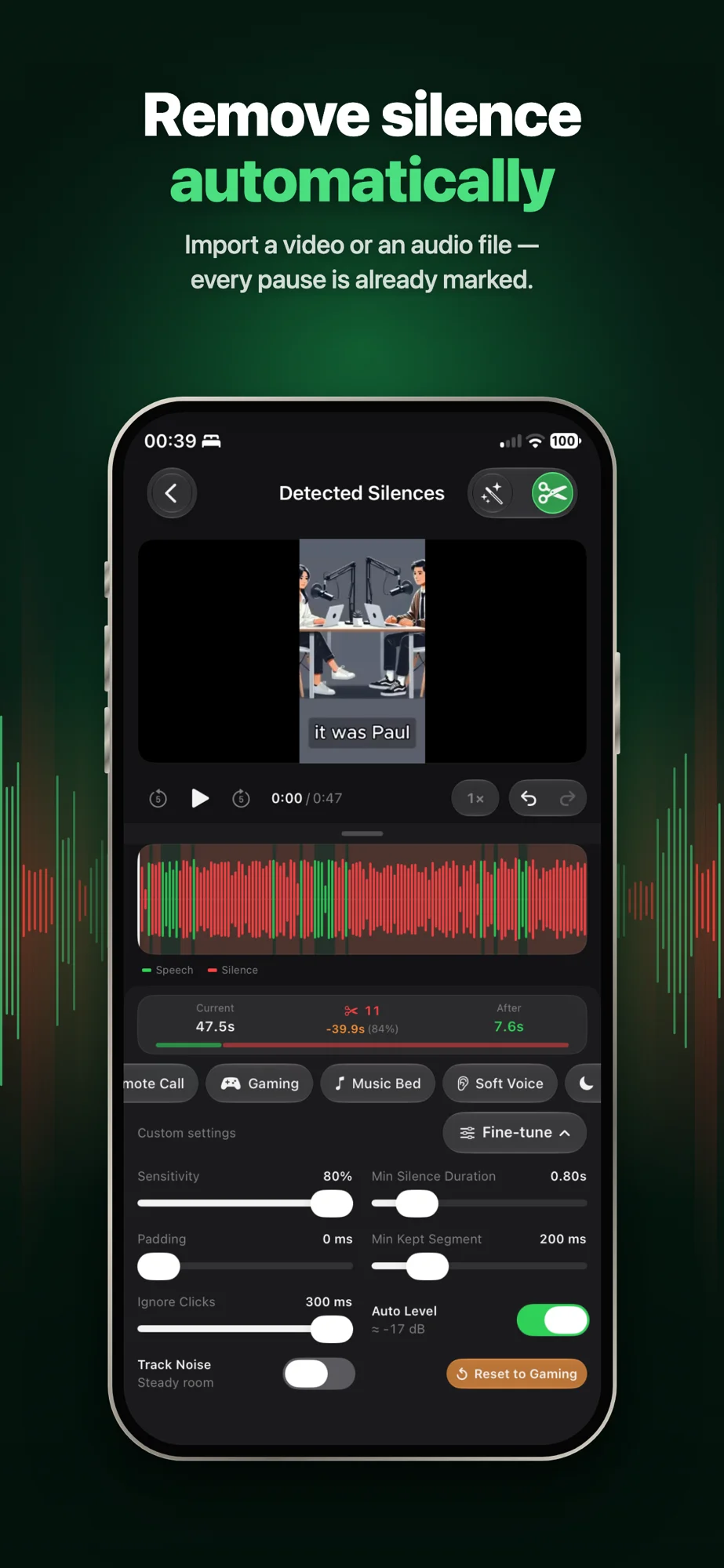
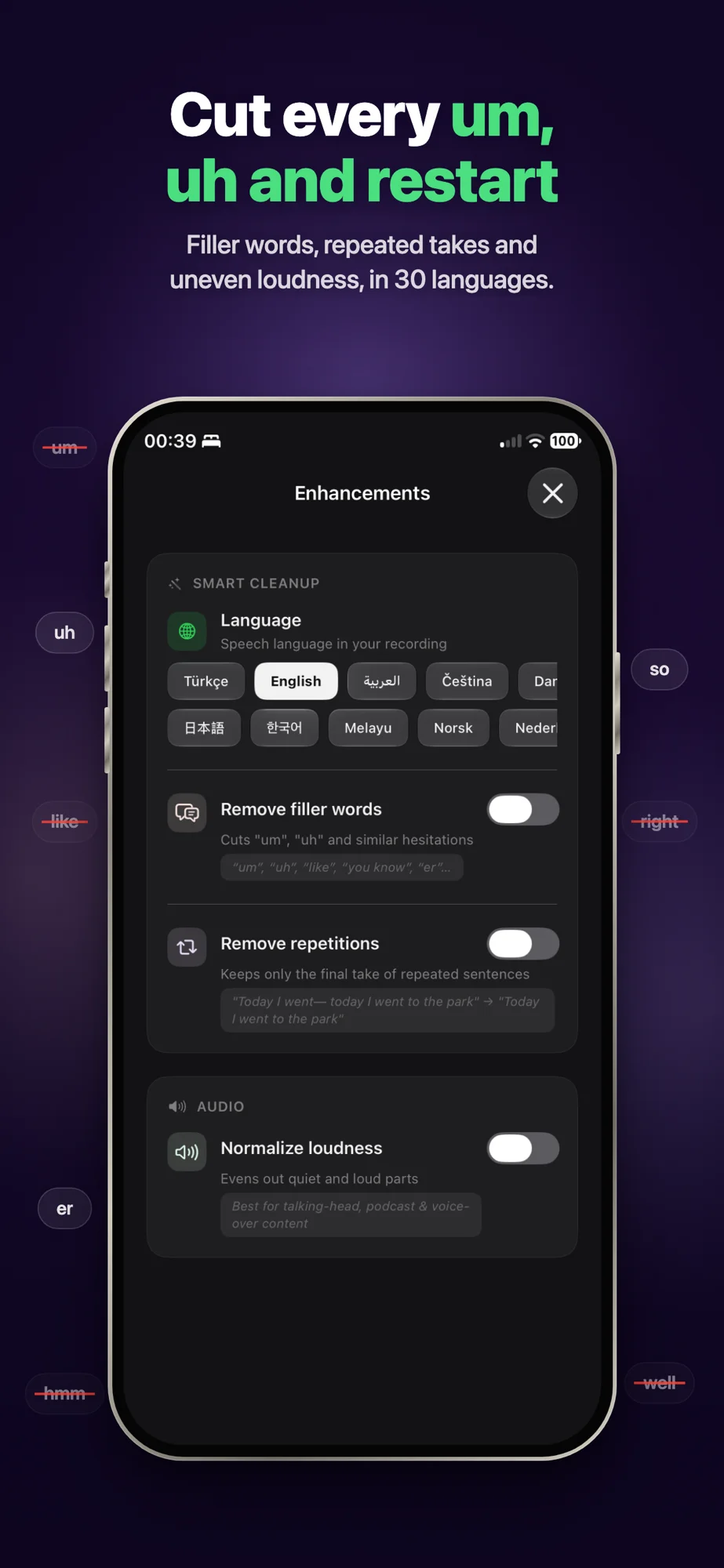
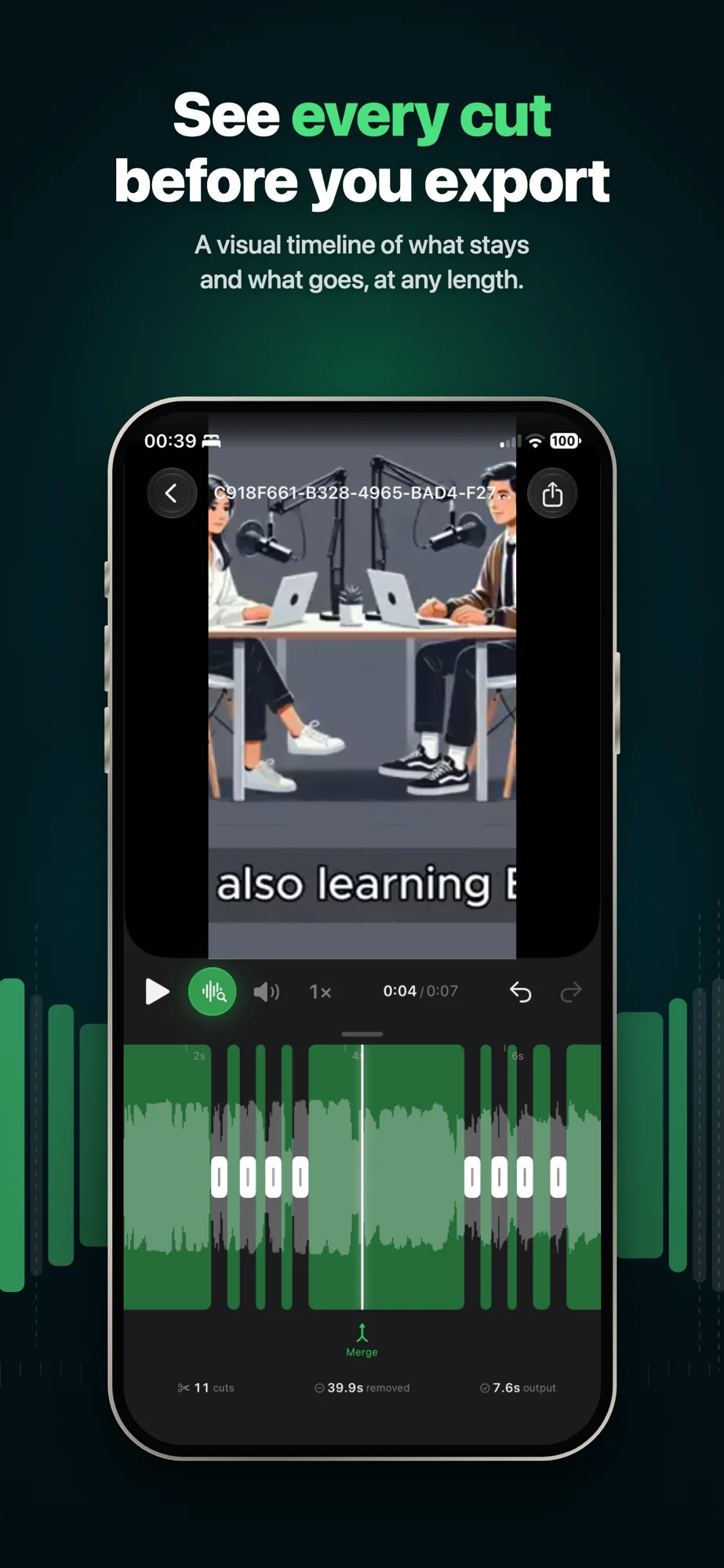
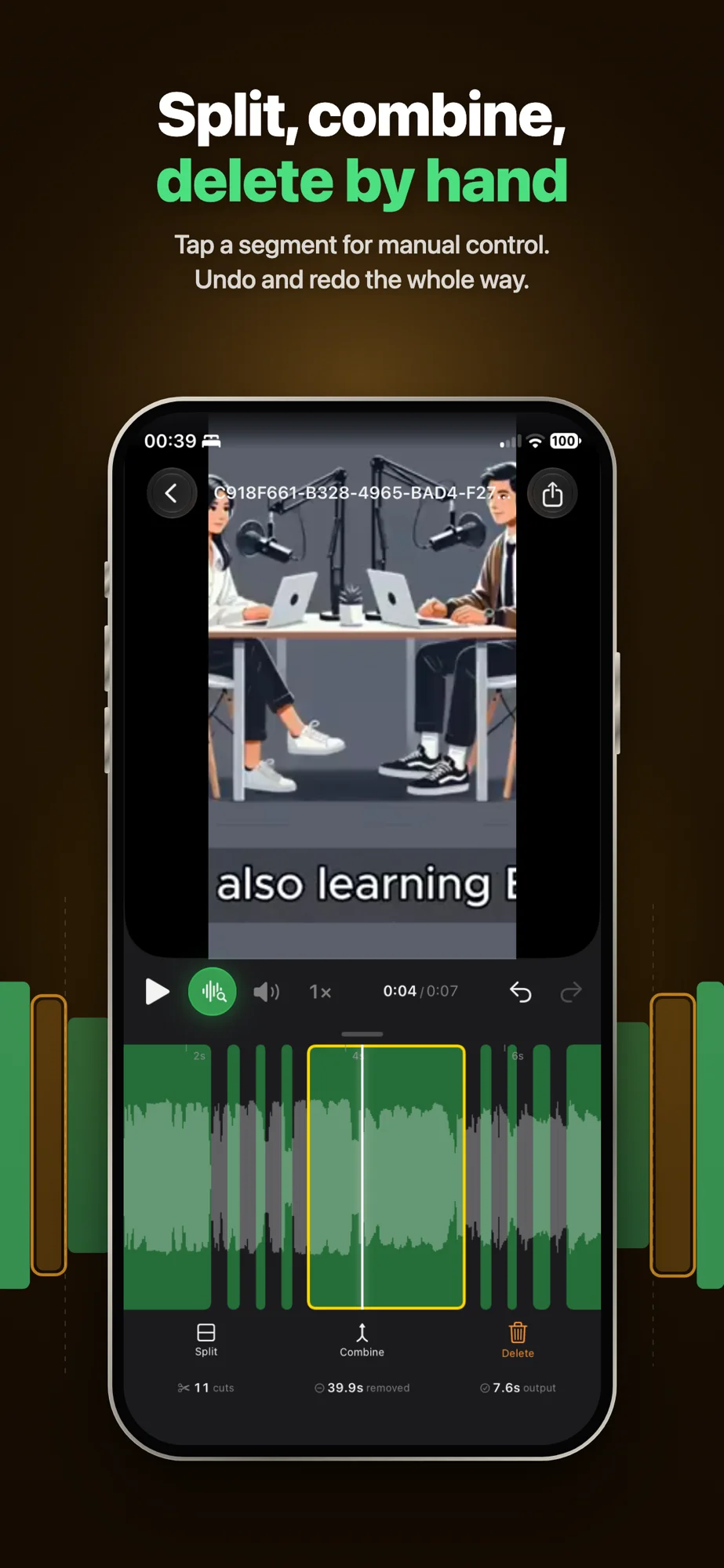
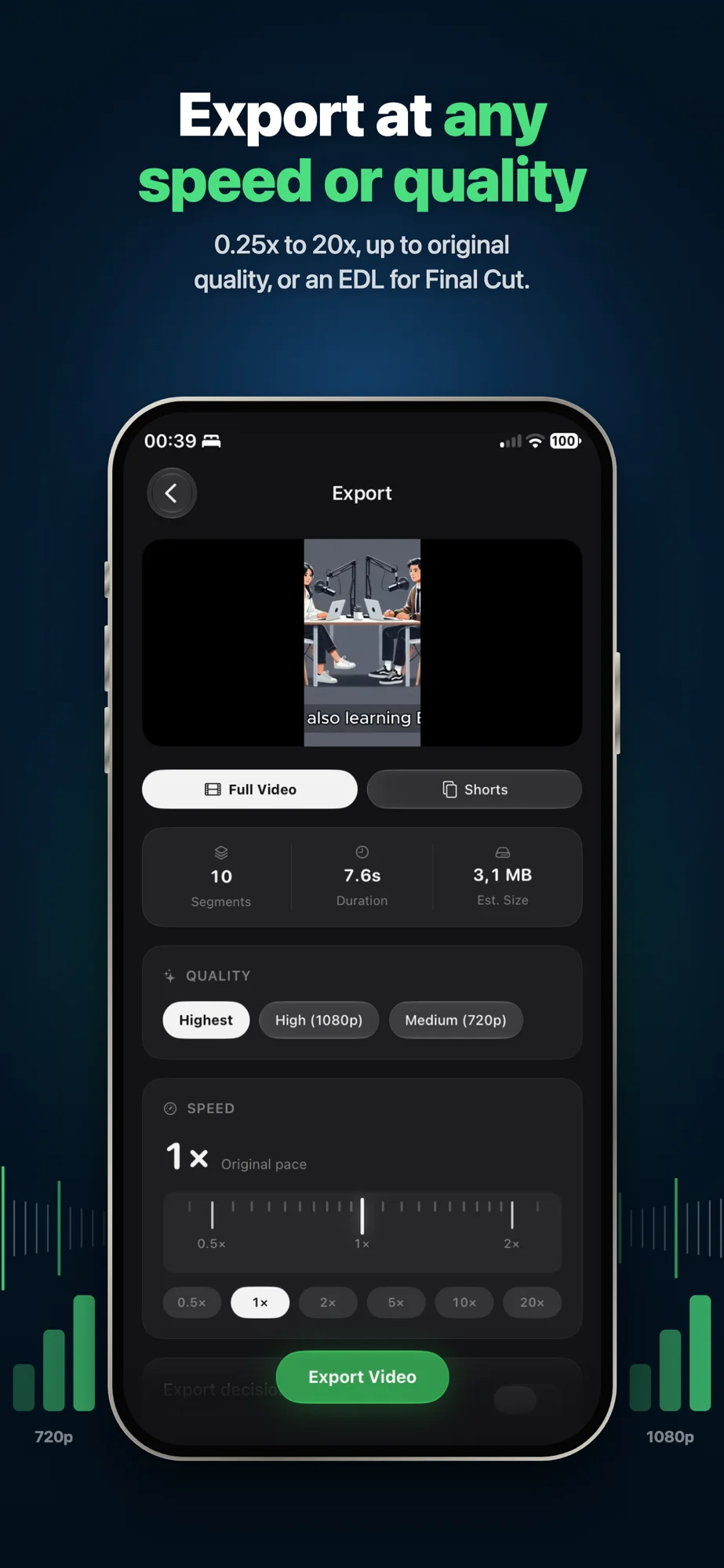
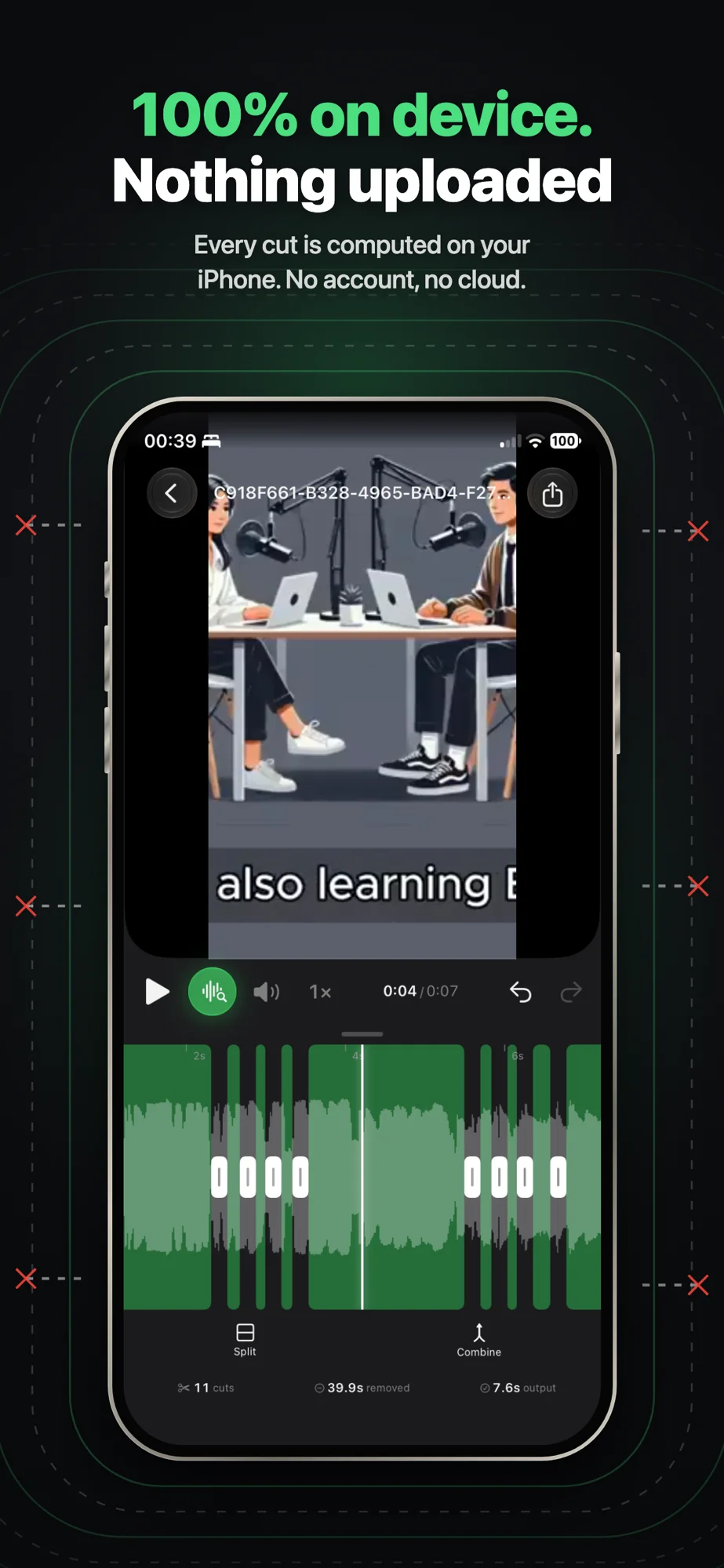
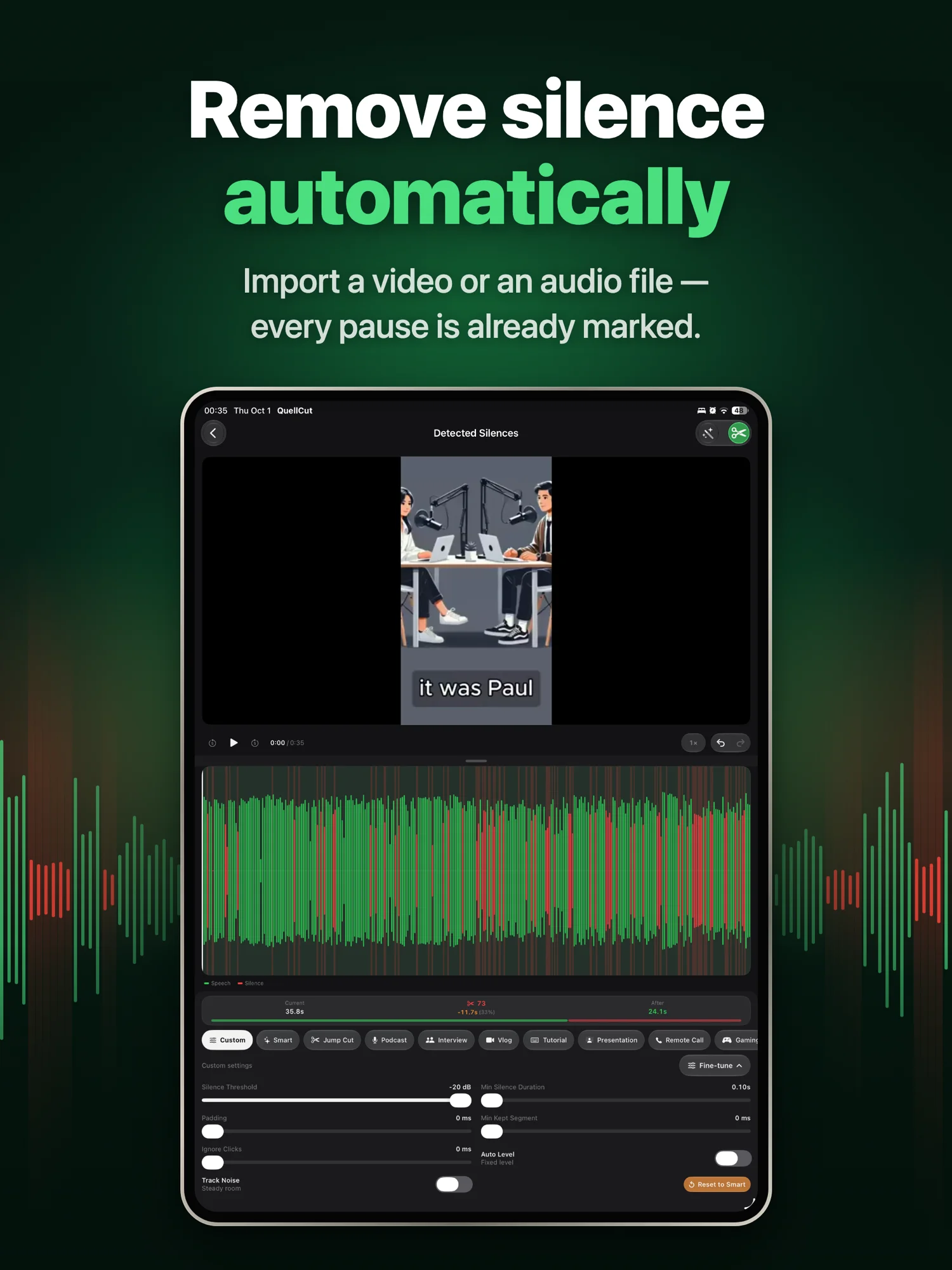
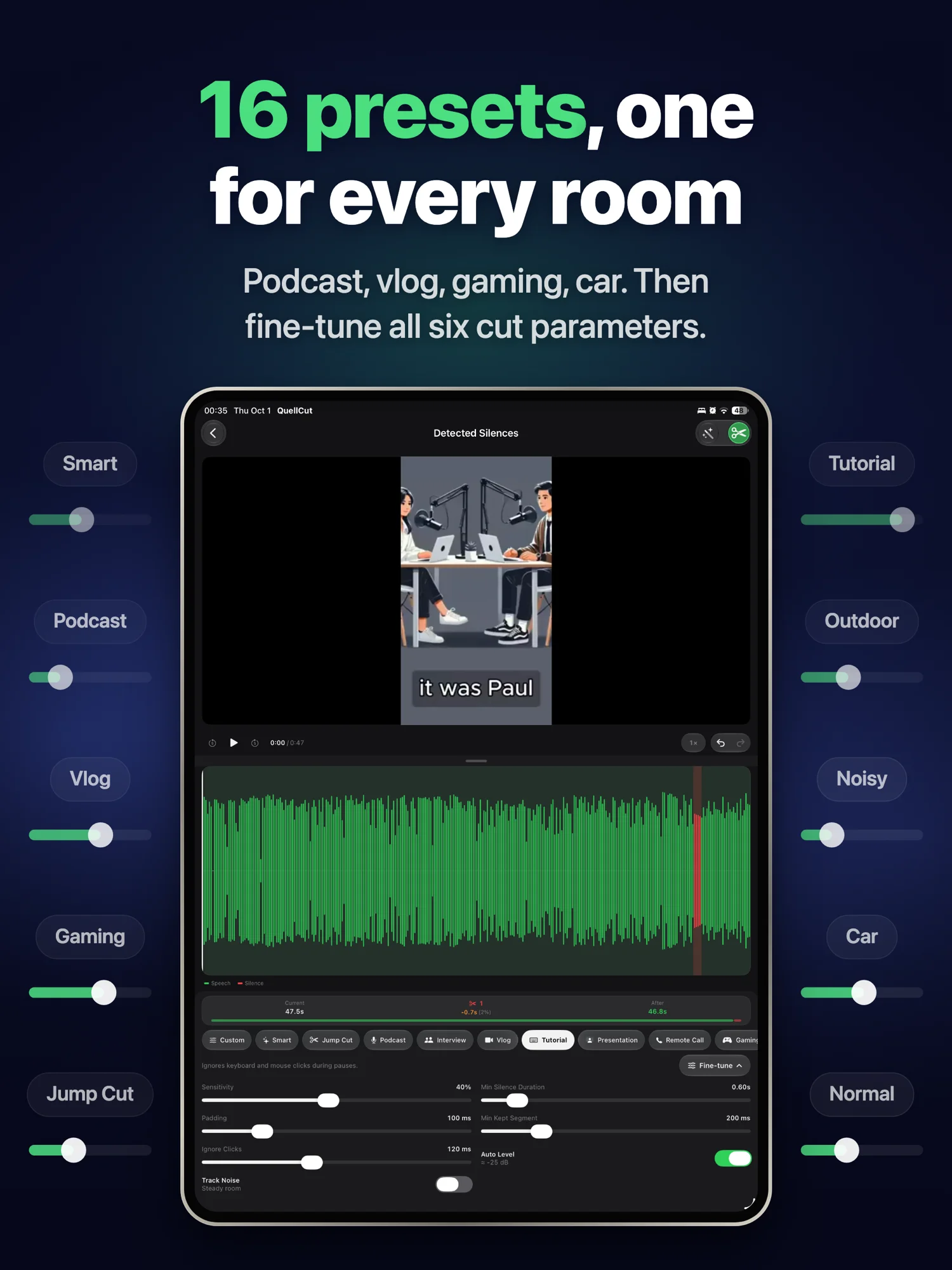
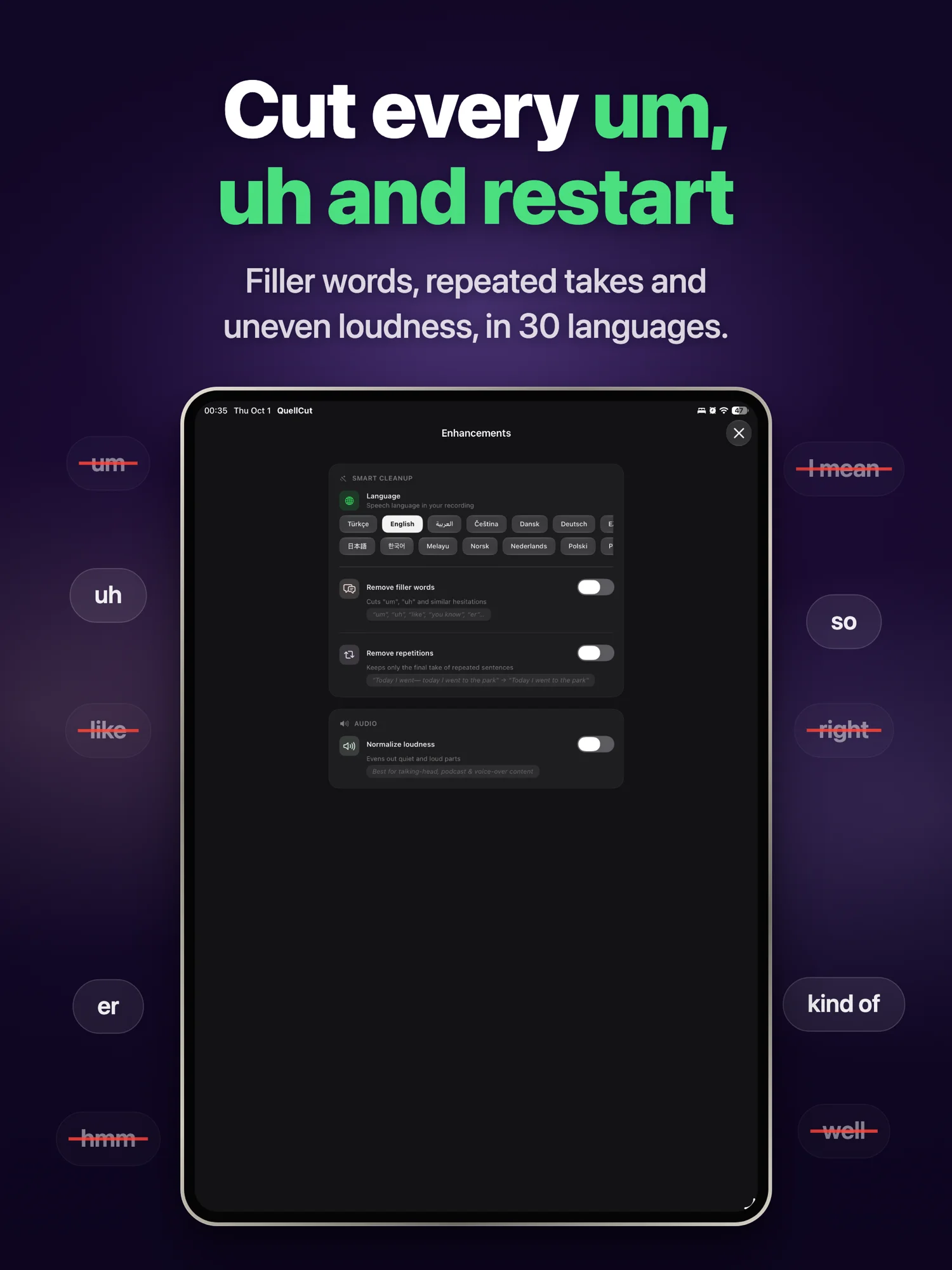
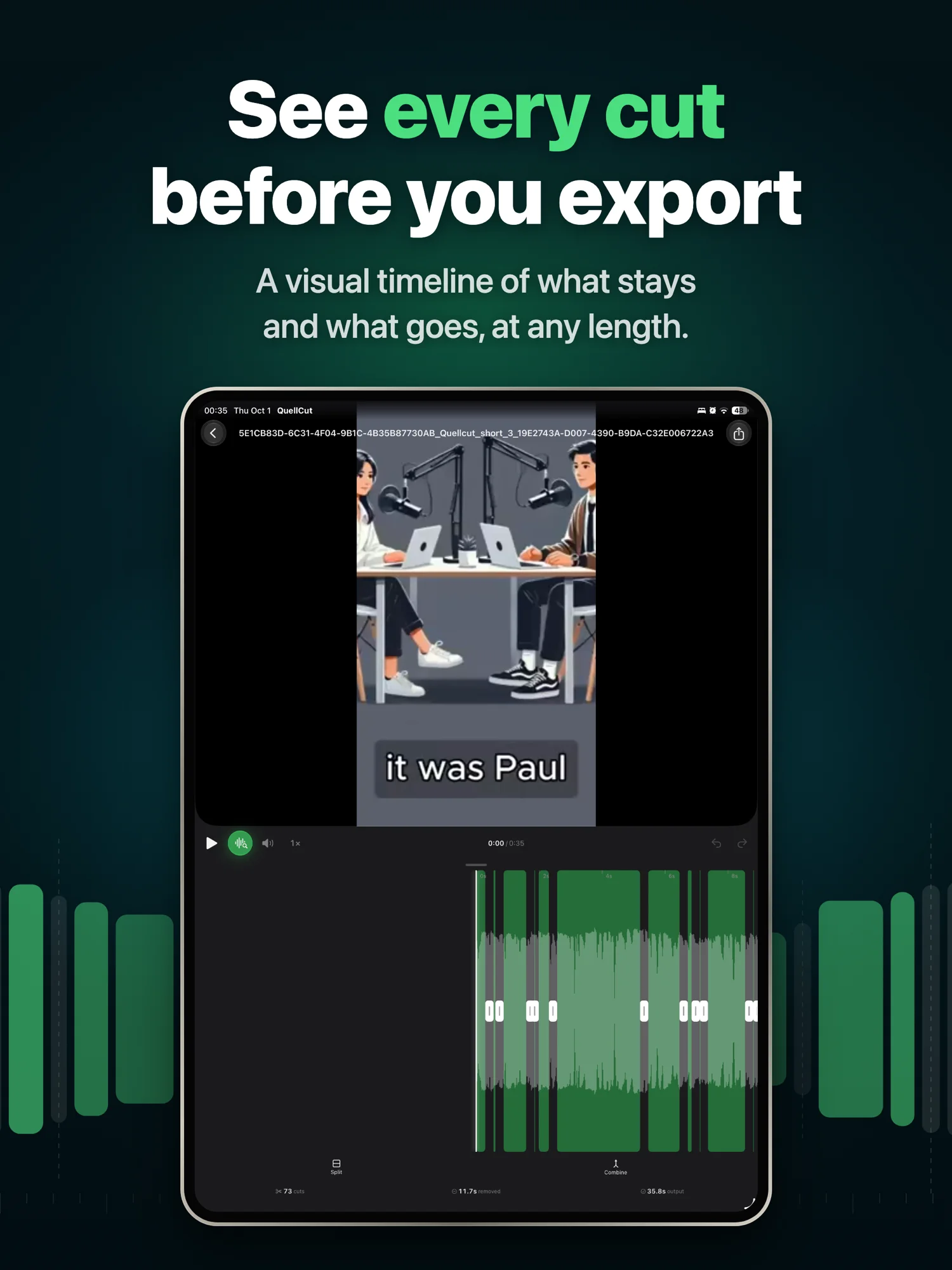
QuellCut finds the pauses, dead air and filler words in a video or audio recording and cuts them out, so a talking-head video, podcast or lecture becomes a jump-cut edit without scrubbing a timeline by hand. Every cut is shown on the waveform and can be switched off one at a time. Silence detection runs on the device and filler words are found with Apple's on-device speech recognition. Edits export to Photos, as M4A, MP3 or WAV, as SRT captions, or as an FCPXML or EDL timeline for Final Cut Pro and DaVinci Resolve.
Fact sheet
- Platforms
- iPhone and iPad (iOS 17 or later)
- First release
- May 2026
- Price
- Free to download with 3 exports a month; QuellCut Pro is monthly, yearly or a one-time lifetime purchase
- Languages
- Interface in 33 languages
- Exports
- Video to Photos, M4A, MP3, WAV, SRT, FCPXML, EDL
- Developer
- Cihat SALİK, independent developer, Istanbul
- App Store
- apps.apple.com/app/id6770347853
- Website
- removesilence.app
Story angles
Desktop jump-cut editing, on a phone
Creators who record on iPhone usually move footage to a computer to cut silences. QuellCut does that step where the footage already is, and hands a timeline to Final Cut Pro or Resolve when a desktop pass is still needed.
Private by design
The recording is analysed on the device. Nothing has to be uploaded to a server to find silences or filler words.
Long recordings
Lectures, live streams and multi-hour podcasts are handled in one file, which matters for teachers and podcasters more than for short-form creators.
Icon and screenshots
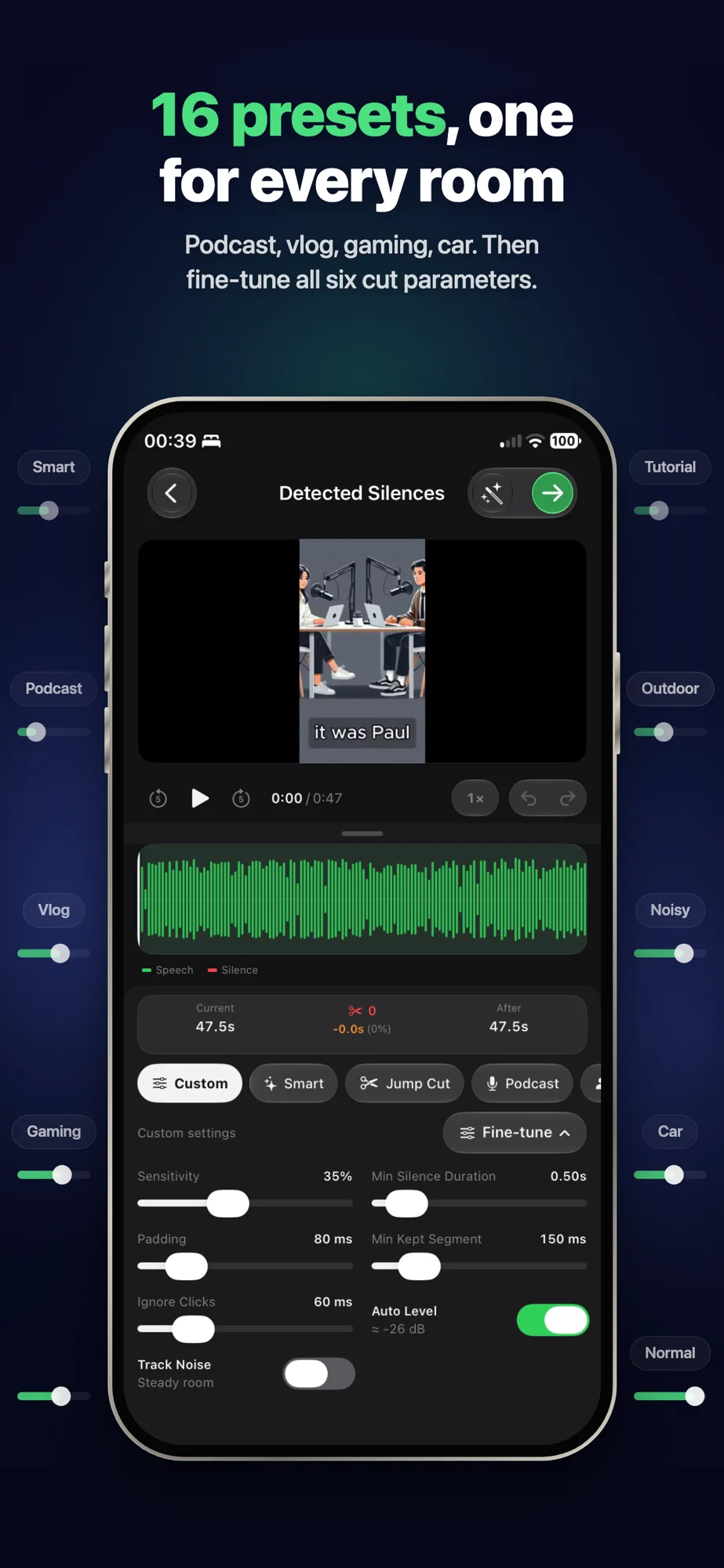
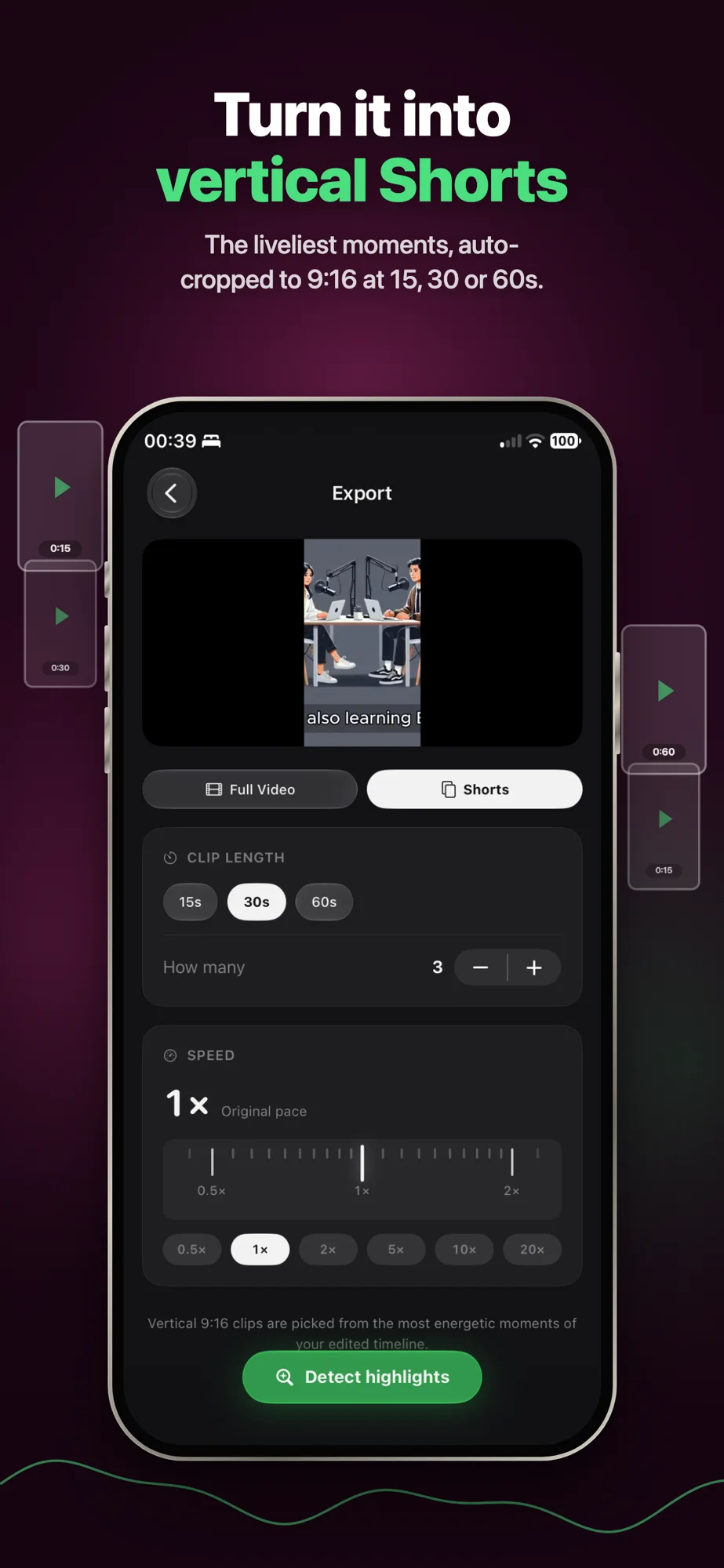
Free to use in coverage of QuellCut. Screenshots are App Store captures of the shipping app. Open an image for the full-size PNG.
Contact
For interviews, review copies or promo codes, write through the QuellCut support page. Replies come from the developer.